
VINSETT Sinais
A read-only public panel for BTC/USD, ETH/USD and SOL/USD trading signals and engine status.
VINSETT Sinais is a read-only public web dashboard for the VINSETT TRADER PRO V5 signal engine, covering BTC/USD, ETH/USD and SOL/USD. The main signal panel lists signals with asset and direction filters, a manual refresh, and links into the history and the score explanation. A history page filters records by asset, direction, result, period and engine version. A statistics page turns settled results into win, loss, tie, inconclusive and pending counters and defines its formula in plain text. A status page reports the state of the engine integrations (Apps Script, Sheets, Telegram, database) and each pair connection state, latency and last analysis. Preferences for theme, initial asset and auto refresh are stored locally in the browser, and a help page explains the technical score, result settlement and statistics calculation. The panel states throughout that it is not a broker, does not execute orders and does not move money.
Highlights
Three pairs
BTC, ETH and SOL
Read-only design
Never places orders
History and stats
Win/loss counters
Engine status page
Per-service health
Local preferences
Theme, refresh, PWA
Methodology help
Score explained
How to Use
Open the signal panel
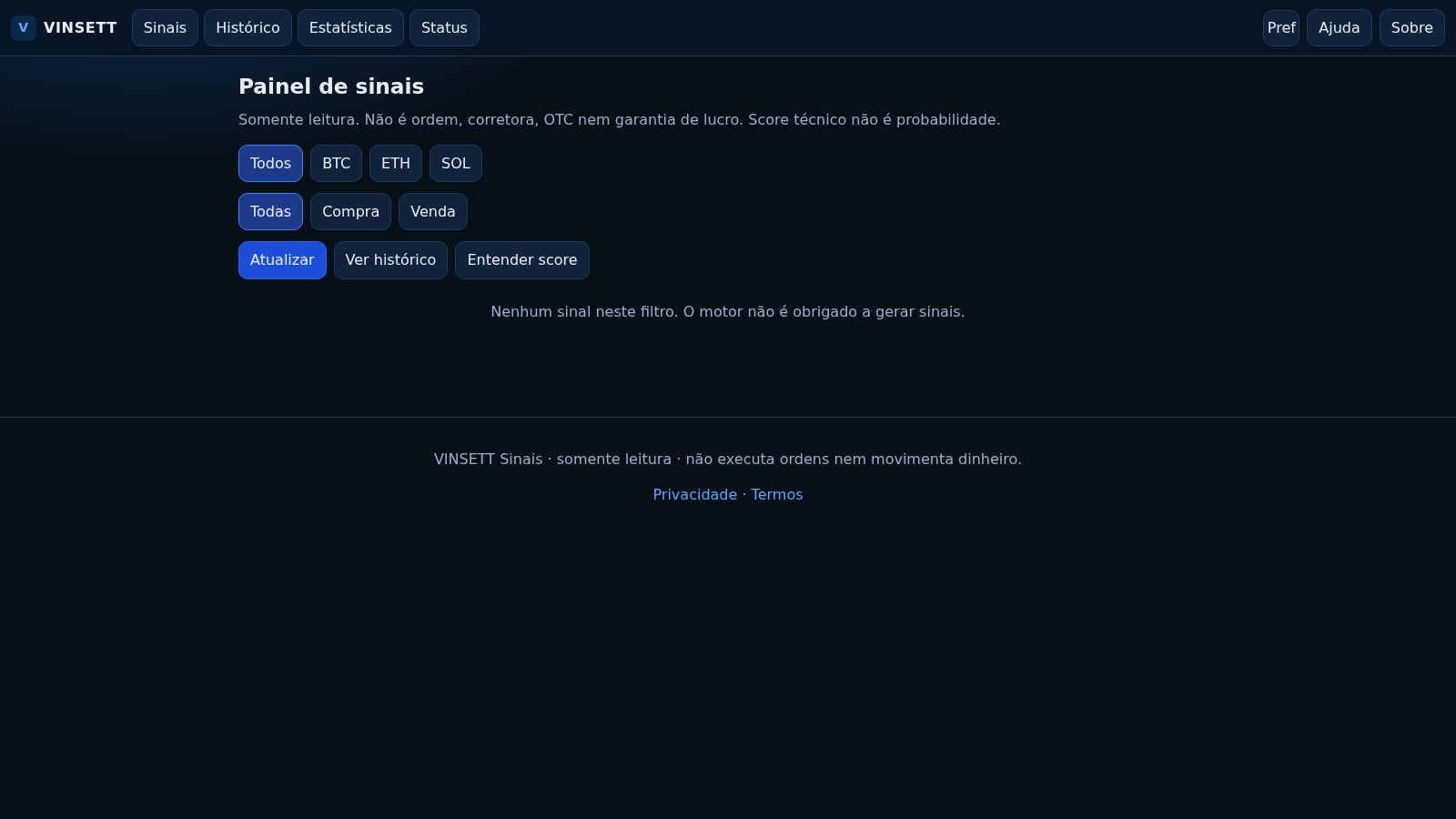
Load the home route to see the Painel de sinais. The top row switches the asset between Todos, BTC, ETH and SOL, and the second row switches direction between Todas, Compra and Venda. Use the Atualizar button to request the current state again; when there is nothing to show, the panel says so instead of displaying placeholder rows.
Read the history
Open the Histórico route to filter past records by asset, direction, result, period and engine version. Choose the values you want and press Aplicar, or use Limpar to reset the form. The Ver estatísticas link carries the current period and version into the statistics page.
Check the statistics
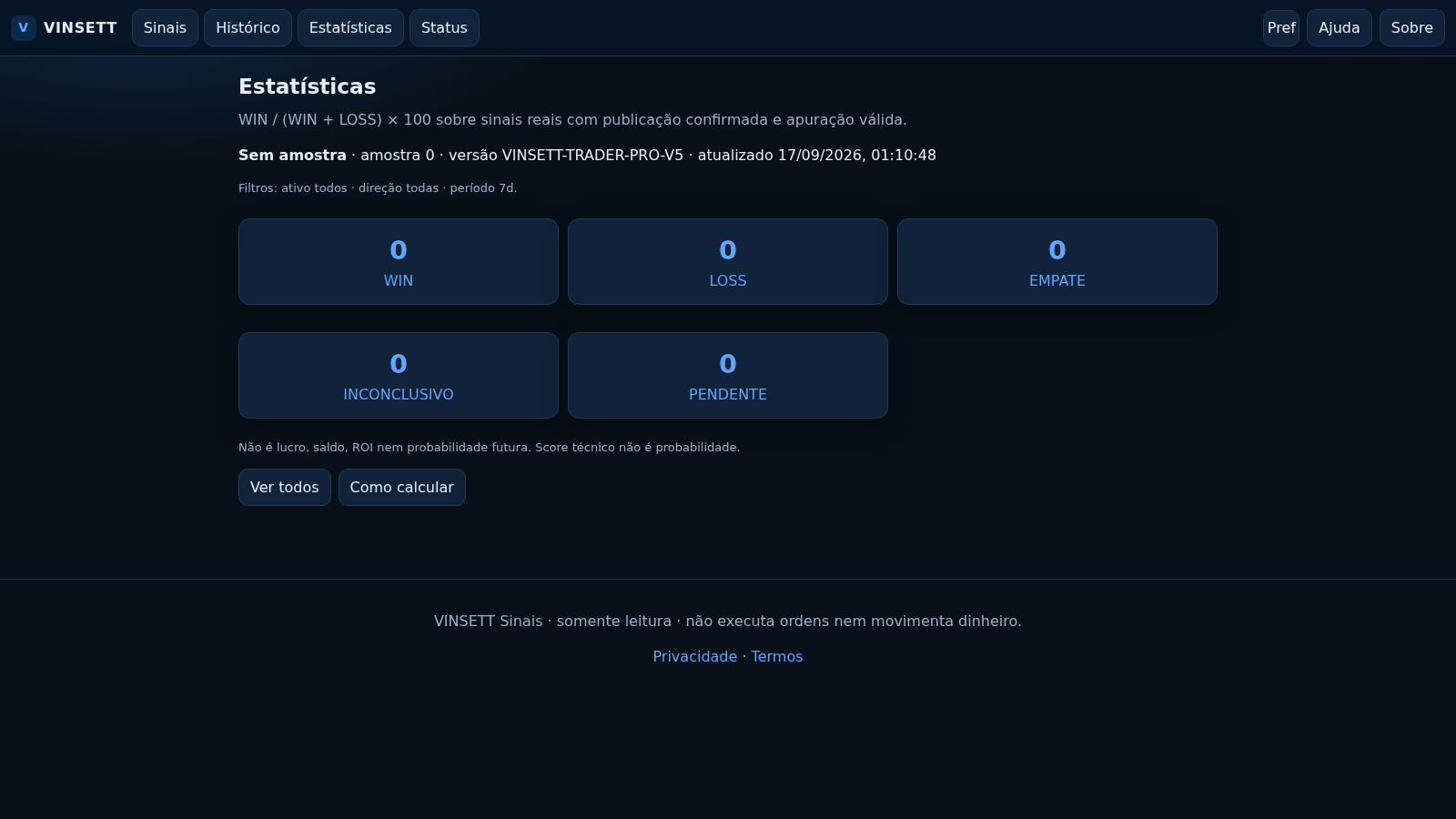
The Estatísticas page shows counters for WIN, LOSS, EMPATE, INCONCLUSIVO and PENDENTE and states that the displayed rate is WIN divided by WIN plus LOSS. Each counter links back to the matching filtered history so you can inspect what produced the number.
Review the engine status
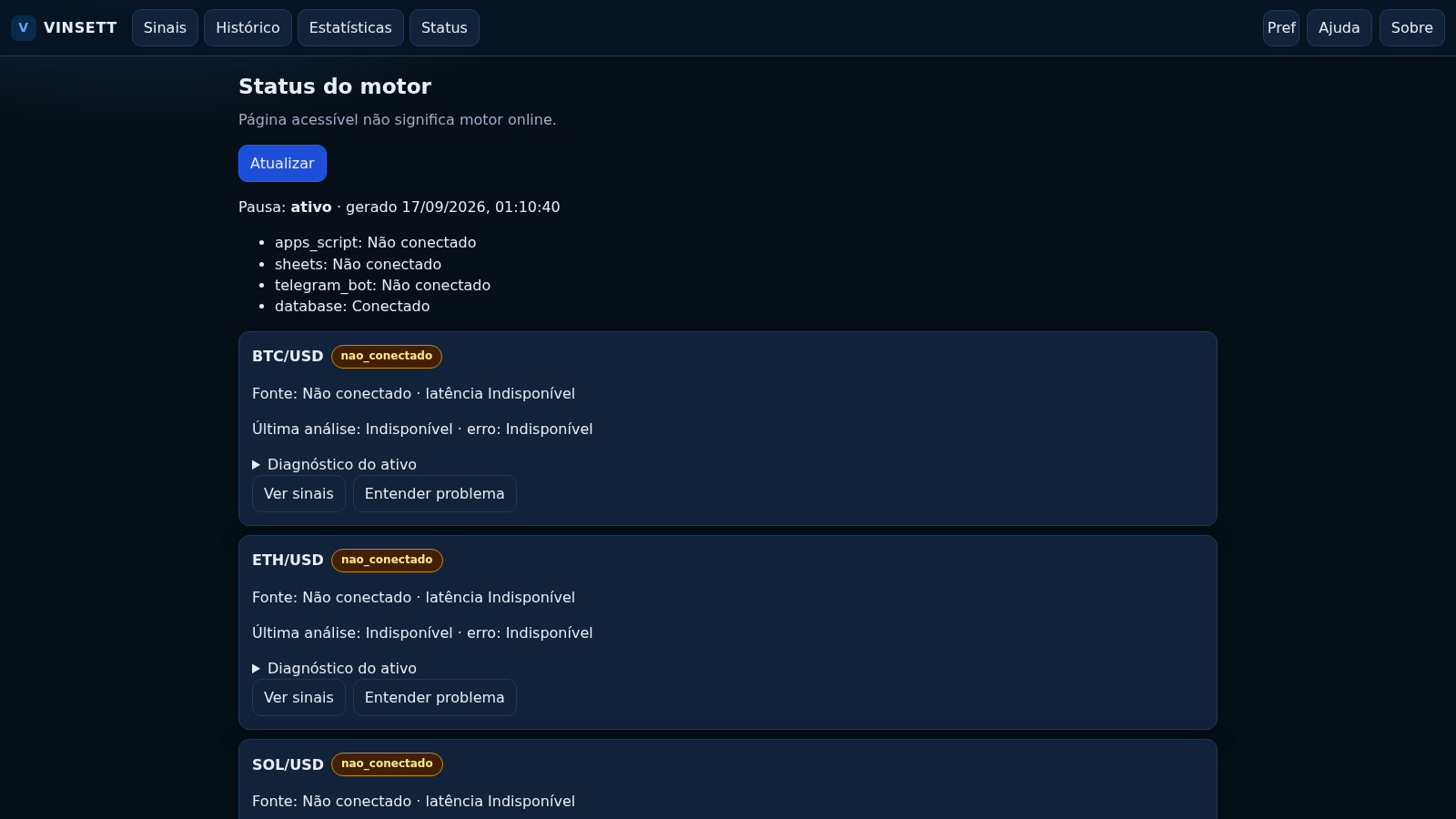
The Status route lists the state of the Apps Script, Sheets, Telegram and database connections, then shows one card per pair with its connection state, source, latency and last analysis. Press Atualizar to read the status again; a reachable page does not imply the engine is online.
Set local preferences
Preferências stores the theme, initial asset and a 60-second auto refresh only in this browser. Press Salvar to apply or Restaurar to reset. The Install app button registers a basic PWA, while the page notes that offline operation is not reliable and is not promised.
Similar Sites
 52
52domorroproasfaltobolsadevalores
Portal de cotações B3/EUA com sinais IFR, P/L e P/VPA
 14
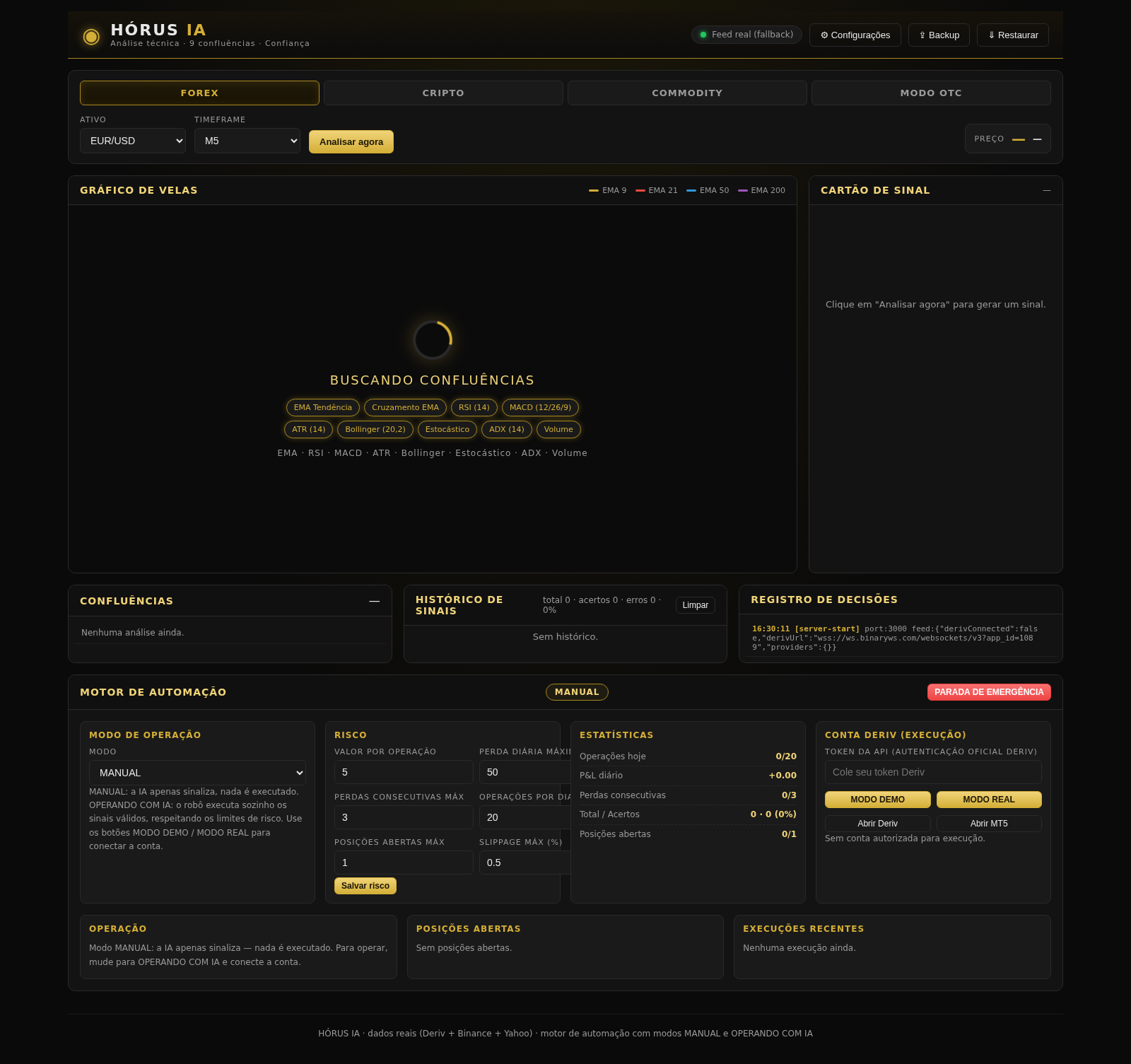
14HÓRUS IA - Sinais de Trading
Réplica do HÓRUS IA - sinais de trading com análise técnica, IA e confiança
 433
433Smile Patisserie
Smile Patisserie menu: cakes, oriental, bakery, and WhatsApp cart
 527
527حاسبة رسوم الجمعية
حاسبة رسوم الجمعية لوكلاء Money Fellows — حساب القسط وصافي القبض شهر بشهر.
 51
51SGI CONTROL
Sistema Integrado de Gestão da Qualidade (ISO 9001) com painel B2B multiempresa
 127
127Agenda de Pedidos - Confeitaria
Agenda digital de pedidos para confeitaria com integração WhatsApp