
APEX FUEL
A Portuguese demo storefront for sports nutrition supplements
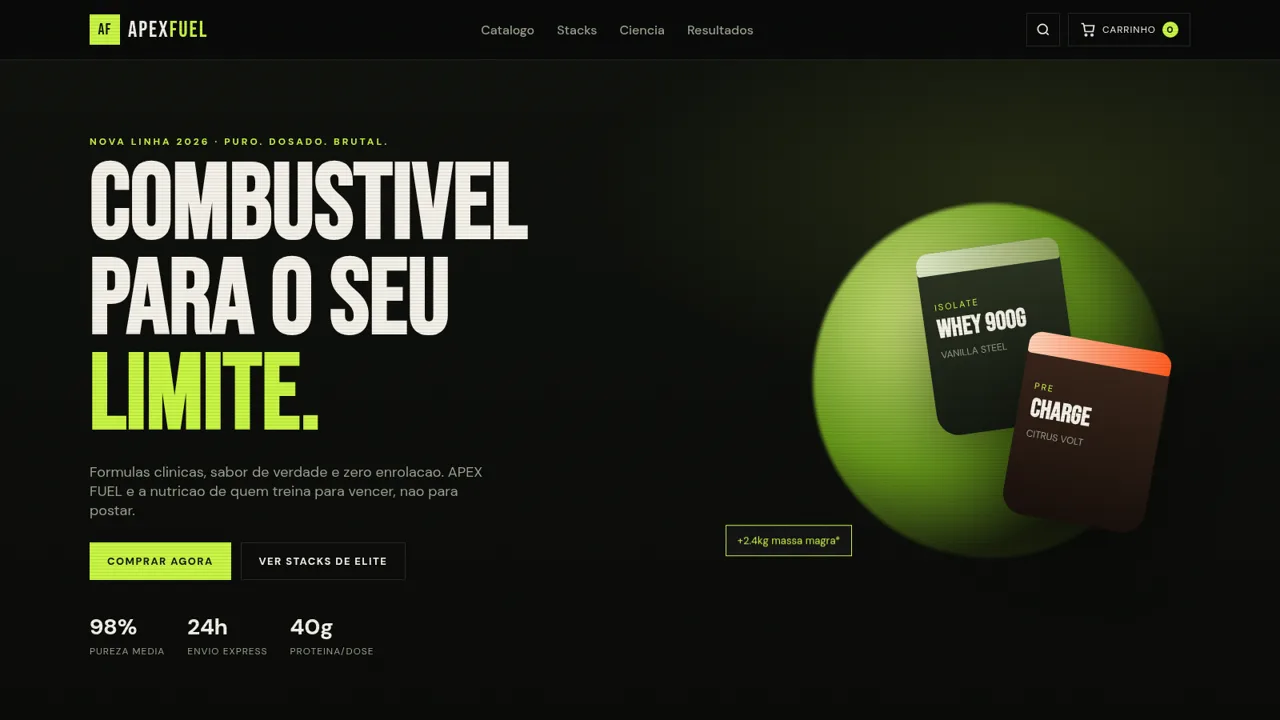
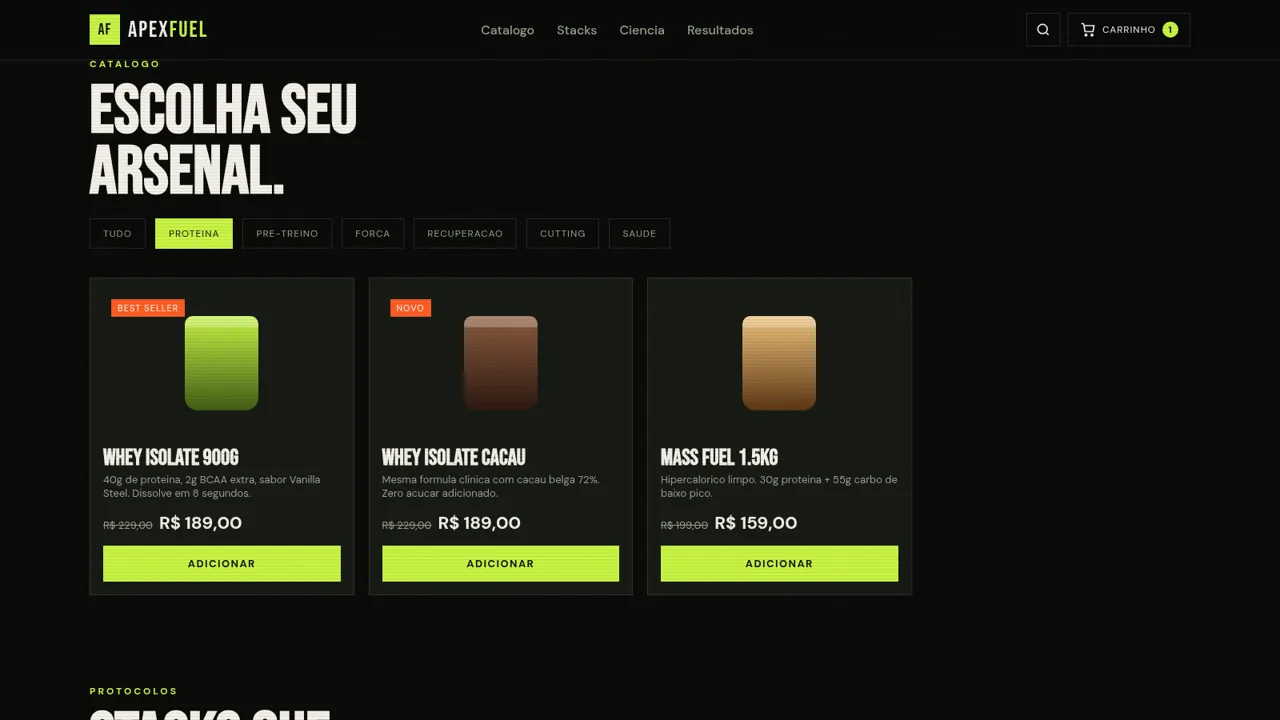
APEX FUEL is a single-page sports nutrition storefront written in Portuguese. It opens with a bold hero, a scrolling brand marquee and a catalogue of twelve supplements such as whey isolate, creatine, pre-workout, BCAA, glutamine, thermogenics, omega-3 and multivitamins. Shoppers can filter the catalogue by category, search by keyword, add single products or preset stacks to a sliding cart, adjust quantities, apply the APEX10 coupon and go through a checkout form with Pix, card and boleto options. Supporting content includes a lab quality section, athlete testimonials and a coupon banner.
Highlights
Catalogue filters
Twelve product cards
Stack bundles
Three preset stacks
Sliding cart
Cart with coupons
Checkout demo
Pix, card, boleto
Lab metrics
Lab quality stats
How to Use
Browse the catalogue
Scroll to the Catalogo section, where twelve supplement cards are arranged in a grid. Use the seven filter buttons such as Proteina, Pre-treino or Cutting to narrow the list by goal, or click the search icon in the header and type a keyword to look up a specific product.
Add items to the cart
Press the Adicionar button on any product card, or Adicionar stack on one of the preset bundles. A toast confirms the action and the Seu arsenal sidebar updates its count and total. Inside the cart you can change quantities with the plus and minus controls or remove an item.
Apply a coupon
Type APEX10 into the coupon field at the bottom of the cart and press Aplicar. A confirmation message appears under the cart, indicating the code was accepted.
Complete the checkout
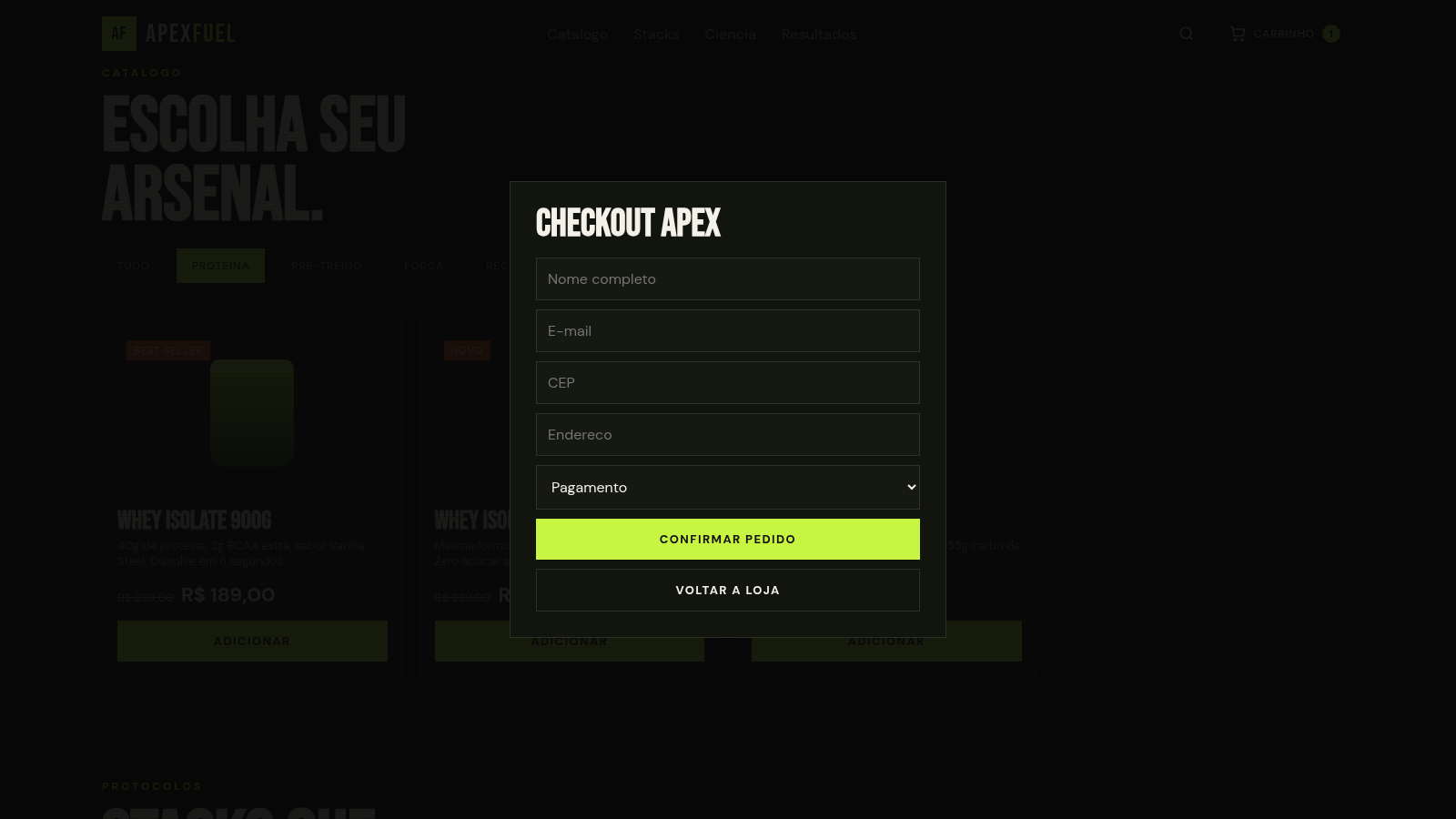
Click Finalizar compra to open the CHECKOUT APEX modal. Fill in name, email, postcode and address, choose Pix, card or boleto, then press Confirmar pedido. The cart is cleared and a success message appears. This is a front-end demo, so no real payment is processed.
Similar Sites
 13
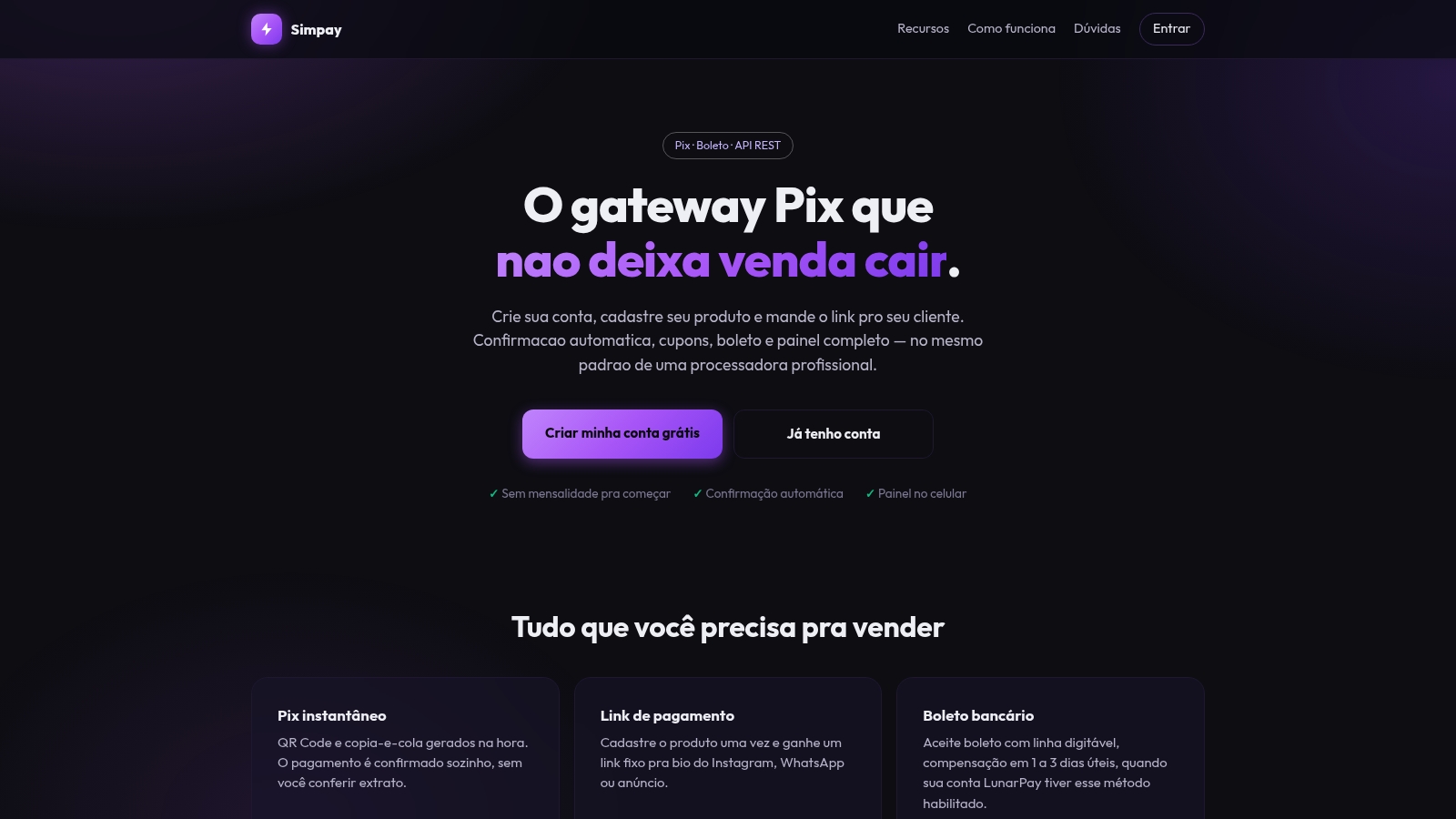
13Gateway Pix
Receba por Pix e boleto com link de pagamento, cupons e painel de vendas.
 6
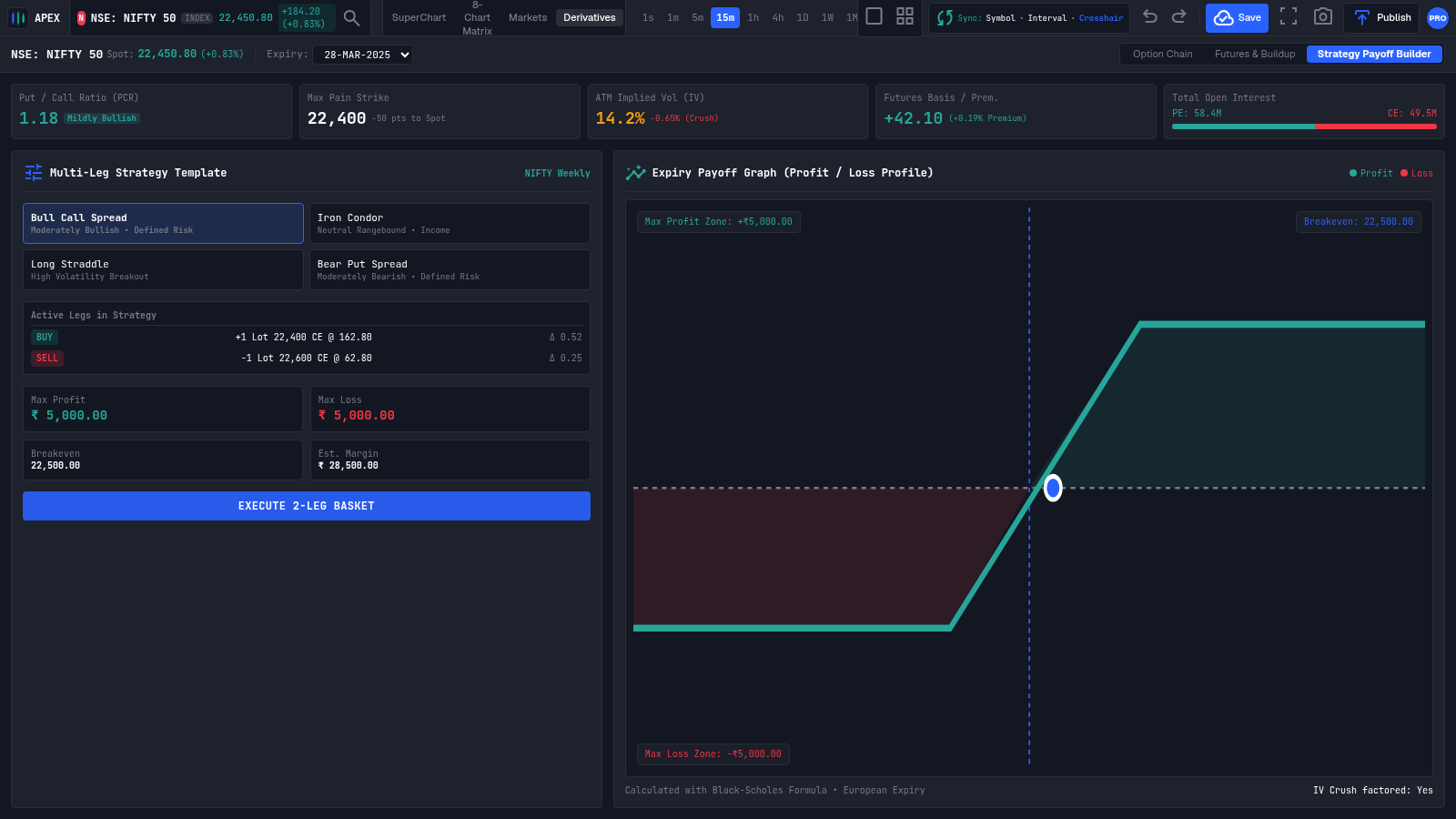
6Apex Terminal
Institutional multi-chart trading terminal with SuperChart, Quad, Markets and Derivatives hubs.
 5
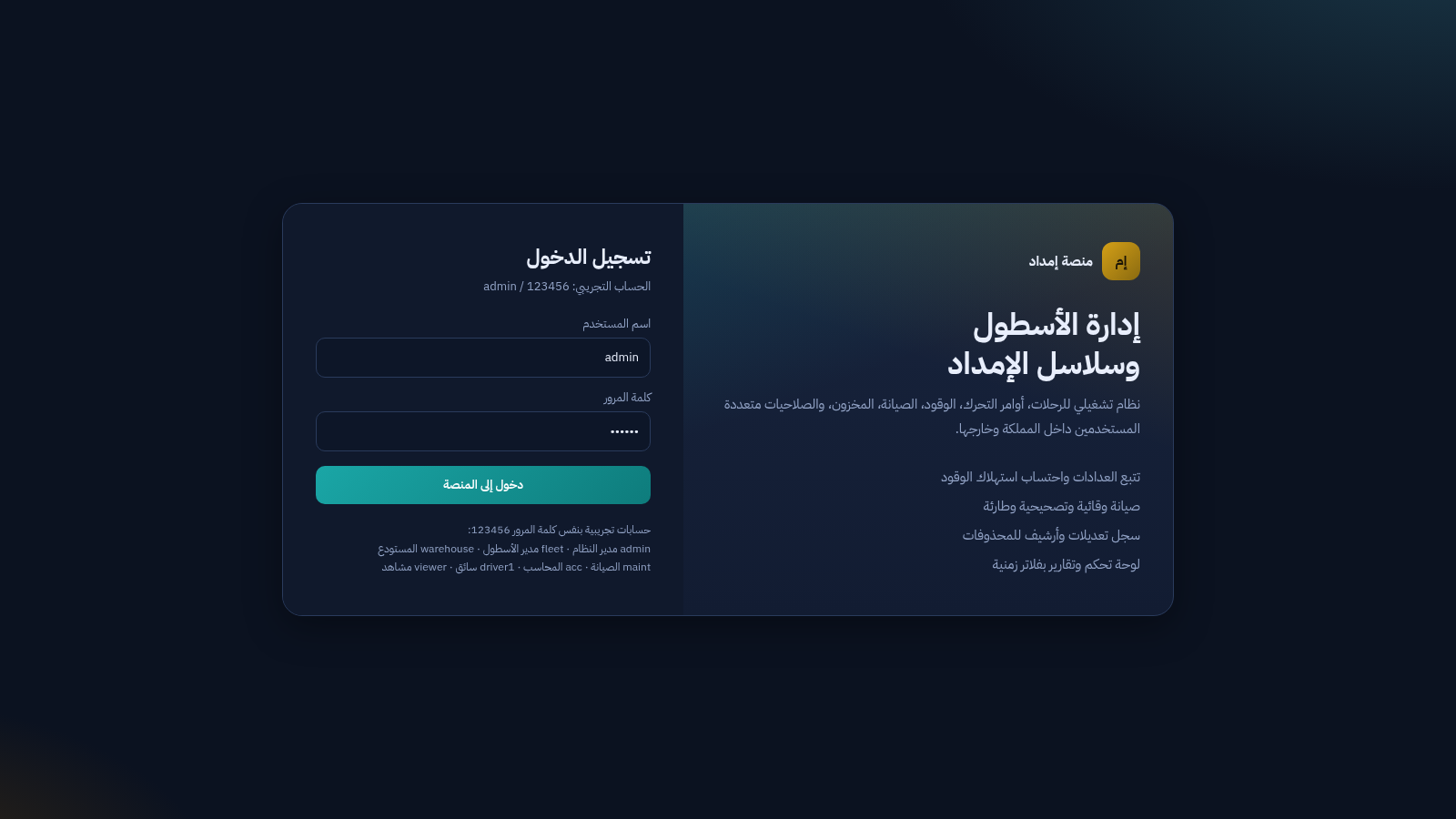
5منصة إمداد
نظام عربي لإدارة الأسطول والرحلات والوقود والصيانة وسلاسل الإمداد
 2
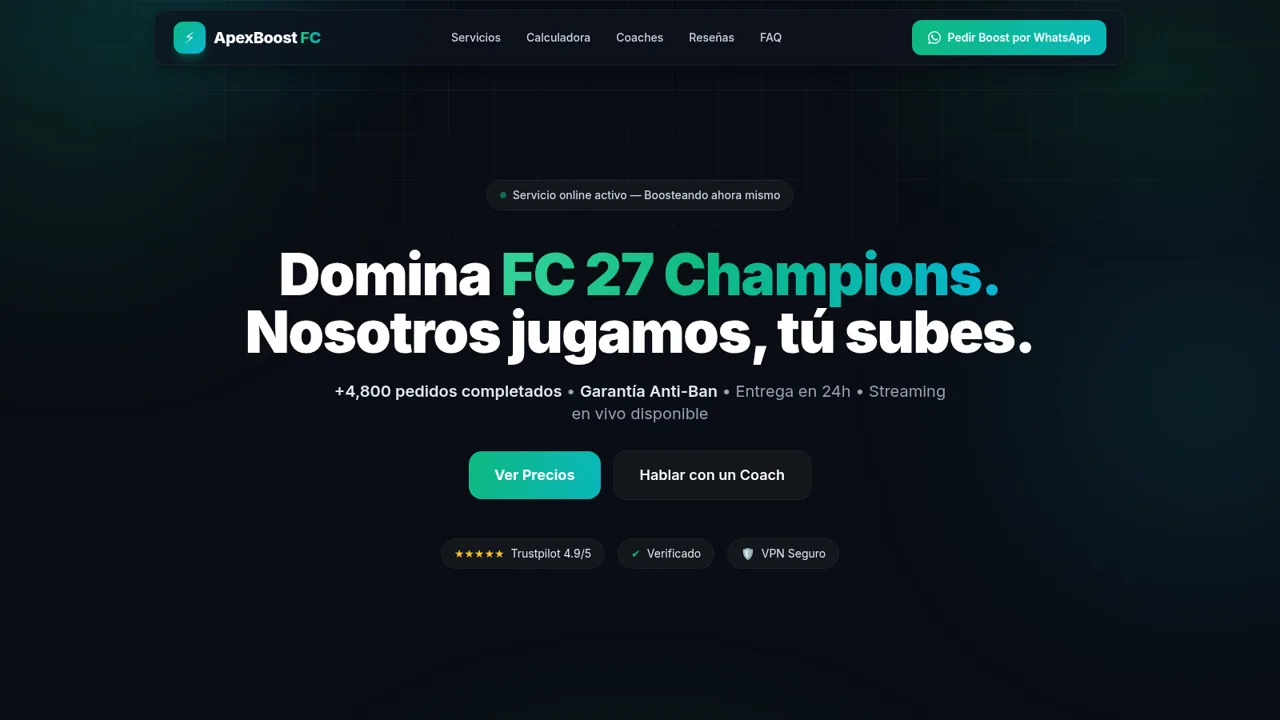
2ApexBoost FC
Boosting premium de EA Sports FC 27: Champions, Rivals y Coaching 1v1 con garantía.
 420
420Smile Patisserie
Smile Patisserie menu: cakes, oriental, bakery, and WhatsApp cart
 500
500حاسبة رسوم الجمعية
حاسبة رسوم الجمعية لوكلاء Money Fellows — حساب القسط وصافي القبض شهر بشهر.