
Venda Automatica AI
Affiliate manager for Mercado Livre, Shopee and TikTok Shop
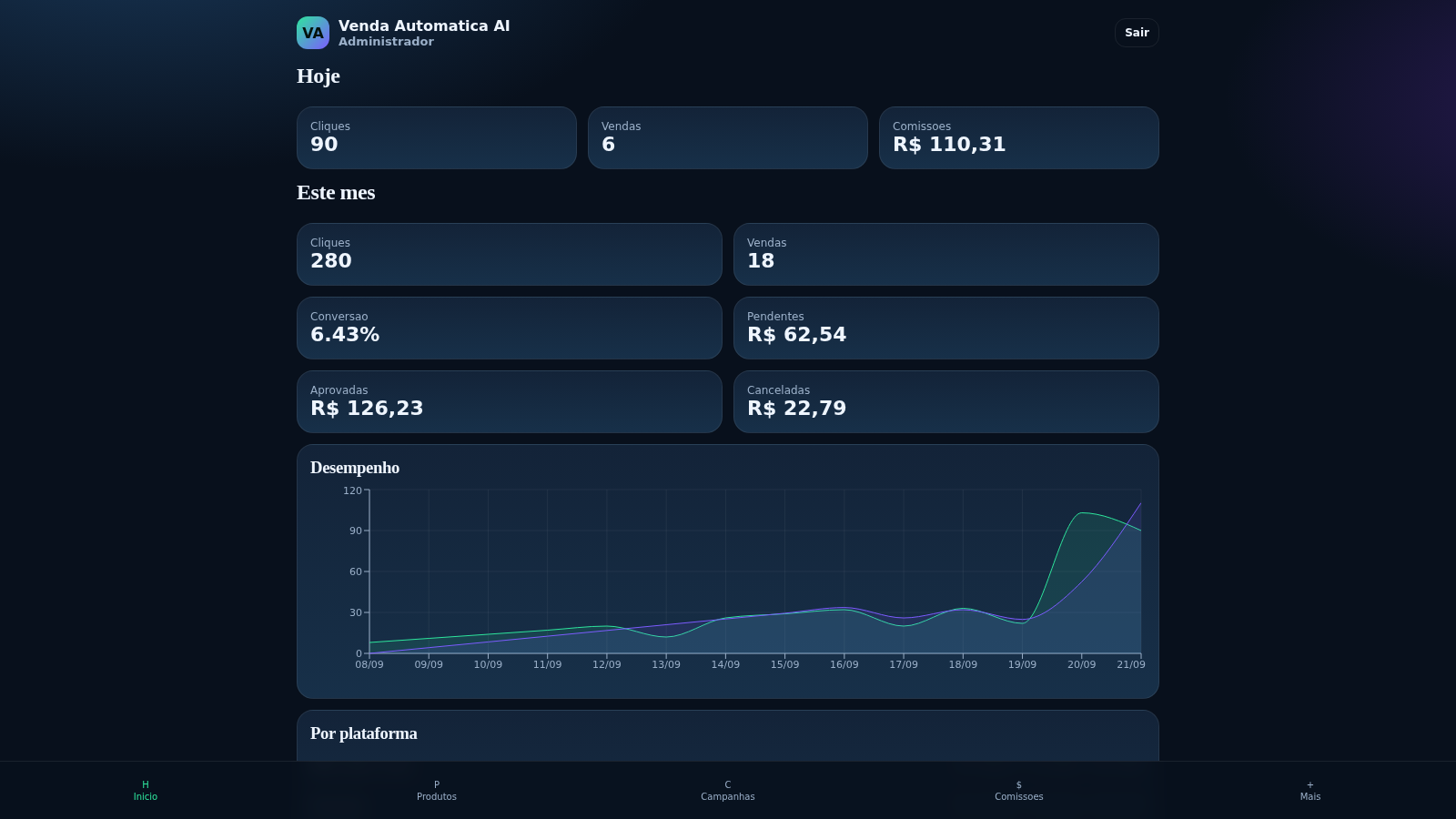
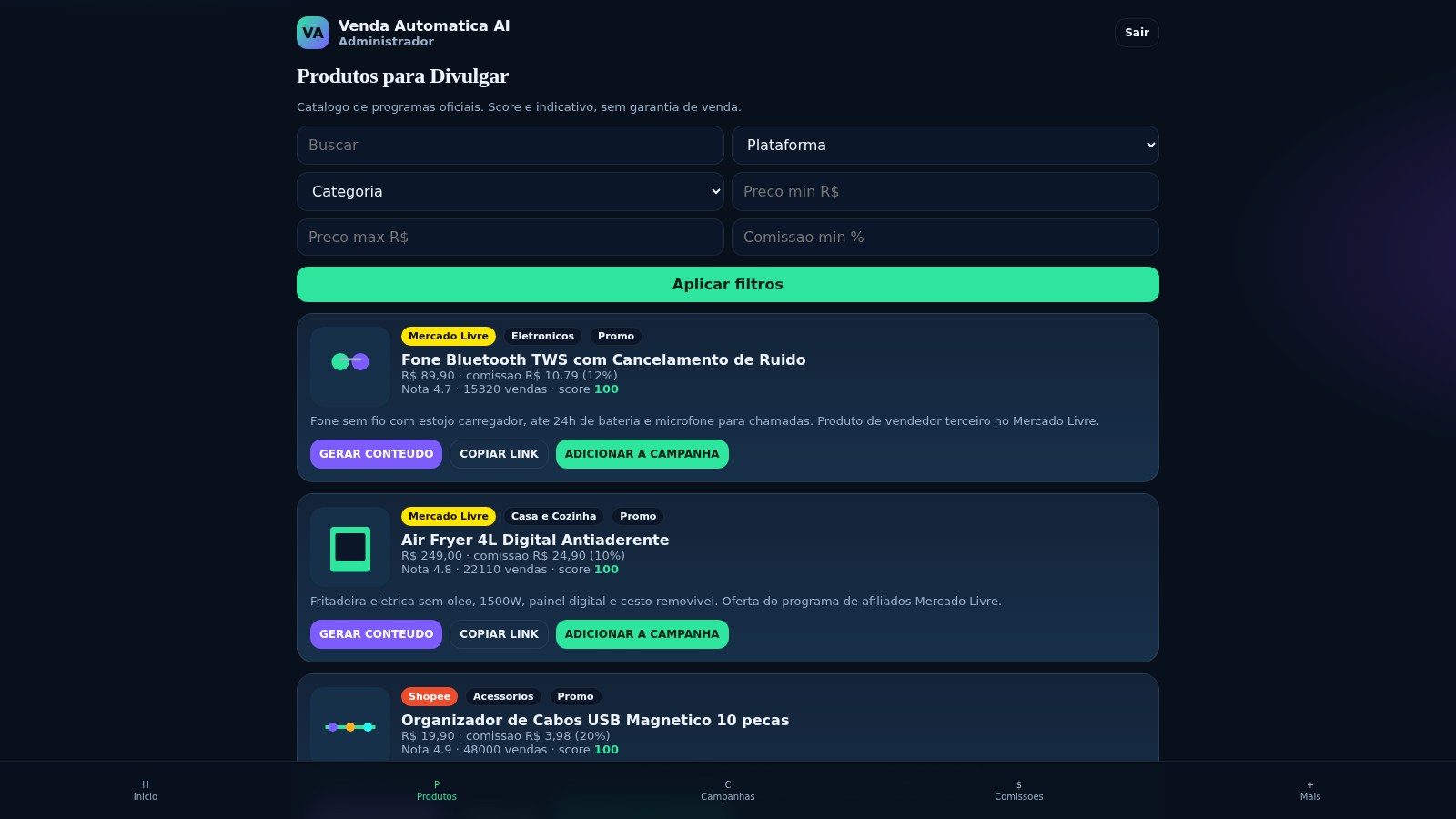
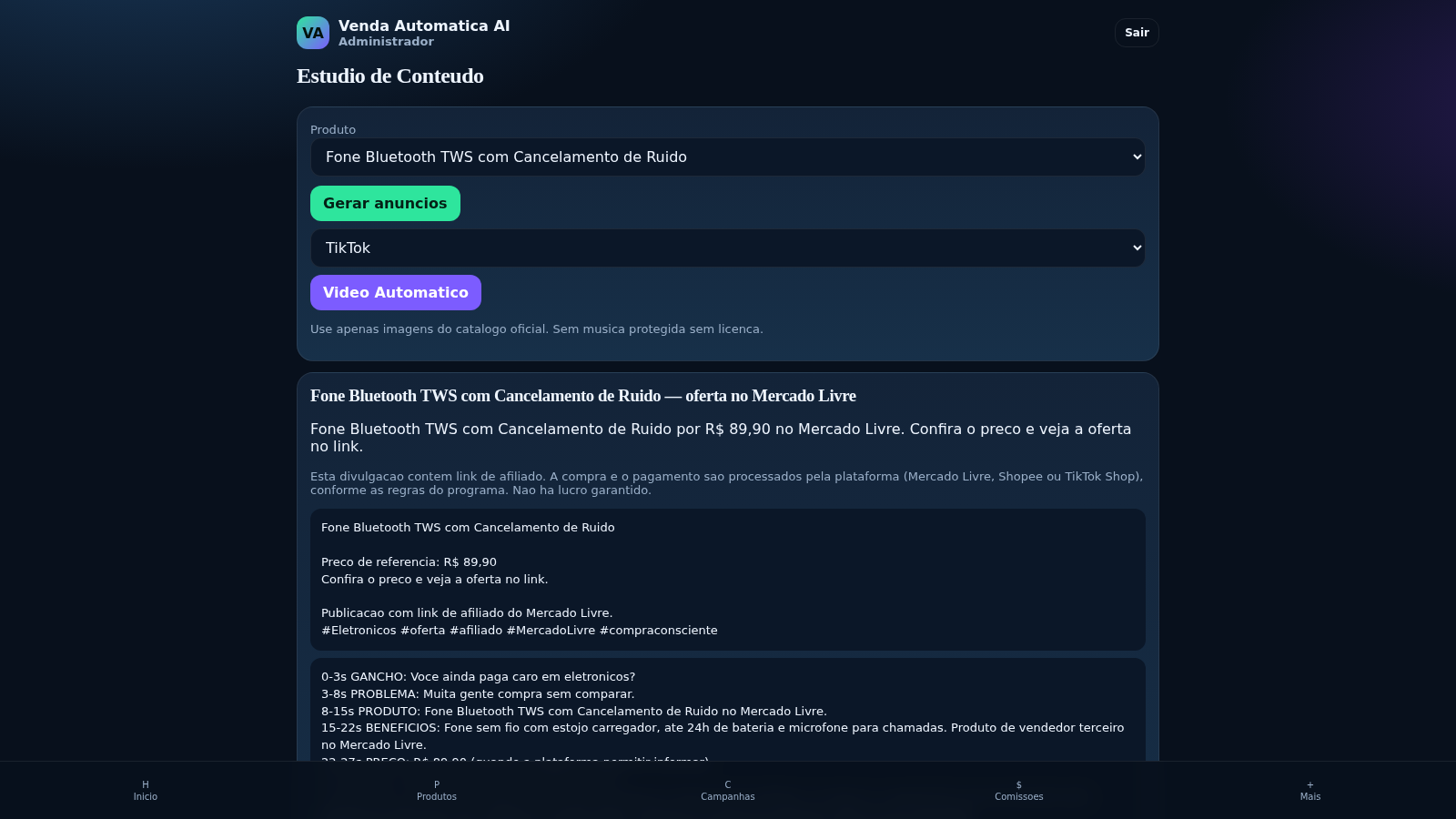
Venda Automatica AI is a web dashboard for affiliate marketers working with Mercado Livre, Shopee and TikTok Shop. After signing in, users see a daily and monthly summary of clicks, sales and commissions, then move through a product catalog, a content studio, campaign management and commission tracking. The catalog lists official affiliate products with price, commission rate, rating, sales volume and an indicative score, and can be filtered by platform, category and price range. The content studio turns a chosen product into an ad title, caption, hashtags and a short-video script, while campaigns can be activated, paused or ended and reports show a 14-day clicks-versus-commission chart. Additional pages manage affiliate links, an AI consultant panel, and settings for official OAuth connections, PIX keys and automation alerts. All figures shown are demonstration data.
Highlights
Multi-shop catalog
12 demo products
Ad copy generator
Ad and video scripts
Campaign control
Activate or pause
Commission tracking
Clicks and sales
AI consultant panel
Alerts and tips
How to Use
Sign in
Open the site and sign in on the login screen. A demo account is already filled in, and a registration link is also available, so no external account is required. After login the dashboard opens with today and this month click, sales and commission totals.
Browse the catalog
Use the Produtos page to search and filter the official affiliate catalog by platform, category, minimum and maximum price and minimum commission. Each card shows the product name, price, commission value and rate, rating, sales volume and an indicative score, with buttons to generate content, copy the affiliate link or add the product to a campaign.
Generate content
On the Conteudo page pick a product and choose a format such as TikTok, Reels or Shorts, then press Gerar anuncios. The studio returns an ad title, caption, hashtag line and a timed short-video script. A Video Automatico button and an Aprovar conteudo button are also provided to move the draft forward.
Run campaigns
The Campanhas page lists campaigns with their platform, status, clicks, conversions and revenue. Each campaign offers Ativar, Pausar and Encerrar buttons so you can change its state, and the status badge updates to reflect the chosen action.
Track results
The Comissoes page breaks commissions down into pending, approved, cancelled and available amounts per platform and lists individual orders with their status. The Relatorios page adds a 14-day clicks-versus-commission chart and a daily automation entry.
Similar Sites
 18
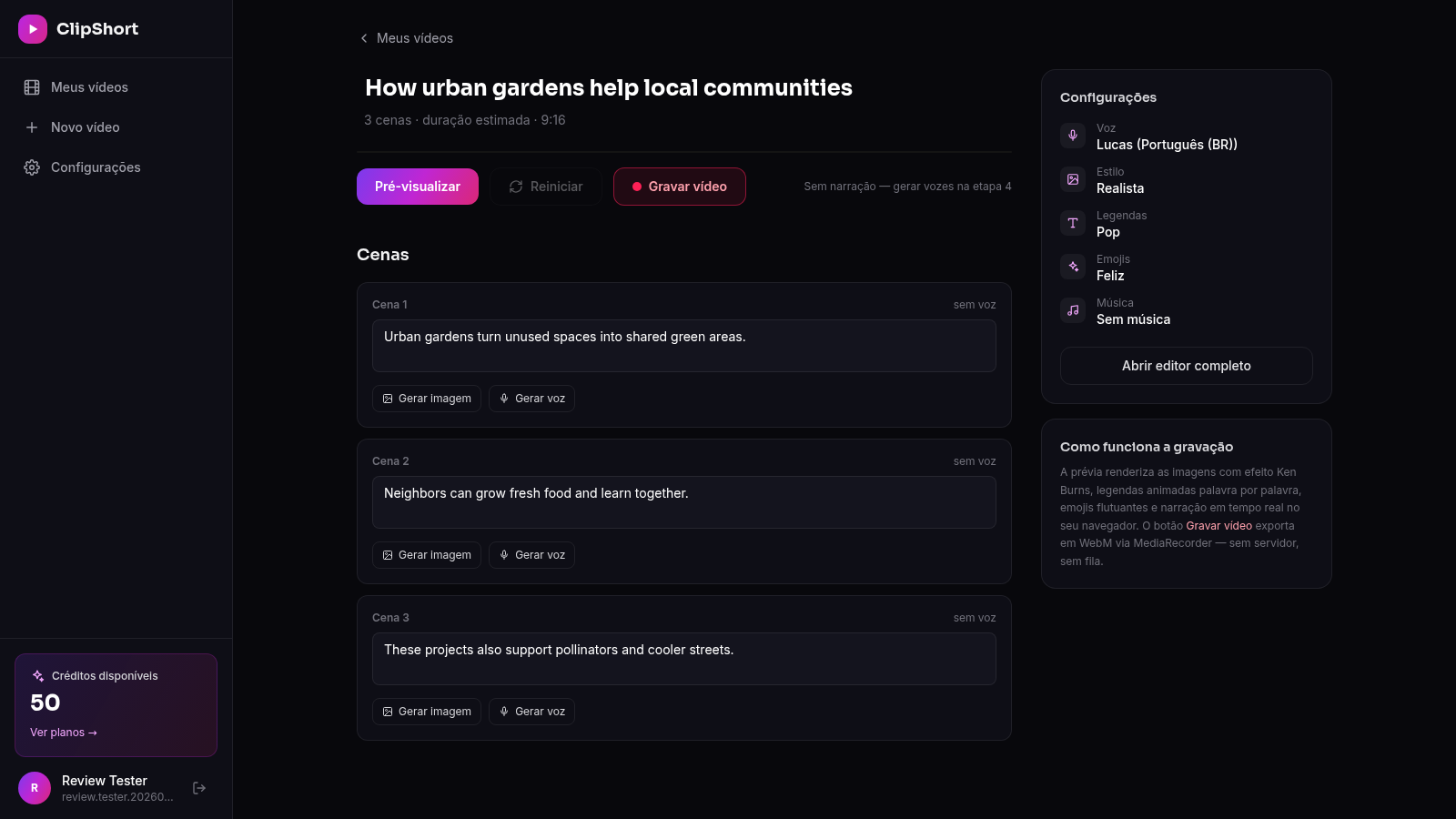
18ClipForge
Crie TikToks, Reels e Shorts com IA: roteiro, imagens, vozes realistas, legendas e música em minutos
 3
3Cortez Performance
Tráfego, design, tecnologia e automação para transformar atenção em vendas.
 63
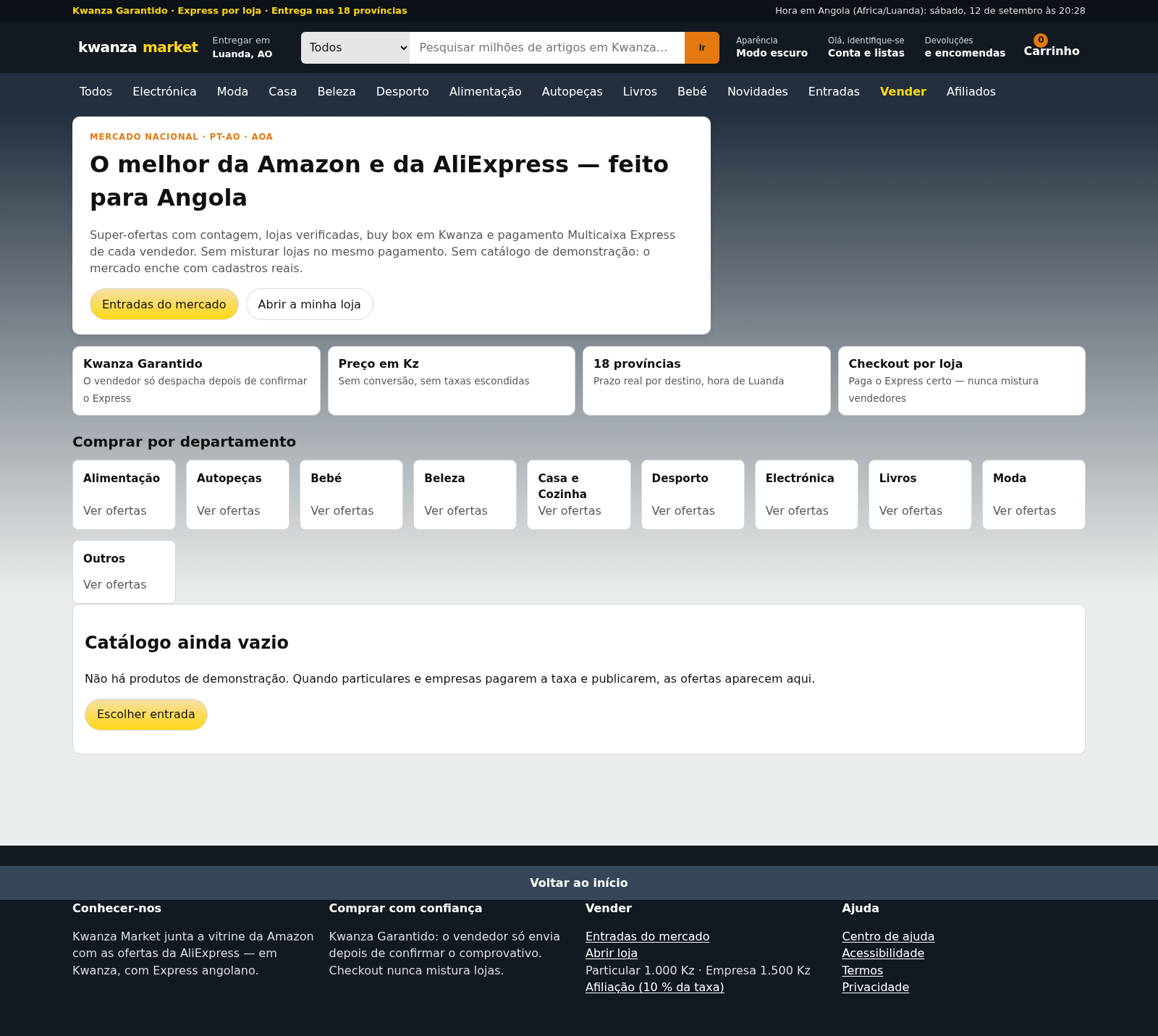
63Kwanza Market
Mercado de Angola: compre e venda em Kwanza com Multicaixa Express.
 60
60Ferreira atelier
Venda de fotografias digitais e impressas com PIX, cartao e boleto.
 49
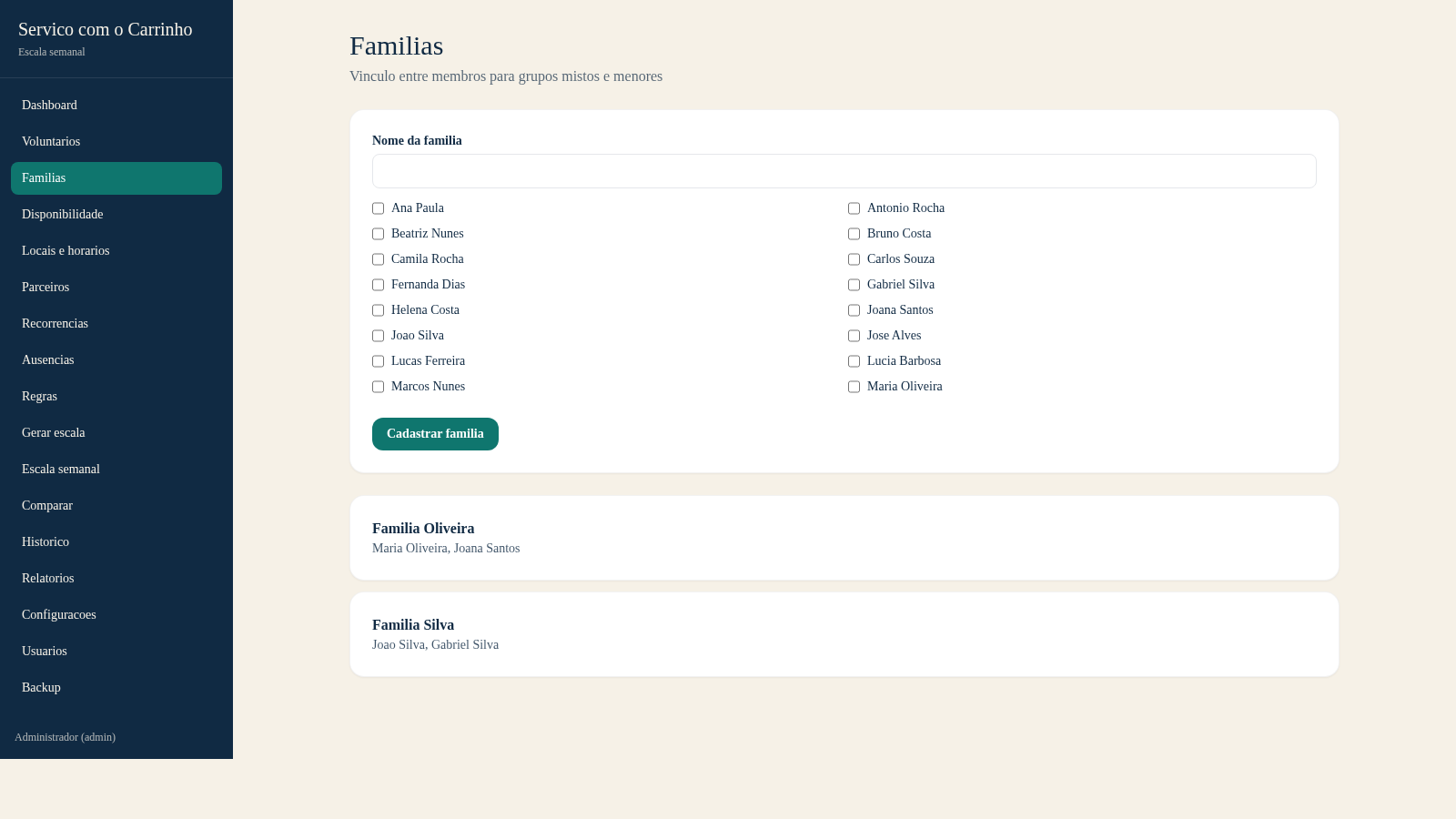
49Escala do Carrinho
Sistema de administracao e geracao automatica da escala semanal do Servico com o Carrinho
 40
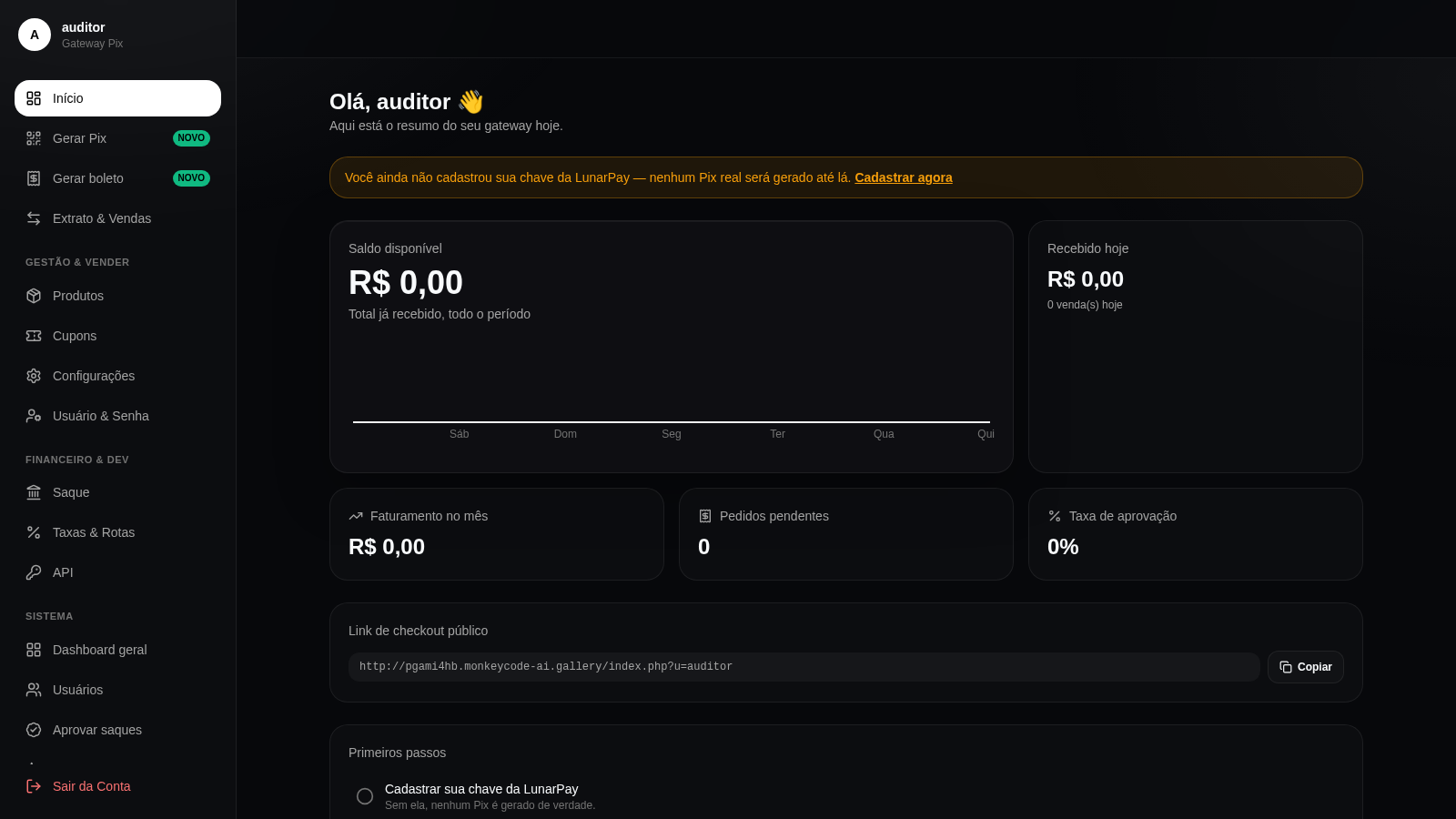
40Gateway Pix
Gateway Pix e boleto com painel de vendas, cupons e links de pagamento.