
Instagram Copy
An interactive Instagram-style social feed you can browse and use right away
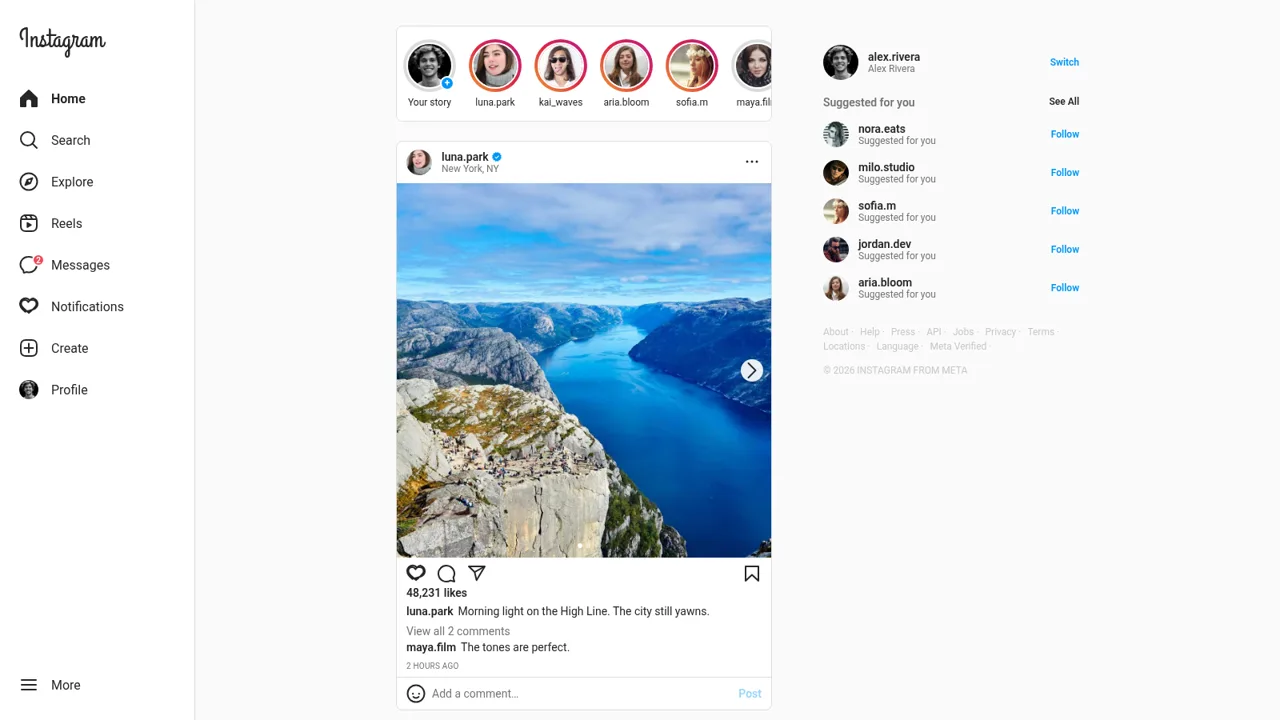
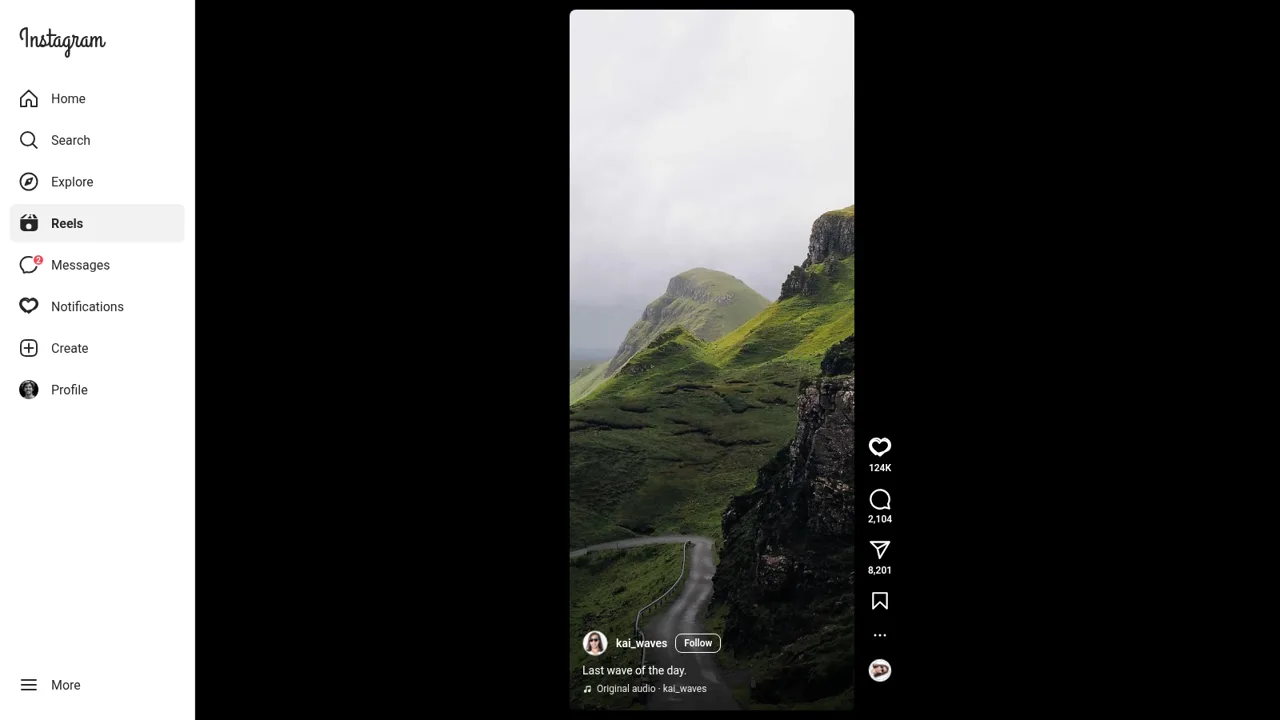
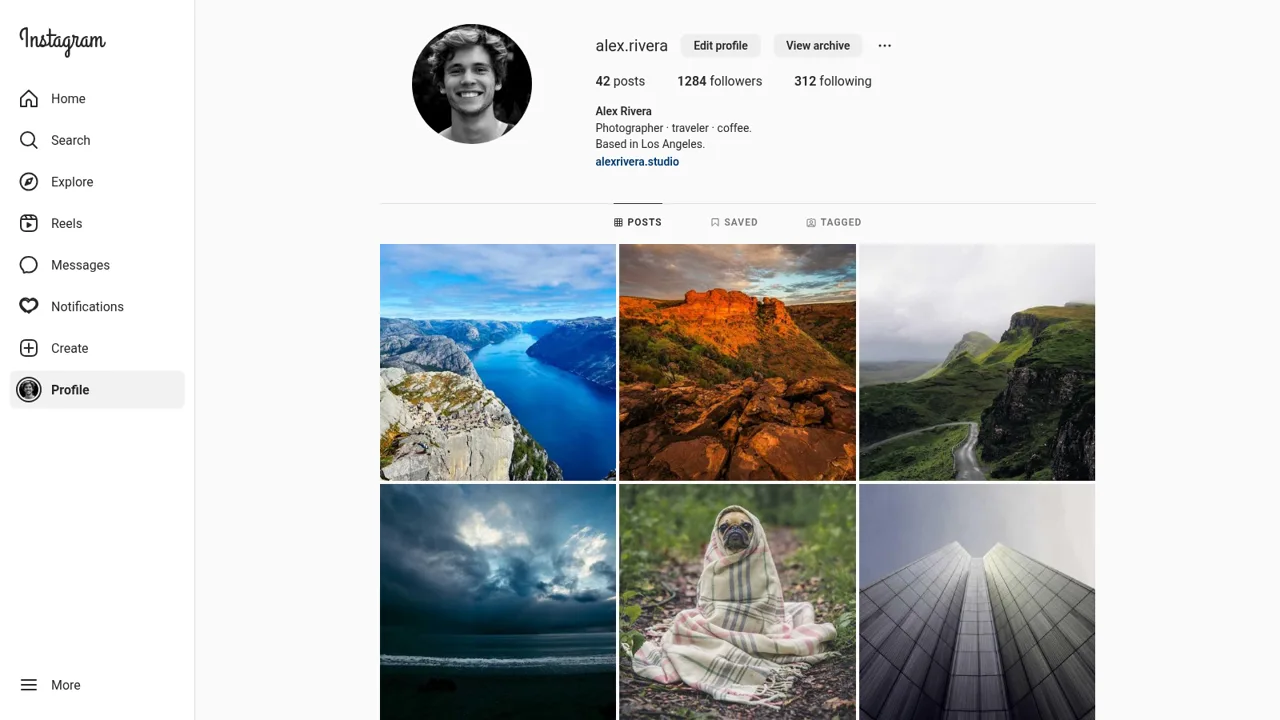
Instagram is a browser-based recreation of the Instagram interface built as a working front-end demo. It opens already signed in as alex.rivera and offers a left navigation rail with Home, Search, Explore, Reels, Messages, Notifications, Create and Profile. The home feed shows a story row and a scrollable set of photo cards with captions, locations and engagement counts. Search filters accounts live, Explore shows a thumbnail grid, Reels plays a vertical clip stack, Messages holds conversation threads with a composer, and the profile page includes posts, saved and tagged tabs plus a create-post dialog. All interactions update the page instantly on mock data.
Highlights
Scrollable home feed
Stories and posts
Working Reels viewer
Vertical clips
Direct messages
Chat threads
Profile and tabs
Posts and grid
Create post dialog
Upload placeholder
Search accounts
Live user filter
How to Use
Browse the home feed
Open the site and you land on the home feed as alex.rivera. Scroll the post list and use the story row at the top; each card shows the author, location, image, caption and the engagement row so you can read the feed like a normal social timeline.
Interact with a post
Tap the heart under any post and the like counter increases while the icon fills. Type into the Add a comment field and press Post; your name and text appear in the thread and the comment count goes up.
Open the story viewer
Click any story ring in the top row to open a full-screen viewer showing that account's story with a reply box at the bottom. Close it with the X button to return to the feed.
Explore Reels and Search
Use the left rail to open Reels and scroll the vertical clips, each with its own author, caption, audio credit and like, comment and share counts. Open Search and type a name to filter the recent account list live, then click a result to view that profile.
Read your messages
Open Messages to see the conversation list with unread badges and relative timestamps. Click a thread to read the full exchange, see the Active now status and call icons, and use the message composer at the bottom to add a reply.
Visit the profile and create a post
Open Profile to view alex.rivera's post count, follower and following counts, bio and site link, then switch between the Posts, Saved and Tagged tabs and browse the image grid. Use Create in the left rail to open the drag-photos-here dialog.
Similar Sites
 10
10UGC Content Gallery
images, text, aivideo
 7
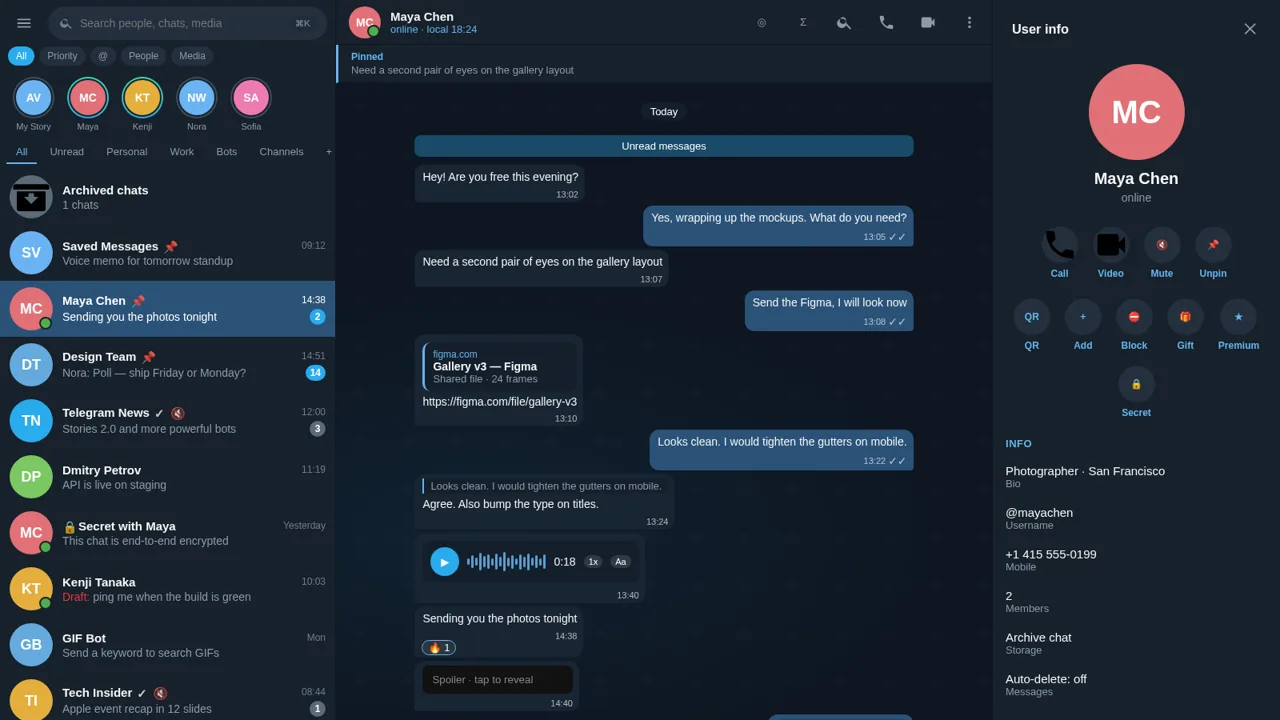
7Telegram Clone
Web replica of Telegram with 400+ live functions
 1
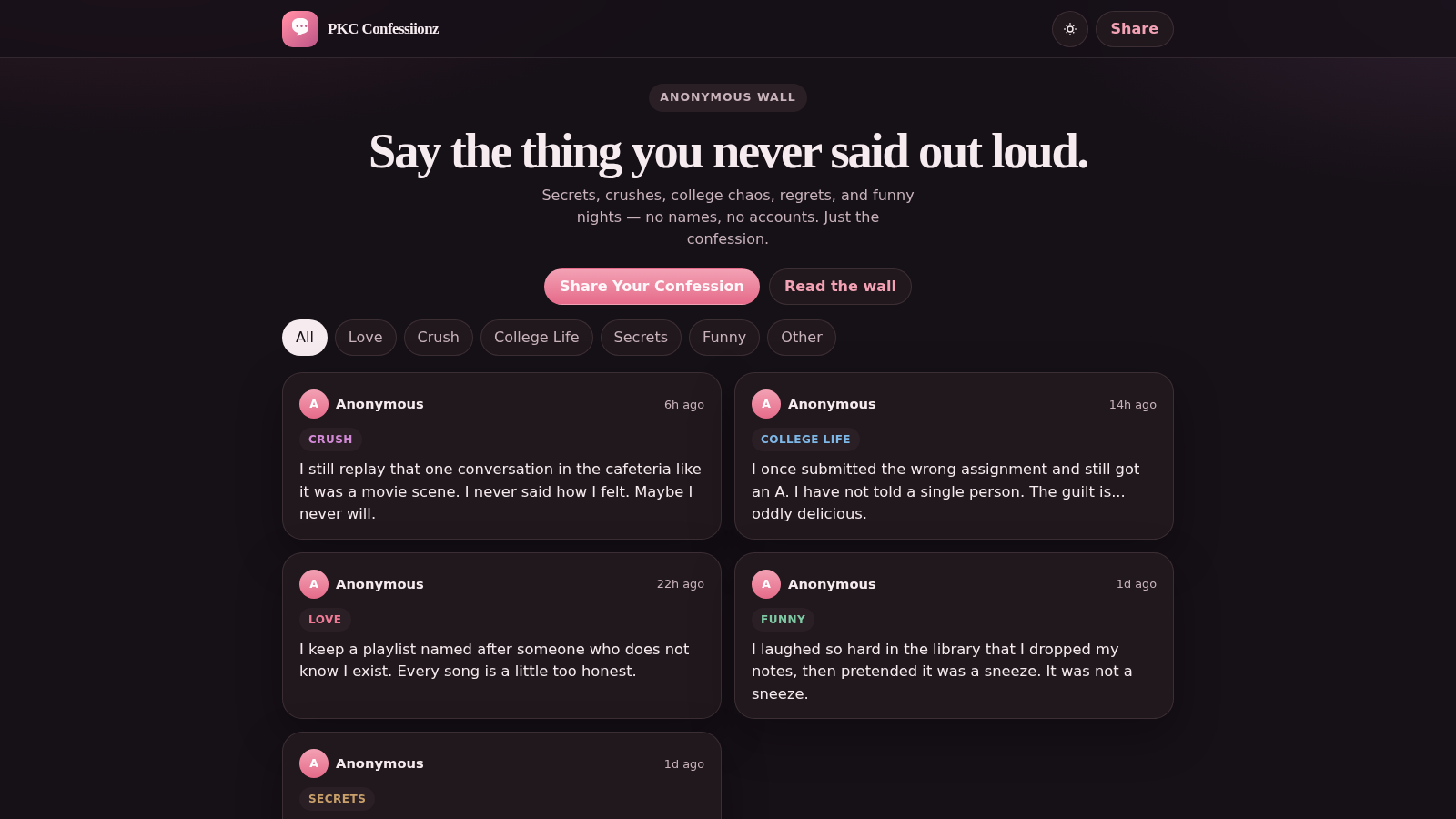
1PKC Confessiionz
Anonymous confession wall for secrets, crushes, and college stories.
 1
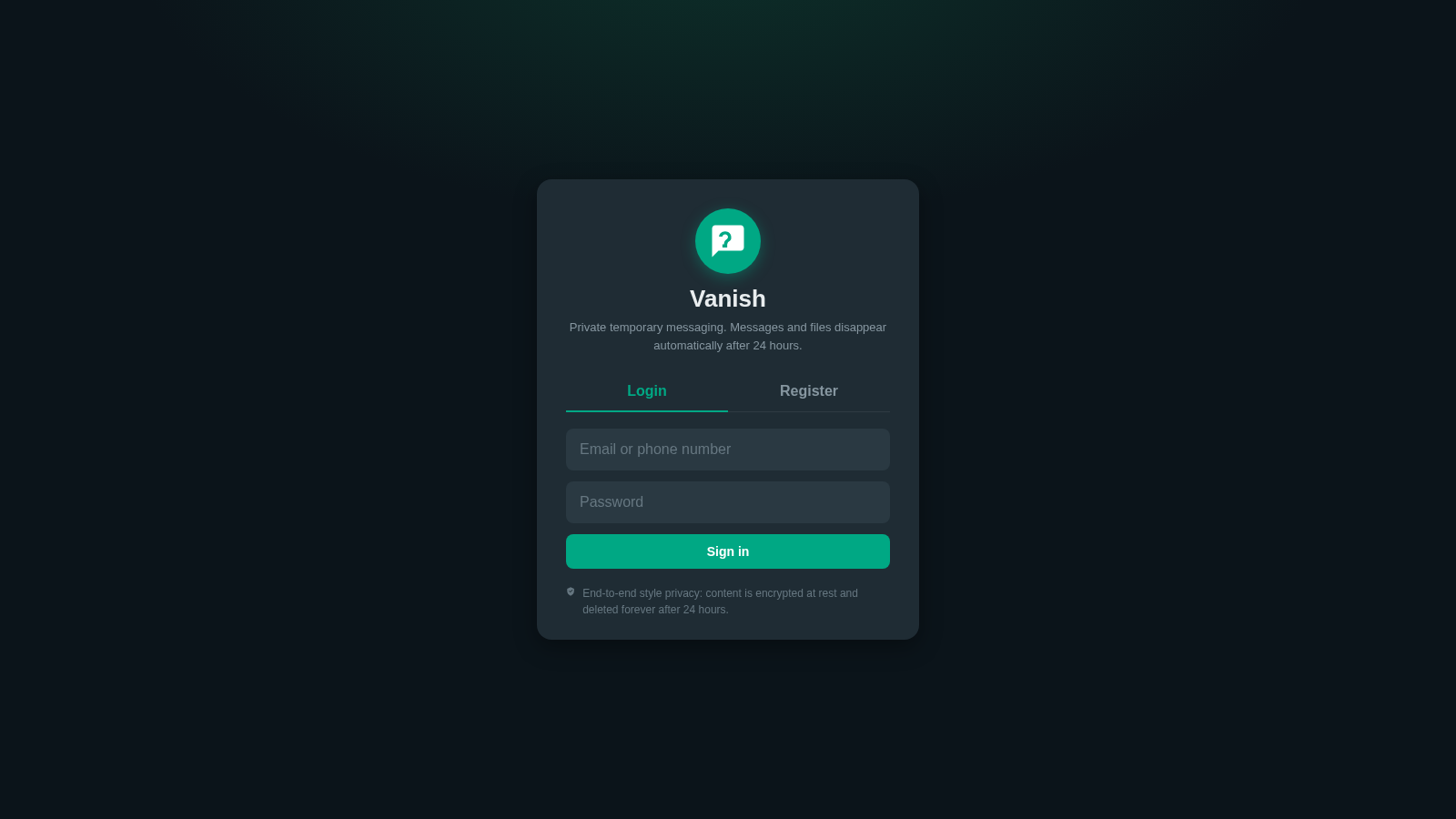
1Vanish - Temporary Messenger
Private temporary messaging with 24-hour auto-delete for messages and files
 34
34PULSO — O ritmo é seu. O momento é agora.
PULSO é a nova plataforma social de vídeos curtos. Descubra, crie e conecte-se através de conteúdo rápido, espontâneo, autêntico e envolvente.
 32
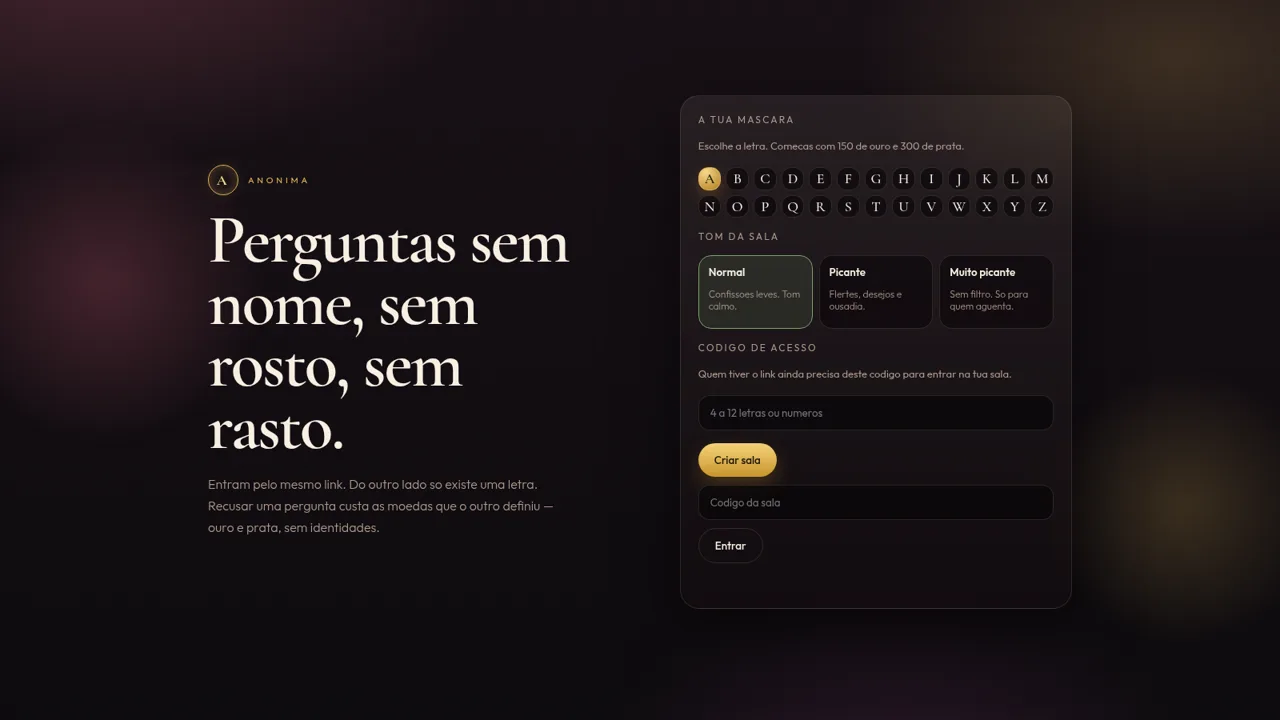
32Anónima
Perguntas anónimas por letra, com moedas e ficheiros de um só olhar.