
Vanish - Temporary Messenger
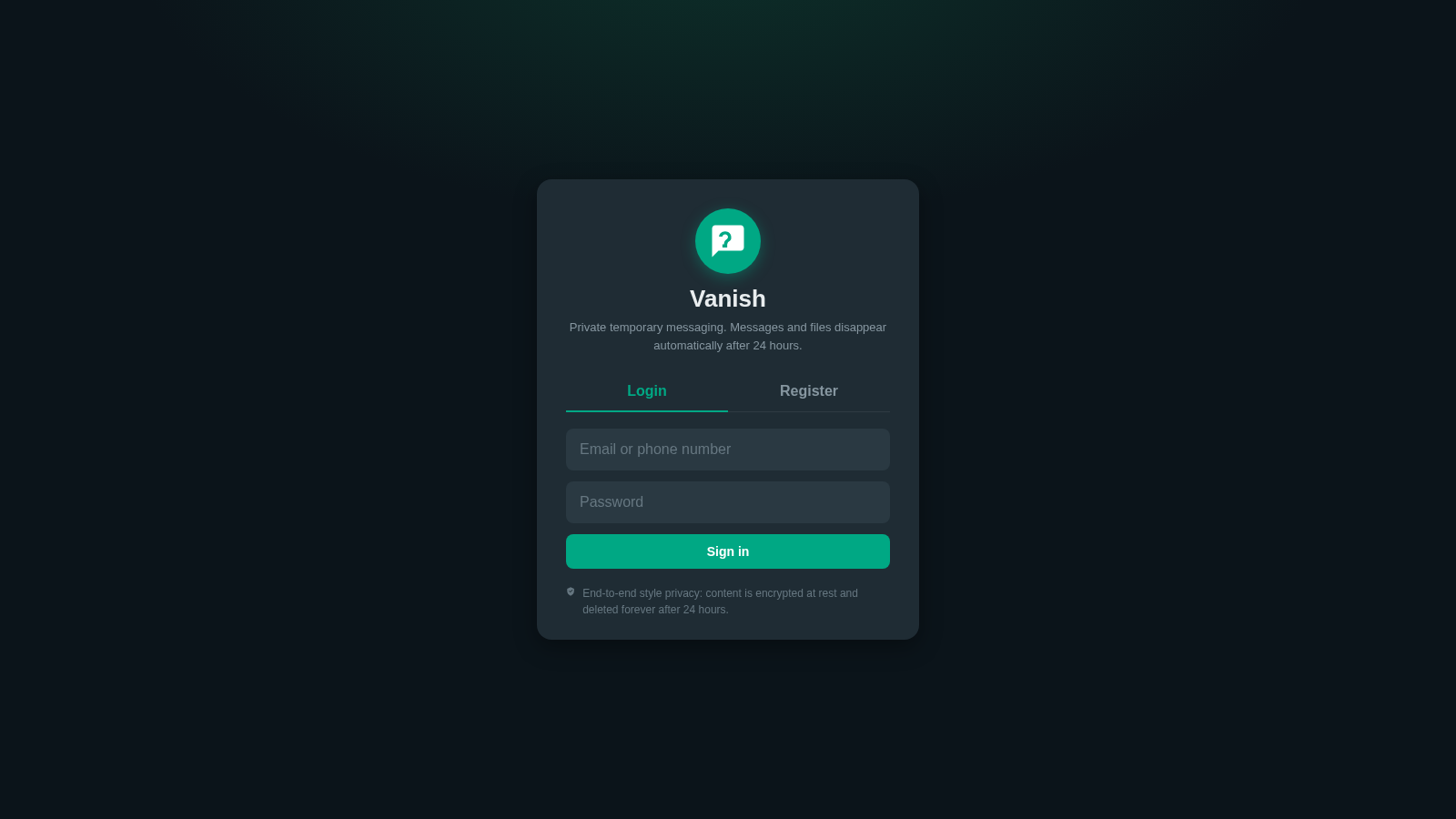
Private conversations that automatically disappear 24 hours after each message or file is sent.
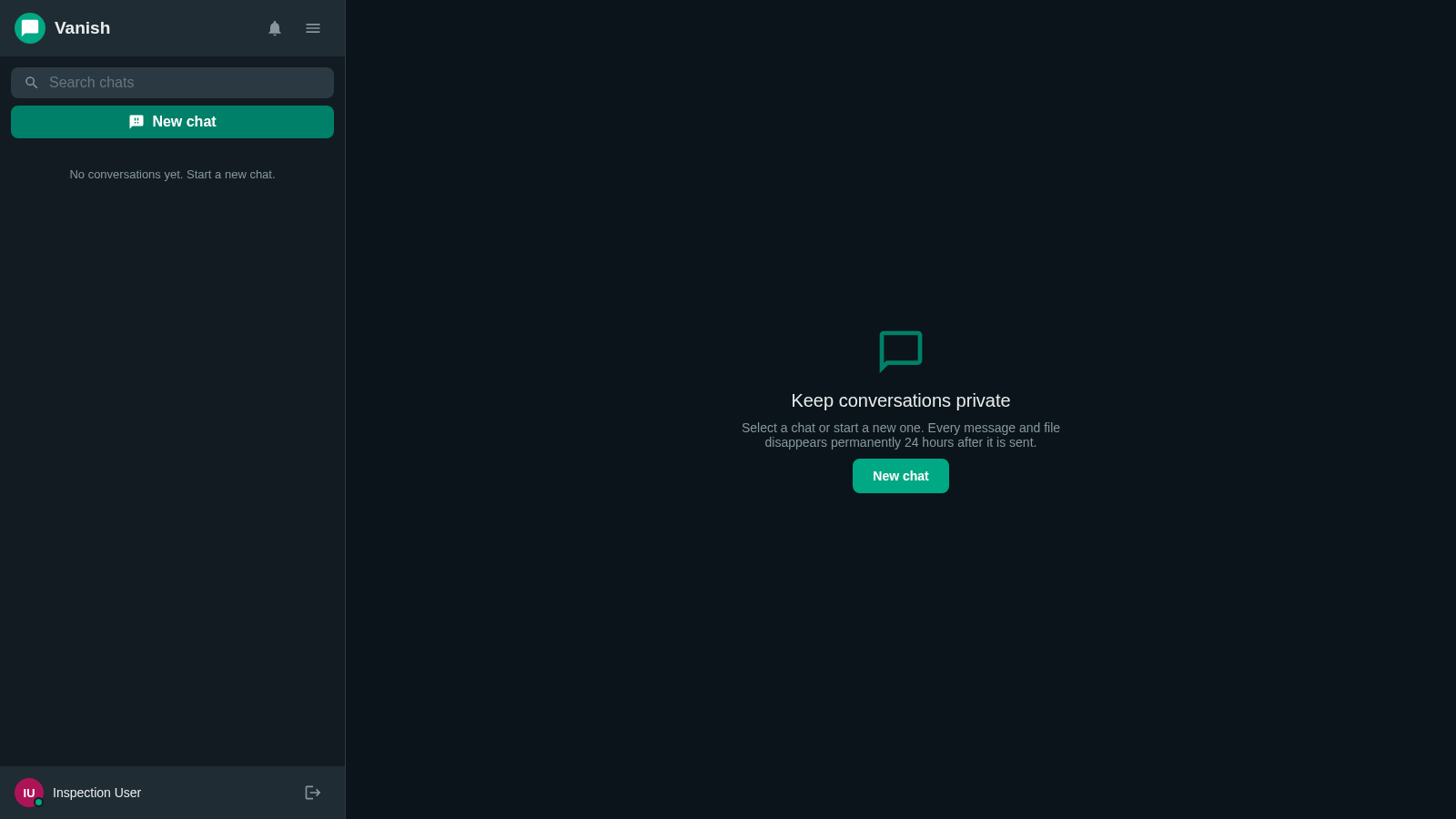
Vanish is a browser-based temporary messenger built around short-lived private communication. A visitor can create an account with a name, email address or phone number, and password, then enter a two-column messaging workspace. The sidebar provides conversation search, a new-chat action, notifications, profile settings, and logout controls. New conversations can be configured as direct or group chats by searching for people by name, email, or phone. The interface states that messages and files are encrypted at rest and permanently deleted 24 hours after they are sent.
Highlights
24-Hour Expiry
Messages auto-delete
Direct or Group
Two chat formats
Contact Search
Find users quickly
Simple Profiles
Name, status, avatar
How to Use
Create an account
Open the Register tab, enter a full name, an email address or phone number, and a password of at least eight characters, then select Create account. A successful registration opens the messenger workspace immediately.
Start a conversation
Select New chat from the sidebar or the empty workspace. Choose Direct for a one-to-one conversation or Group for multiple participants, search by name, email, or phone, select the intended users, and use Start chat to continue.
Manage conversations
Use Search chats to locate an existing conversation and the Notifications control to review updates. Select a conversation in the sidebar to open its message area and exchange temporary messages or files with its participants.
Update your profile
Open Profile and settings to edit the displayed name, add a short status, or provide a profile picture URL. Select Save to apply the changes; the account identifier remains visible as a reference.
Account for expiry
Treat every message and file as temporary. The interface explains that each item is deleted permanently 24 hours after it is sent, so retain important information elsewhere before its individual expiry time.
Similar Sites
 34
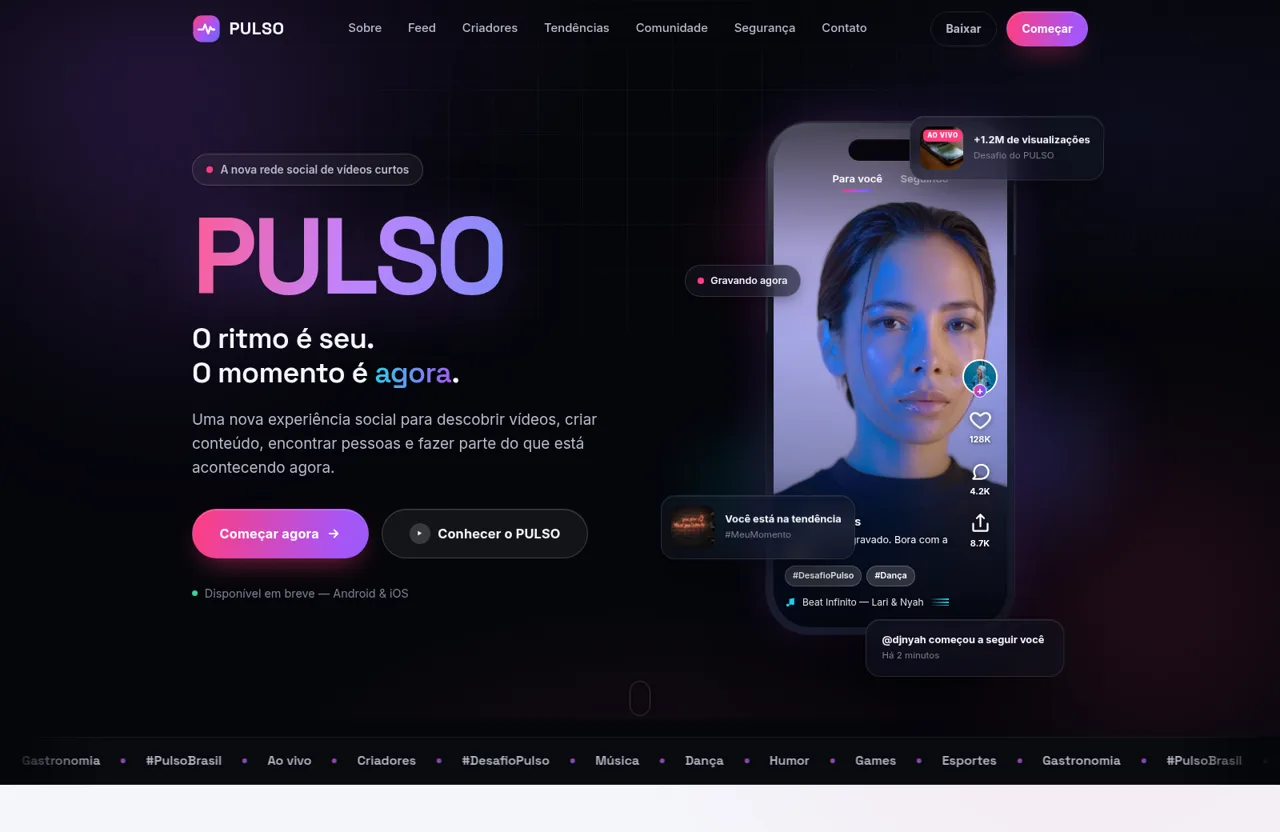
34PULSO — O ritmo é seu. O momento é agora.
PULSO é a nova plataforma social de vídeos curtos. Descubra, crie e conecte-se através de conteúdo rápido, espontâneo, autêntico e envolvente.
 32
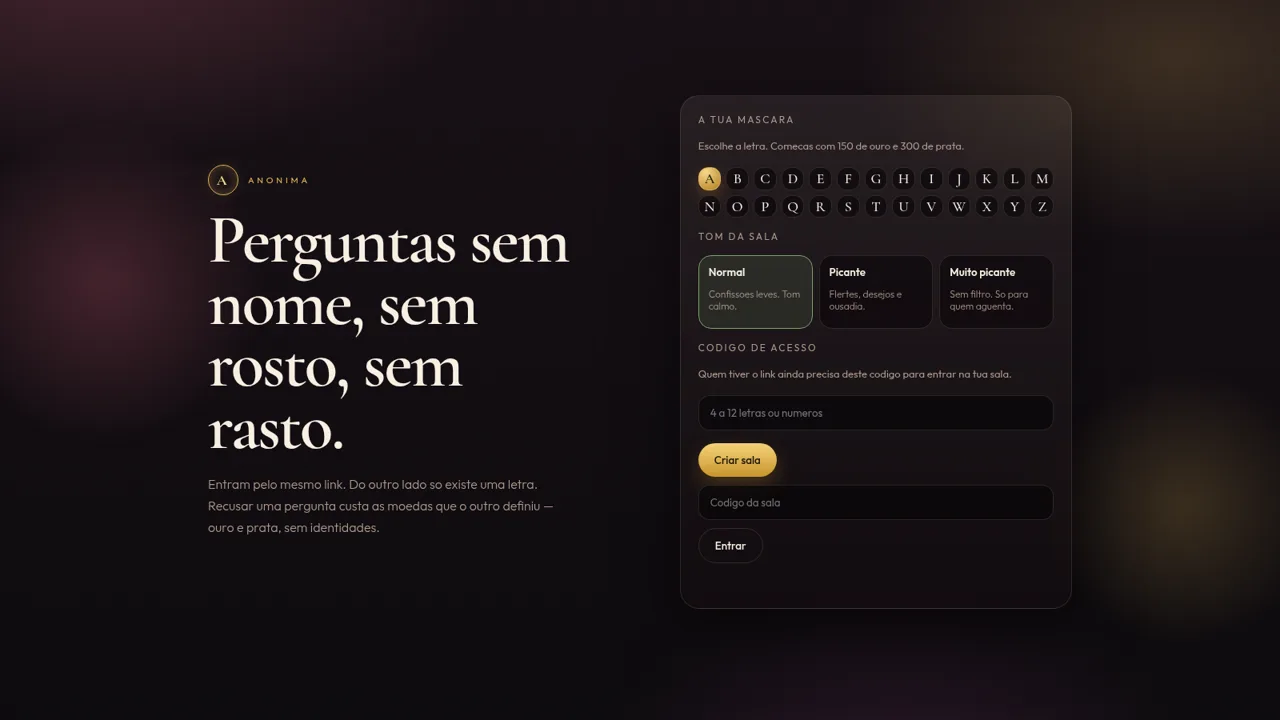
32Anónima
Perguntas anónimas por letra, com moedas e ficheiros de um só olhar.
 31
31Vai Dar Namoro
Encontros 18+ em Angola. Cadastro 1.500 Kz, carteira AOA, Loja Palanca e indicações 300 Kz.
 27
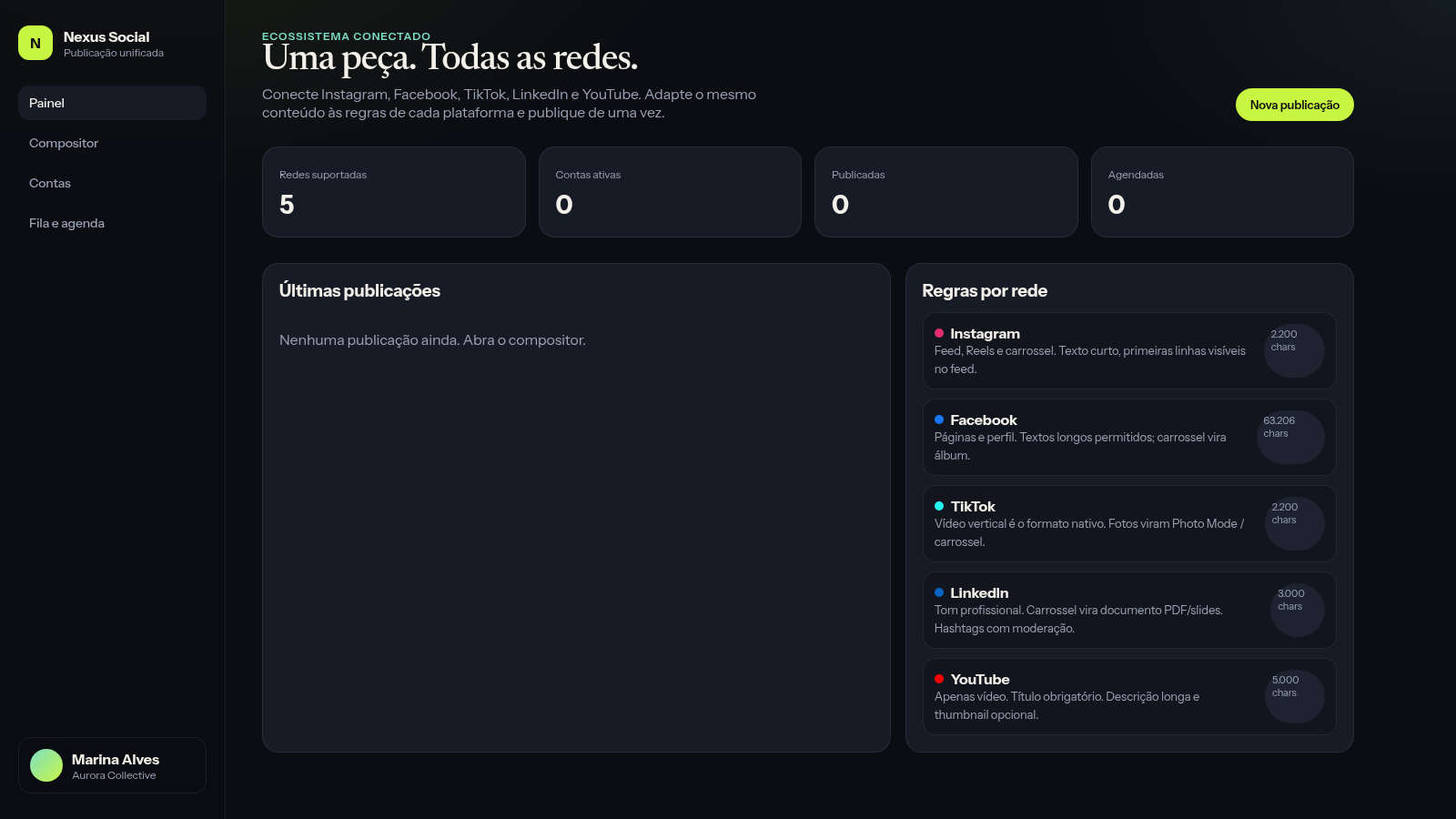
27Nexus Social
Publique de uma só vez o mesmo conteúdo em suas principais redes sociais
 26
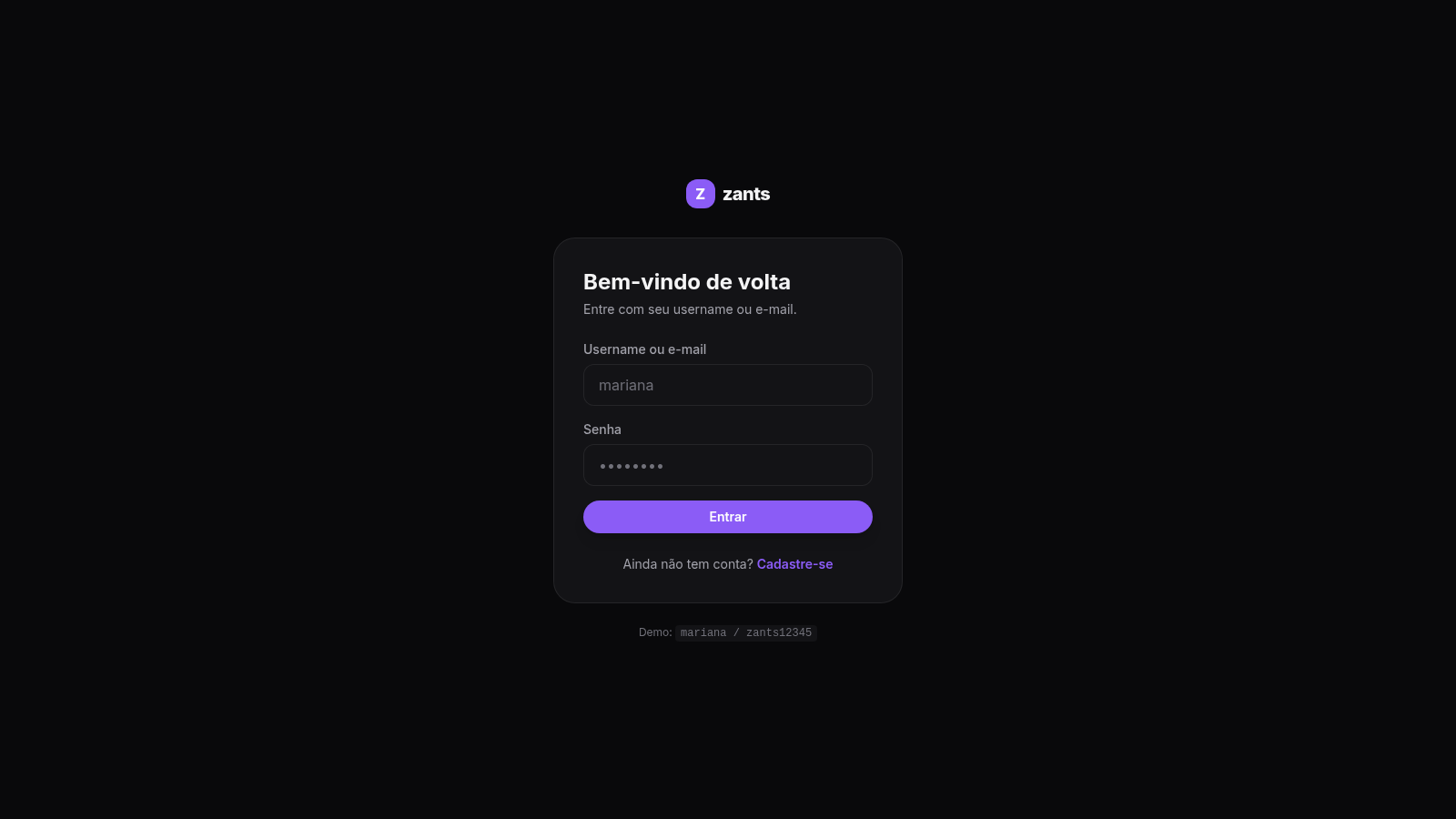
26Zants
Rede social estilo feed — NestJS + Prisma + PostgreSQL
 25
25O Jogo que Vai Lá
Jogo de cartas para conversas profundas e honestas — seja honesto e só vá lá se quiser