
Renan Rouget Barber
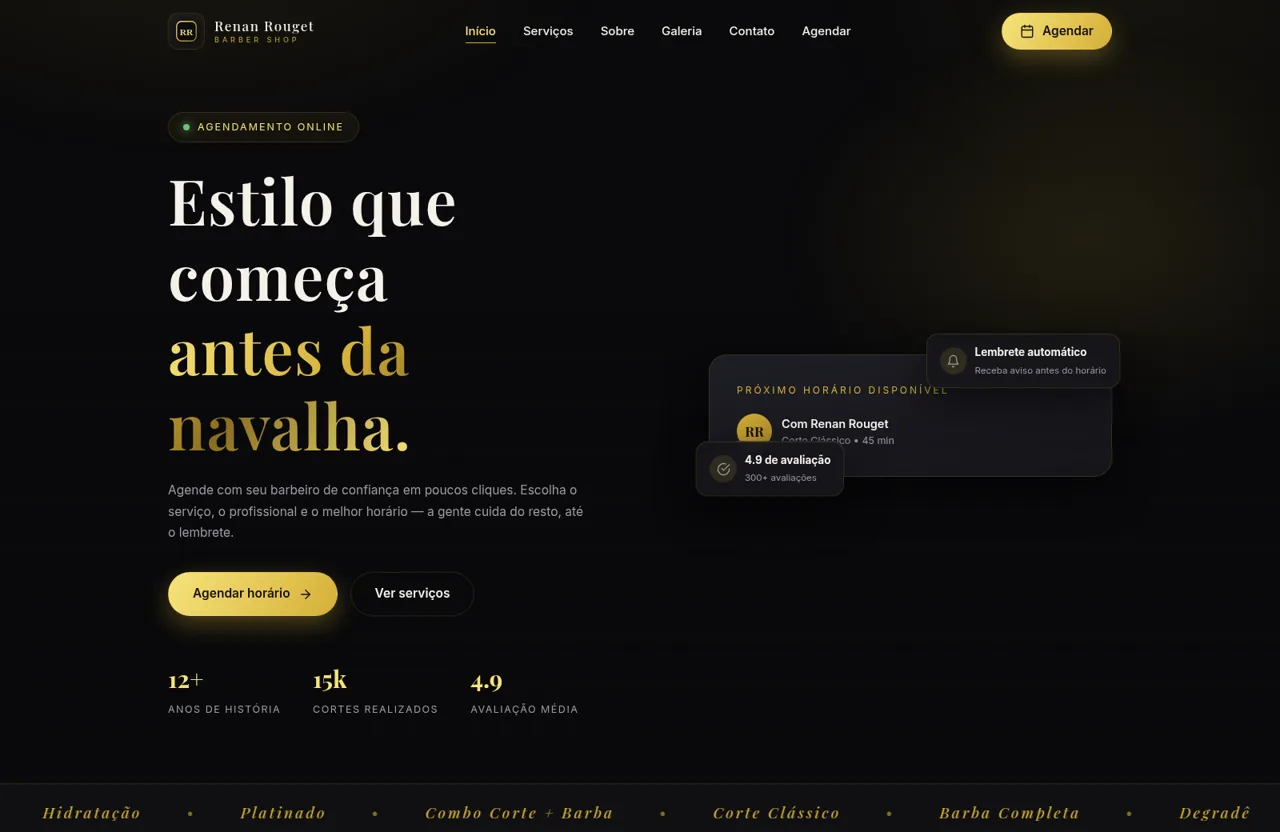
Explore a premium São Paulo barbershop and reserve a service, professional, date, and time online.
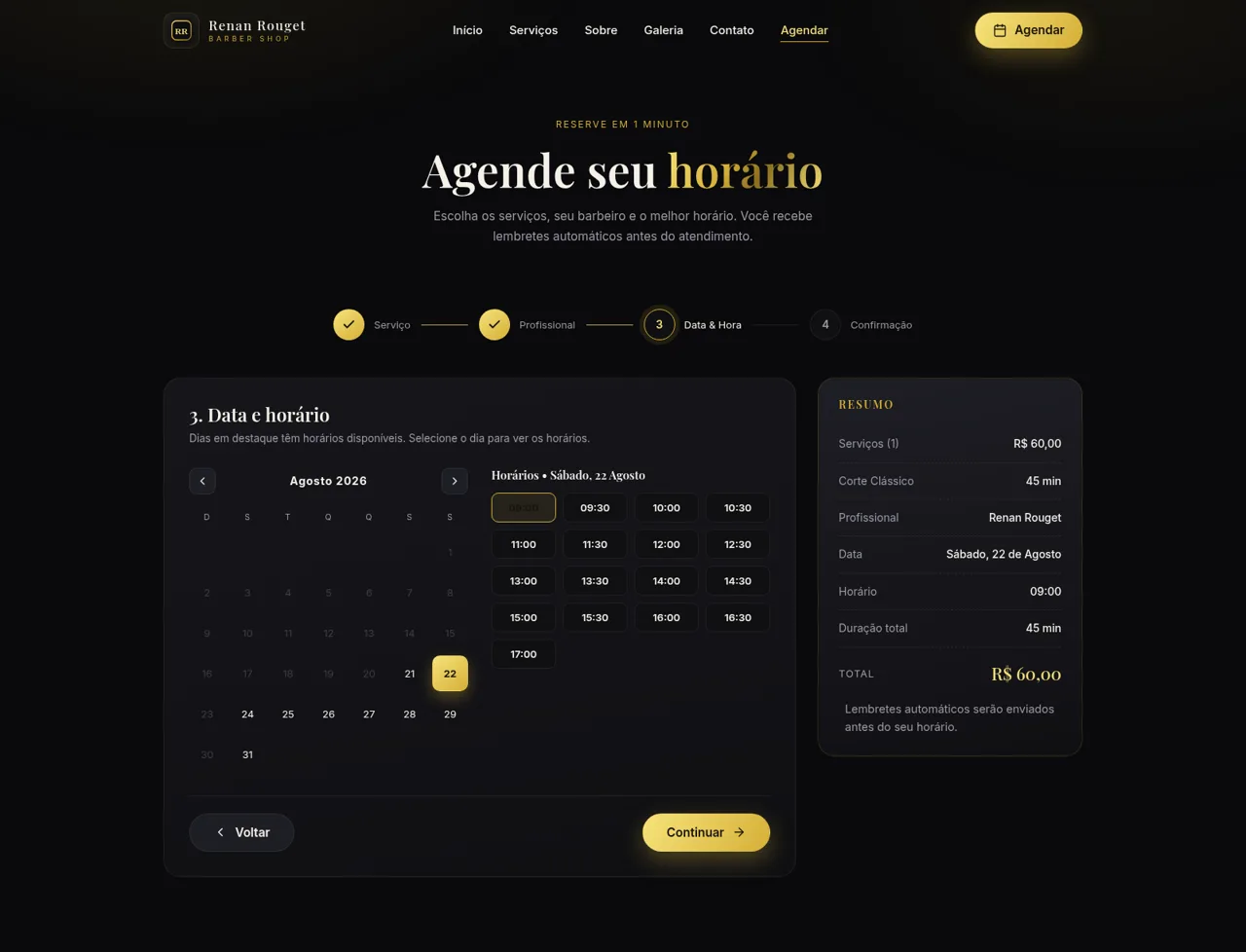
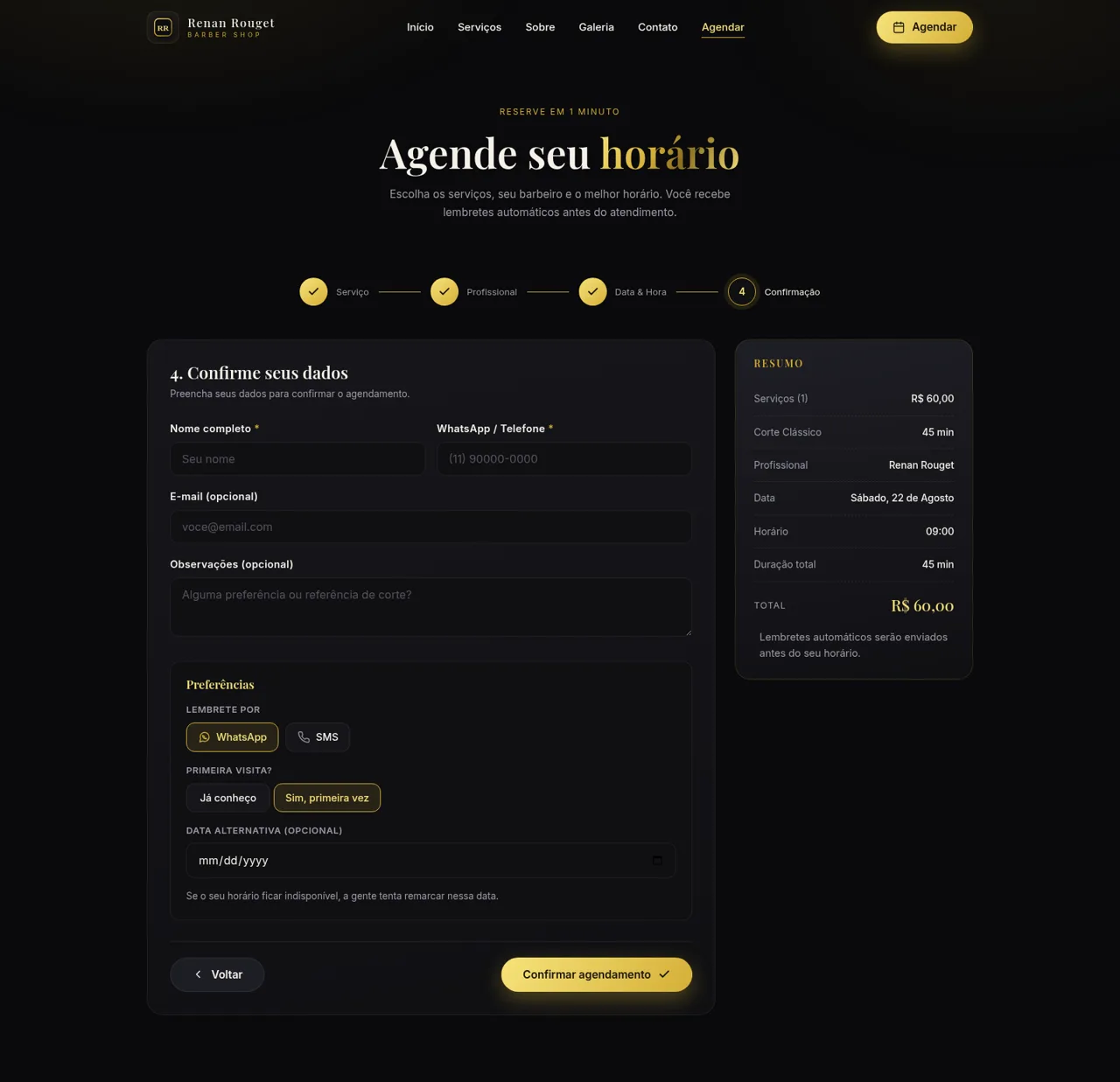
Renan Rouget Barber is a Portuguese-language business website and appointment tool for a premium barbershop in São Paulo. The homepage explains the shop's services, prices, durations, history, team, customer feedback, gallery, frequently asked questions, contact information, and opening hours. Its booking area turns that information into a guided four-step flow: customers select one or more grooming services, choose a preferred barber, pick an available calendar date and time, and enter contact details for confirmation and reminders. A live summary keeps the selected services, total duration, professional, date, time, and price visible throughout the process.
Highlights
Guided Booking
Four clear booking steps
Live Availability
Dates and times load online
Clear Pricing
Prices and durations shown
Service Range
Eight grooming options
Persistent Summary
Choices and total stay visible
How to Use
Review the shop and services
Start on the homepage to compare the listed haircut, beard, combo, eyebrow, coloring, hydration, and children's services. Each service shows a description, price, and expected duration, while the gallery, testimonials, FAQ, opening hours, and contact section provide additional context.
Select one or more services
Open the booking page and choose the service cards that match your visit. The booking summary updates with the selected items, combined duration, and total price, and the Continue button becomes available once a service is selected.
Choose a professional
Continue to the professional step and select Renan Rouget, Caio Moreira, or Diego Santana. The chosen barber appears in the summary before the flow advances to scheduling.
Pick a date and time
Use the monthly calendar to choose a highlighted available date. The page then displays appointment times for that day; selecting a slot adds both the date and time to the summary and enables the next step.
Enter confirmation details
On the final step, enter a full name and phone or WhatsApp number, with optional email, notes, reminder channel, first-visit preference, and alternative date. Review the complete appointment summary before using the confirmation button.
Similar Sites
 4
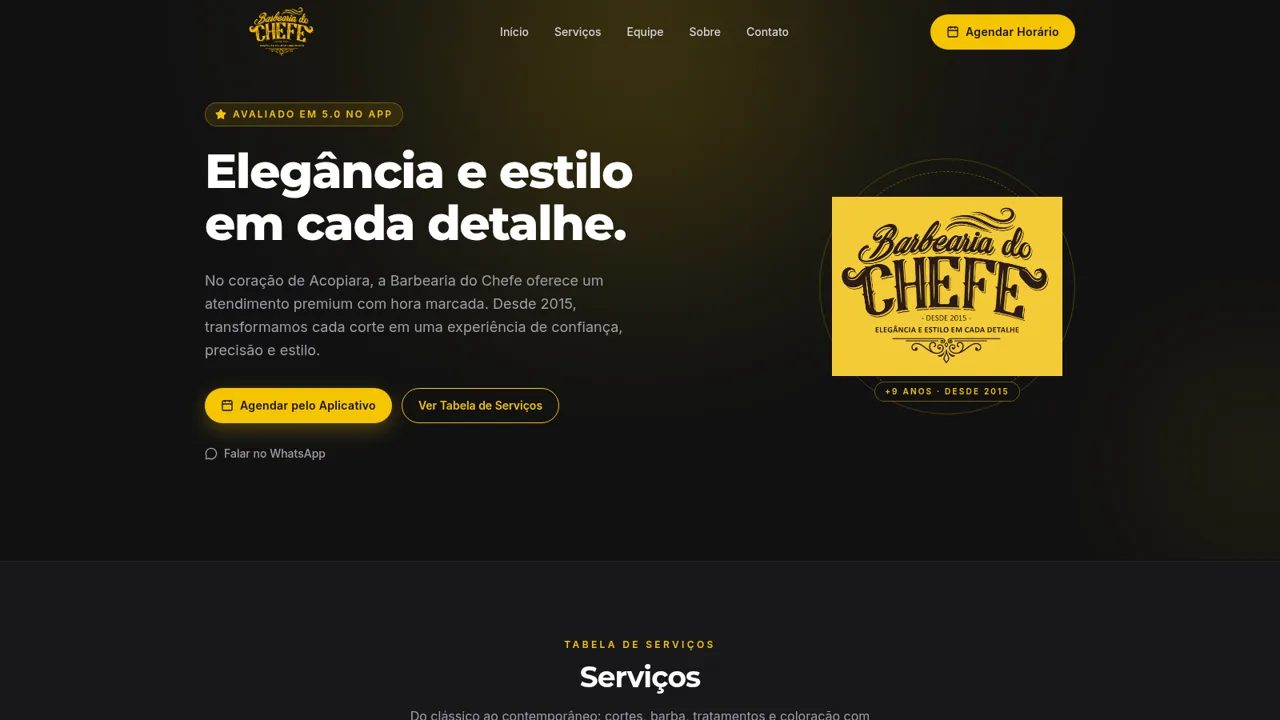
4Barbearia do Chefe
Barbearia tradicional em Acopiara - CE. Cortes, barba e tratamentos com hora marcada.
 5
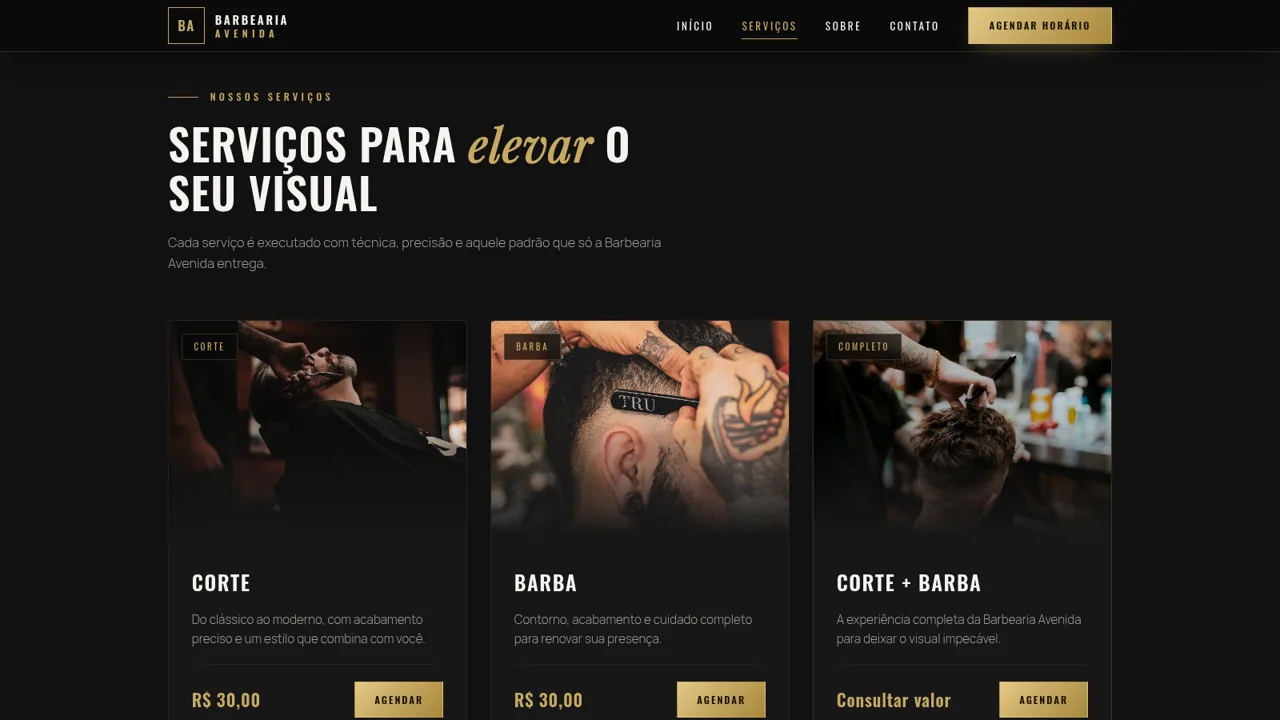
5Barbearia Avenida
Corte, barba e experiência premium em Fortaleza–CE. Agende pelo WhatsApp.
 2
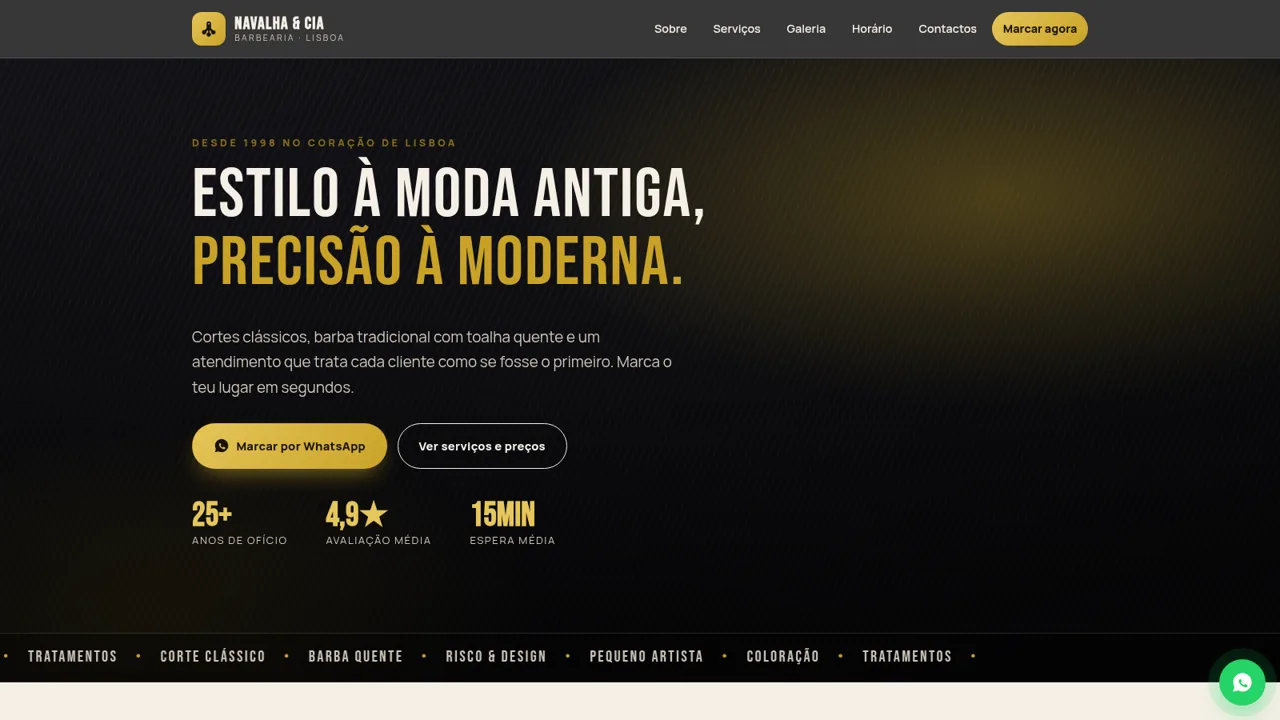
2Barbearia Navalha & Cia
Cortes clássicos, barba tradicional e marcação por WhatsApp em Lisboa.
 5
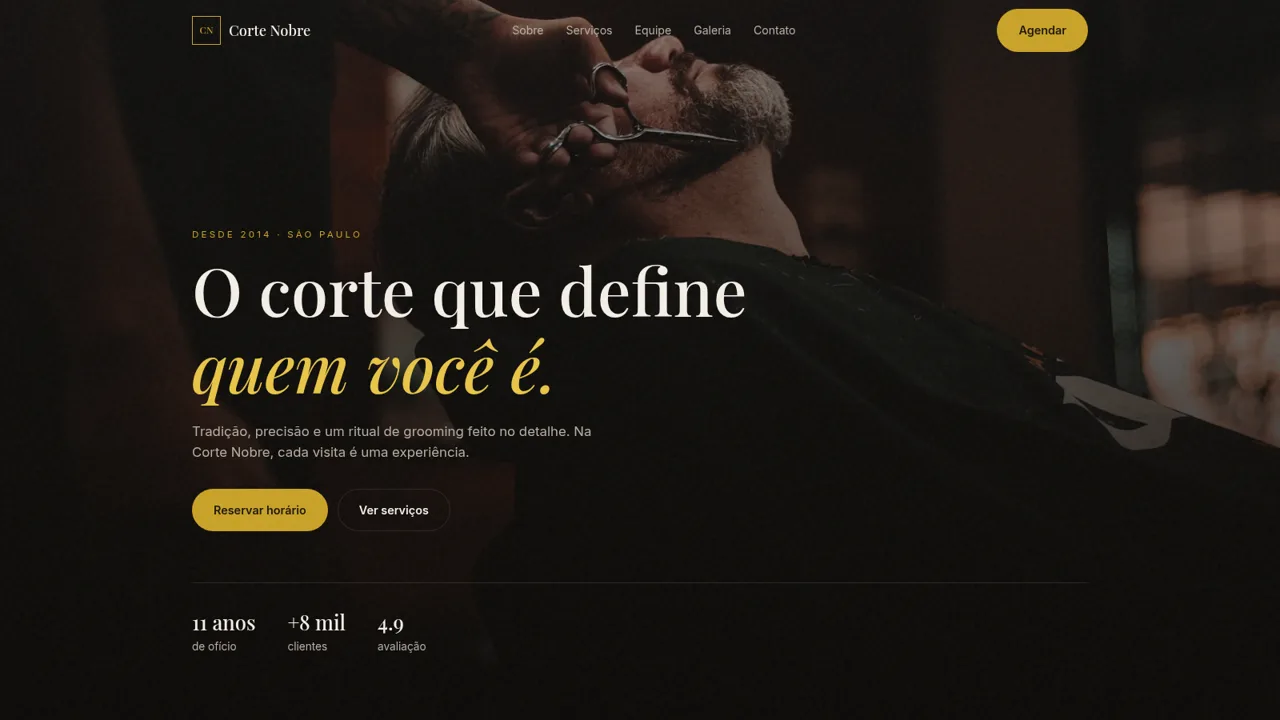
5Barbearia Corte Nobre
Barbearia em SP: cortes, barba e ritual de grooming. Agende seu horario.
 4
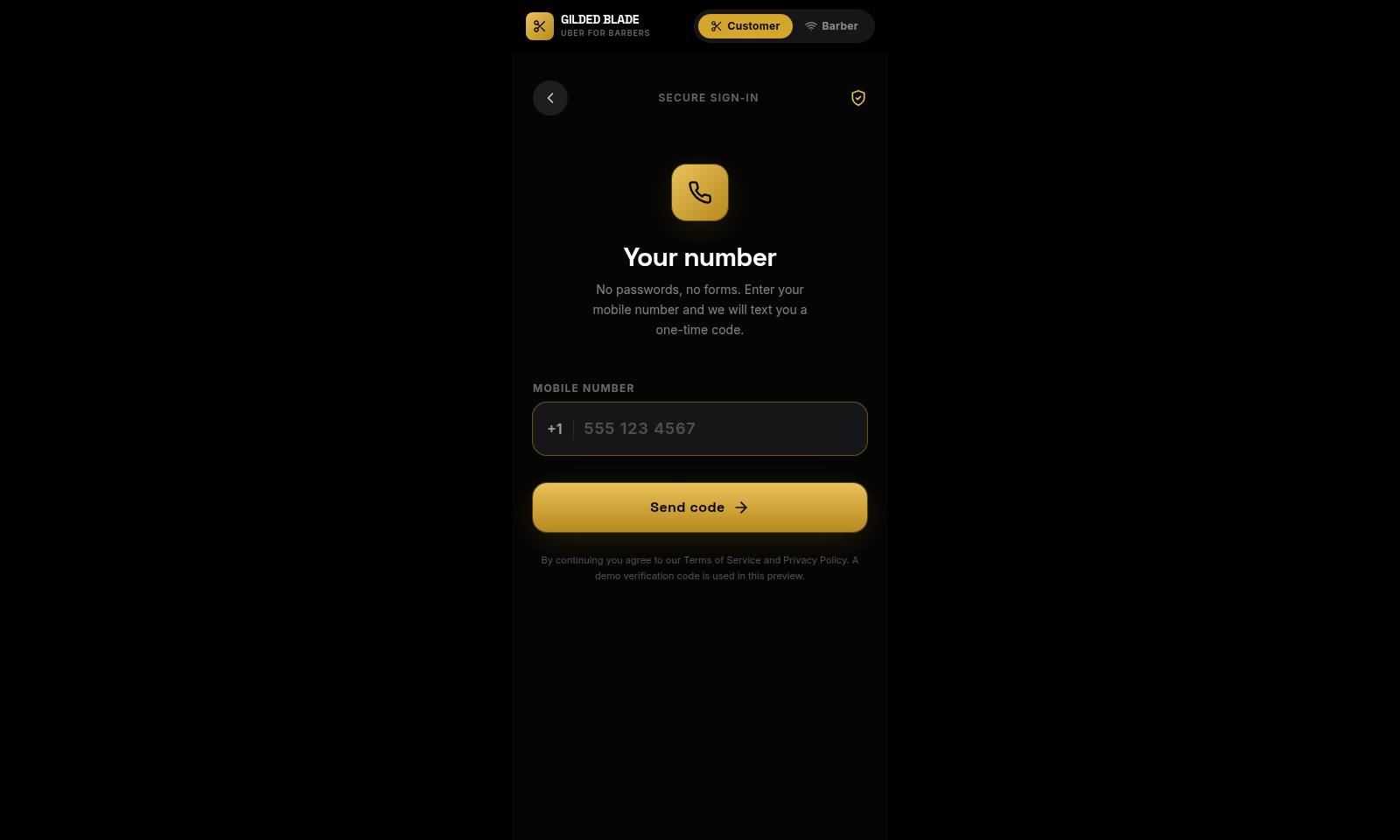
4Digital Barber
Premium on-demand barber booking. Haircuts, beards & spa at your door.
 3
3Sheared The Barbershop
Midtown Houston barbershop for scissor cuts, shaves, and classic grooming.