
NexusPulse News Terminal
A high-contrast news terminal for scanning global stories, market signals, and concise briefings from one dashboard.
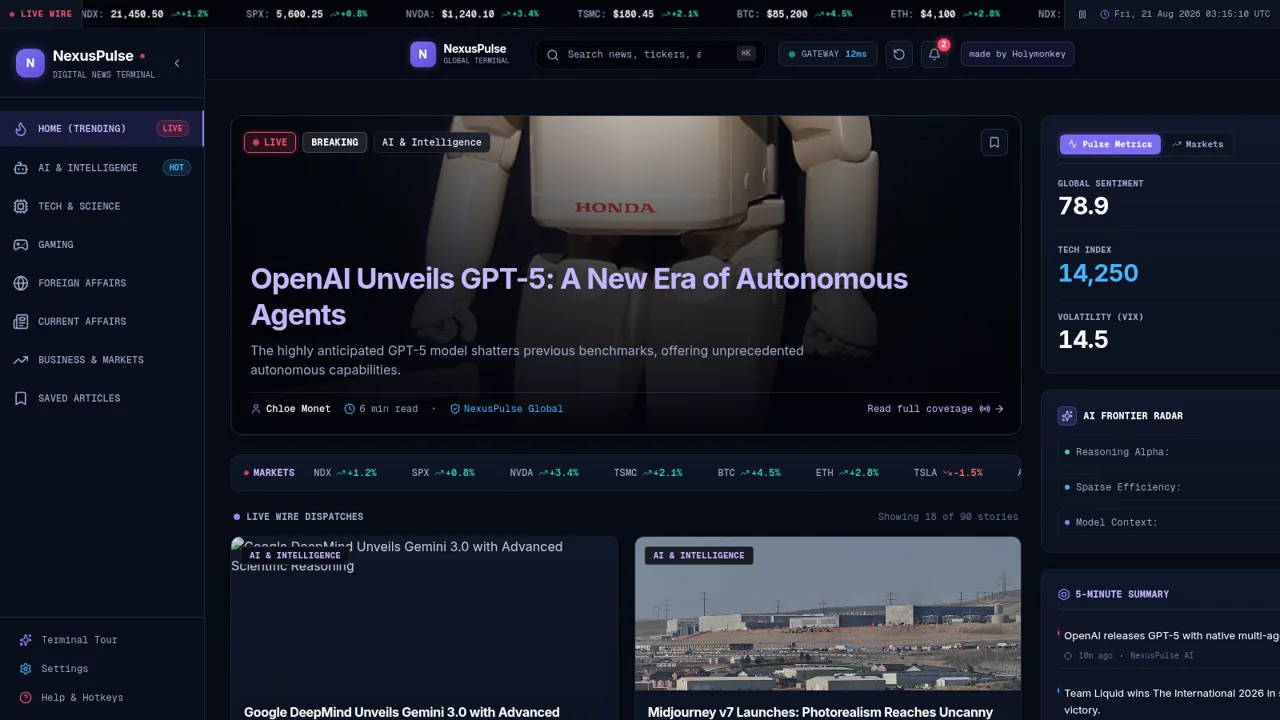
NexusPulse is a desktop-oriented digital news terminal that brings together a multi-category story feed and market context. The home view combines a scrolling ticker, a featured dispatch, story cards, global sentiment and volatility metrics, AI frontier indicators, and a ranked five-minute summary. Readers can switch among AI, technology, gaming, foreign affairs, current affairs, and business feeds, search stories by topic, open a detailed reader with executive takeaways, bookmark articles, and return to a dedicated saved collection. A guided terminal tour, settings panel, notifications, hotkey help, audio brief control, and dispatch-link action round out the interface.
Highlights
Multi-topic feeds
Seven focused news views
Market context
Tickers and pulse metrics
Focused reader
Summaries and key points
Saved collection
Bookmarks persist in-app
Rapid briefing
Impact-ranked quick updates
How to Use
Scan the home terminal
Start on Home Trending to review the featured dispatch, market strip, visible story cards, pulse metrics, AI indicators, and the ranked five-minute summary. The page shows the current visible story count so you can understand the scope of the active feed.
Choose a topic or search
Use the left sidebar to select AI, technology, gaming, foreign affairs, current affairs, or business and markets. The feed updates with a filter label and revised story count. Enter a company, ticker, author, or topic in the top search field to narrow the active collection further.
Read a dispatch
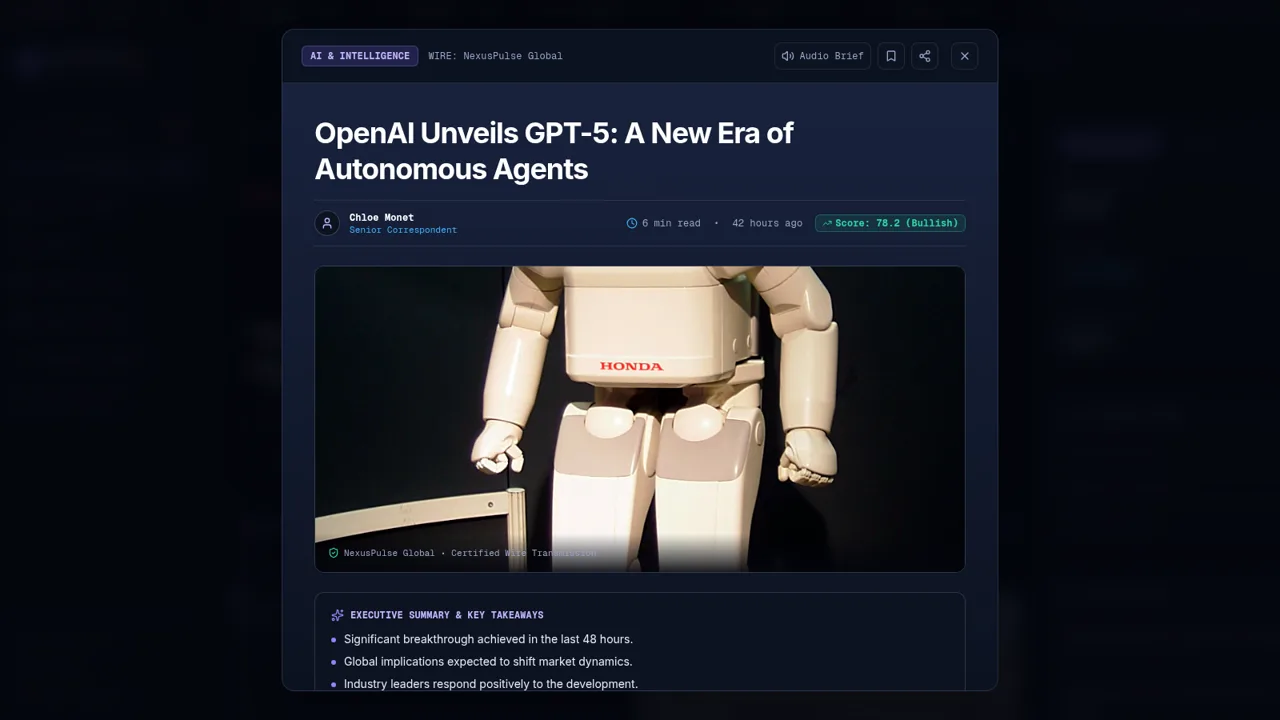
Select a featured story or story card to open the reader overlay. Review its source, timestamp, executive summary, key takeaways, article text, and index tags, then close the reader to return to the same dashboard context.
Save stories for later
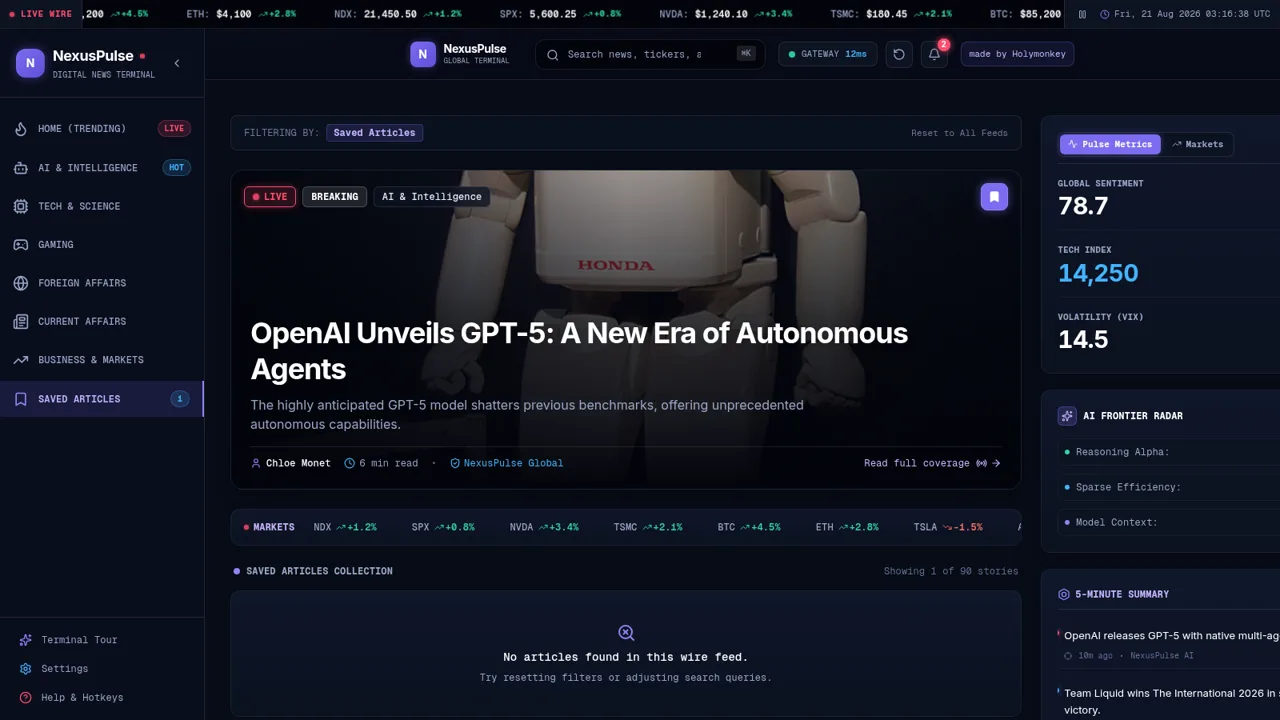
Press the bookmark control on a card or inside the reader. The Saved Articles entry displays the updated count, and opening it shows the stored collection. Use the remove control when an item is no longer needed.
Adjust the terminal
Open Terminal Tour for a guided introduction, Settings to adjust available preferences, or Help and Hotkeys to review keyboard access. The ticker can also be paused from its control at the top of the page.
Similar Sites
 9
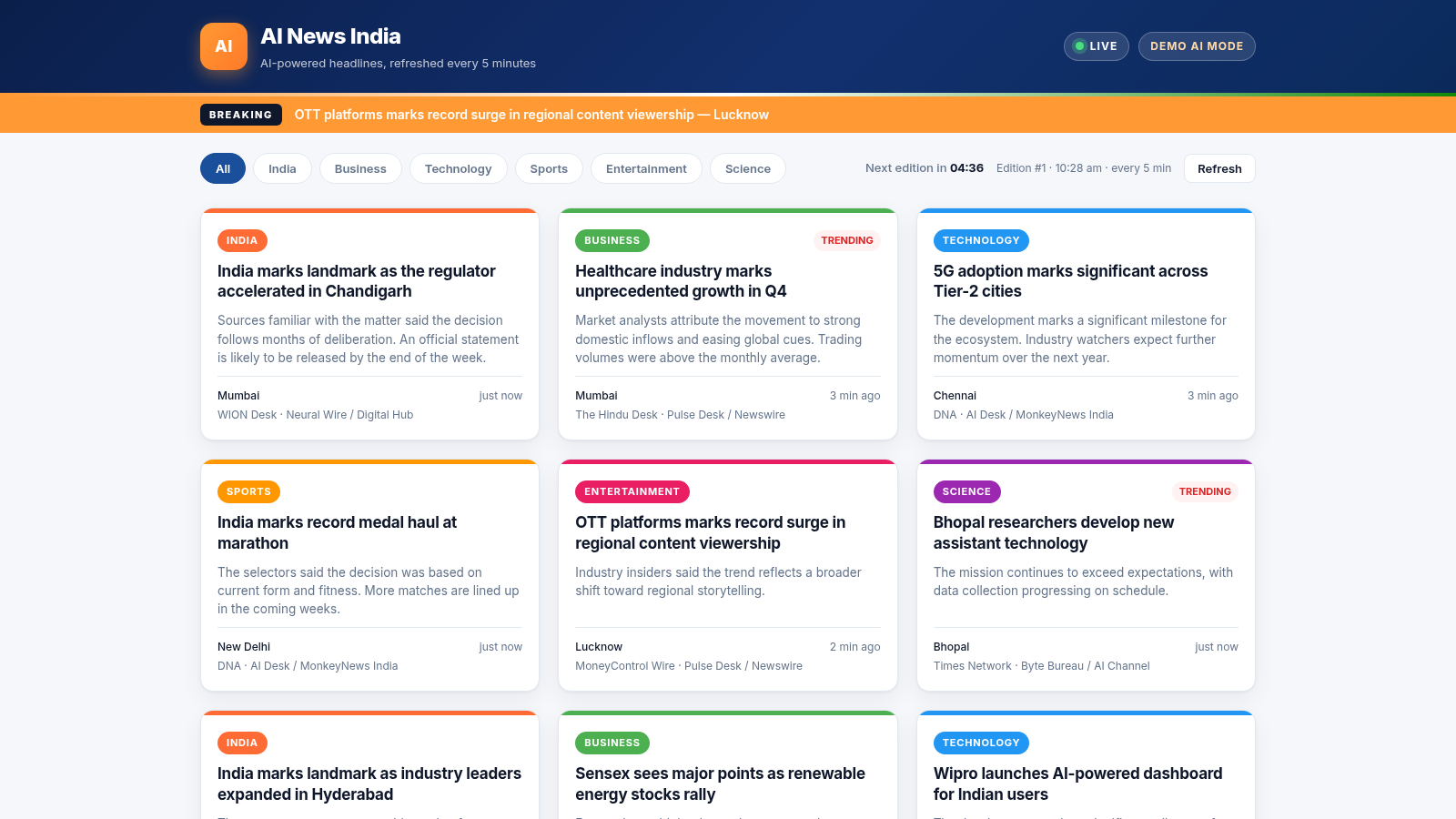
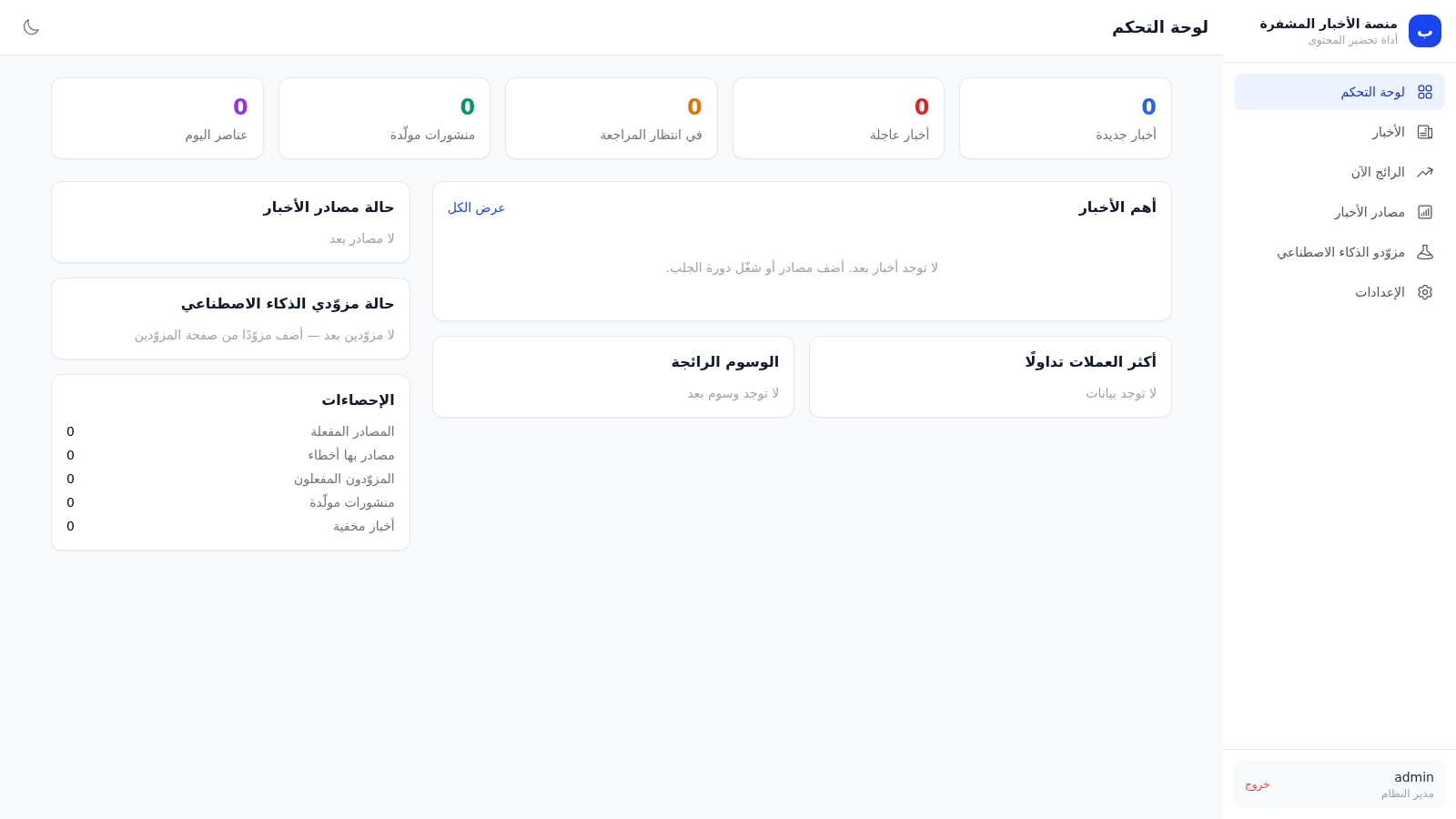
9AI News India
AI-powered news generator for India — fresh headlines every 5 minutes
 1
1Crypto News Platform
Personal crypto news monitoring with AI analysis and X post preparation
 51
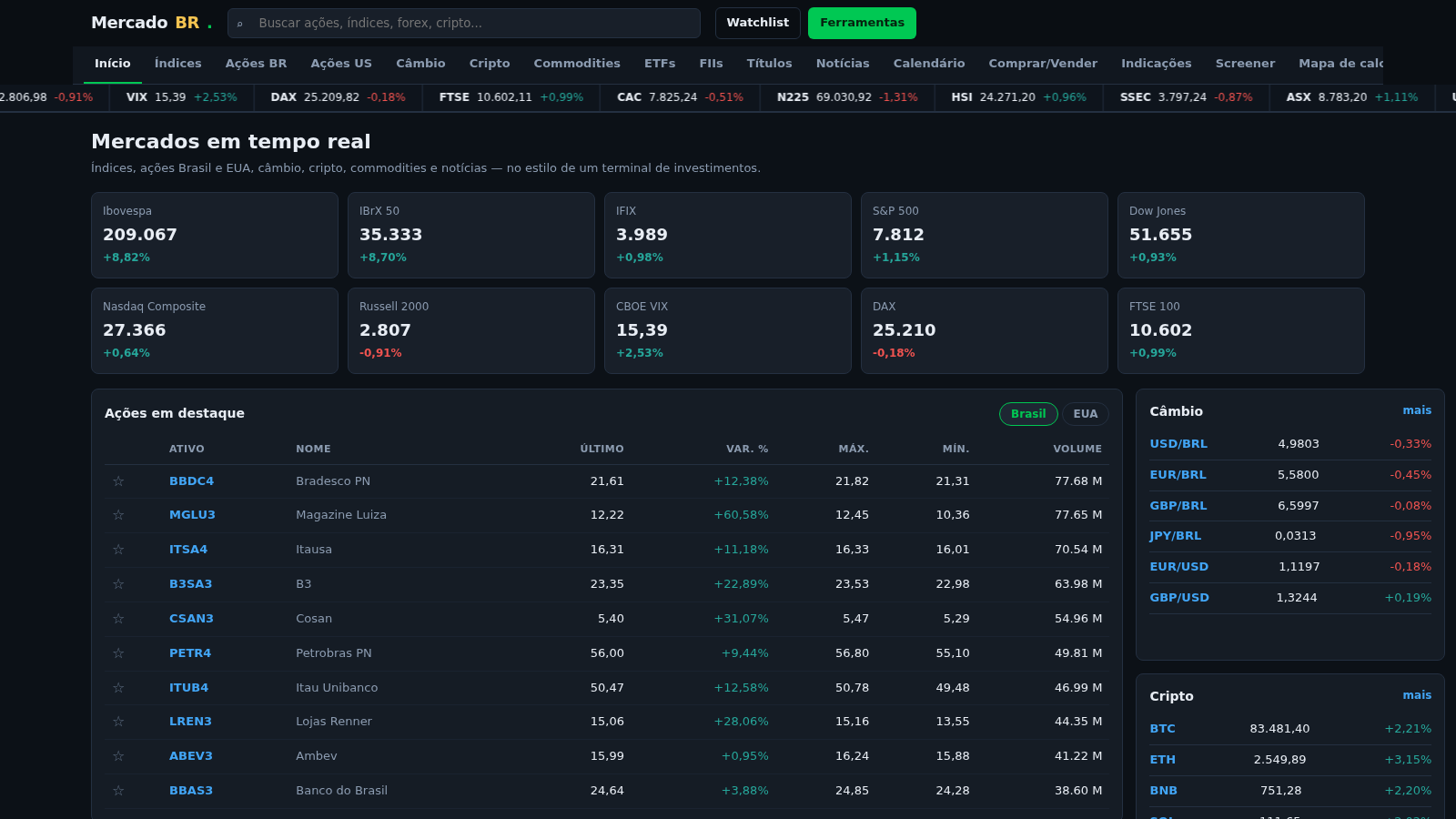
51domorroproasfaltobolsadevalores
Portal de cotações B3/EUA com sinais IFR, P/L e P/VPA
 22
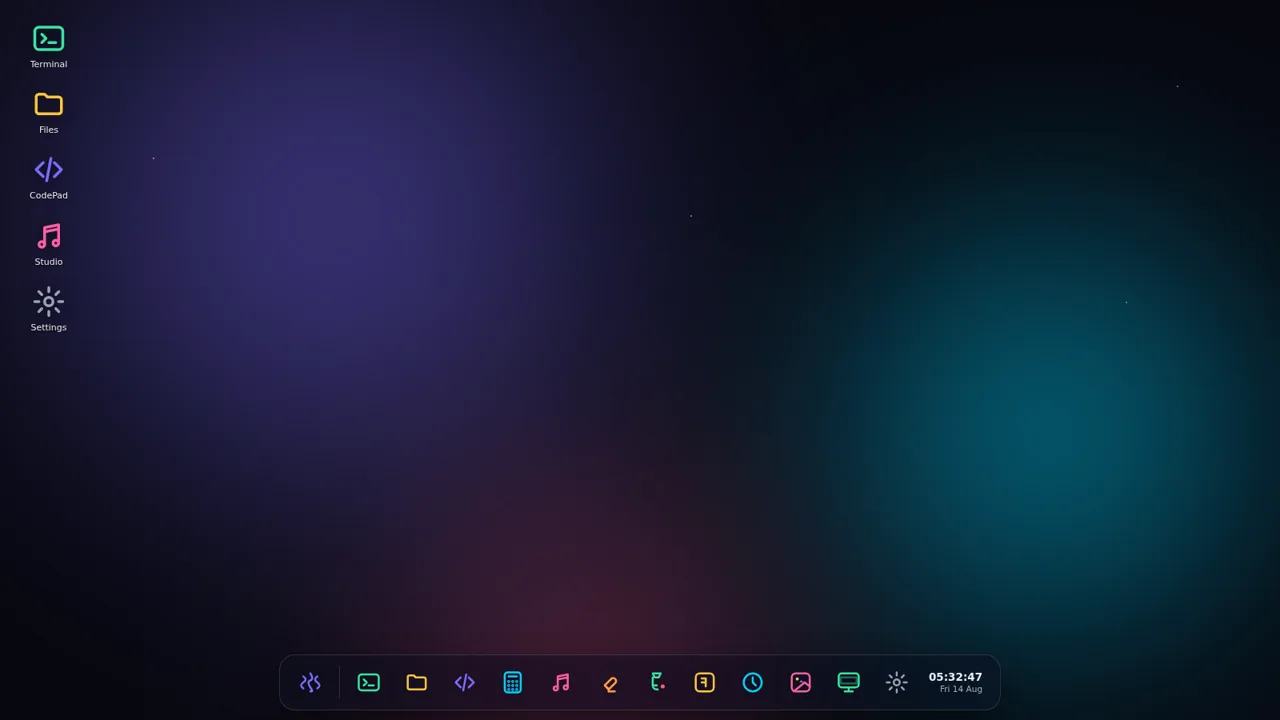
22AuroraOS
A desktop OS inside a single HTML file - apps, terminal, games, music
 14
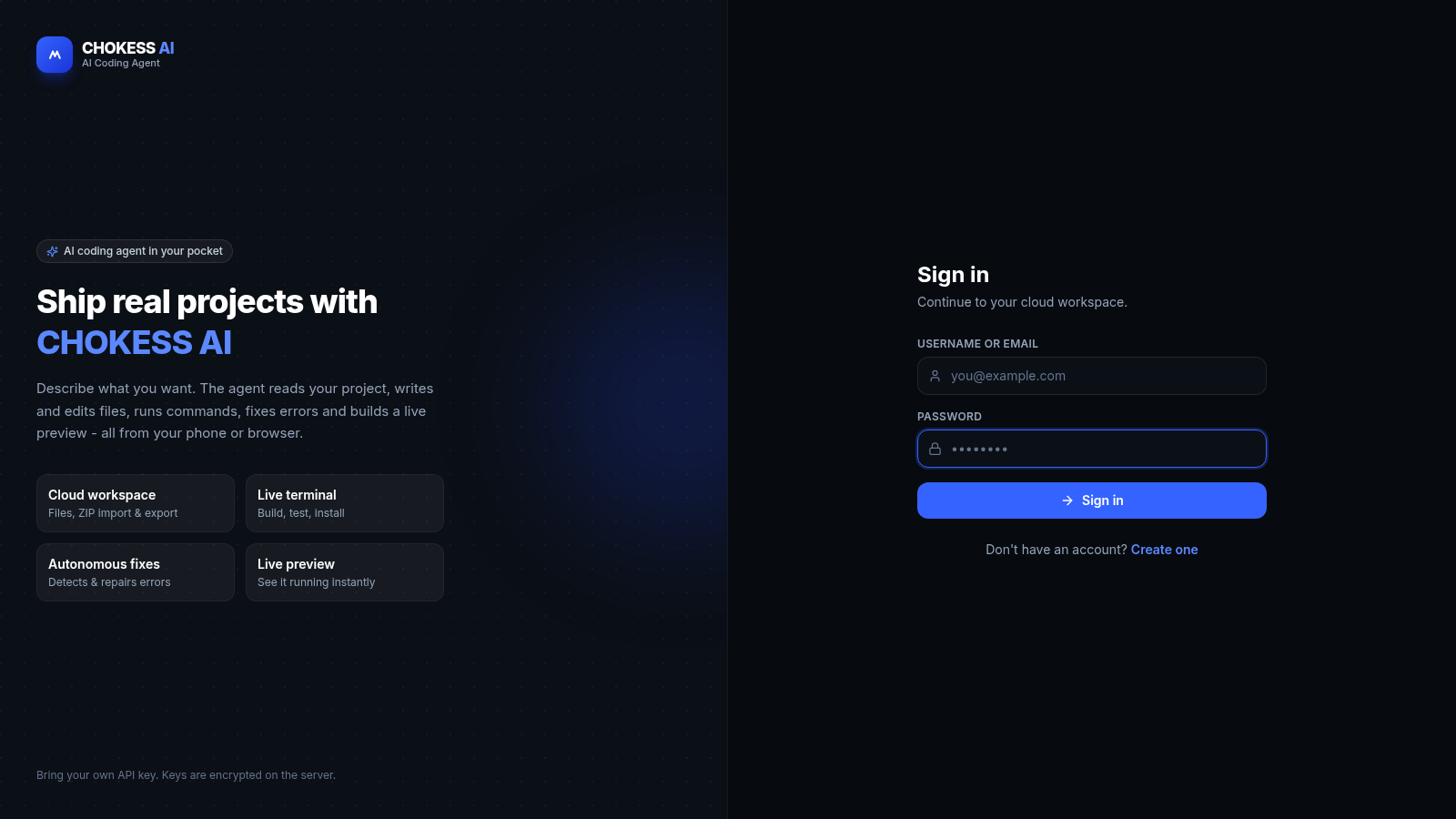
14CHOKESS AI
Browser-based AI coding agent with cloud workspace, terminal and live preview
 6
6GTA VI Spoiler Hub
A spoiler hub for GTA VI news, updates, and theories