
NetSolucions
A polished Portuguese-language digital banking demo with Pix, cards and statements
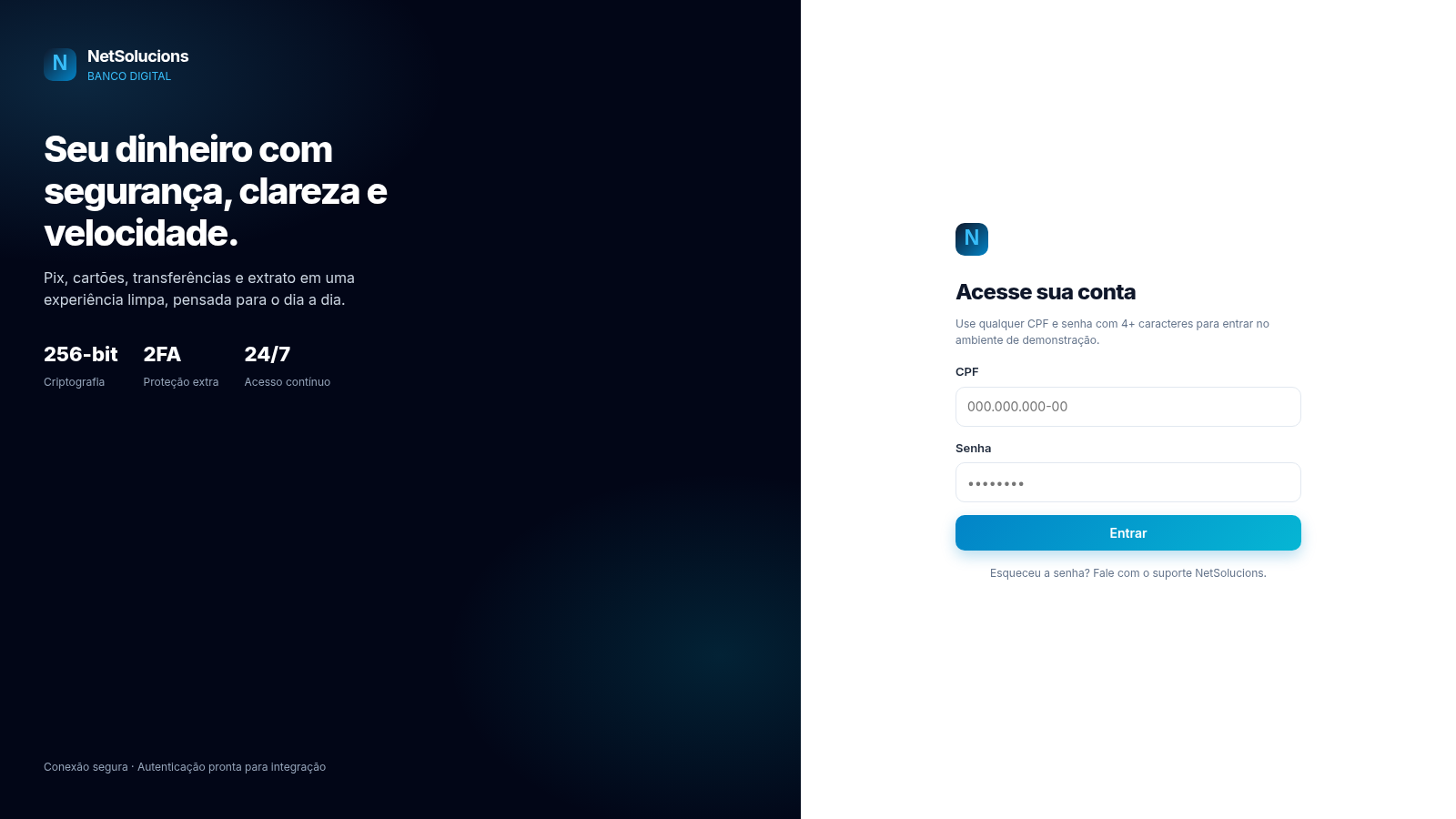
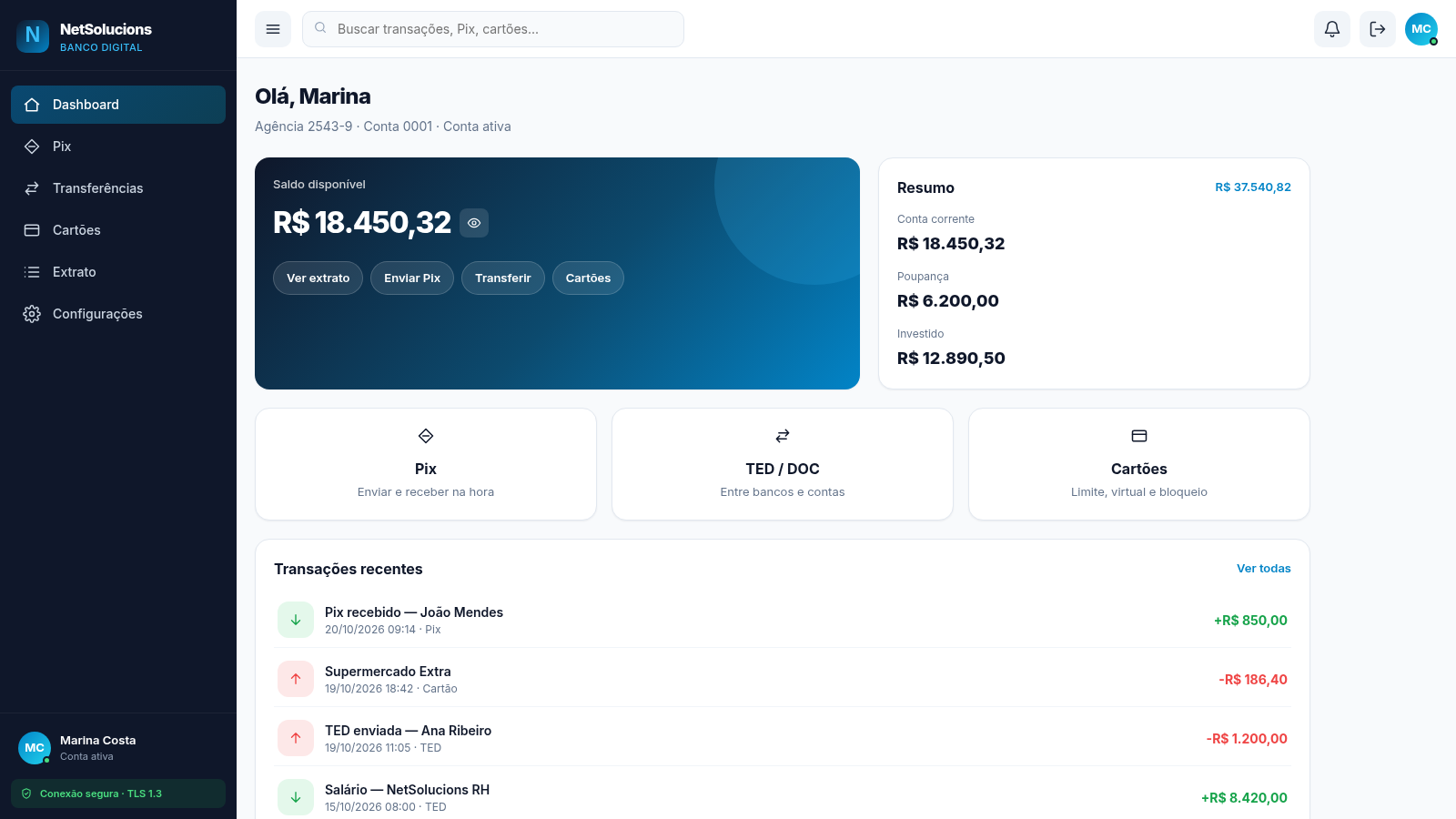
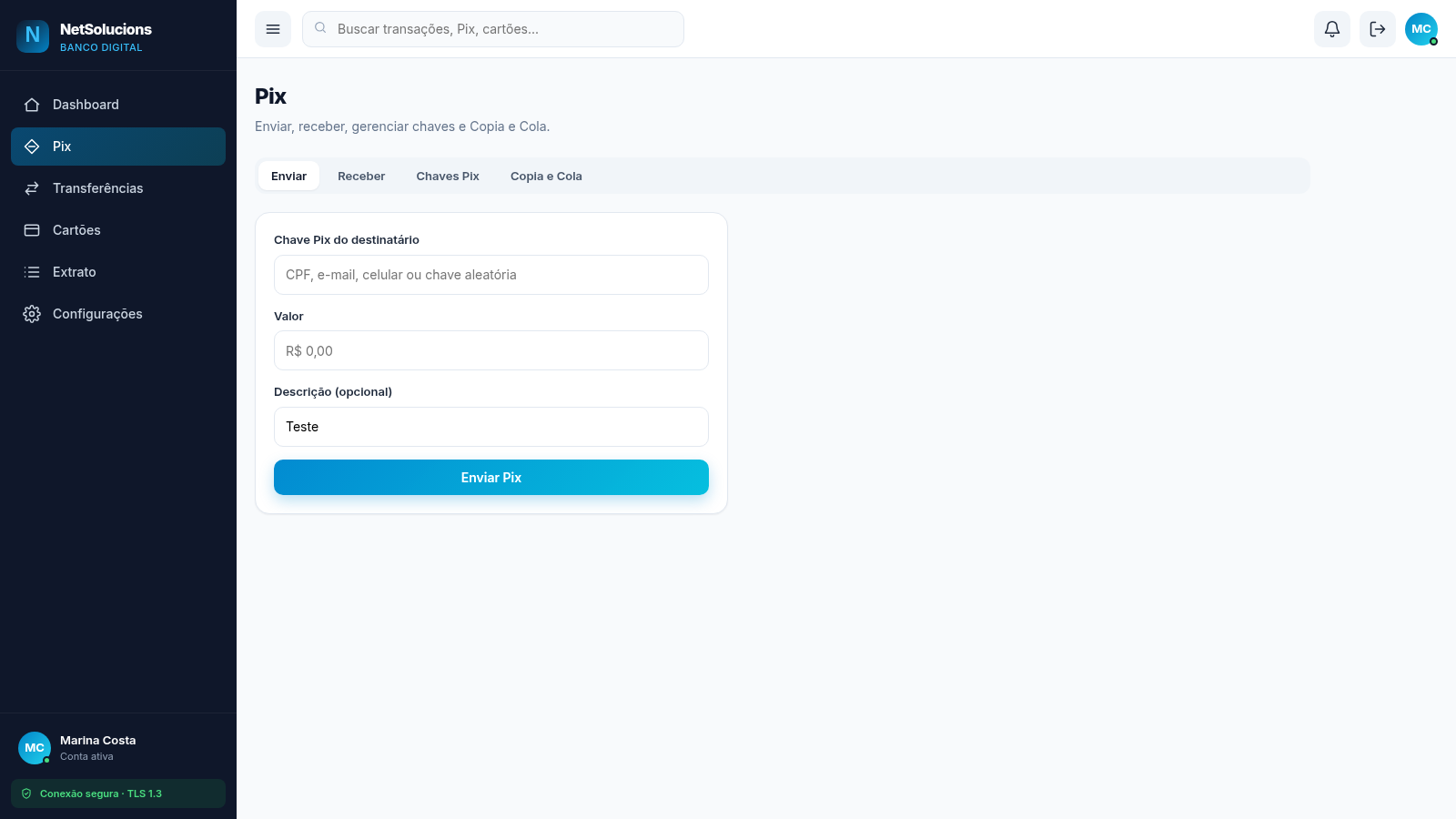
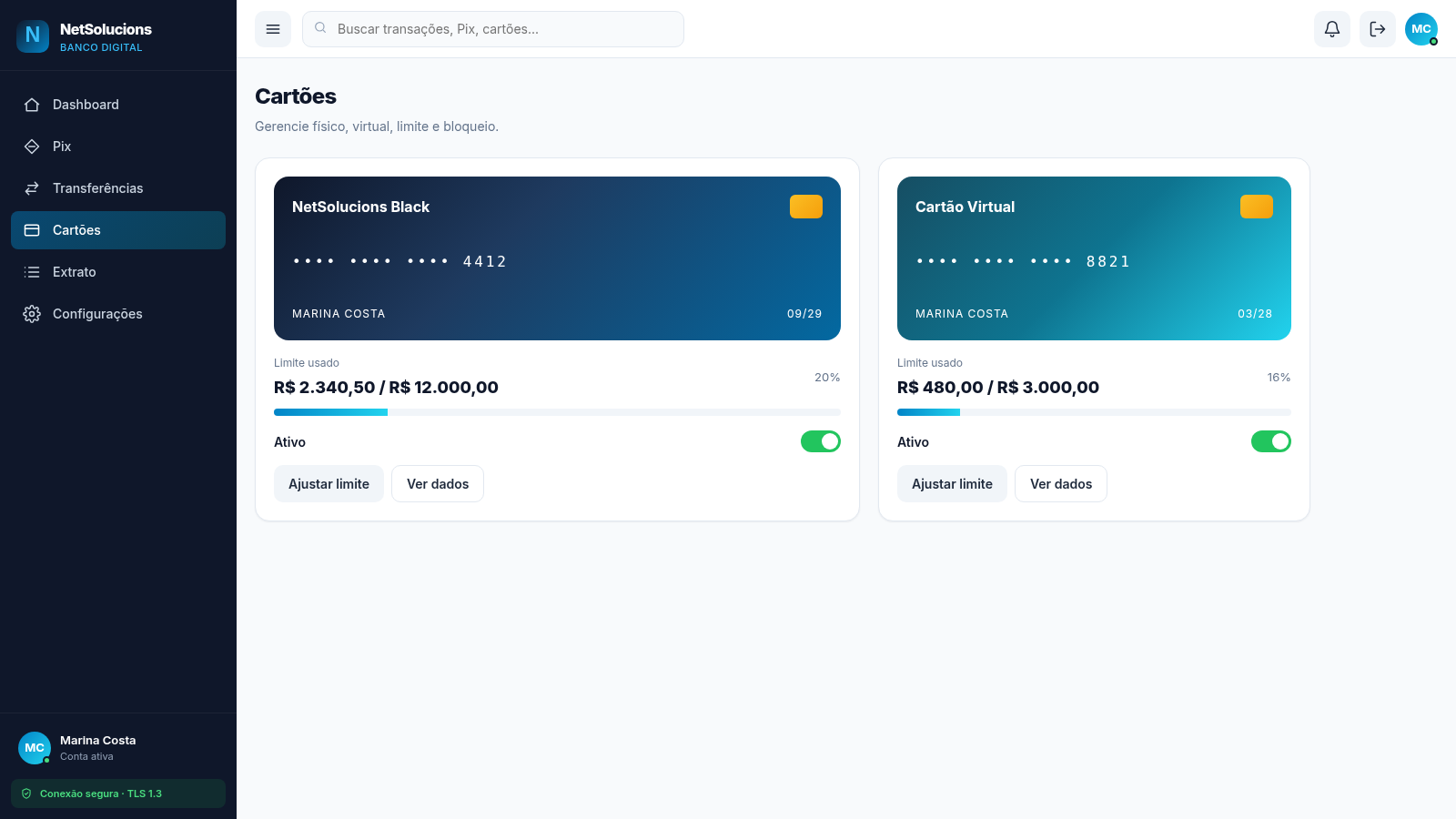
NetSolucions is a browser-based digital banking interface presented entirely in Portuguese. A split login screen introduces the product and lets visitors enter the demo with any CPF and a password of four or more characters. After signing in, a fixed sidebar opens six areas: dashboard, Pix, transfers, cards, statement and settings. The dashboard shows a fictional customer named Marina Costa, a balance of R$ 18.450,32, a summary of checking, savings and investment amounts, quick actions and six recent transactions. Pix is organised into send, receive, keys and copy-and-paste tabs. The transfer page covers TED, DOC and internal transfers. The cards page displays a NetSolucions Black card and a virtual card with usage bars, limits and active toggles. The statement lists ten entries with search, direction and category filters, while settings groups profile fields, security switches, password change and active sessions. All data is demo content for interface presentation.
Highlights
Balance dashboard
Hide or show balance
Pix panel
Four Pix tabs
Card controls
Limits and toggles
Filtered statement
Ten demo entries
Demo login
Any CPF, 4+ chars
Settings panel
Security, sessions
How to Use
Open the demo account
Landing on the split login screen, enter any CPF in the tax ID field and any password with at least four characters, then press Entrar. The page explains this rule above the form, so no registration or real credentials are needed. A successful login opens the dashboard and the session remains active if the page is reloaded.
Read the dashboard
The dashboard opens with the customer name, agency and account number. The large blue card shows the available balance and includes an eye button that hides or reveals the amount. Quick links below it lead to the statement, Pix, transfers and cards. The summary panel separates checking, savings and invested amounts, and the recent transactions list shows signed amounts with dates and payment types.
Explore Pix and transfers
Open Pix from the sidebar and switch between Enviar, Receber, Chaves Pix and Copia e Cola. Enviar provides a recipient key, amount and optional description; Receber offers a suggested amount and a QR code action; Chaves Pix lists saved CPF, email, phone and random keys. The transfers page switches between TED, DOC and transfers between NetSolucions accounts, with bank, branch, account, recipient name, tax ID and amount fields.
Review cards and statement
The cards page presents the physical Black card and the virtual card, each with its masked number, expiry, holder name, usage bar, percentage, active toggle and buttons for adjusting the limit or viewing details. The statement lists ten transactions and lets you search or filter by direction and category; choosing Entradas reduces the list to credit entries. Settings adds profile fields, two security switches, a password row and one active browser session.
Similar Sites
 17
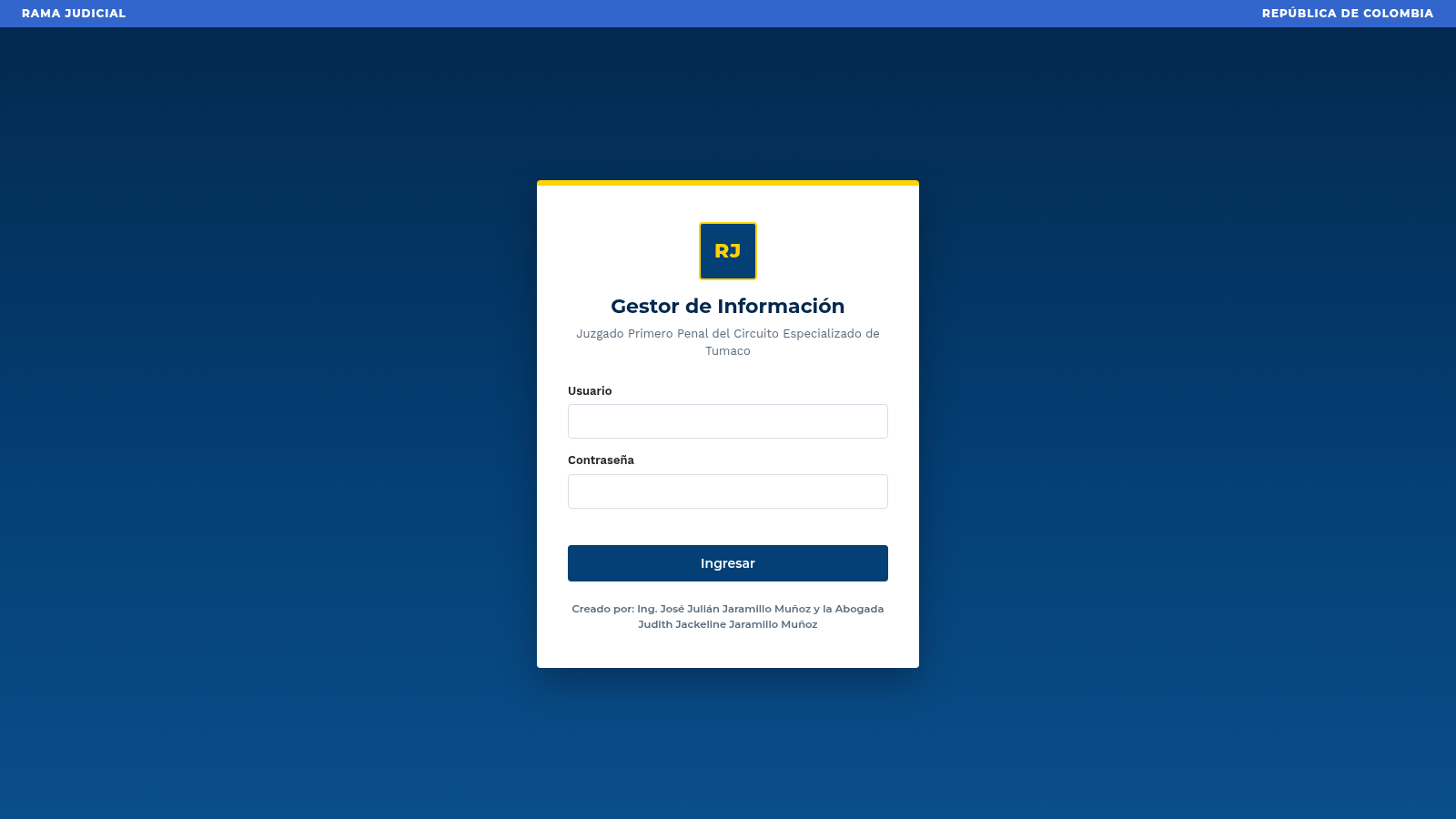
17Gestor Informacion Juzgado
Gestor judicial con login demo, token Bearer y APIs autenticadas.
 9
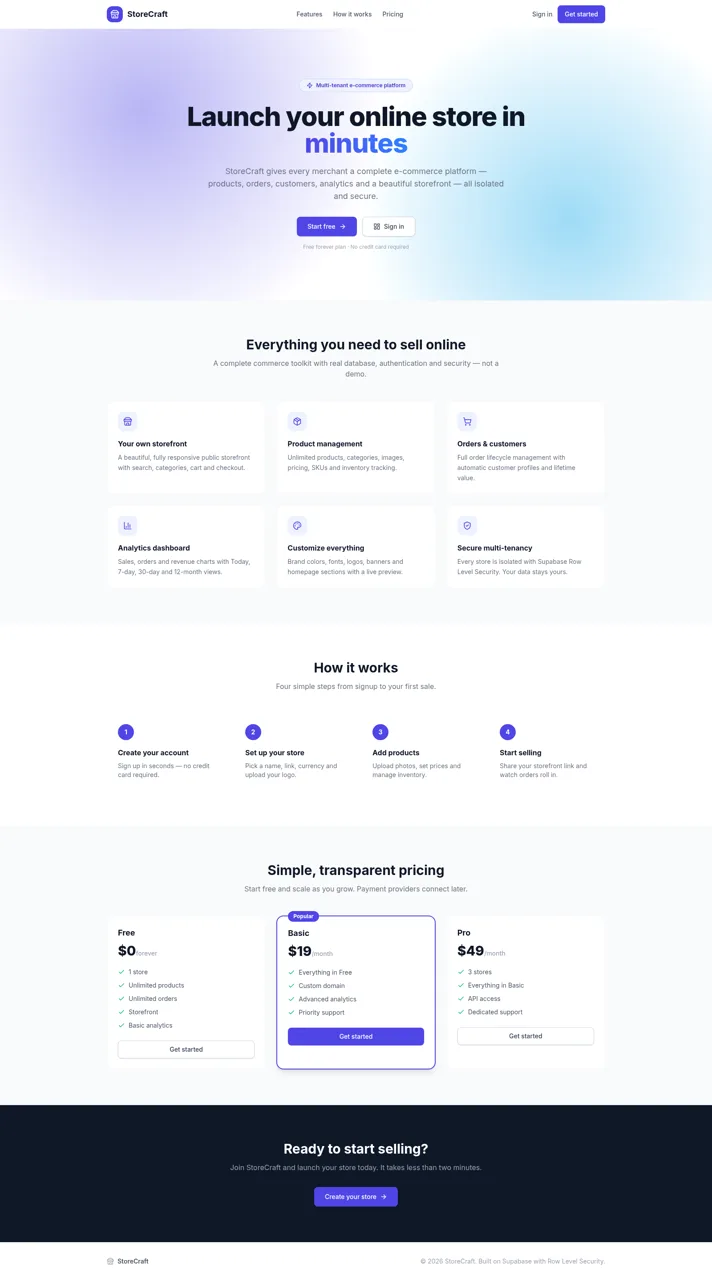
9StoreCraft — E-Commerce SaaS
Multi-tenant e-commerce SaaS platform - create and manage your own online stores
 5
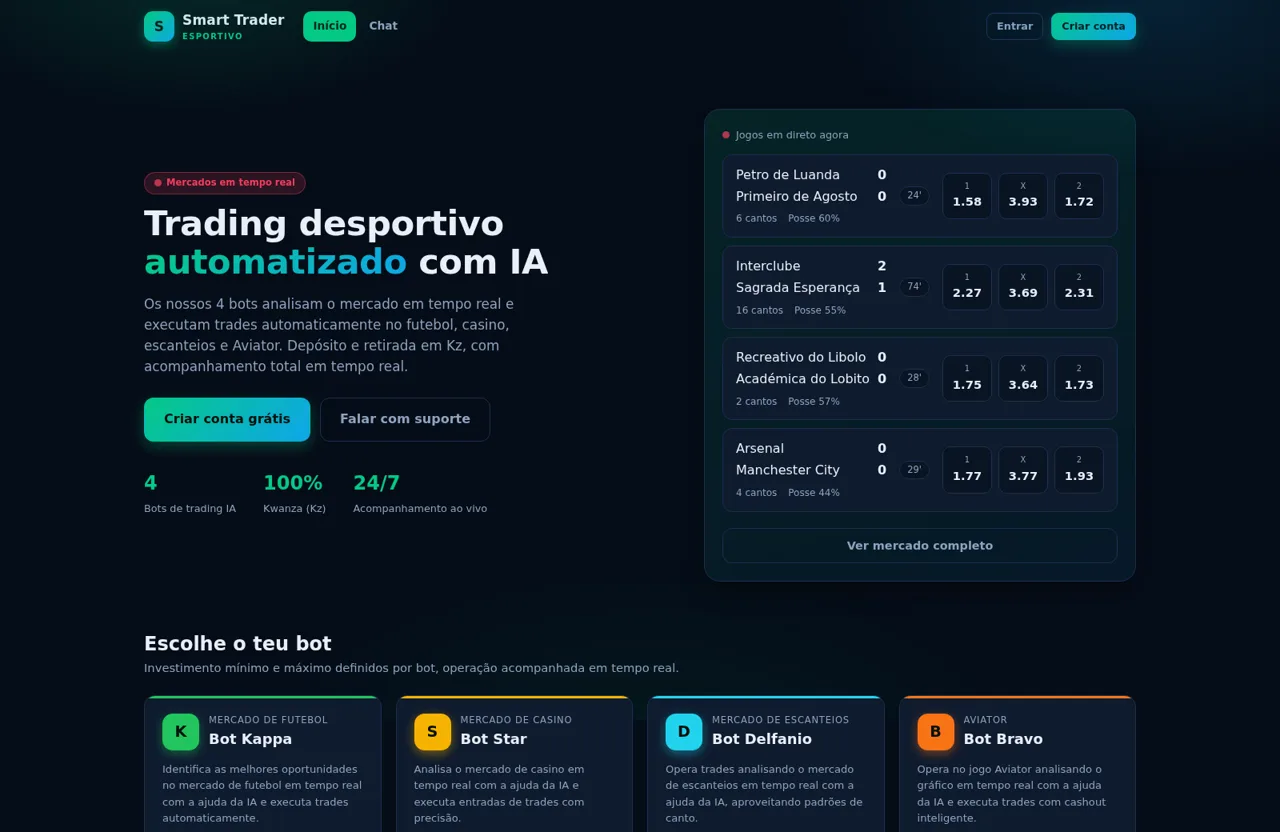
5Smart Trader Esportivo
Trading desportivo automatizado em Angola com bots de trading IA e depósito/retirada em Kz
 5
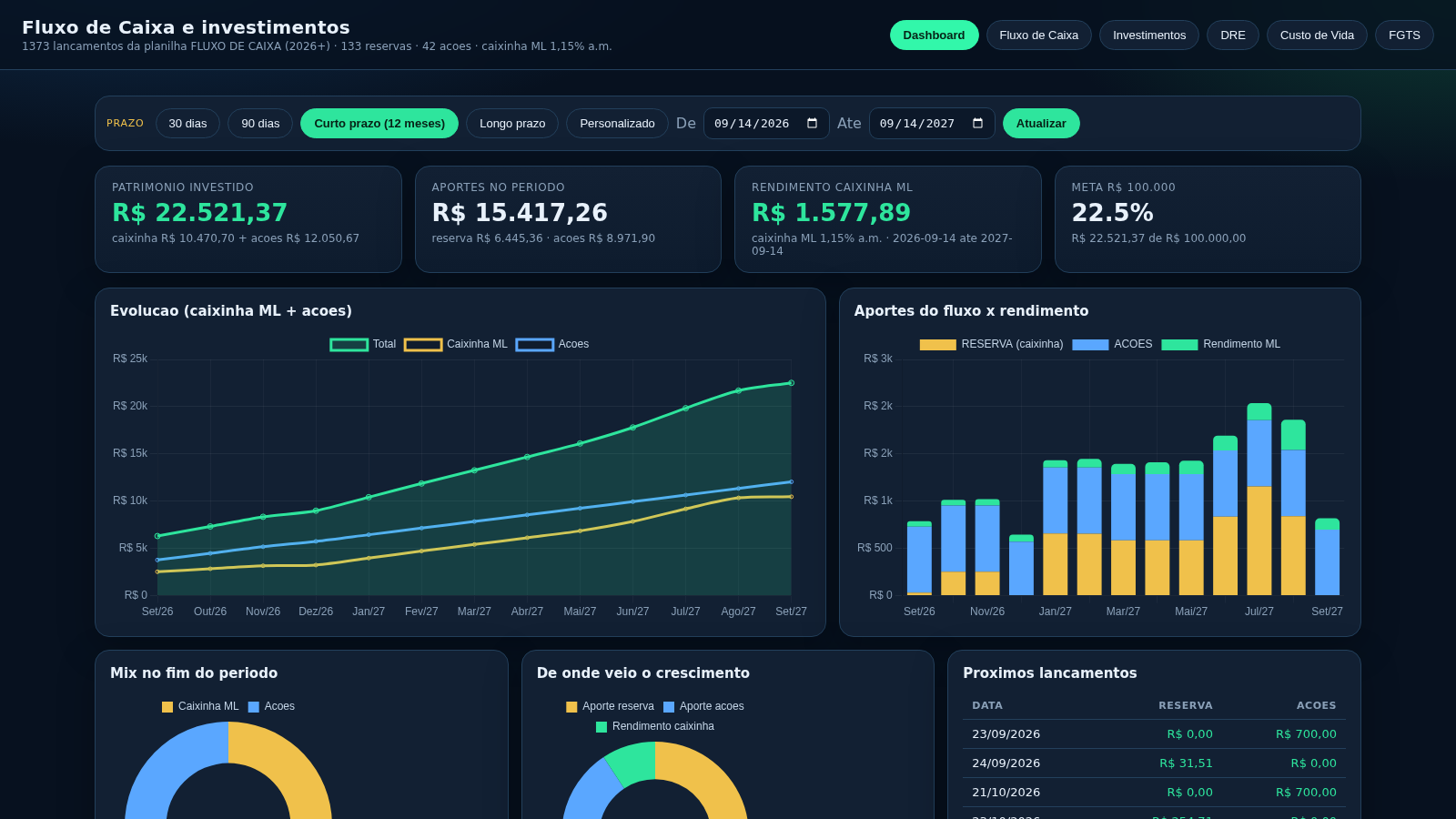
5hornescontas
Dashboard de fluxo de caixa, investimentos, DRE e projecao da caixinha ML
 417
417Smile Patisserie
Smile Patisserie menu: cakes, oriental, bakery, and WhatsApp cart
 492
492حاسبة رسوم الجمعية
حاسبة رسوم الجمعية لوكلاء Money Fellows — حساب القسط وصافي القبض شهر بشهر.