
AI 实验室静态示例

A static sample page that shows how to record a made-up AI experiment and publish it
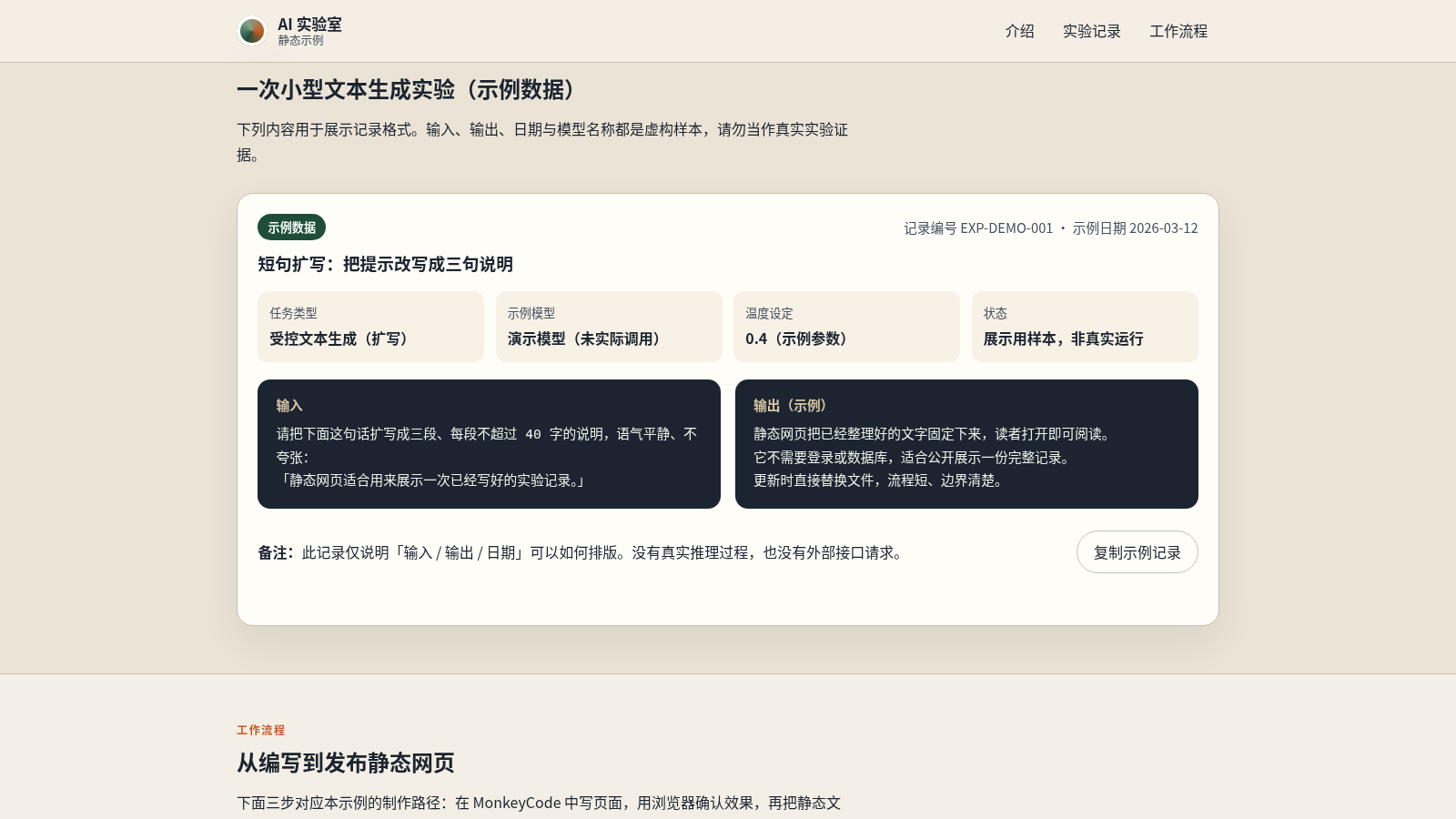
AI Lab Static Sample is a single-page static website. It is built only with HTML, CSS and JavaScript and sets out to show two things: how one AI text-generation experiment can be written up as a clear, readable record, and how a static page moves from writing to browser preview to publication. The page opens with a hero and a fact card listing its form, technology, data and services, then a project introduction with three cards about readability, accessibility and publishability. Next comes a sample experiment record with a task type, an example model, a temperature setting, a status, an input prompt and a sample output, followed by a three-step workflow. Every input, output, date and model name is labelled as fictional sample data; the site has no backend, login, database or model service.
Highlights
Offline static page
No backend or login
Sample record
Marked as fictional
Three-step workflow
Write, test, publish
Readable layout
Clear typography
How to Use
Open the sample page
Load the site in any browser; the single page works without a backend. The top area states the purpose of the demo and a side card summarises the sample's form (single static site), technology (HTML / CSS / JS), data (local fictional sample) and services (no login, no database).
Read the sample record
Scroll down or use the 实验记录 navigation link. The record card shows a task type (controlled text generation, expansion), an example model marked as not actually called, a temperature setting of 0.4 and a status of display sample, then an input prompt and a sample output side by side in dark panels.
Copy the sample text
In the record card, select 复制示例记录. The button label changes to 已复制示例文本 and a status line confirms the sample text was copied to the clipboard, then both revert after a few seconds. If the browser blocks clipboard access, the status asks you to select the text manually.
Review the workflow
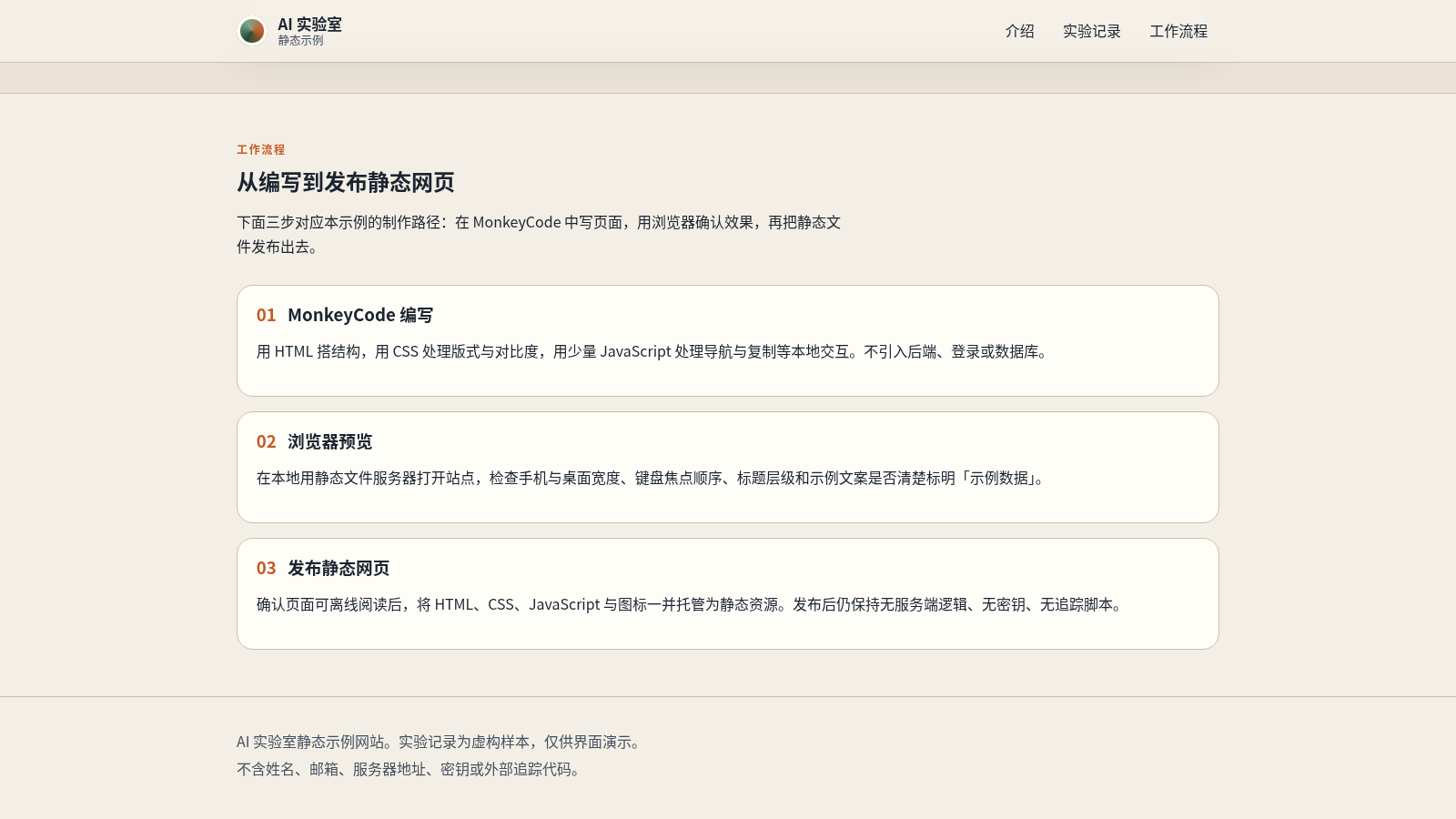
Jump to 工作流程 to read three numbered cards: writing the page in MonkeyCode with HTML, CSS and a little JavaScript; previewing it in a local static server while checking widths, focus order and heading levels; and publishing the HTML, CSS, JavaScript and icons as static files with no server logic or tracking scripts.
Similar Sites
 69
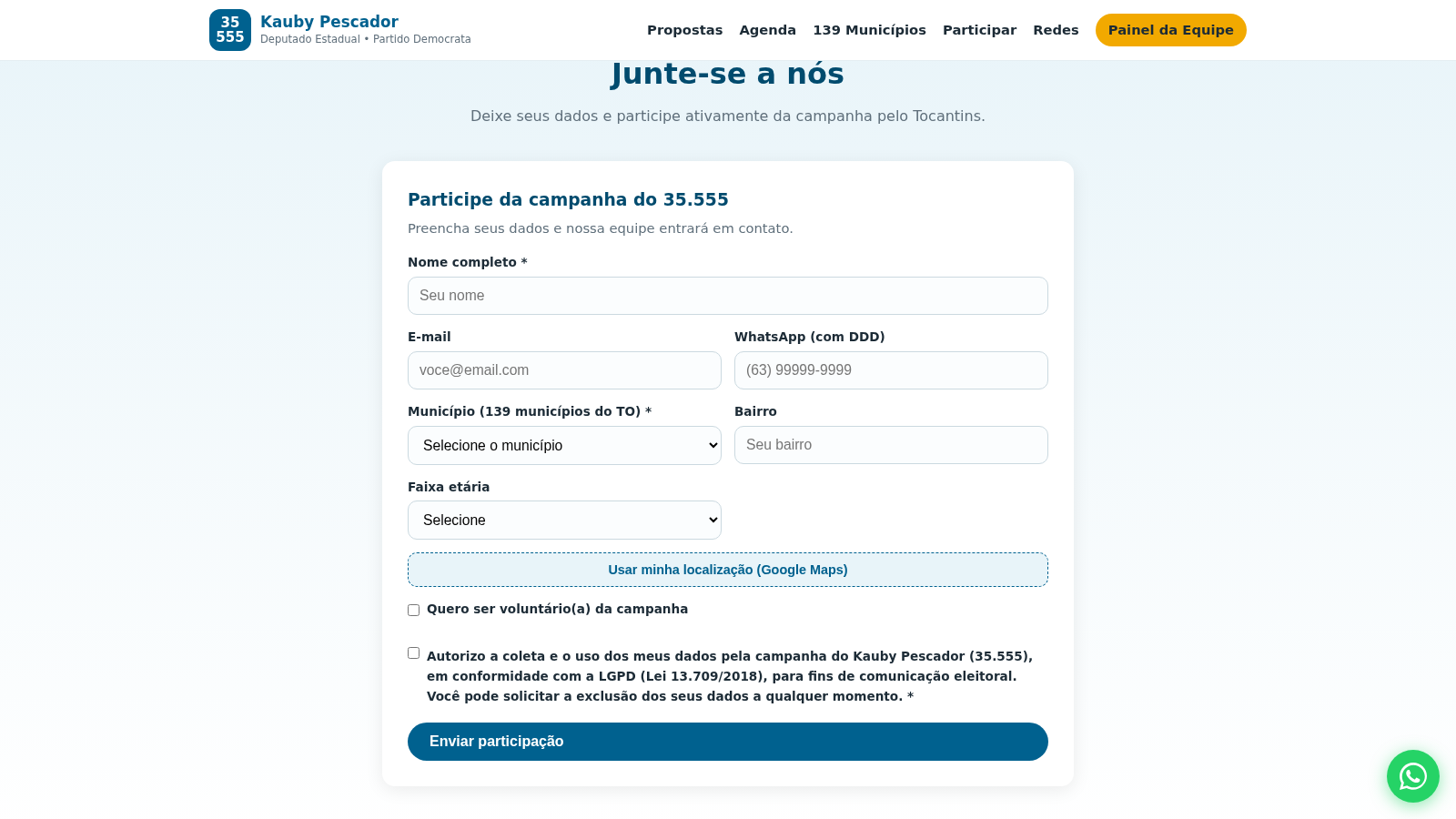
69Kauby Pescador 35.555
Campanha do candidato Kauby Pescador (35.555) a Deputado Estadual pelo Tocantins.
 21
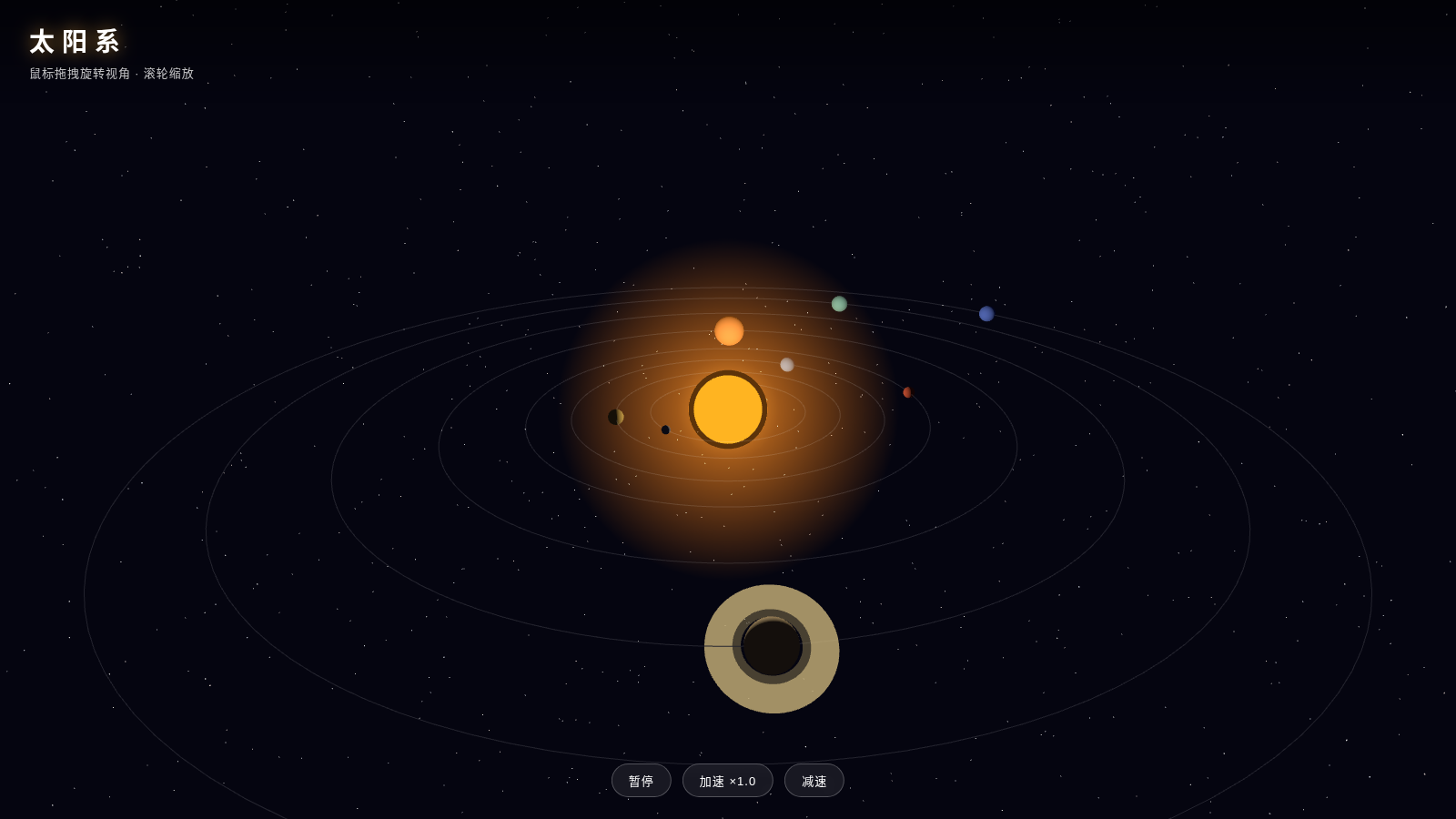
213D Solar Animation
A 3D interactive solar system animation built with Three.js, featuring eight planets orbiting and rotating, Saturn’s double-layered rings, and a brilliant starry sky, with support for drag-to-rotate and zoom.
 17
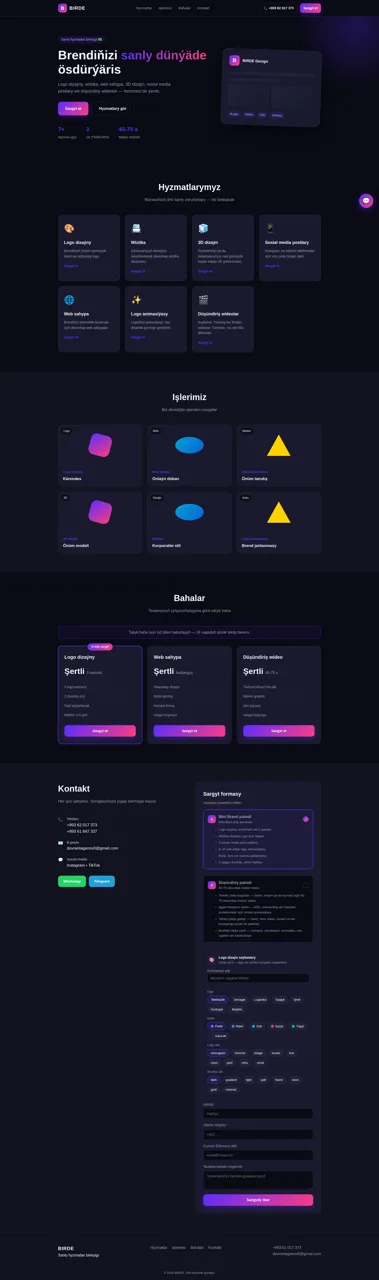
17BIRDE - Sanly hyzmatlar birleşigi
Logo dizaýny, wizitka, web sahypa, 3D we düşündiriş wideolar
 16
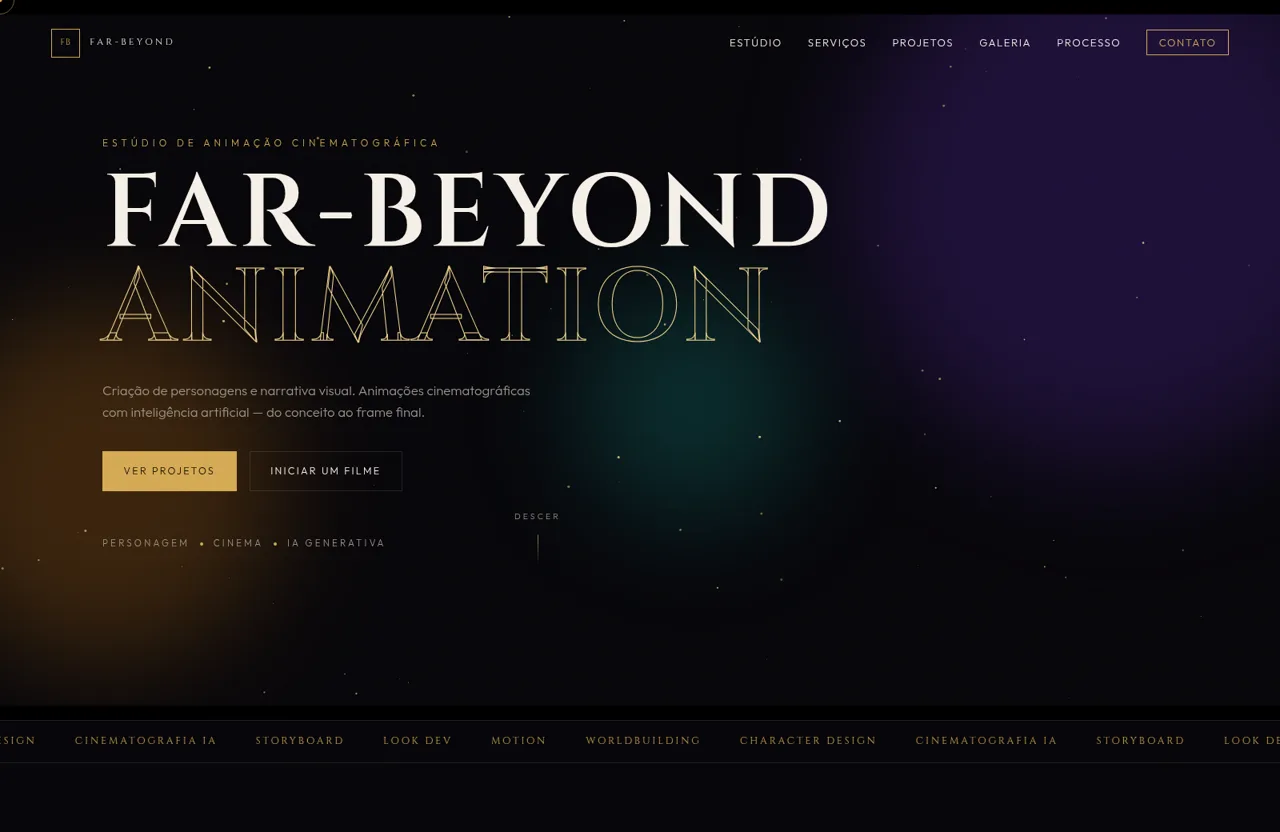
16FAR-BEYOND ANIMATION
Estúdio de personagens e cinema com IA, galeria e painel do dono.
 6
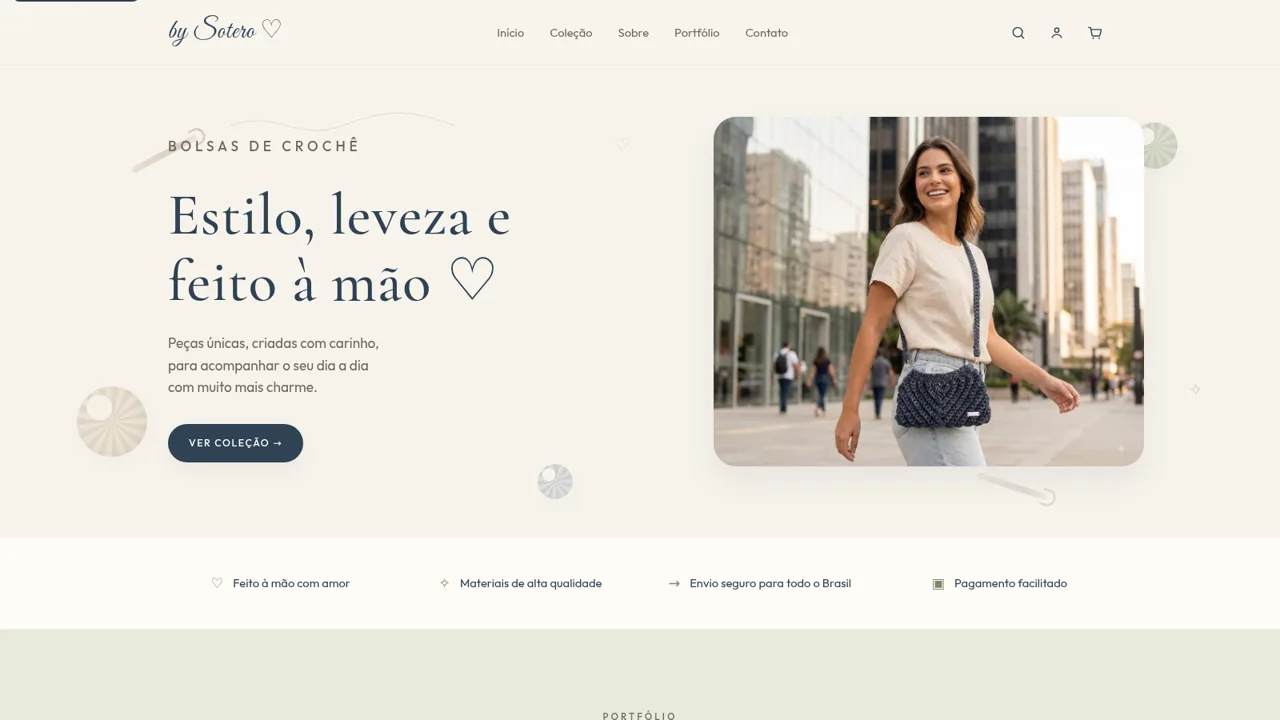
6by Sotero
Bolsas de crochê artesanais feitas à mão, com estilo e leveza.
 13
13Snowfall
A browser-based Canvas 2D visual experience focused on a single atmospheric winter scene.