
VEVÈ: The Resonance
A tactical simulation showcase built around ballistics, physiology, weapon state, and perception-driven AI.
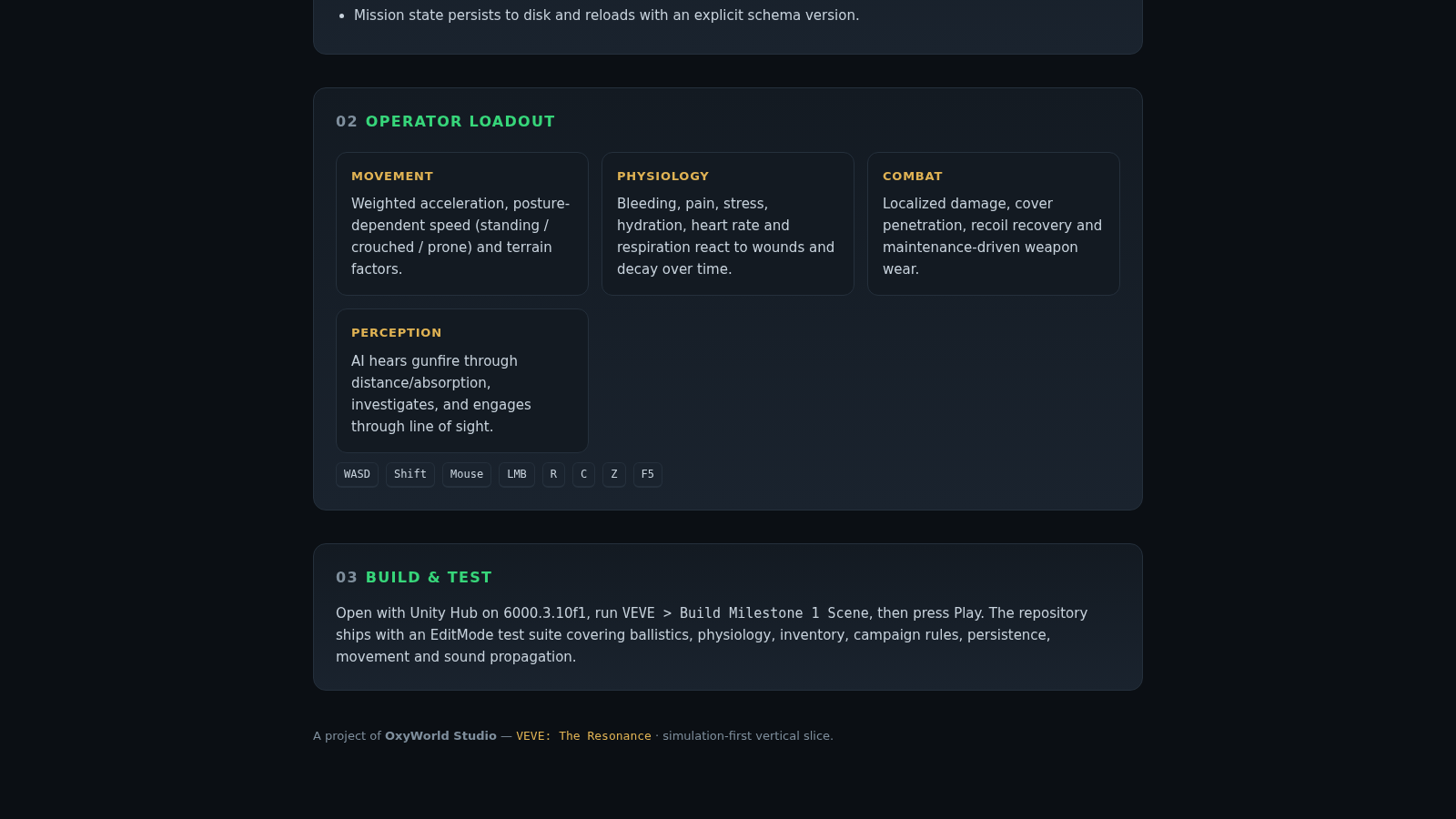
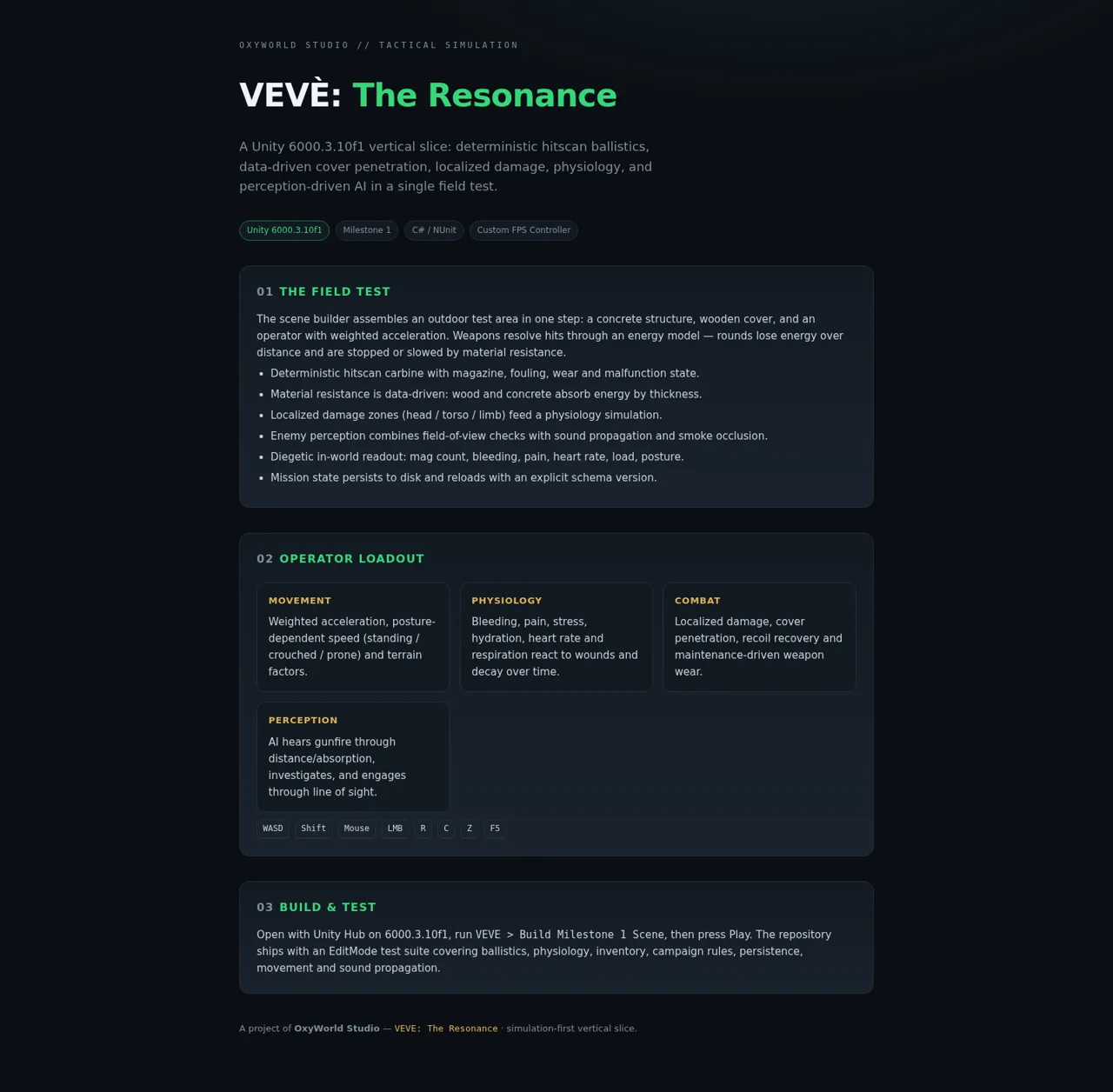
VEVÈ: The Resonance is a single-page project showcase from OxyWorld Studio for a Unity 6000.3.10f1 tactical simulation vertical slice. It describes an outdoor field test assembled by a scene builder, with deterministic hitscan weapons, energy loss over distance, data-driven resistance for wood and concrete cover, localized body damage, and physiological responses. The page also outlines weighted movement across standing, crouched, and prone postures; weapon fouling, wear, recoil, and malfunction; AI reactions to sight, gunfire, absorption, and smoke; diegetic status information; versioned mission persistence; desktop controls; and NUnit EditMode coverage. The website presents the system design and setup instructions rather than embedding a playable build.
Highlights
Ballistic Modeling
Energy and cover rules
Reactive Physiology
Wounds affect vital states
Perception AI
Sight, sound, and smoke
Test Coverage
NUnit system test suite
How to Use
Review the field test
Start with the opening section to understand the outdoor test environment and how distance, material thickness, localized damage, enemy perception, and mission persistence fit into the vertical slice.
Compare operator systems
Continue to the operator loadout cards to compare movement, physiology, combat, and perception behavior, then use the key strip to review the documented desktop controls.
Build the Unity scene
Open the project in Unity Hub with Unity 6000.3.10f1, run the VEVE > Build Milestone 1 Scene command described on the page, and press Play to evaluate the implementation outside this showcase website.
Run the tests
Use the included EditMode test suite in the Unity project to check ballistics, physiology, inventory, campaign rules, persistence, movement, and sound propagation.
Similar Sites
 22
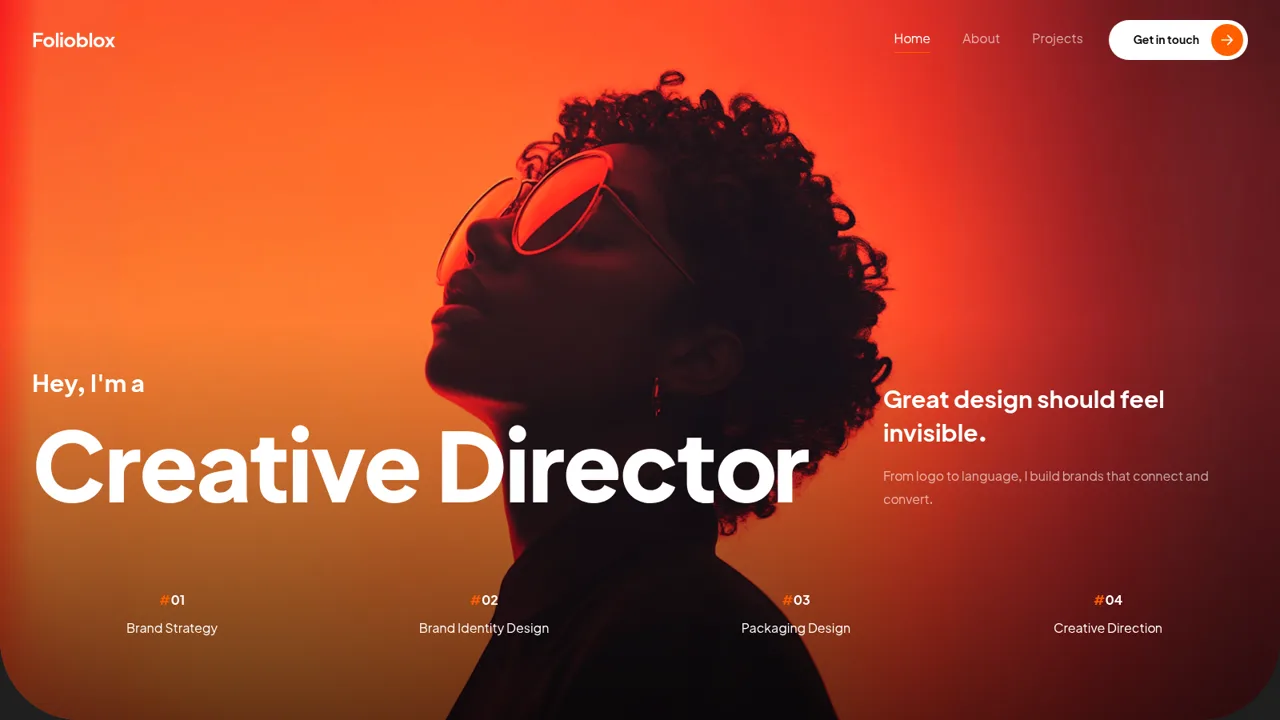
22Folioblox — Brand Designer
Brand designer portfolio: logo to language, brands that connect and convert.
 21
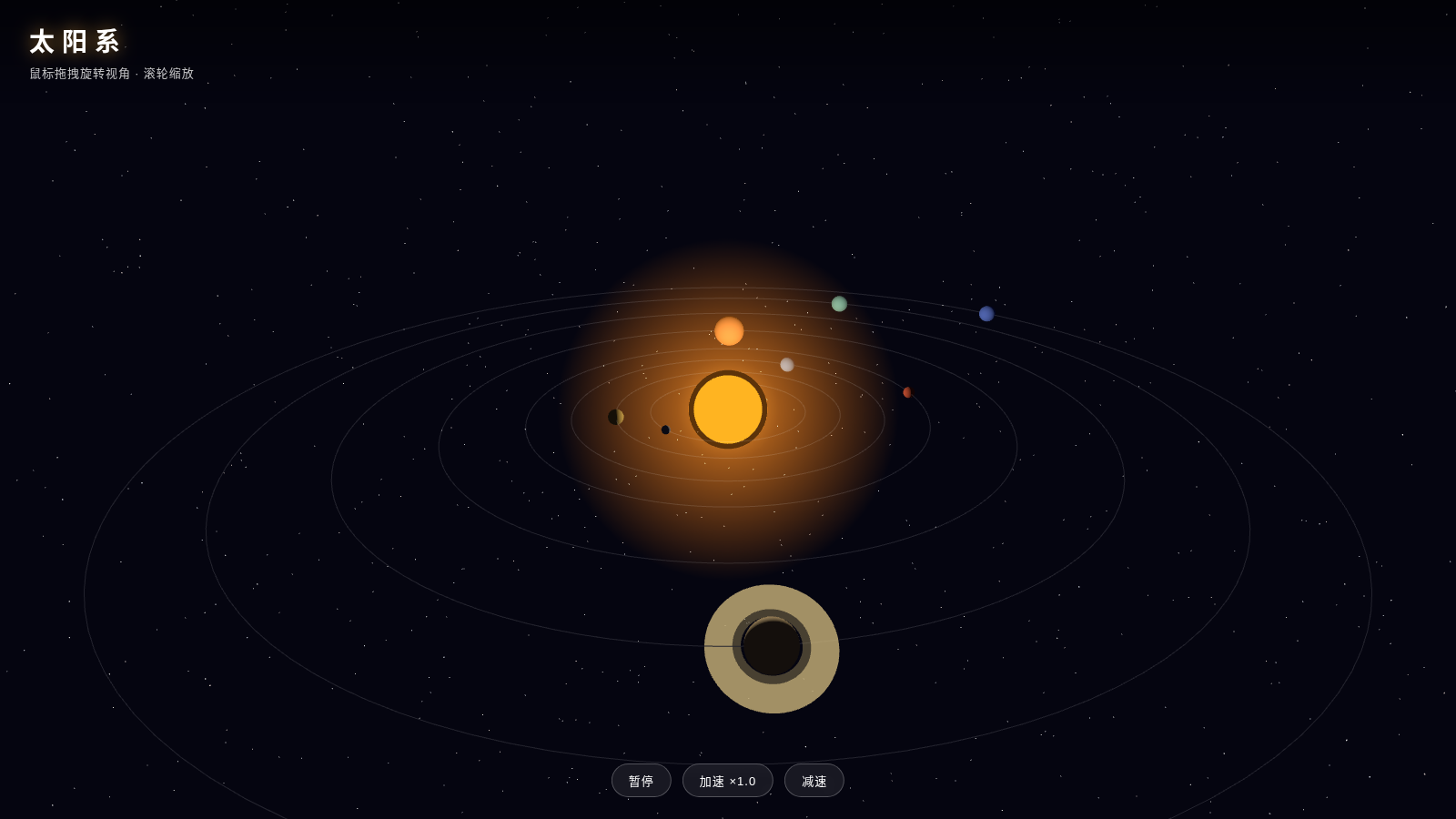
213D Solar Animation
A 3D interactive solar system animation built with Three.js, featuring eight planets orbiting and rotating, Saturn’s double-layered rings, and a brilliant starry sky, with support for drag-to-rotate and zoom.
 18
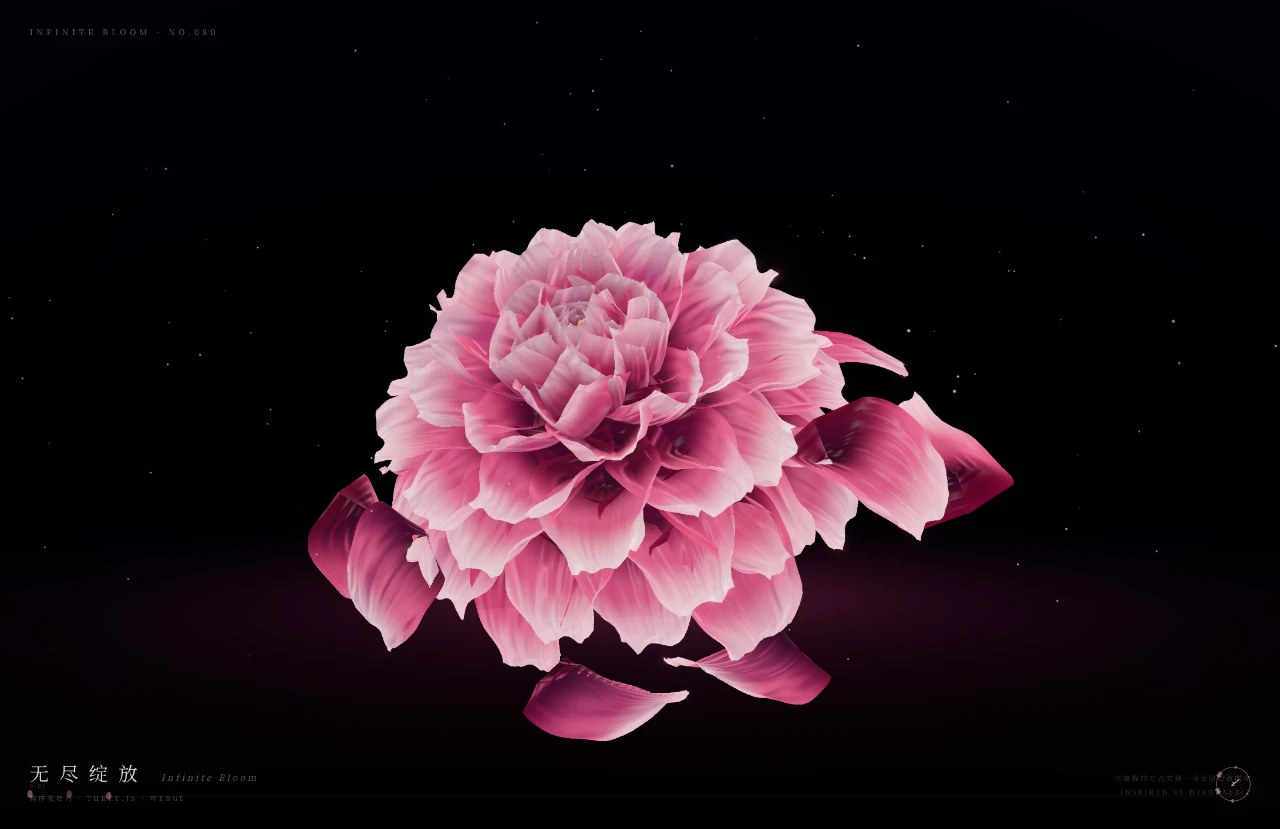
18Infinite Bloom
A peony procedurally generated by Three.js, an eternal sea of flowers where particles and light intertwine.
 13
13Snowfall
A browser-based Canvas 2D visual experience focused on a single atmospheric winter scene.
 12
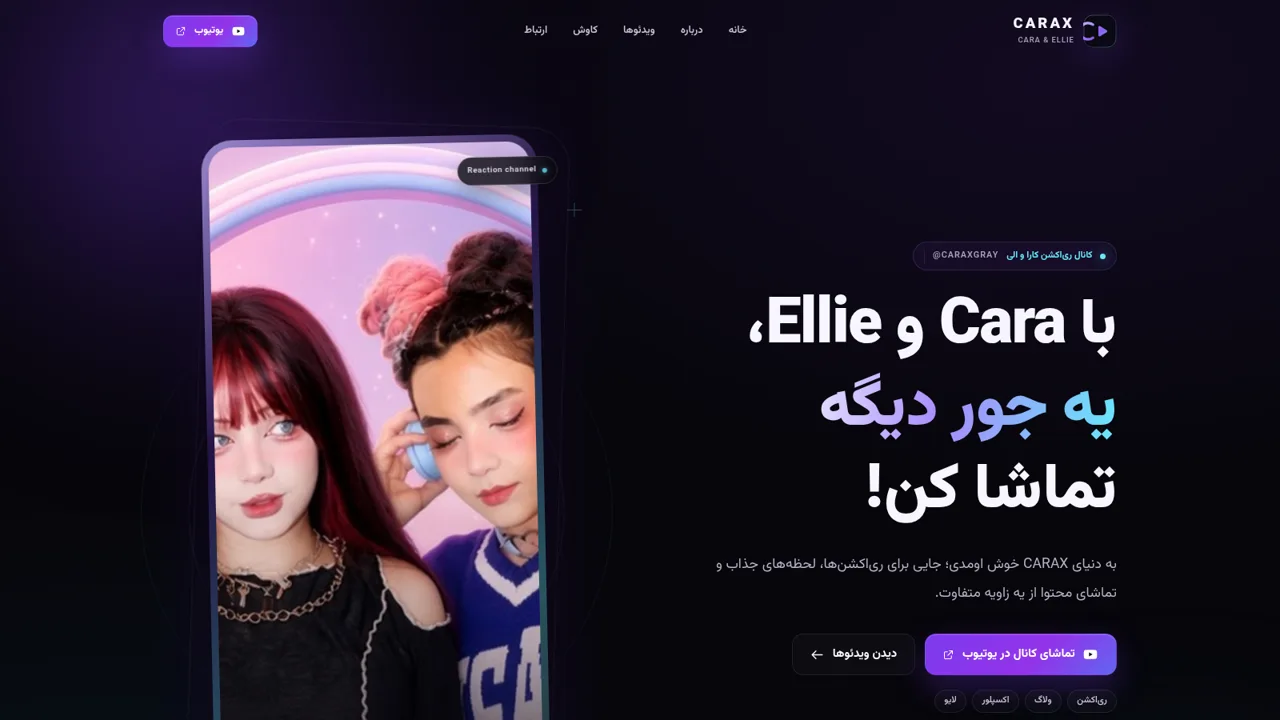
12CARAX | کارا و الی
سایت کانال CARAX؛ ریاکشنهای کارا و الی، ولاگها و ویدئوهای منتخب یوتیوب.
 12
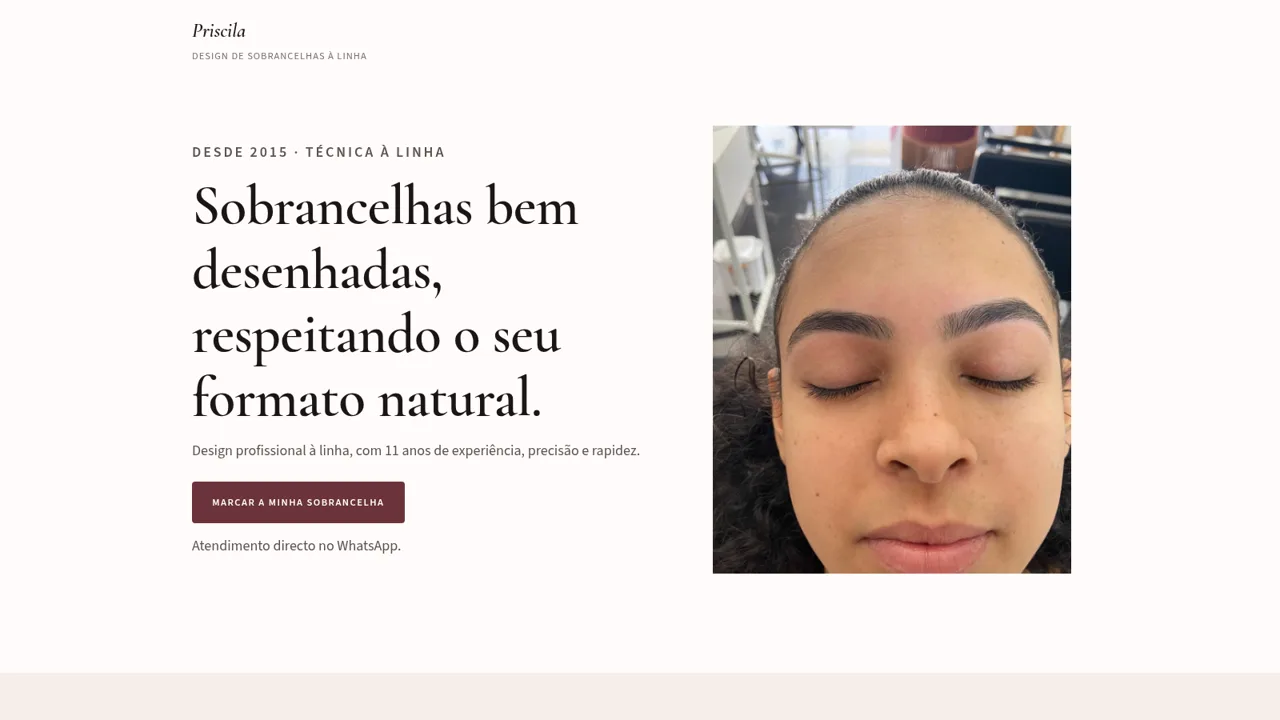
12Priscila Sobrancelhas à Linha
Design profissional de sobrancelhas à linha, com 11 anos de experiência. A partir de 9 €.