
AETHER Gravity Observatory
A cinematic browser observatory for watching n-body gravity, orbits and collisions live.
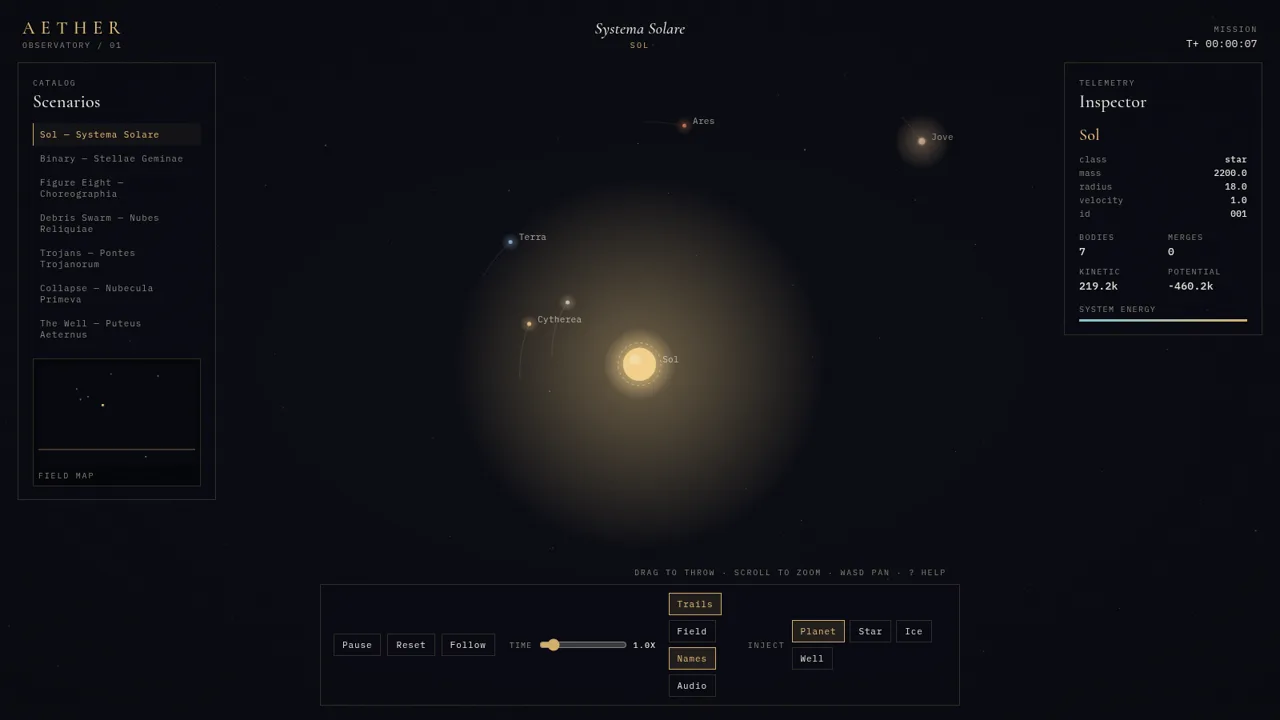
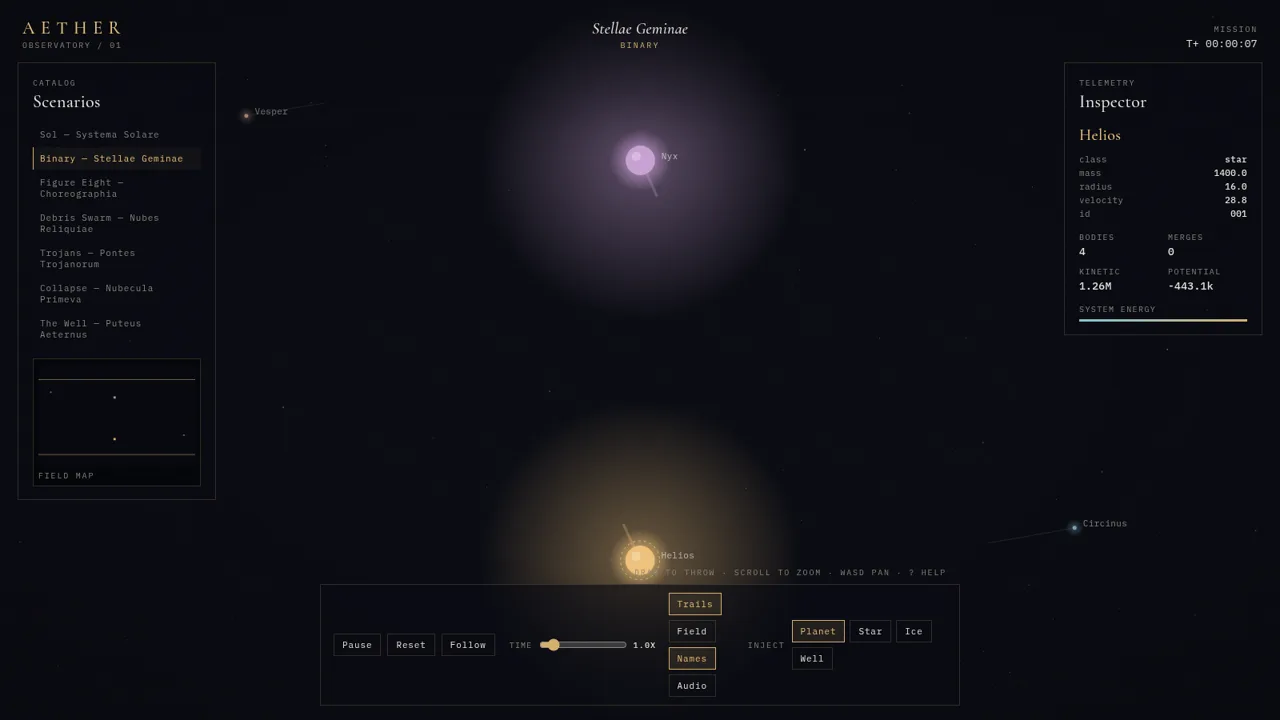
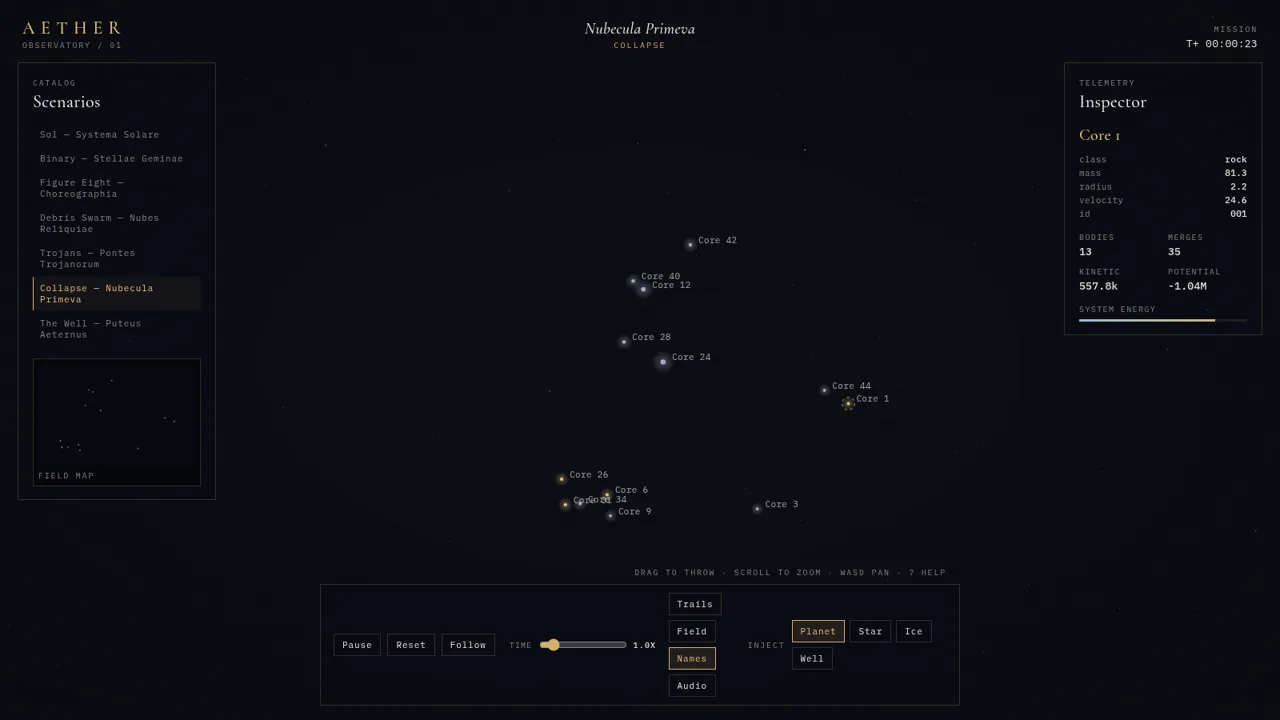
AETHER — Gravity Observatory is an interactive physics simulation that runs in the browser. It presents seven preset scenarios in a catalog on the left, a live canvas in the middle and a telemetry panel on the right. Visitors can watch stars and planets orbit under softened Newtonian gravity, select individual bodies to read their mass, radius, velocity and id, and follow the totals for body count, merges, kinetic energy and potential energy. The bottom control strip supports pause and resume, reset, camera follow, a time-scale slider, trails, gravity field lines, name labels and optional audio. A separate Inject section lets users add a planet, star, ice body or gravity well by clicking and dragging on the canvas, and bodies merge when they collide. A compact field map and a keyboard help panel round out the interface.
Highlights
Seven preset systems
Binary and collapse
Live telemetry
Mass, energy, merges
Drag to inject
Throw planets, stars
Physics detail
Softened n-body loop
Keyboard help
Full shortcut map
How to Use
Pick a scenario from the catalog
Open the page and wait for the short calibration sequence to finish. In the Catalog panel on the left, choose one of the seven scenarios such as Sol — Systema Solare, Binary — Stellae Geminae or Collapse — Nubecula Primeva. The title at the top centre, the canvas contents, the field map and the telemetry panel all update to the selected system.
Inspect bodies and system energy
Click a body on the canvas to select it. The Inspector panel on the right shows its name, class, mass, radius, velocity and id, while the block below reports the total number of bodies, the number of merges, kinetic energy, potential energy and a system energy bar. Press Pause or Space to freeze the numbers and Reset to return the scenario to its starting state.
Inject and throw new masses
Use the Inject row at the bottom to choose Planet, Star, Ice or Well, then press and drag on the canvas. The drag direction and length set the throw, and the new body is added to the field immediately, changing the body count and interacting with everything around it. Bodies that touch merge into larger ones, and the merge total in the telemetry panel increases.
Tune time and visual layers
Drag the Time slider or use the bracket keys to change the simulation speed. Toggle Trails, Field, Names and Audio from the control strip, or use the T, G, L and M keys, to see orbital paths, gravity field lines, body labels and an ambient sound layer. Press F or Follow to lock the camera onto the selected body, and press ? at any time to open the operations panel with the full key map.
Similar Sites
 3
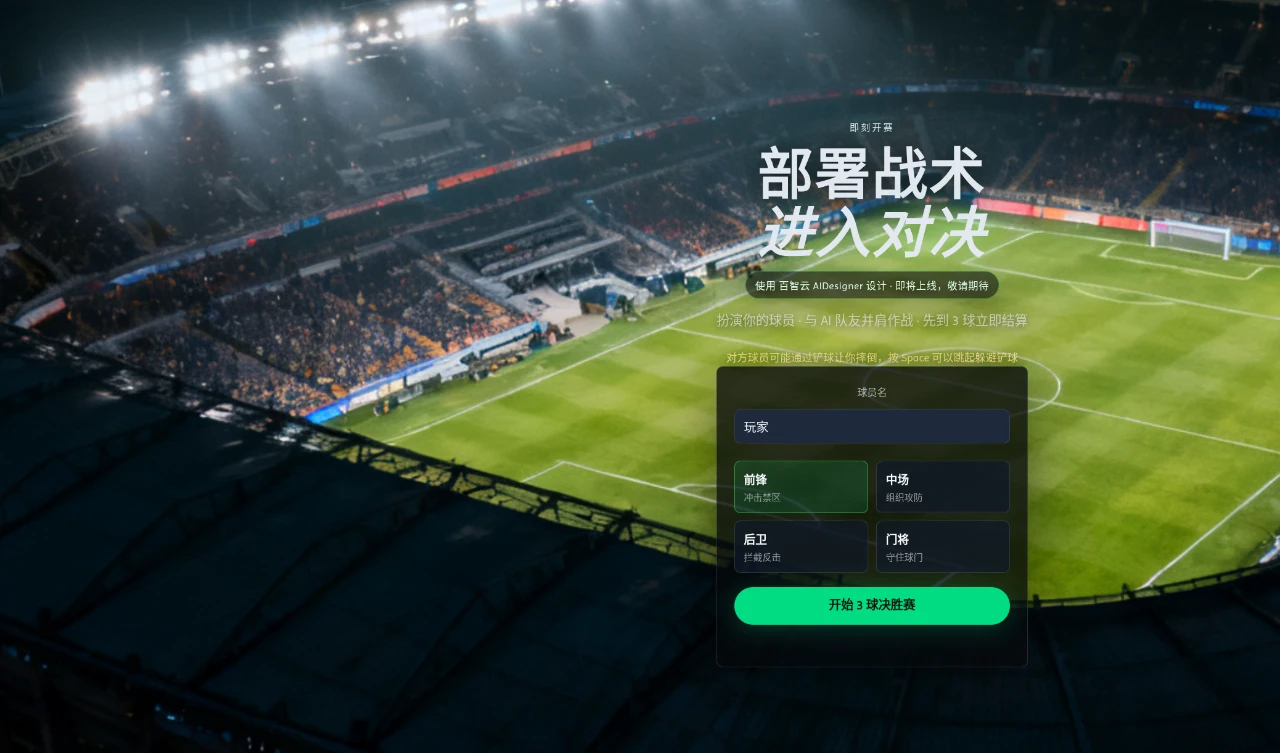
Grassland Football Battle
3D web football battle game, choose a position and work with AI teammates to complete a first-to-3-goals match.
 1
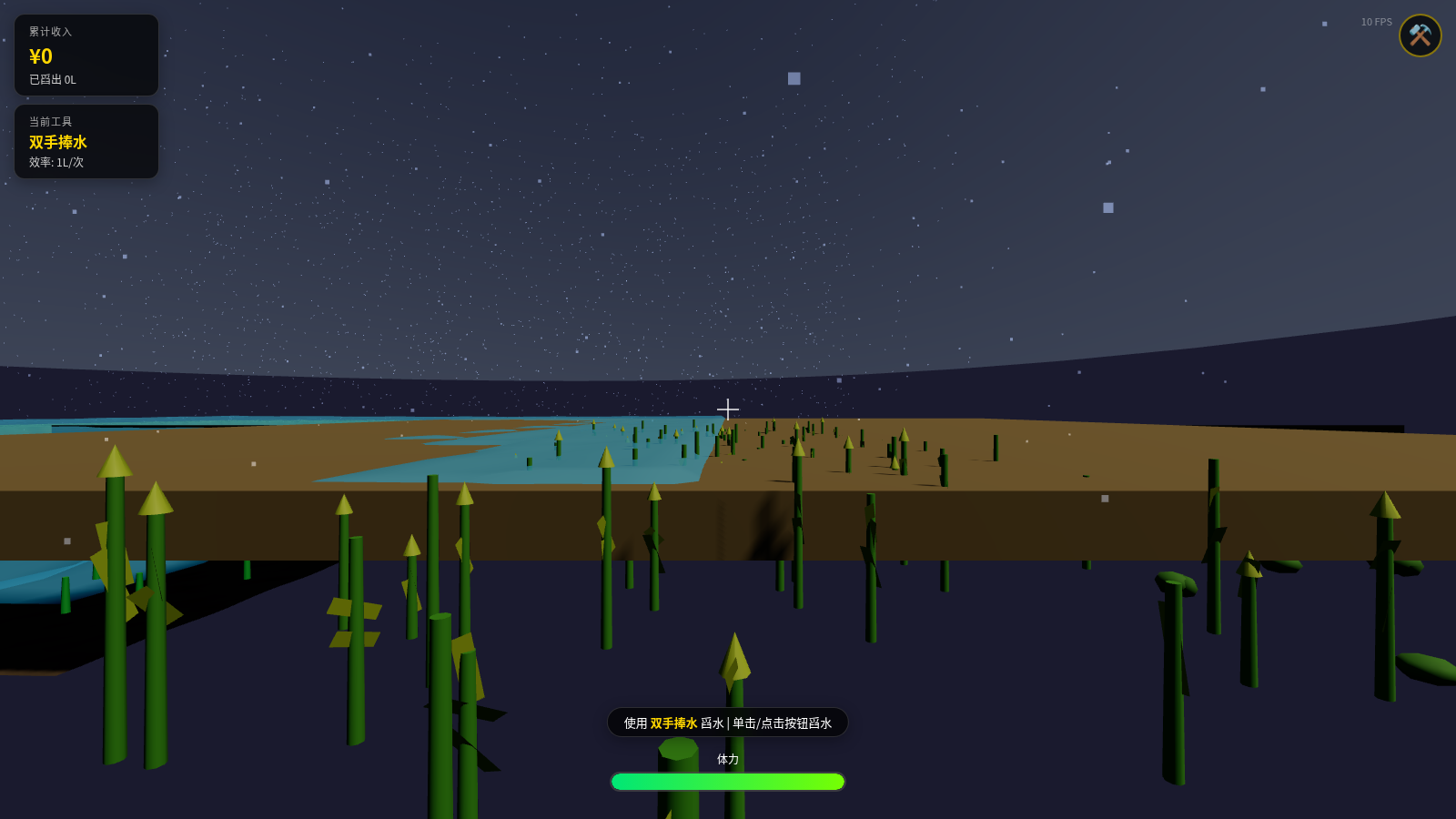
Water Scooping Battle - 3D Farm Drainage Game
A first-person 3D farm drainage sandbox game where you control the protagonist to scoop out standing water with tools, featuring fluid simulation, tool upgrades, rainfall system, and other gameplay.
 32
Mafia: Altın Şehir
Mobil öncelikli, online ve bot destekli sinematik Mafya rol oyunu.
 11
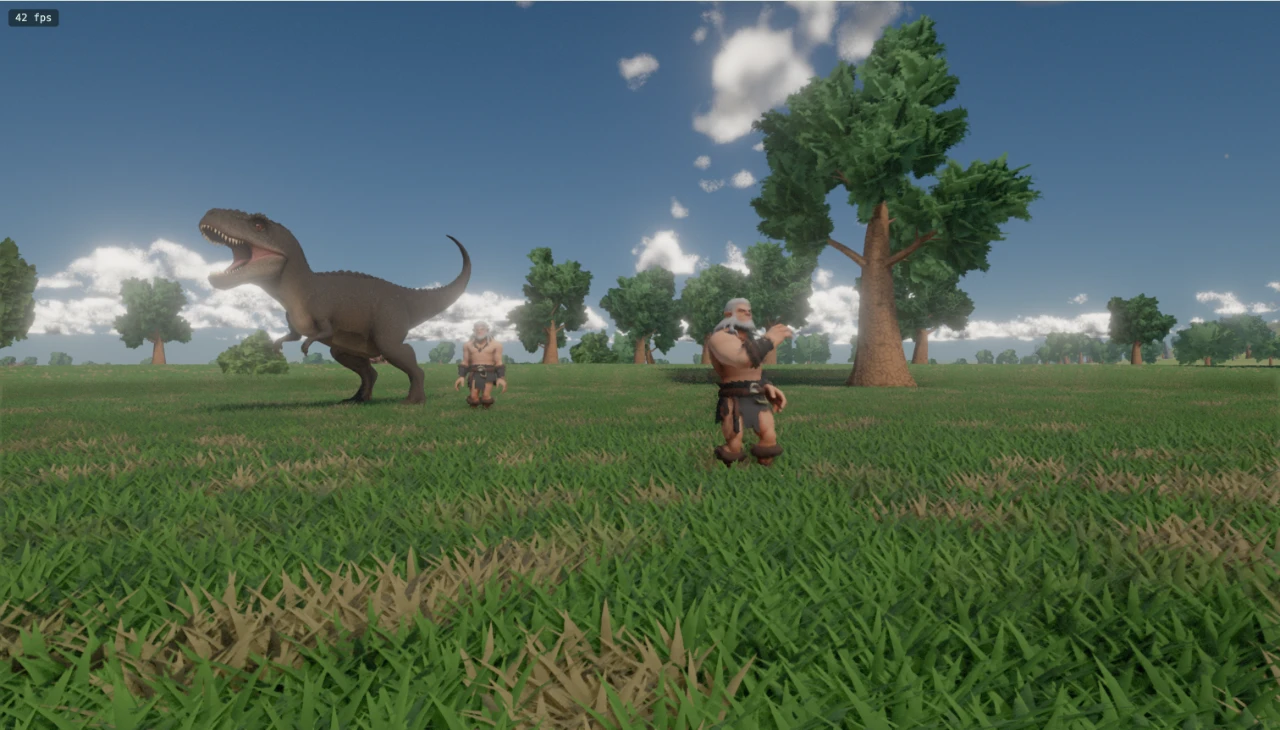
Jurassic World
A WebGPU-based prehistoric grassland scene featuring a Tyrannosaurus rex, primitive humans, and a black cat model, with an explorable perspective.
 11
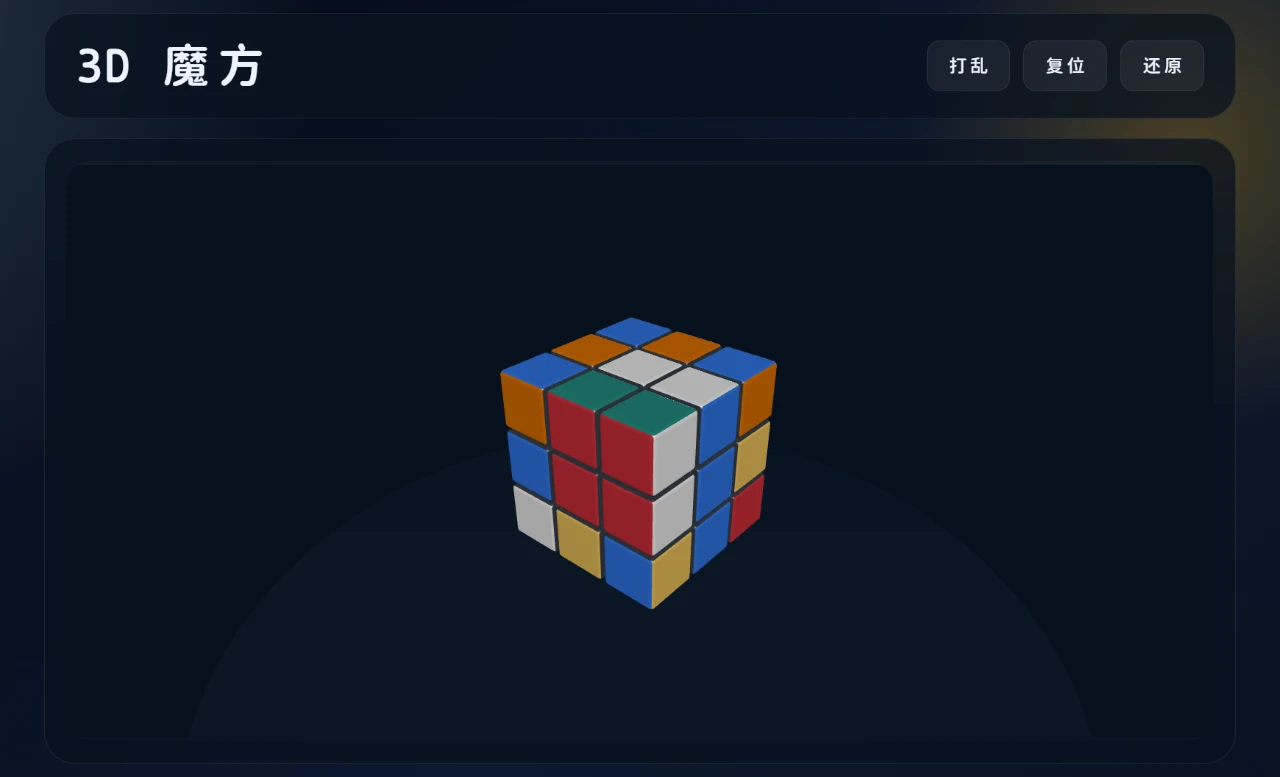
3D Rubik's Cube
A 3D Rubik's Cube application that supports drag-to-rotate, scrambling, and automatic solving/restoring.
ZENI — Survive the Month
A fun 30-day financial simulation game. Can you make ₹20,000 last?