
Nova Ellis — Portfolio
A calm single-page portfolio with a local journal you can write to
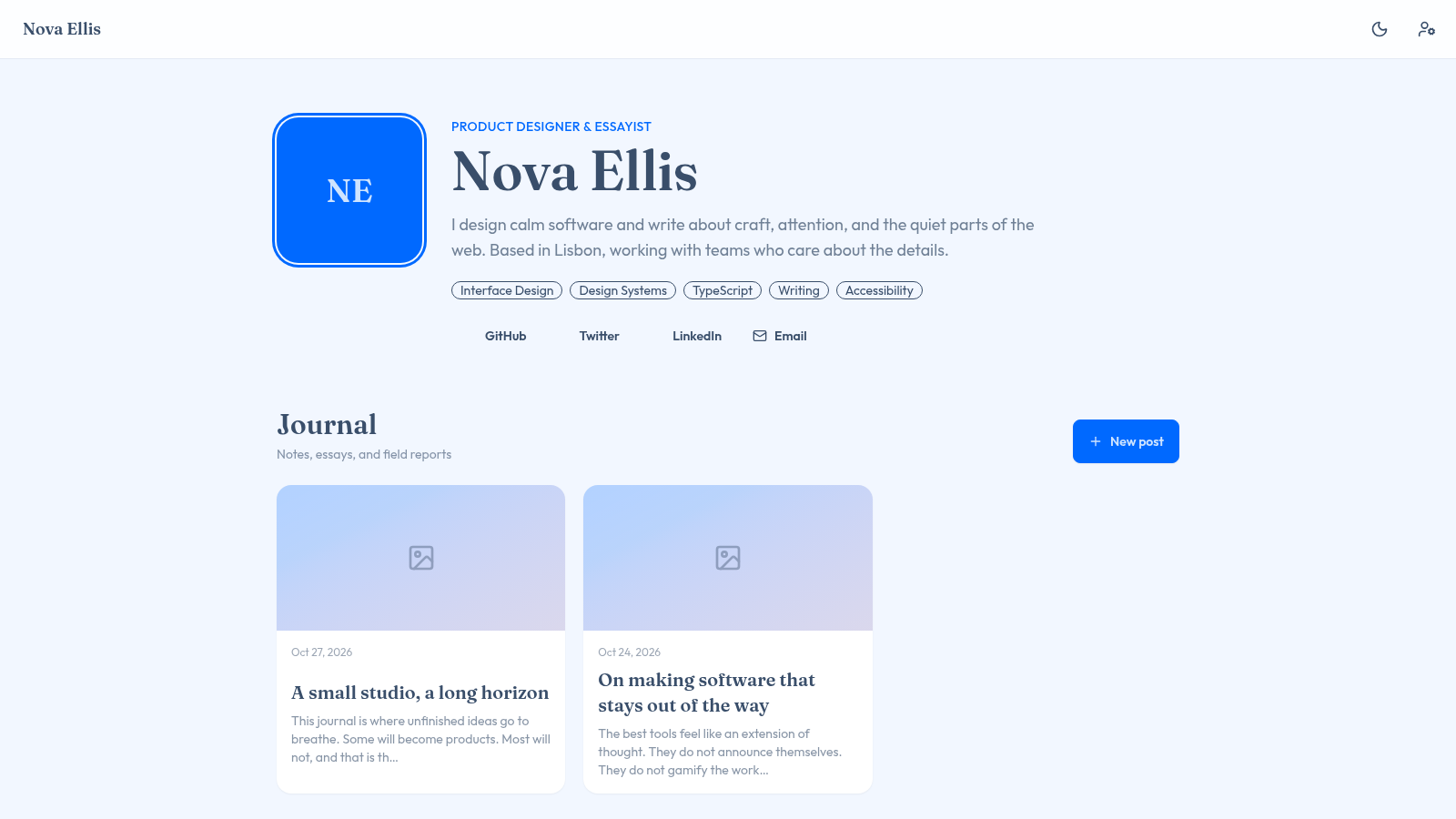
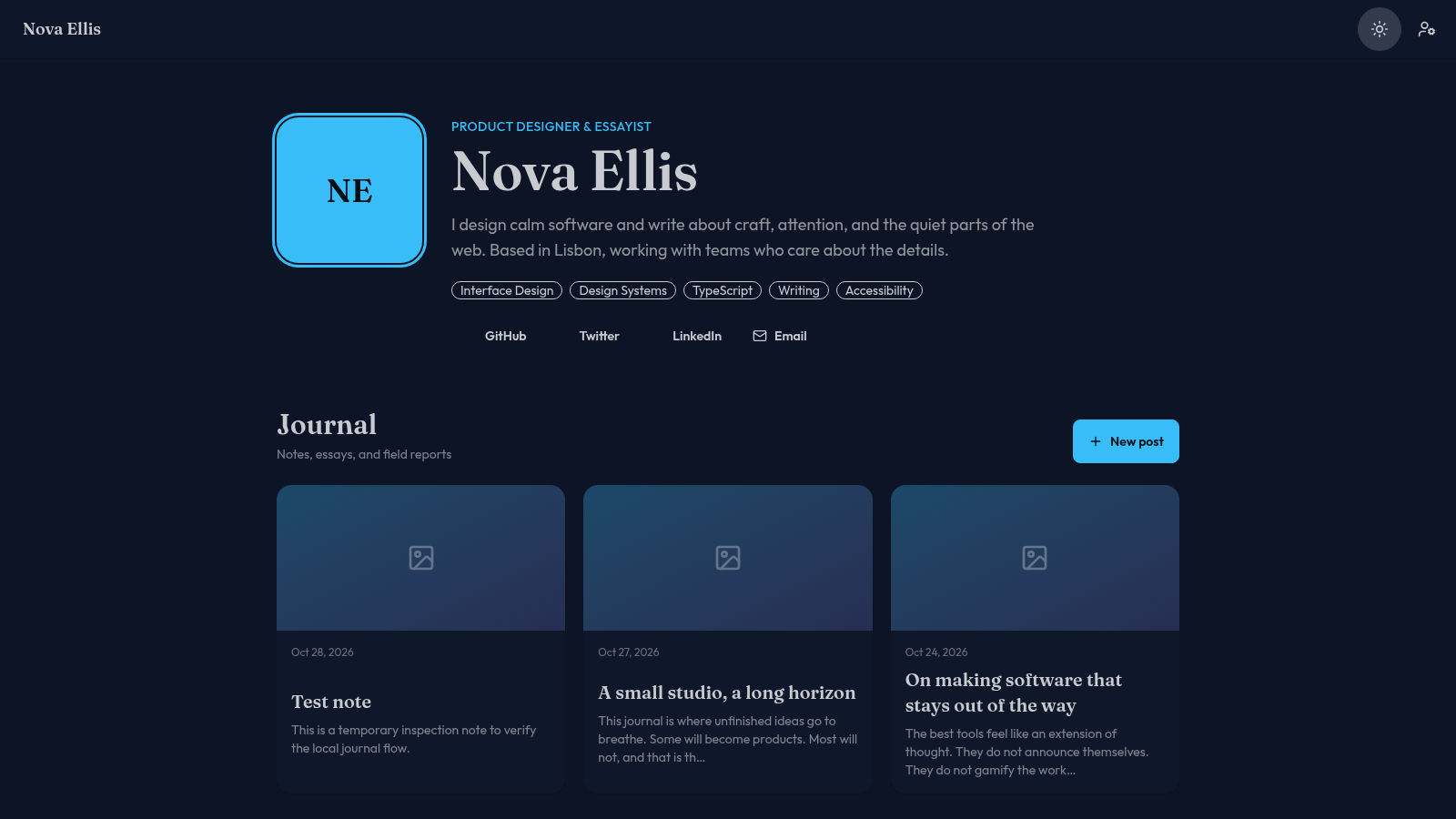
Nova Ellis — Portfolio is a one-page personal site for a product designer and essayist. The upper half presents a monogram avatar, a short bio with a Lisbon location line, five skill tags and links to GitHub, Twitter, LinkedIn and email. The lower half is a journal grid with dated essay cards; opening a card shows the full post with edit and delete controls. A New post dialog accepts a title, body and optional cover image, and an Edit profile dialog exposes name, role, bio, skills, social URLs, email and website fields. A moon icon switches the whole page between a light cream theme and a dark night theme.
Highlights
Calm typography
Serif meets sans
Local journal
Write and publish
Editable profile
Ten profile fields
Dark mode
Instant theme switch
Cover upload
Attach post images
How to Use
Read the profile
Open the page and start at the hero area, where the initials avatar, role line, name, bio, skill chips and four contact links sit together. Scroll down to reach the Journal section with its dated post cards.
Open a journal post
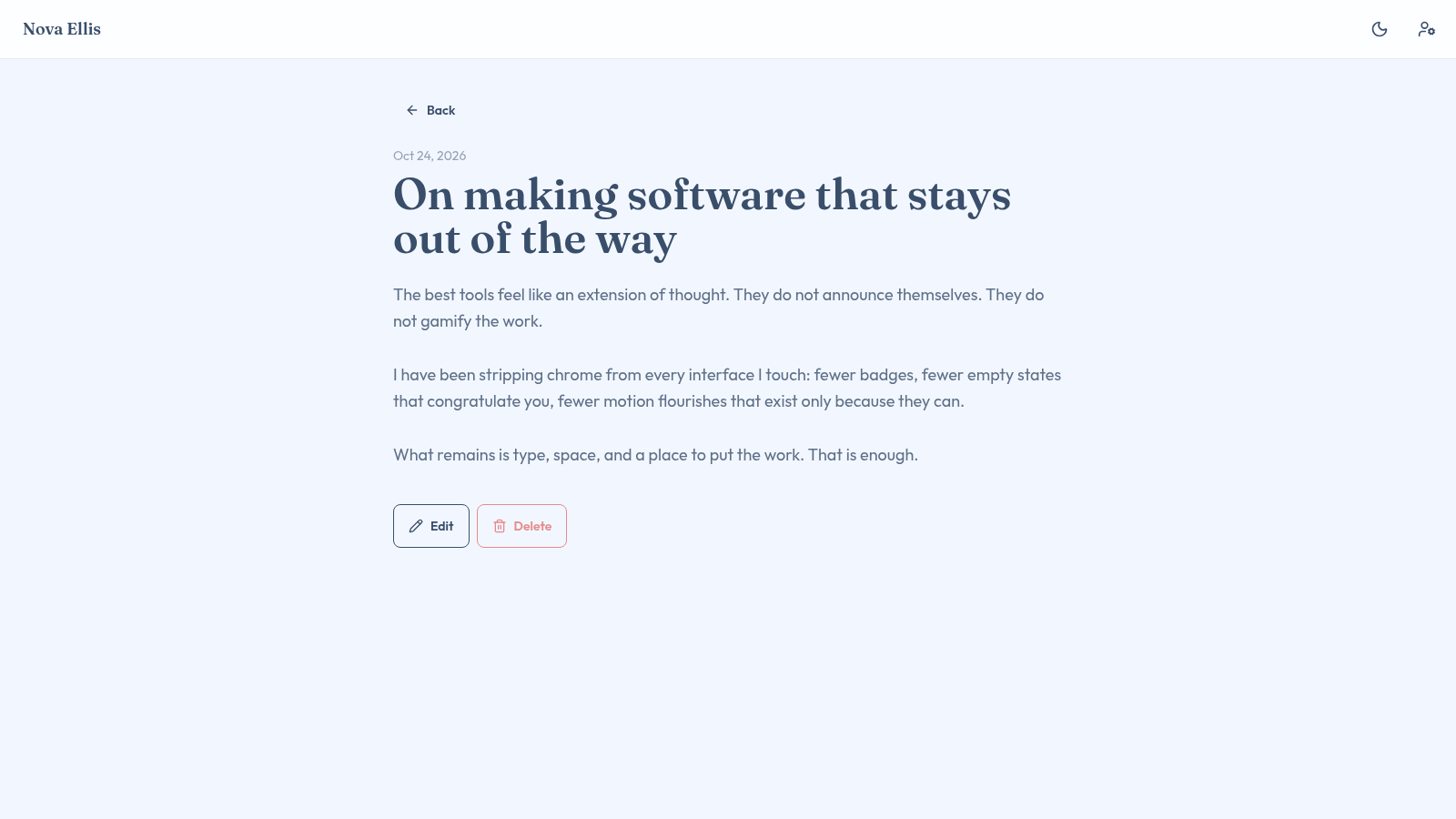
Click any card to switch to that post inside the same page, addressed as a hash link such as post-1. The detail view keeps the header, adds a Back link, shows the full date and headline, and renders the complete body text with Edit and Delete buttons underneath.
Publish a new post
Press the blue New post button to open a dialog. Enter a title and body, optionally attach a cover image through the Cover image row, then press Publish. The dialog closes and a new card appears at the top of the grid; open it to confirm the content and use Edit or Delete from the detail view.
Update the profile and theme
Use the person icon in the header to open Edit profile, change the name, role, bio, comma-separated skills, social URLs, email, website or avatar, then press Save. Use the moon icon to switch to the dark theme and press it again to return to the light theme.
Similar Sites
 19
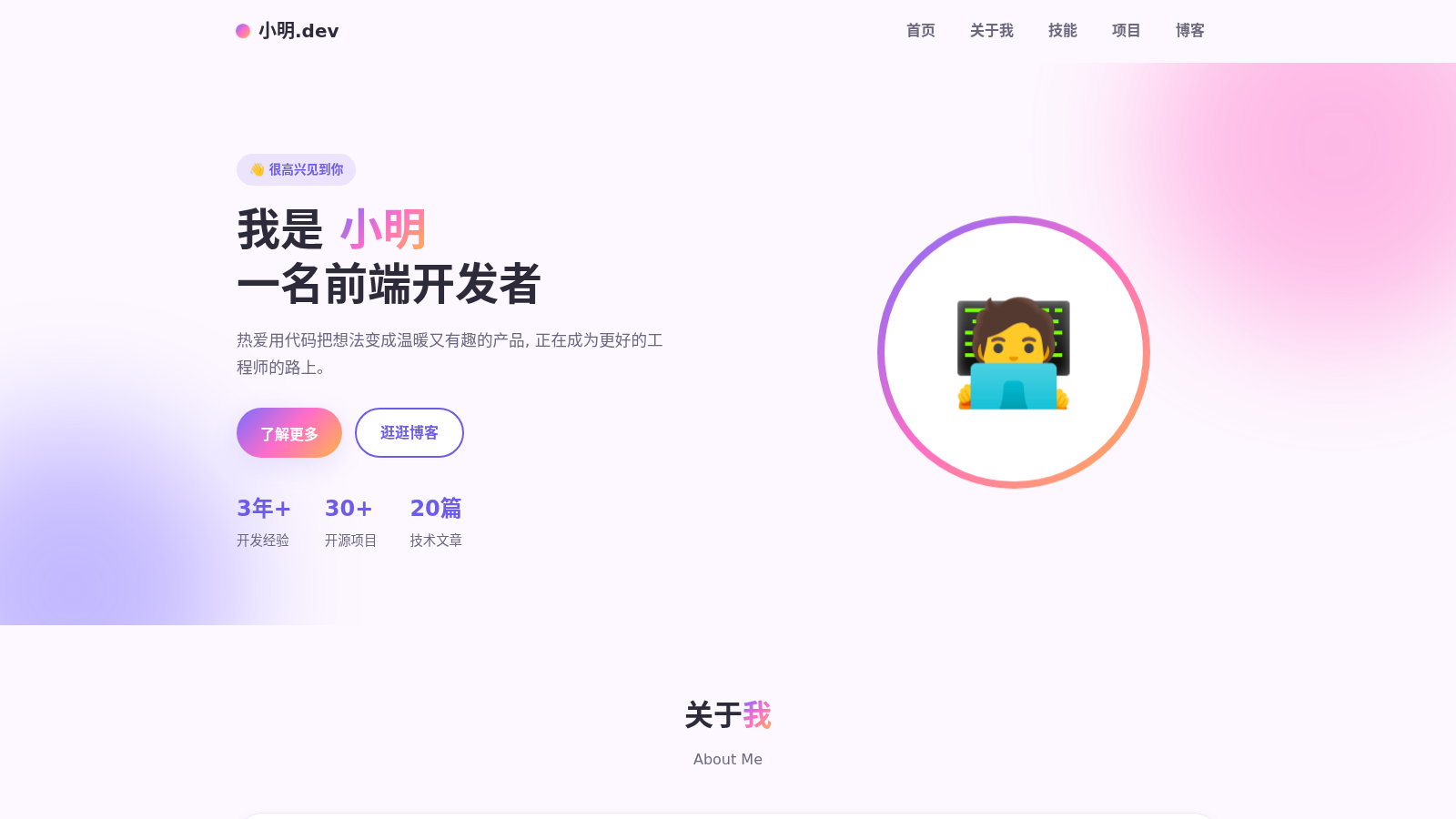
19小明的个人主页
前端开发者小明的个人介绍网站,包含个人简介、技能、项目与博客
 21
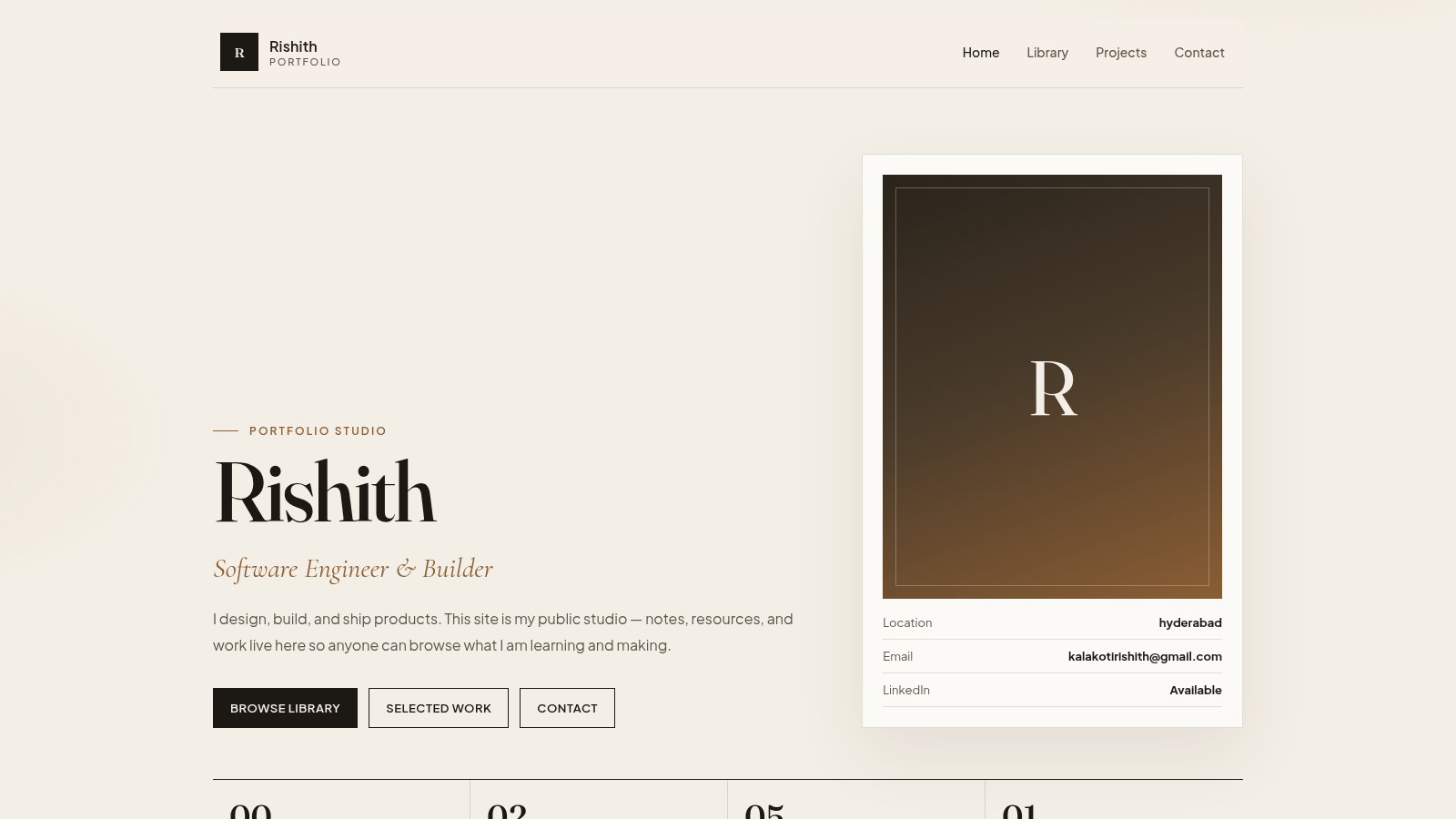
21Rishith
Public portfolio and private studio for notes, files, and work.
 2
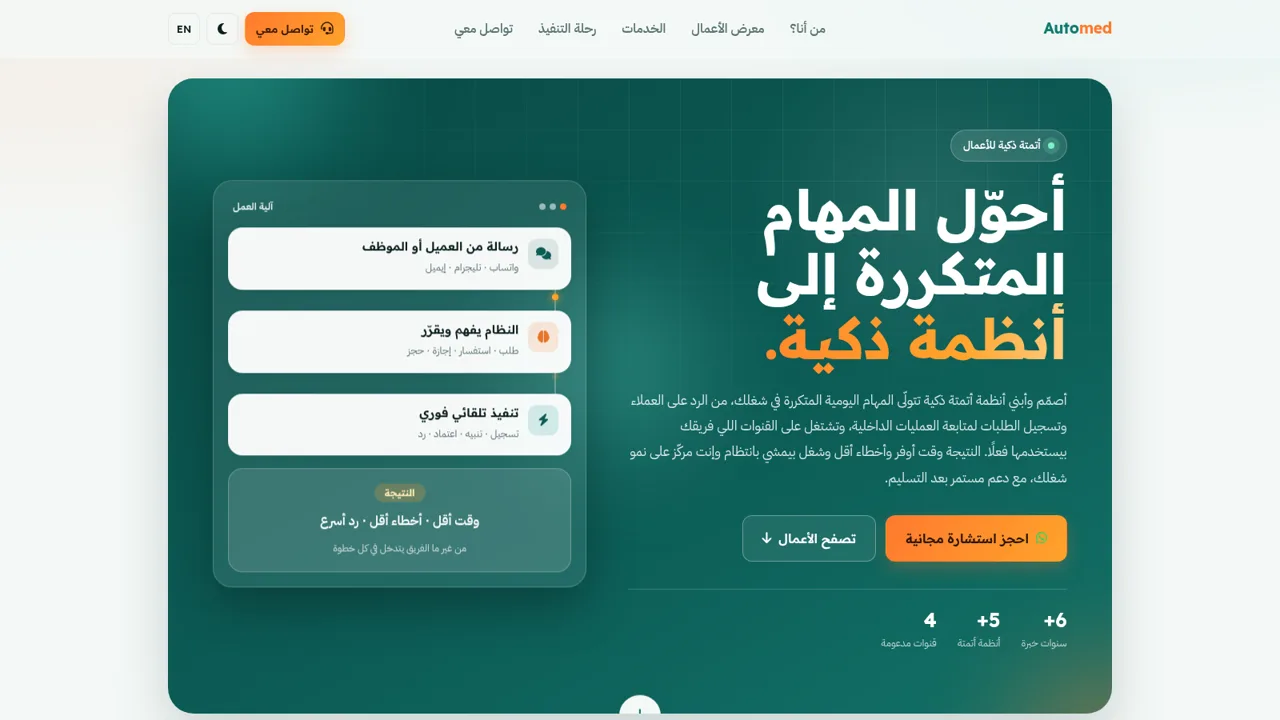
2Automed — أتمتة ذكية للأعمال
أنظمة أتمتة ذكية للأعمال: ردود وبوتات وحجوزات تعمل تلقائيًا.
 2
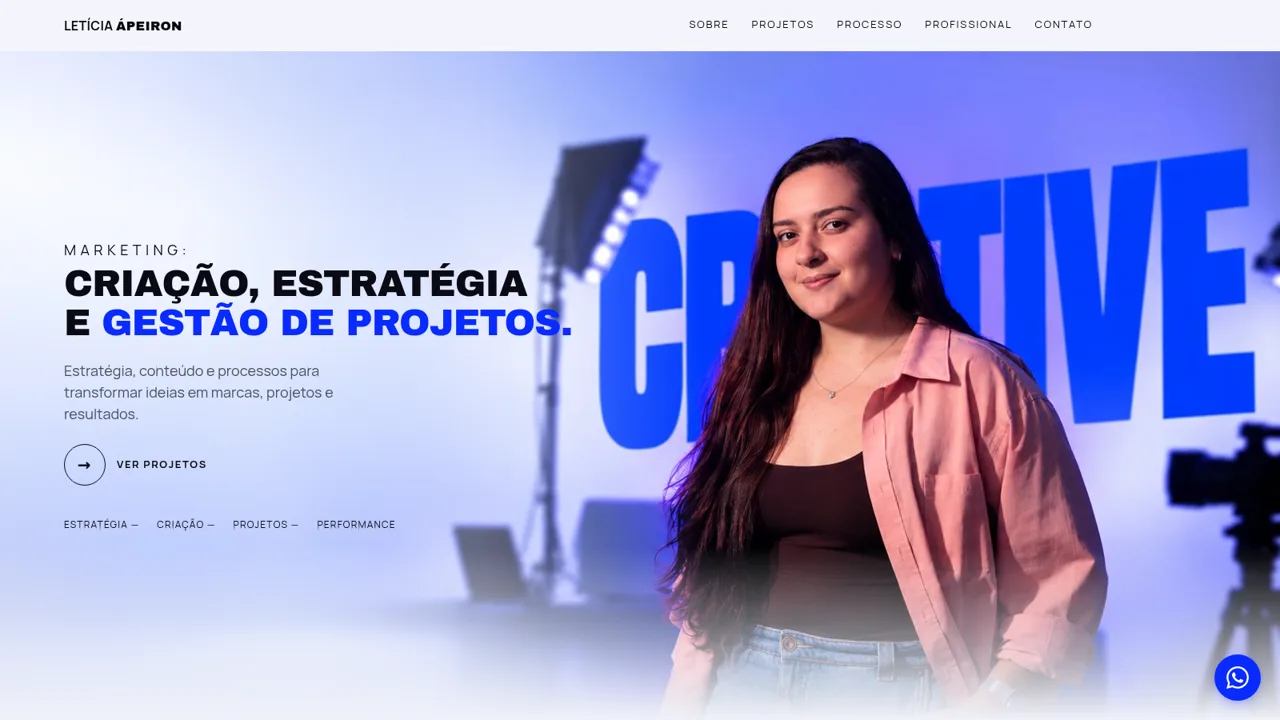
2Letícia Ápeiron | Marketing
Marketing: criação, estratégia e gestão de projetos.
 1
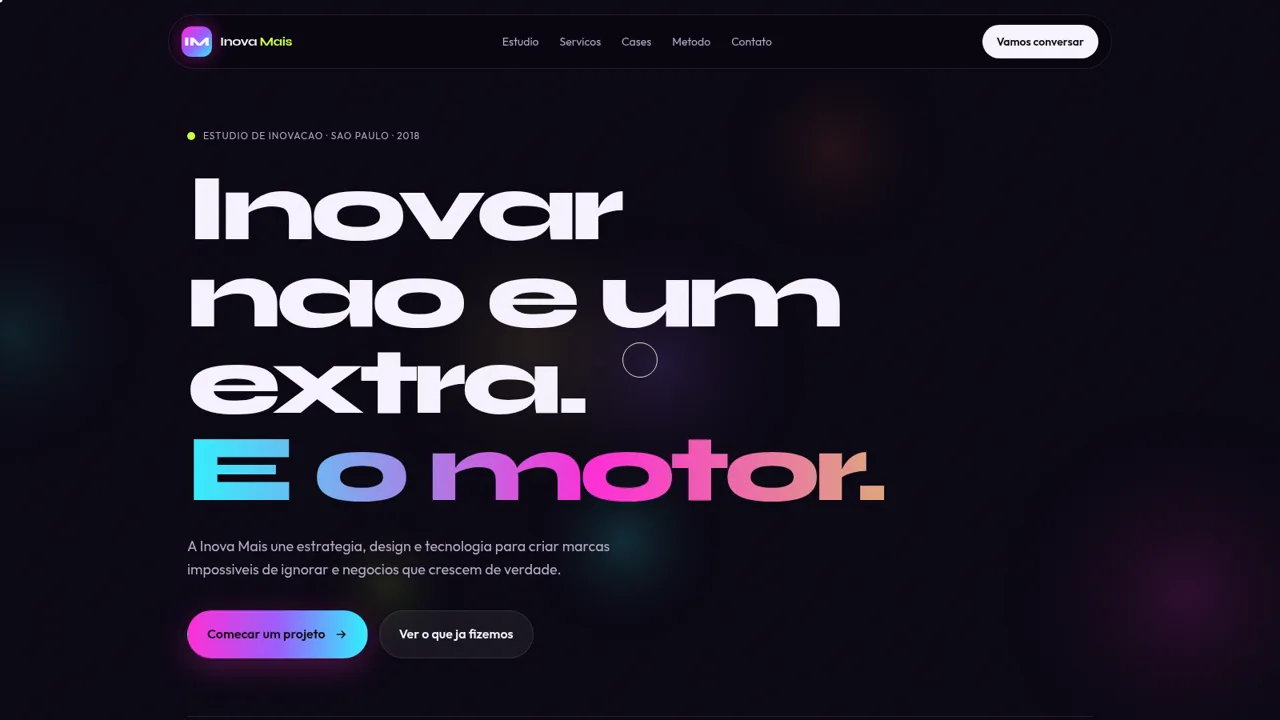
1Inova Mais
Estudio de inovacao que une estrategia, design e tecnologia para marcas impossiveis de ignorar.
 132
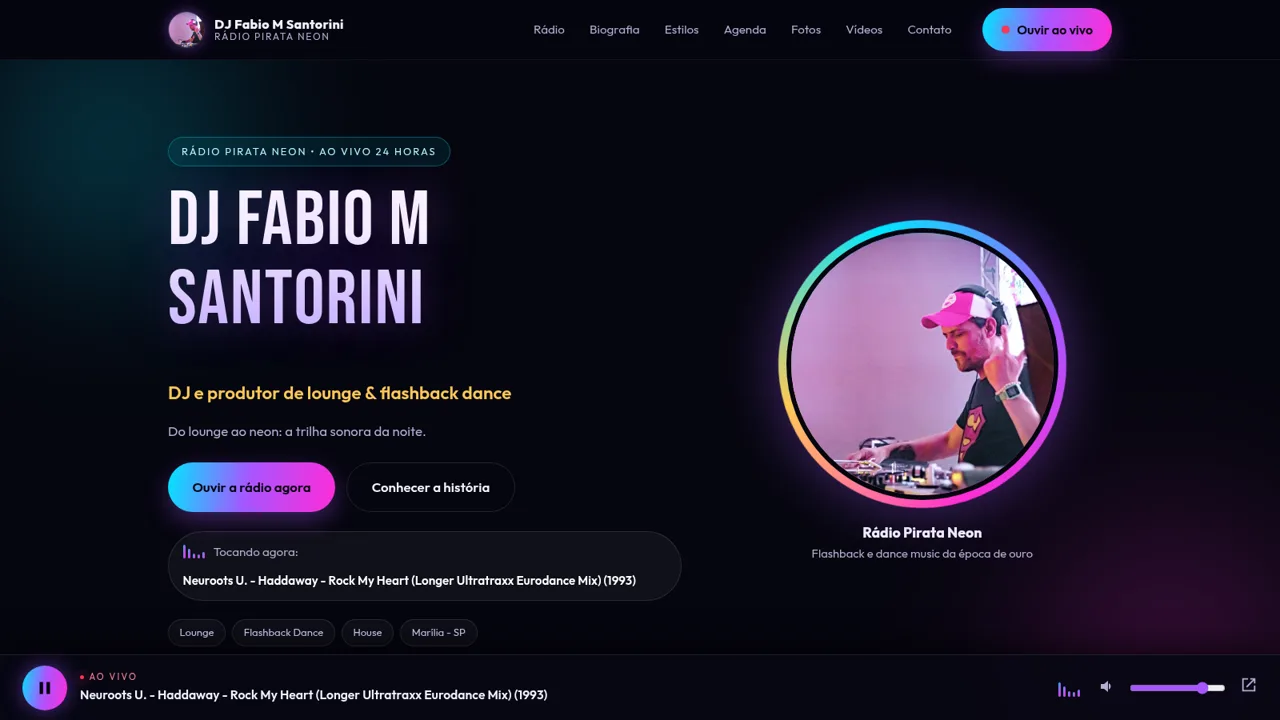
132Rádio Pirata Neon e DJ Fabio
Site do DJ Fabio M Santorini com a Rádio Pirata Neon ao vivo 24h