
WebCraft — Frontend Course
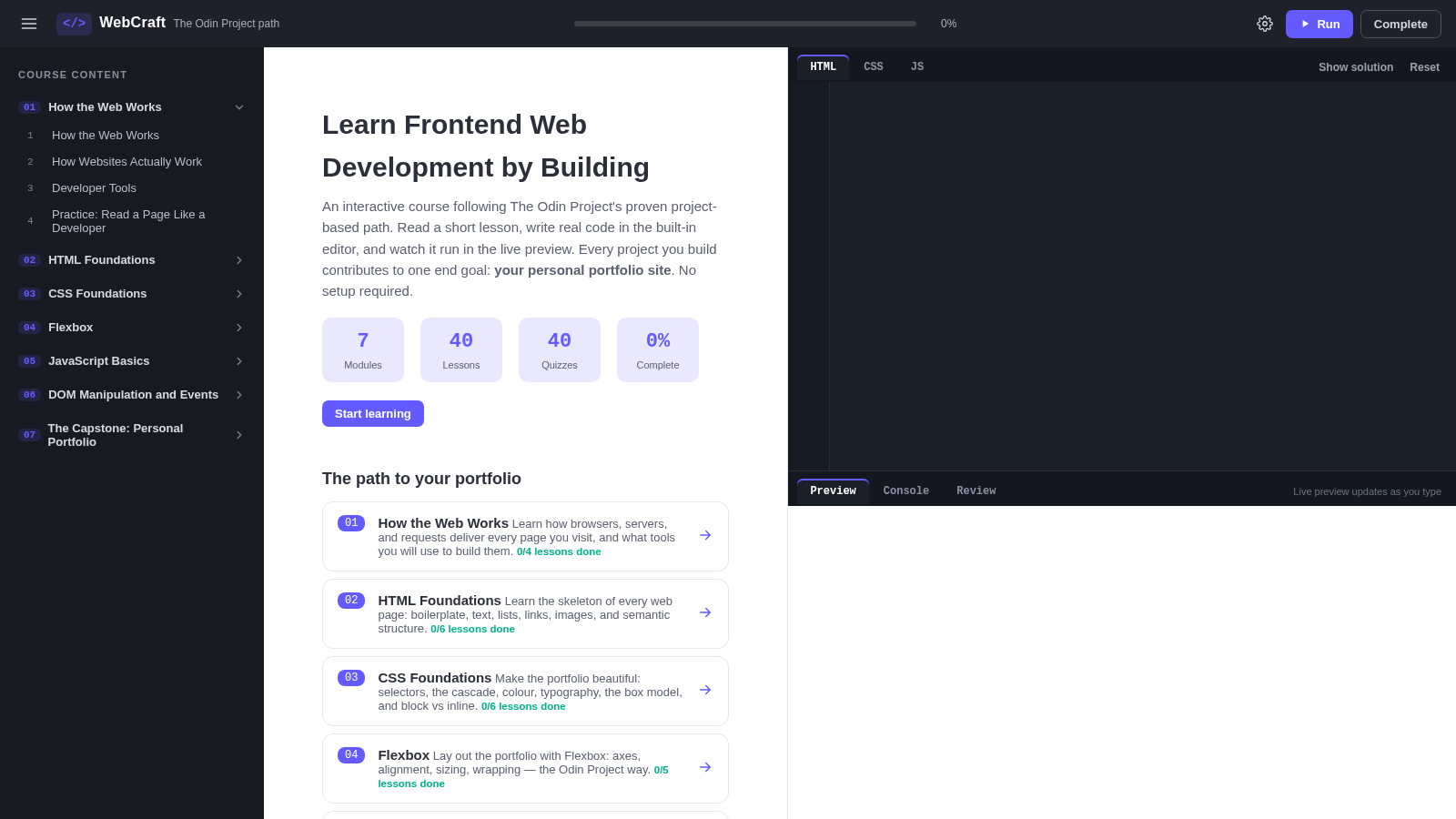
Learn frontend development through structured lessons, real code, live previews, quizzes, and a portfolio capstone.
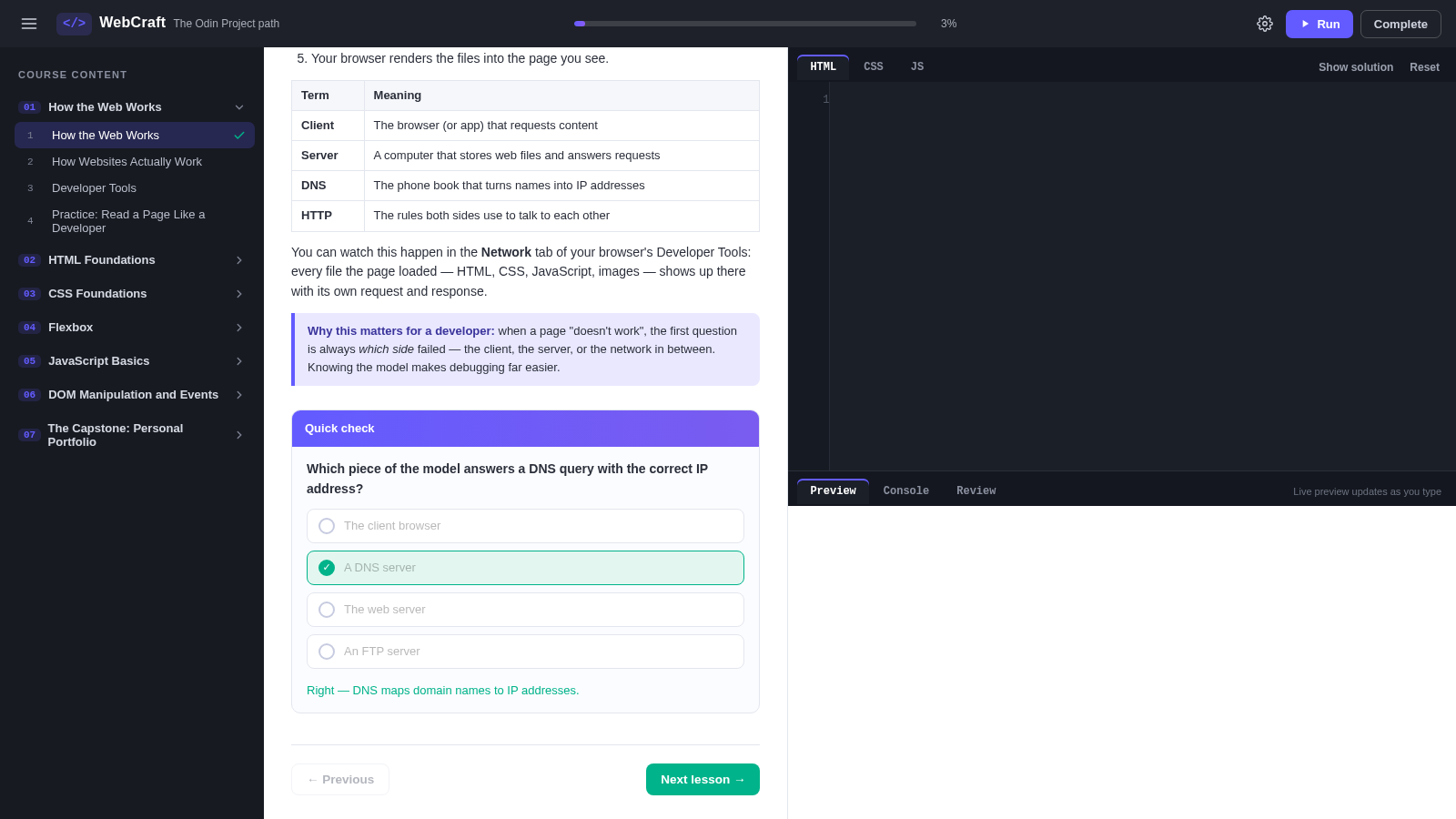
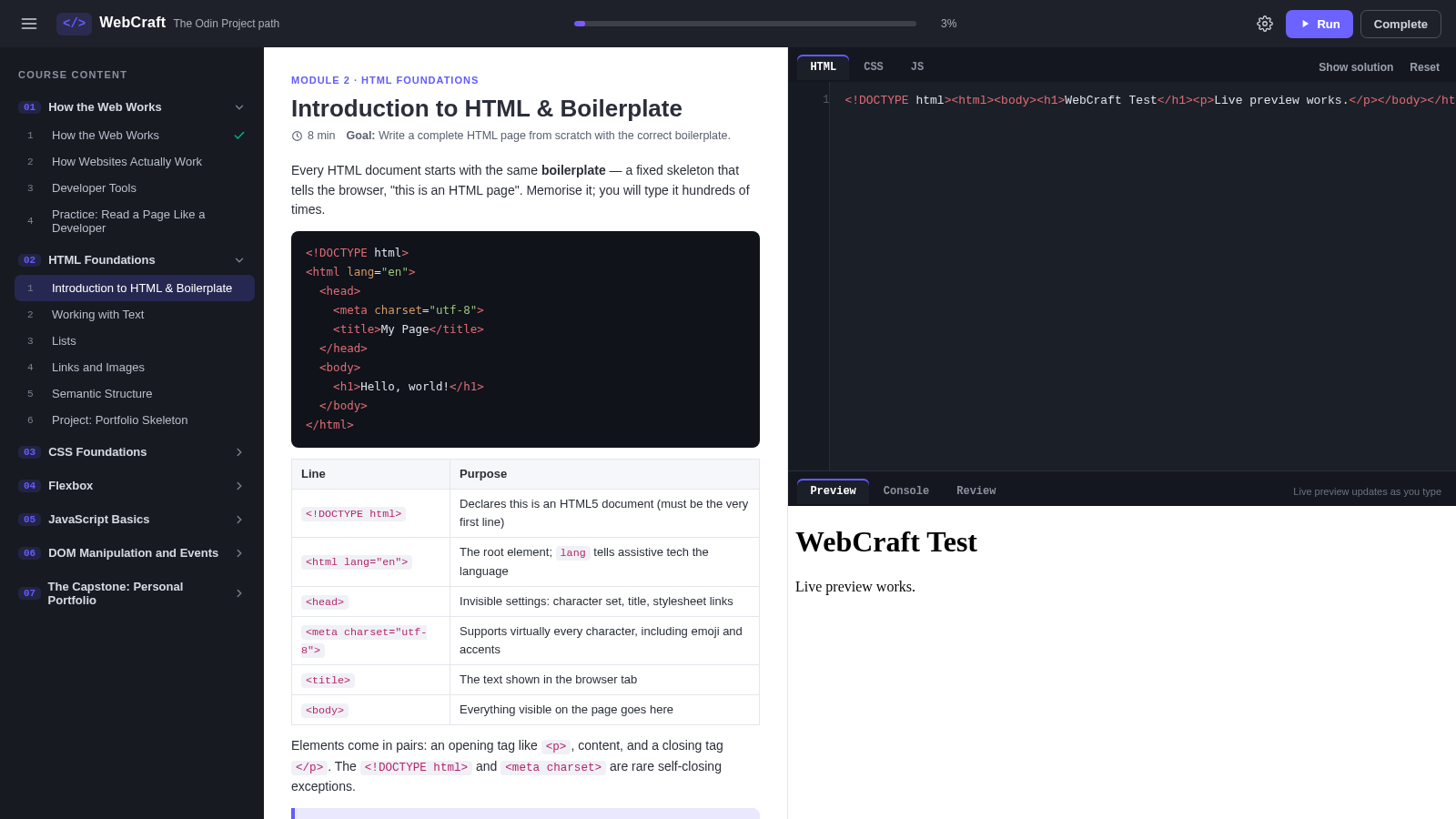
WebCraft is a self-paced interactive frontend course adapted from The Odin Project learning path. Its 7 modules and 40 lessons move from browser and network fundamentals through HTML, CSS, Flexbox, JavaScript, DOM manipulation, events, and responsive portfolio construction. Each lesson combines a goal, concise teaching material, practical tasks, a quick quiz, and an integrated HTML, CSS, and JavaScript workspace. Learners can run code in a live preview, inspect console output, reveal solutions, reset exercises, mark lessons complete, and follow locally stored progress toward a final personal portfolio site.
Highlights
40 Guided Lessons
Seven modules
Live Code Workspace
Edit and preview
Instant Quizzes
Immediate feedback
Portfolio Capstone
Build a full site
Saved Progress
Local tracking
How to Use
Choose a lesson
Open the course menu and select a module and lesson, or use Start learning on the overview. The lesson area presents the objective, explanation, examples, practical tasks, and navigation to adjacent lessons.
Work through the material
Read the lesson and complete its listed tasks. Use the quick check to test understanding; selecting an answer immediately displays feedback and contributes to the visible course progress.
Write and run code
Switch among the HTML, CSS, and JS tabs in the built-in editor, modify the starter code, and press Run. The preview pane renders the result, while the Console tab captures script messages and errors.
Compare and refine
Use Show solution when a reference implementation is needed, Reset to restore the exercise starter, and Review for optional AI-assisted feedback after configuring a compatible API key in the reviewer settings.
Complete the portfolio
Continue through the modules and apply earlier exercises to the capstone. The final lesson provides a checklist for semantic structure, navigation, project cards, an about section, contact validation, responsive behavior, and end-to-end testing.
Similar Sites
 43
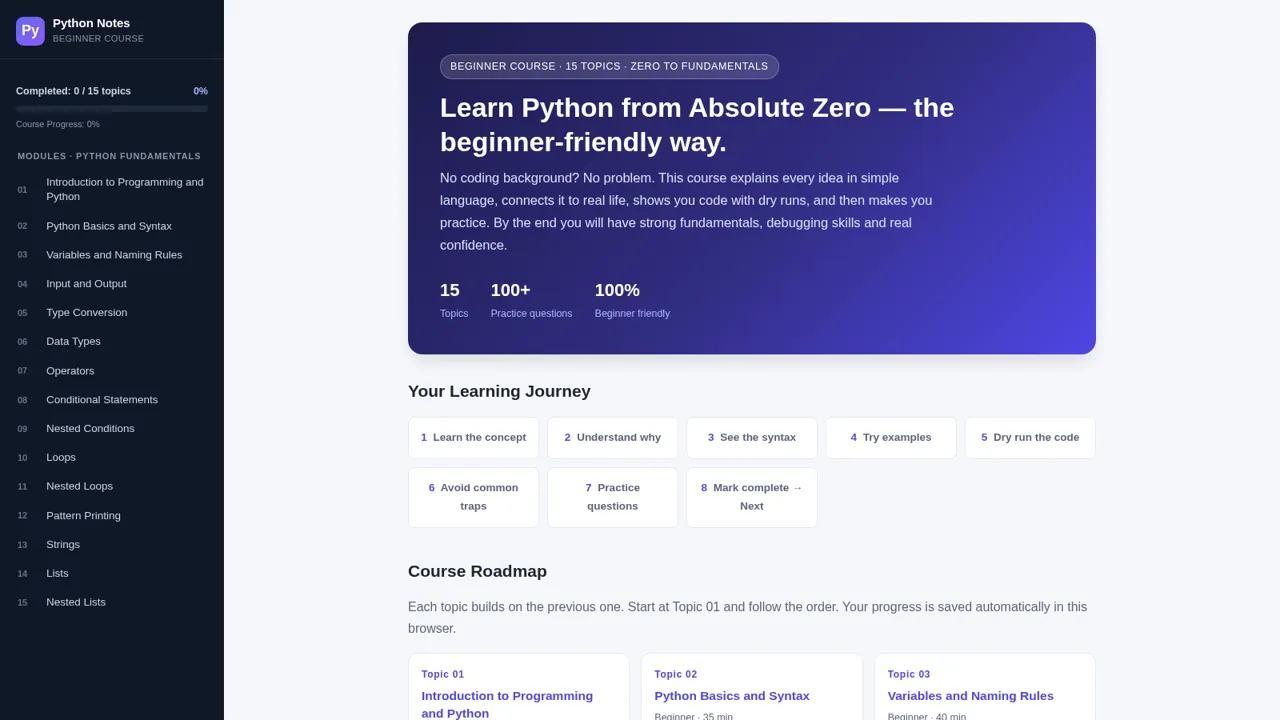
43Python Notes: Learn from Zero
A free beginner-friendly interactive course: learn Python from absolute zero across 15 hands-on topics
 6
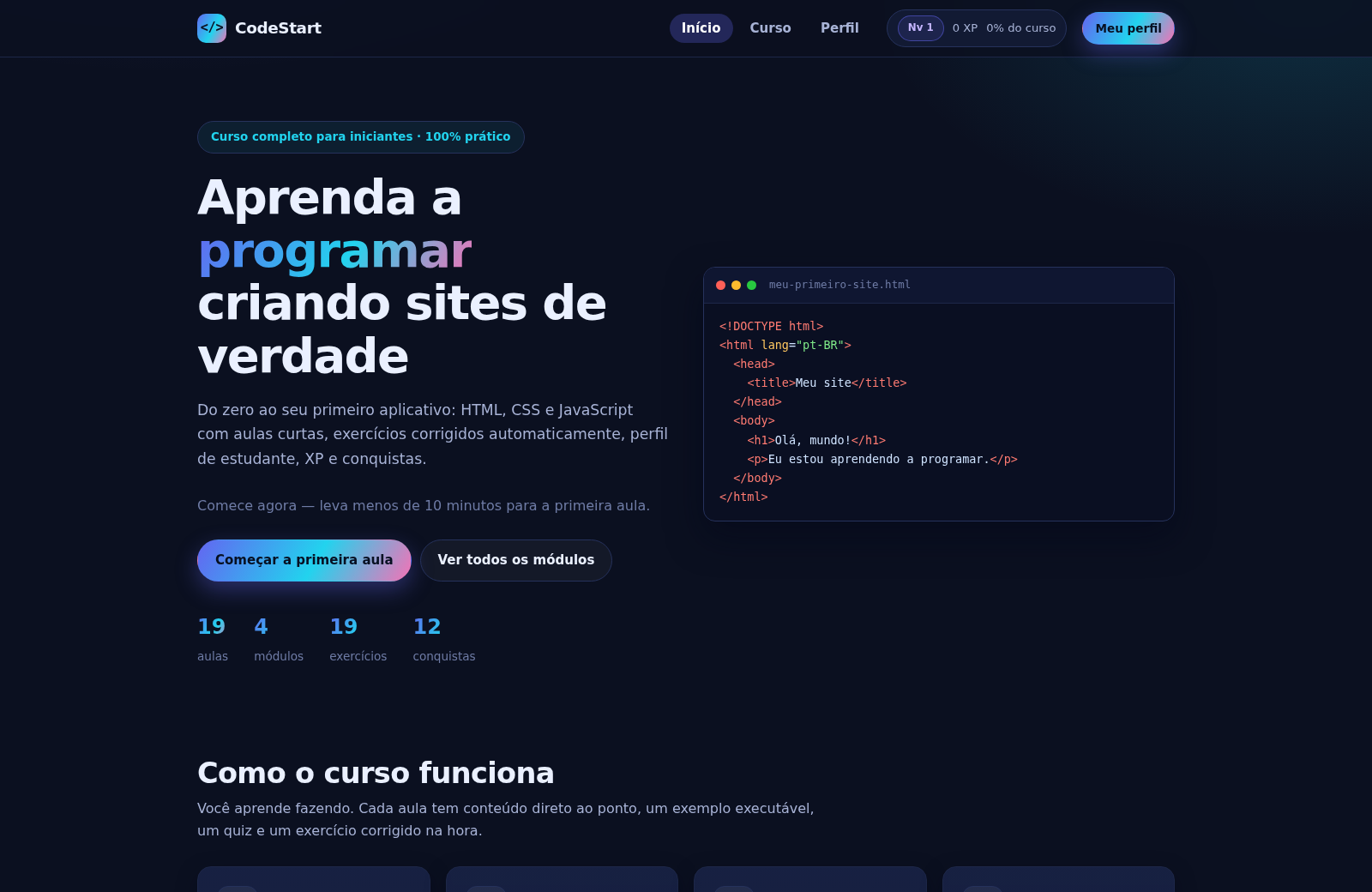
6CodeStart
Curso prático de HTML, CSS e JavaScript para iniciantes, com XP e conquistas.
 4
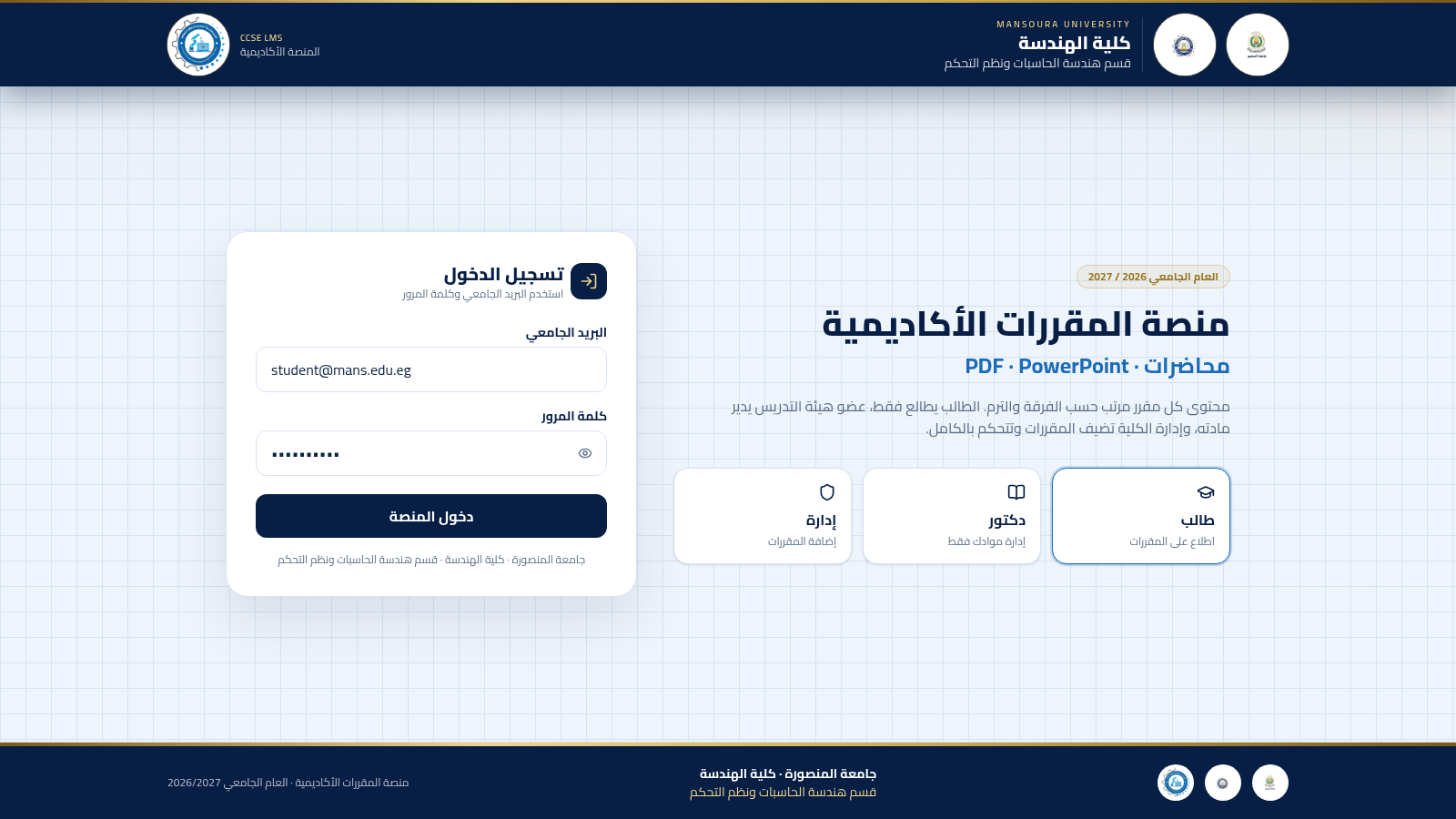
4منصة حاسبات المنصورة
منصة مقررات لقسم هندسة الحاسبات ونظم التحكم بجامعة المنصورة
 1
1أكاديمية أثر للتدريب المهني
دورات مهنية عملية في حمص بإشراف مدربين مختصين
 61
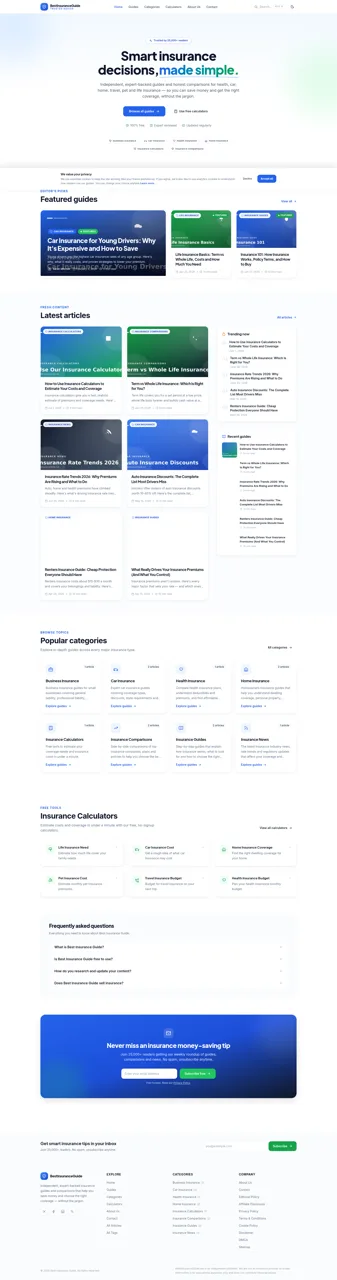
61Best Insurance Guide
Expert-written insurance guides, honest comparisons and trusted calculators.
 44
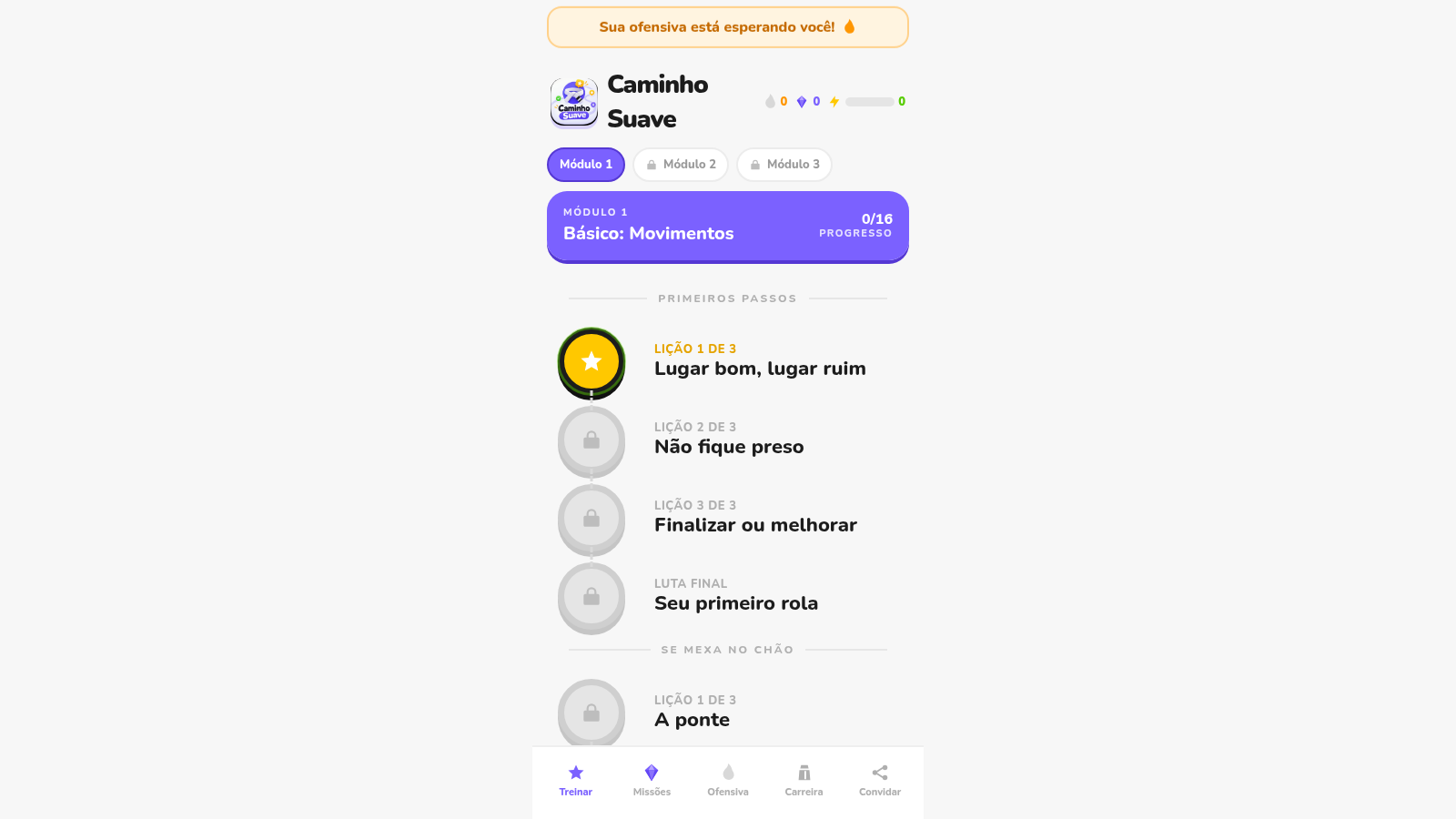
44Caminho Suave
Carreira kids de jiu-jitsu com faixas, aulas e atletas Premium