
NeXus
A shared channel workspace where teammates and AI models participate in the same conversation.
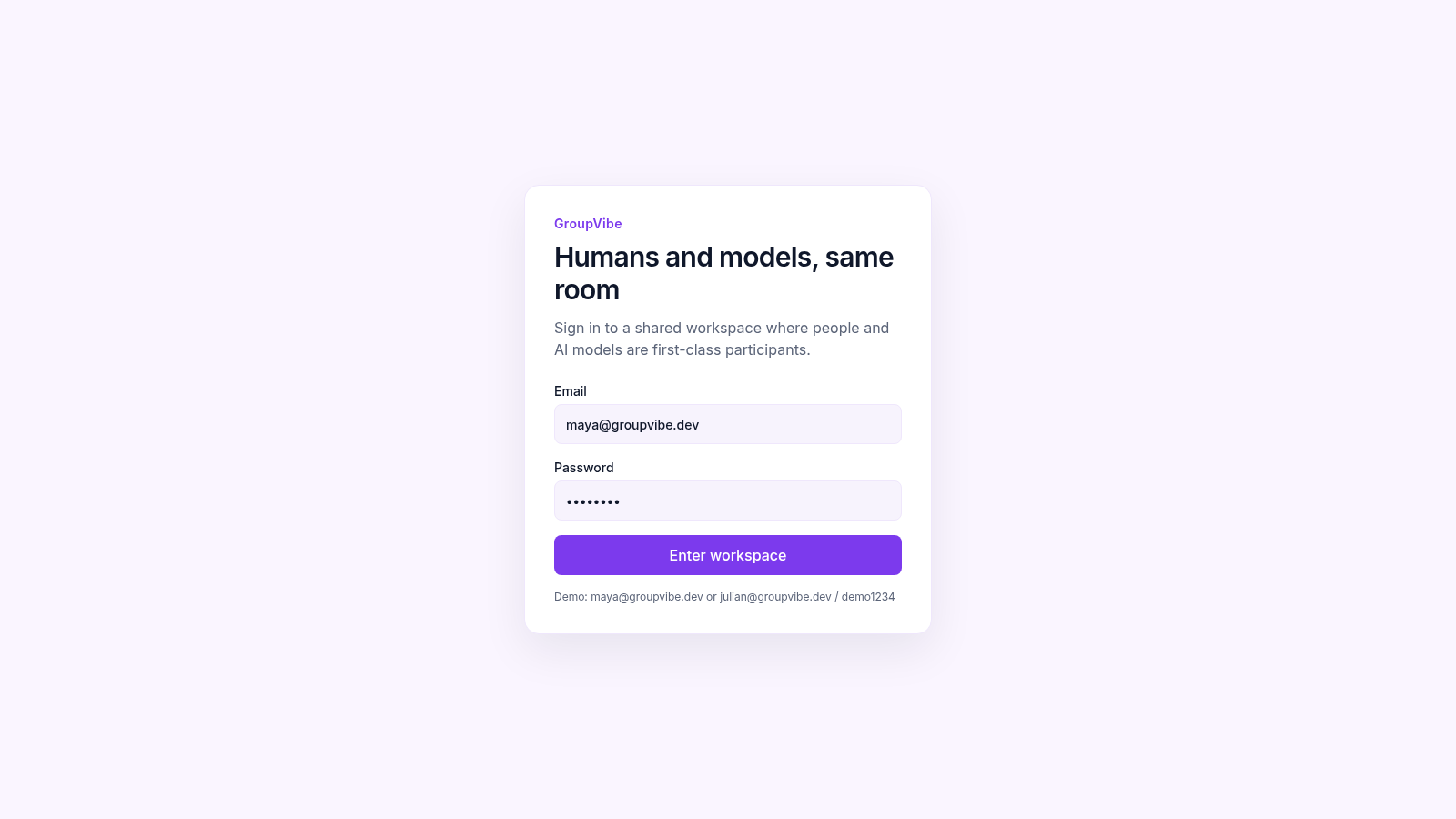
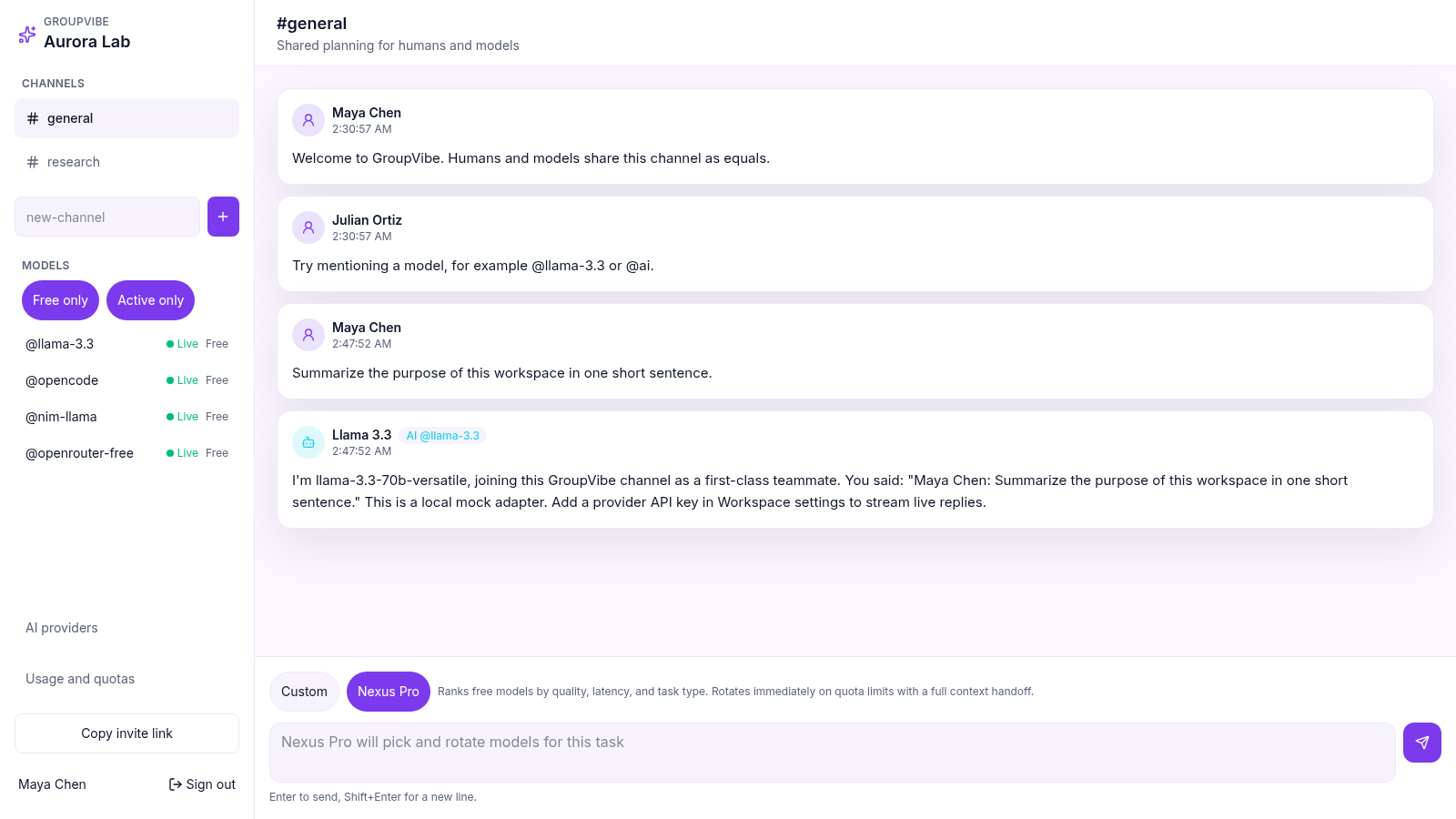
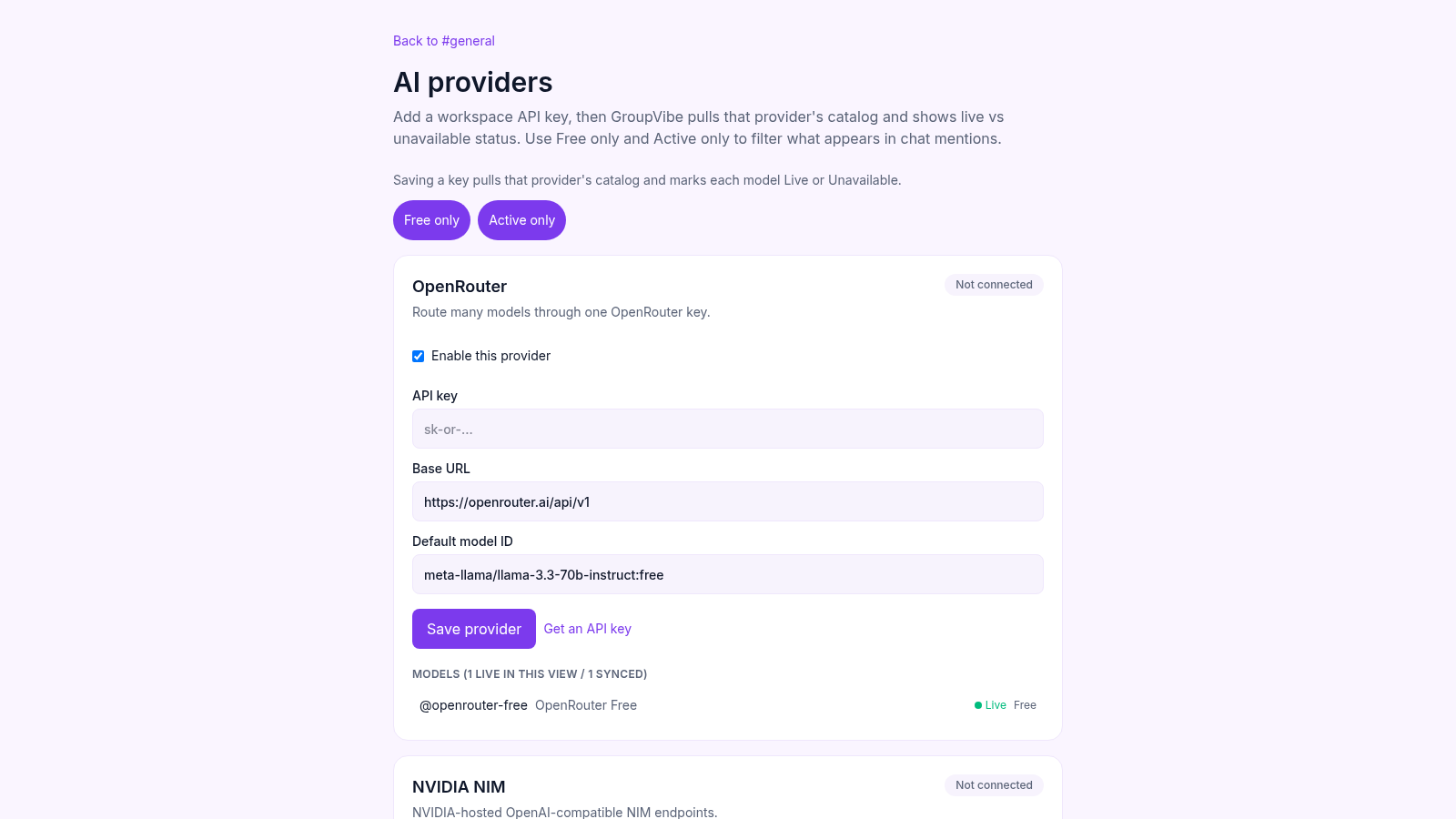
GroupVibe is a browser-based collaboration workspace built around shared channels for people and AI models. The Aurora Lab demo includes general planning and research channels, a persistent message timeline, human identities, AI participants, model availability indicators, and two routing modes. Nexus Pro can choose among free active models according to quality, latency, and task type, while Custom mode supports direct control. Workspace settings cover OpenRouter, NVIDIA NIM, Groq, Anthropic, OpenAI, and OpenAI-compatible providers, with API key, base URL, default model, catalog status, and model filters presented in one interface.
Highlights
Shared AI channels
Humans and models chat
Smart model routing
Selects and rotates models
Provider controls
Six provider setups
Demo access
Credentials are included
How to Use
Enter the demo workspace
Open the login page and use either displayed demo email with the supplied demo password. Selecting Enter workspace signs in as Maya Chen and opens the Aurora Lab general channel.
Choose a channel and routing mode
Select general or research from the channel list, then leave Nexus Pro active for automatic model selection or switch to Custom when direct routing is preferred. The sidebar shows which free models are currently marked live.
Send a team message
Write in the Message field and select Send message, or use Enter from the keyboard. The post appears in the shared timeline and the selected AI participant adds a response with its identity and timestamp.
Configure live providers
Open AI providers to enable a service, enter a workspace API key, review its base URL and default model, and save the configuration. The page then uses the provider catalog to distinguish live and unavailable models.
Expand the workspace
Enter a new channel name to create another discussion space, use Copy invite link to share workspace access, and open Usage and quotas to review model consumption limits.
Similar Sites
 27
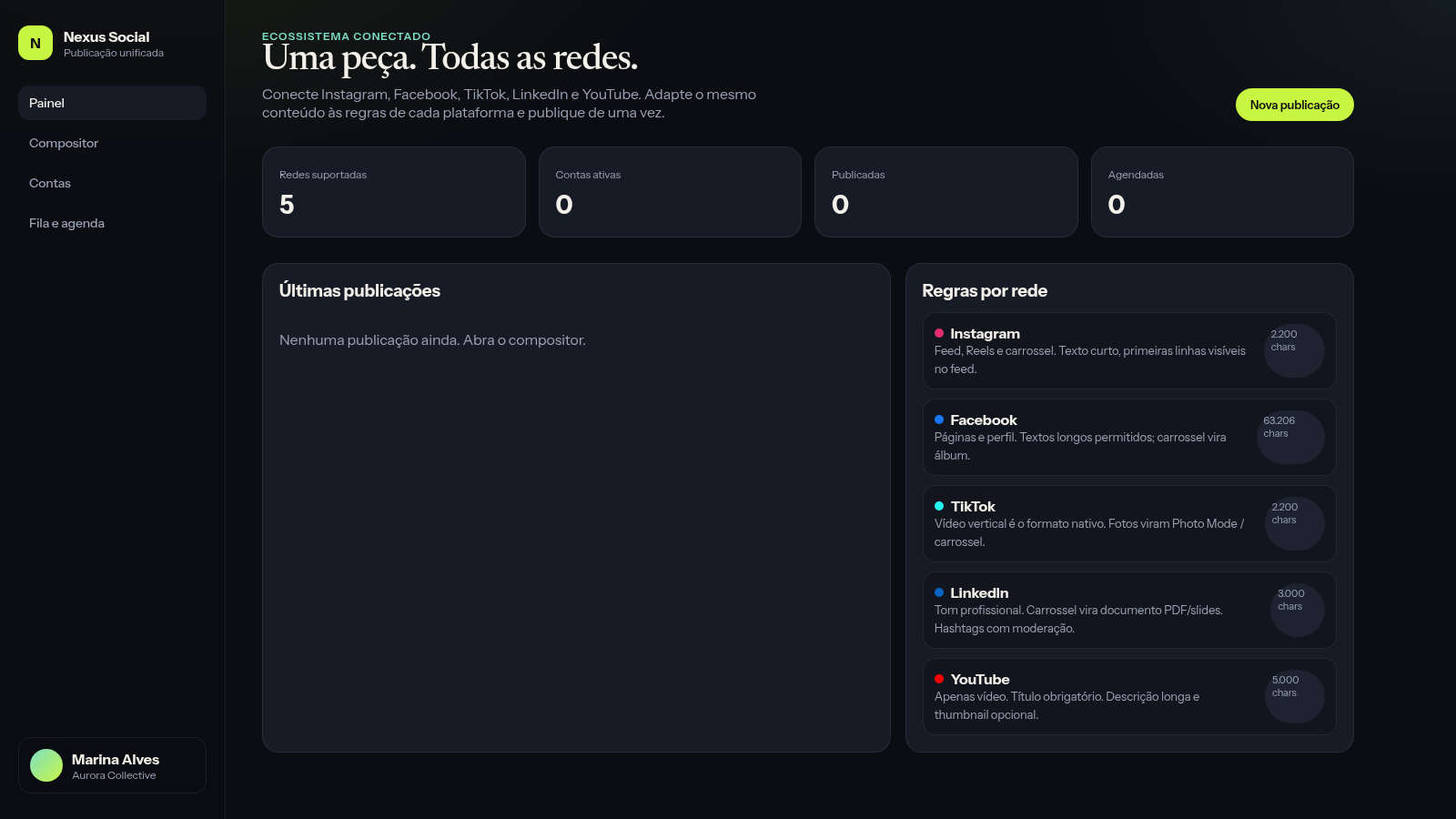
27Nexus Social
Publique de uma só vez o mesmo conteúdo em suas principais redes sociais
 34
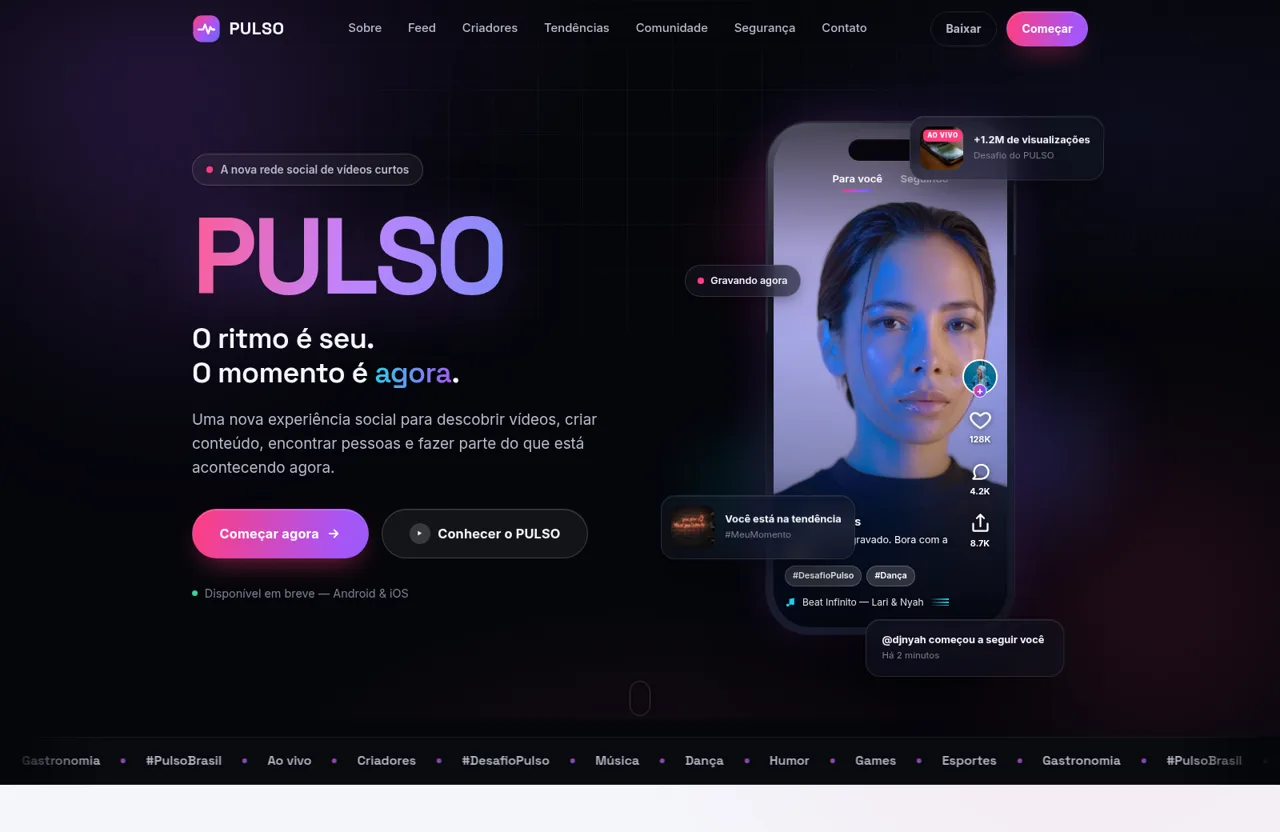
34PULSO — O ritmo é seu. O momento é agora.
PULSO é a nova plataforma social de vídeos curtos. Descubra, crie e conecte-se através de conteúdo rápido, espontâneo, autêntico e envolvente.
 32
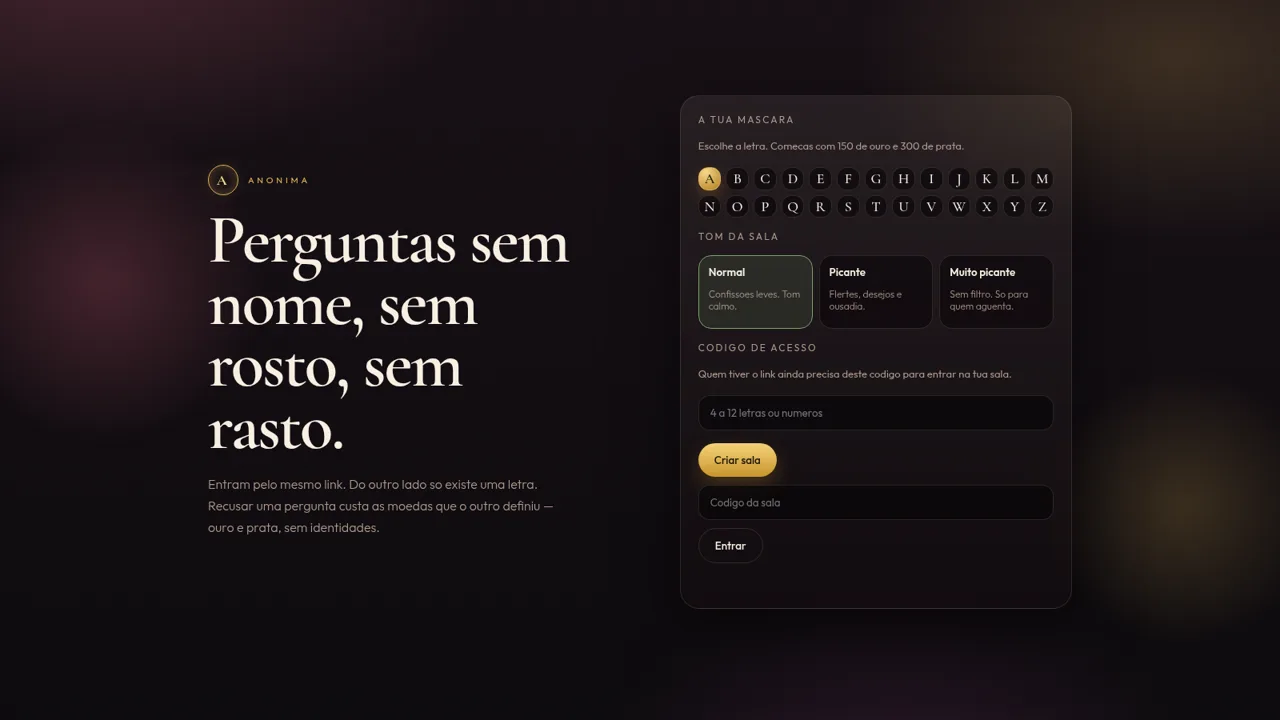
32Anónima
Perguntas anónimas por letra, com moedas e ficheiros de um só olhar.
 31
31Vai Dar Namoro
Encontros 18+ em Angola. Cadastro 1.500 Kz, carteira AOA, Loja Palanca e indicações 300 Kz.
 26
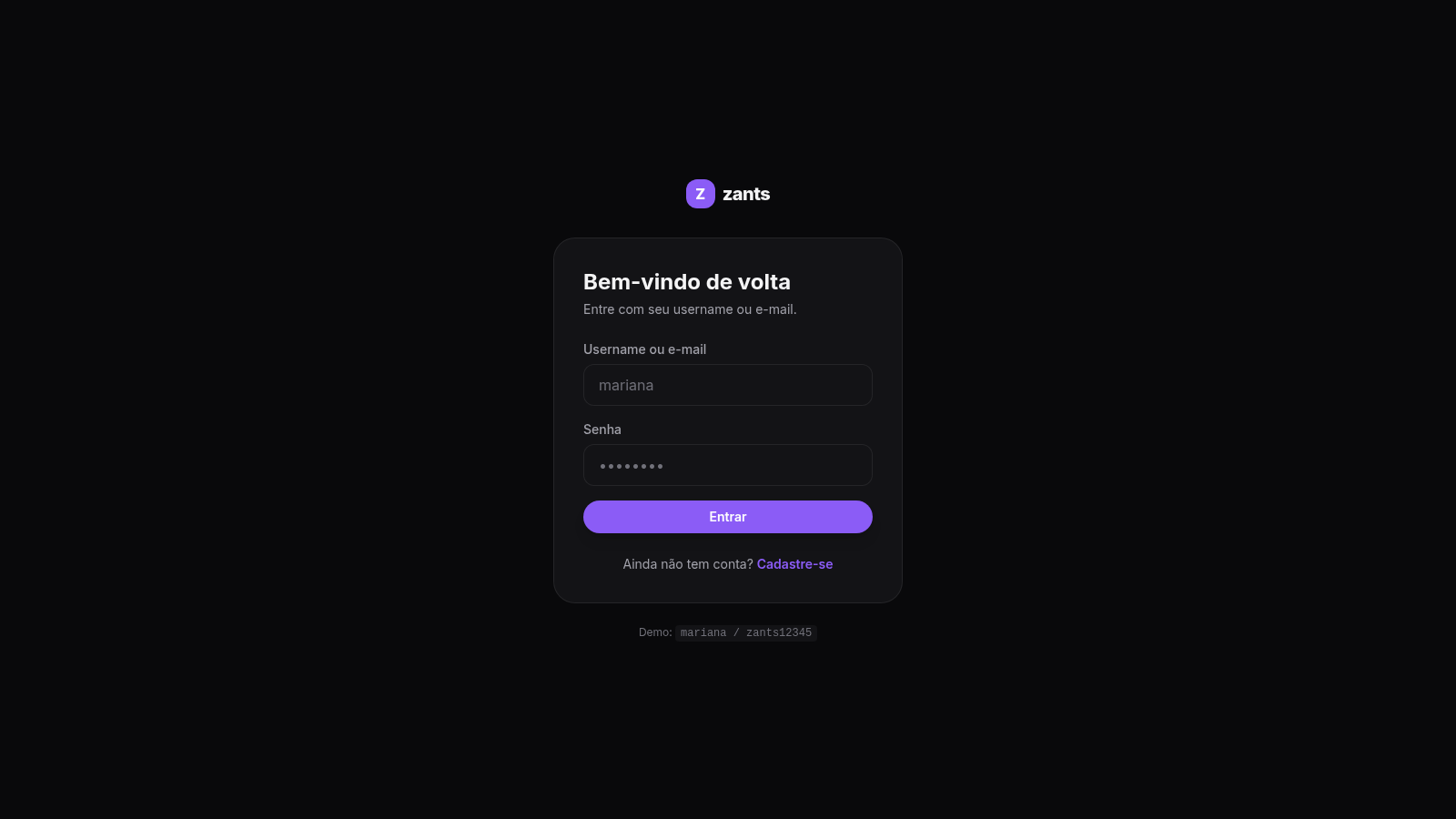
26Zants
Rede social estilo feed — NestJS + Prisma + PostgreSQL
 25
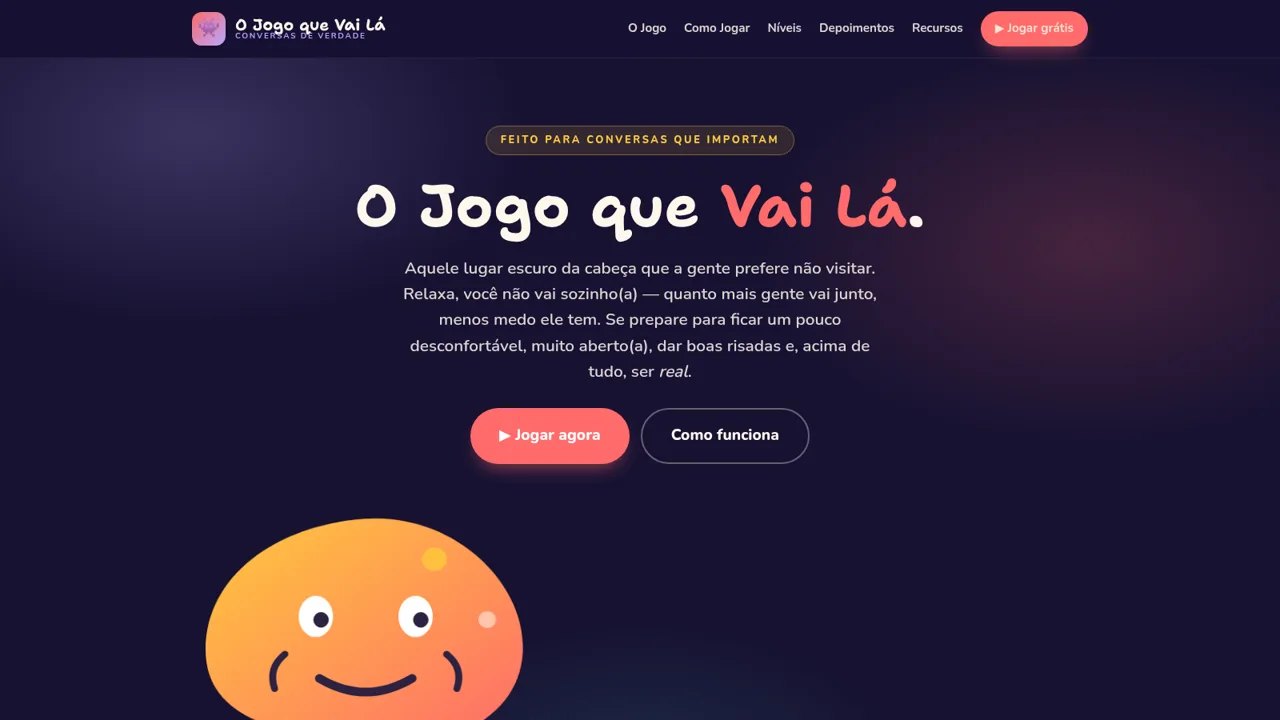
25O Jogo que Vai Lá
Jogo de cartas para conversas profundas e honestas — seja honesto e só vá lá se quiser