
LipVoice
Reads your lips through the camera and speaks trained phrases aloud
LipVoice is a browser-based communication aid for people who cannot easily speak. It watches your mouth through the camera, matches what it sees against phrases you trained yourself, shows its best guess, and can speak the result out loud. You can train phrases from several head angles with an animated pronunciation guide, add a starter set of essentials, upload a voice recording so playback uses that voice, and adjust automatic speech, strictness and pause length in Settings. The interface supports English and Arabic, and video is processed on the device rather than uploaded.
Highlights
Camera lip reading
Reads your mouth
Custom phrases
Train your own words
My voice cloning
Speaks in your voice
Bilingual interface
English and Arabic
How to Use
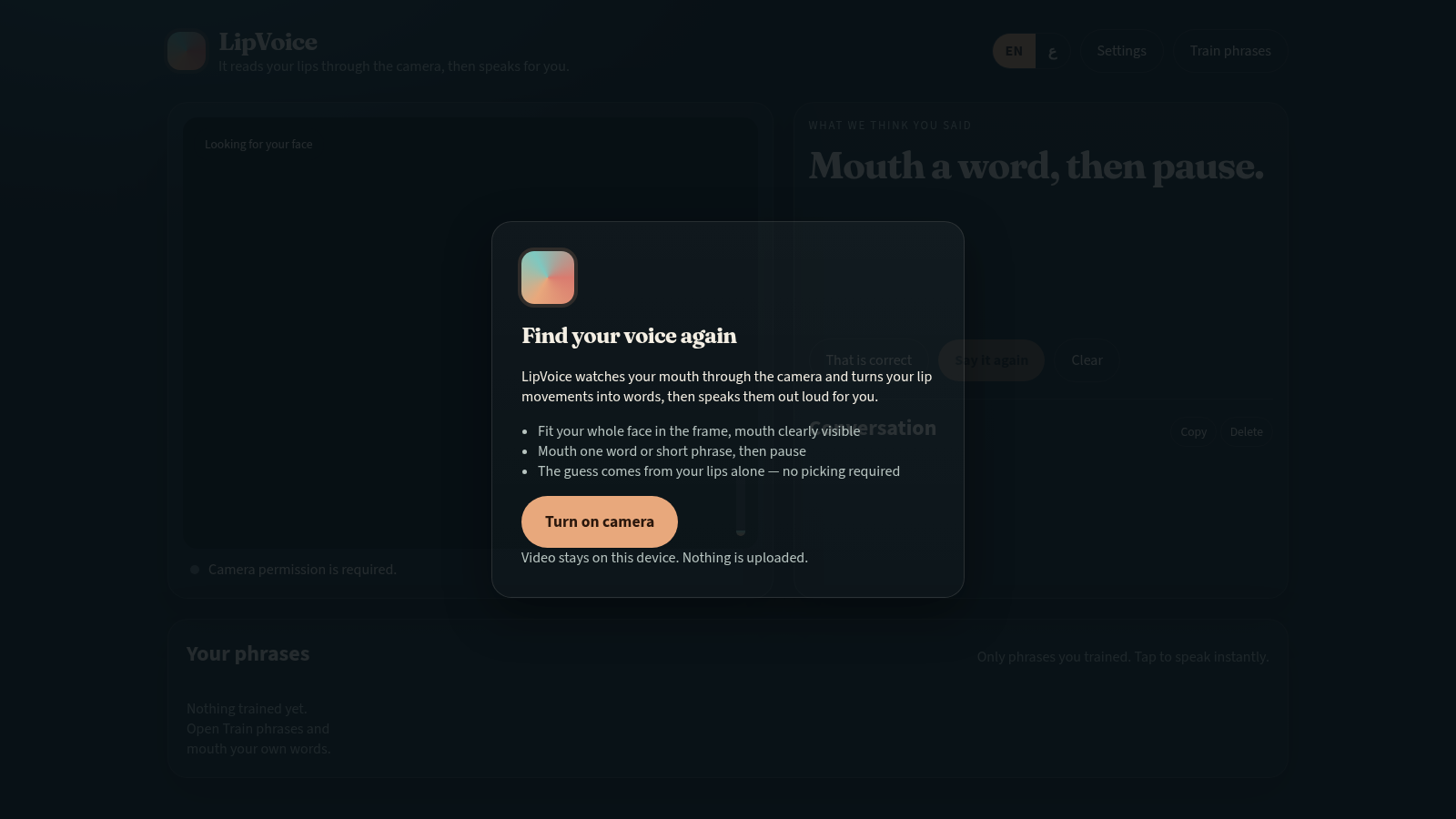
Turn on the camera
Open the site and click Turn on camera on the intro card, then allow camera access. Fit your whole face in the frame with your mouth clearly visible. The page states that video stays on your device and nothing is uploaded, so the reading runs locally in the browser.
Train your phrases
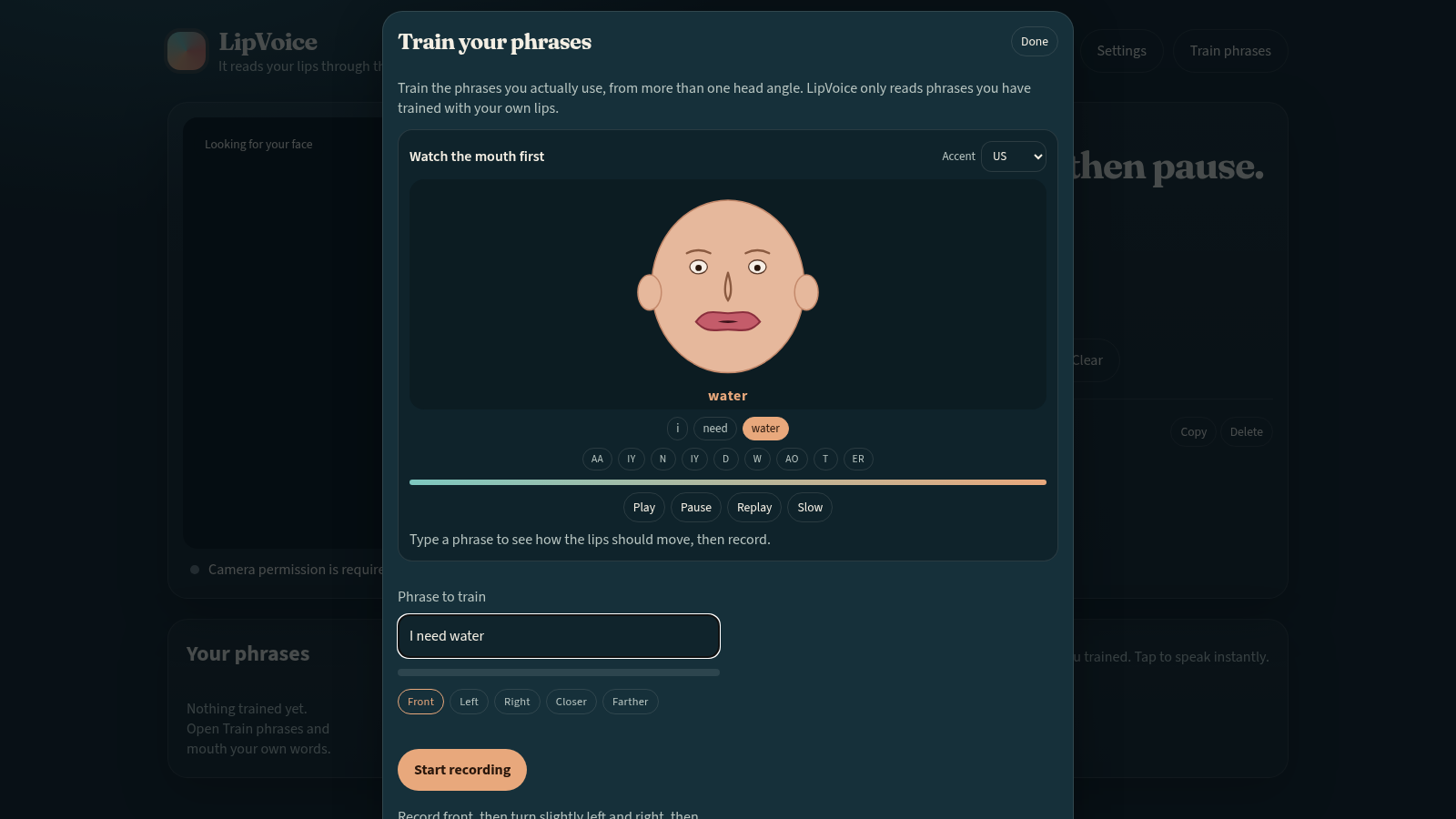
Open Train phrases. Type a phrase, watch the animated mouth guide and use Play, Pause, Replay and Slow to study the motion, then press Start recording and repeat the phrase while following the head-angle chips for Front, Left, Right, Closer and Farther so LipVoice learns it from more than one view. Load essentials adds a starter set if you prefer not to type your own.
Read and speak
Mouth one of your trained phrases and then pause. The What we think you said card shows the best guess, adds it to the Conversation list, and can speak it aloud automatically. Use That is correct, Say it again, Record a sample or Clear to correct or improve the result.
Personalise the voice
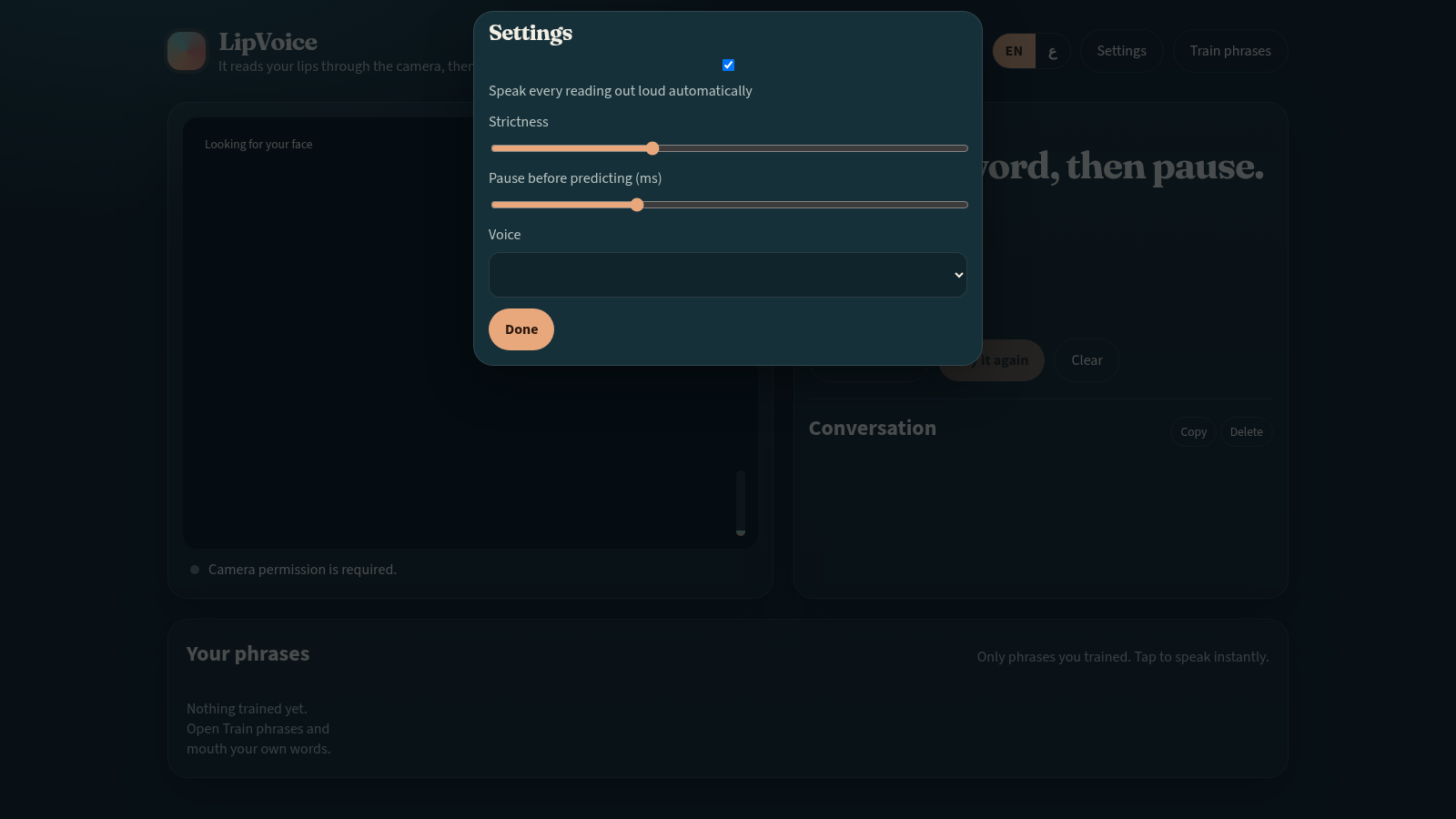
Open Settings to turn automatic speaking on or off and adjust the strictness and pause-before-predicting sliders. Open My voice to upload a short recording of your own or a patient's voice so later predictions are spoken in that voice, and use the test text field to hear a sample before relying on it.
Similar Sites
 34
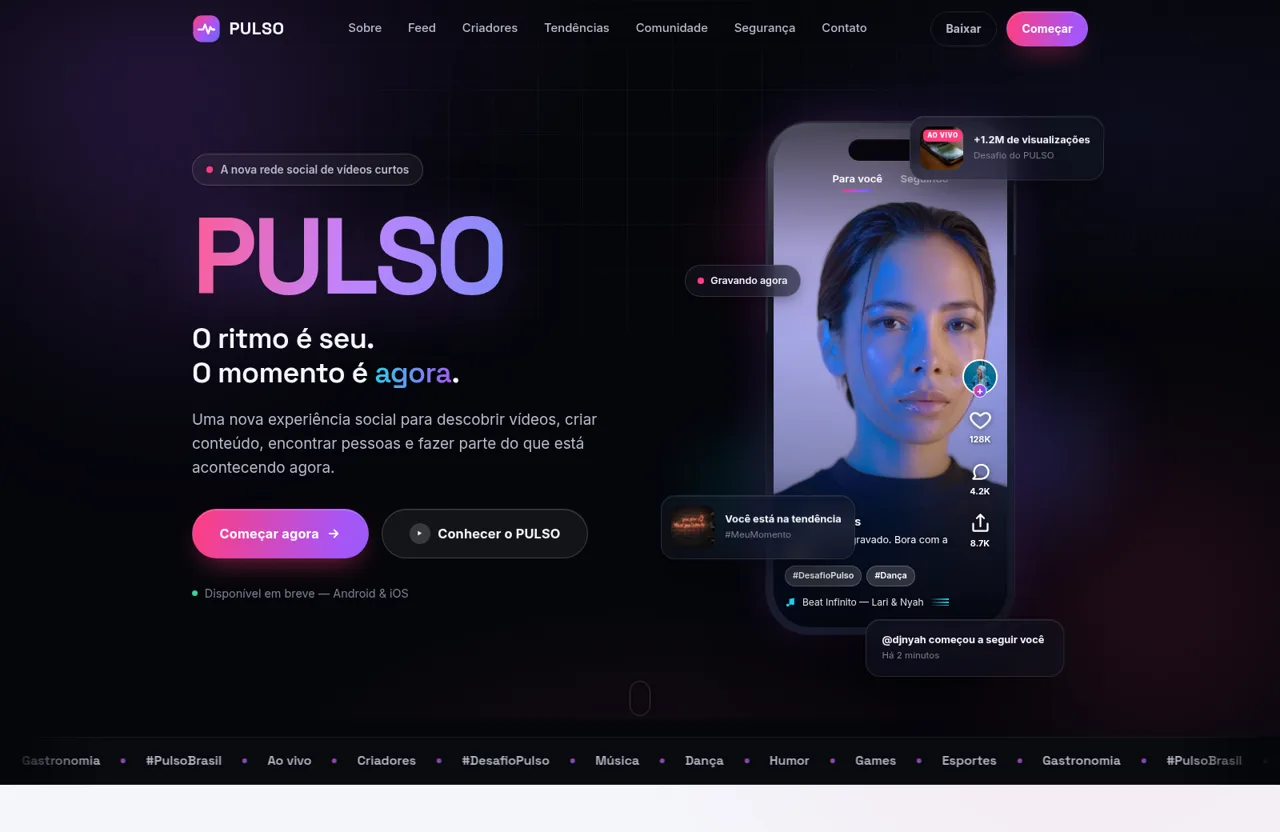
34PULSO — O ritmo é seu. O momento é agora.
PULSO é a nova plataforma social de vídeos curtos. Descubra, crie e conecte-se através de conteúdo rápido, espontâneo, autêntico e envolvente.
 32
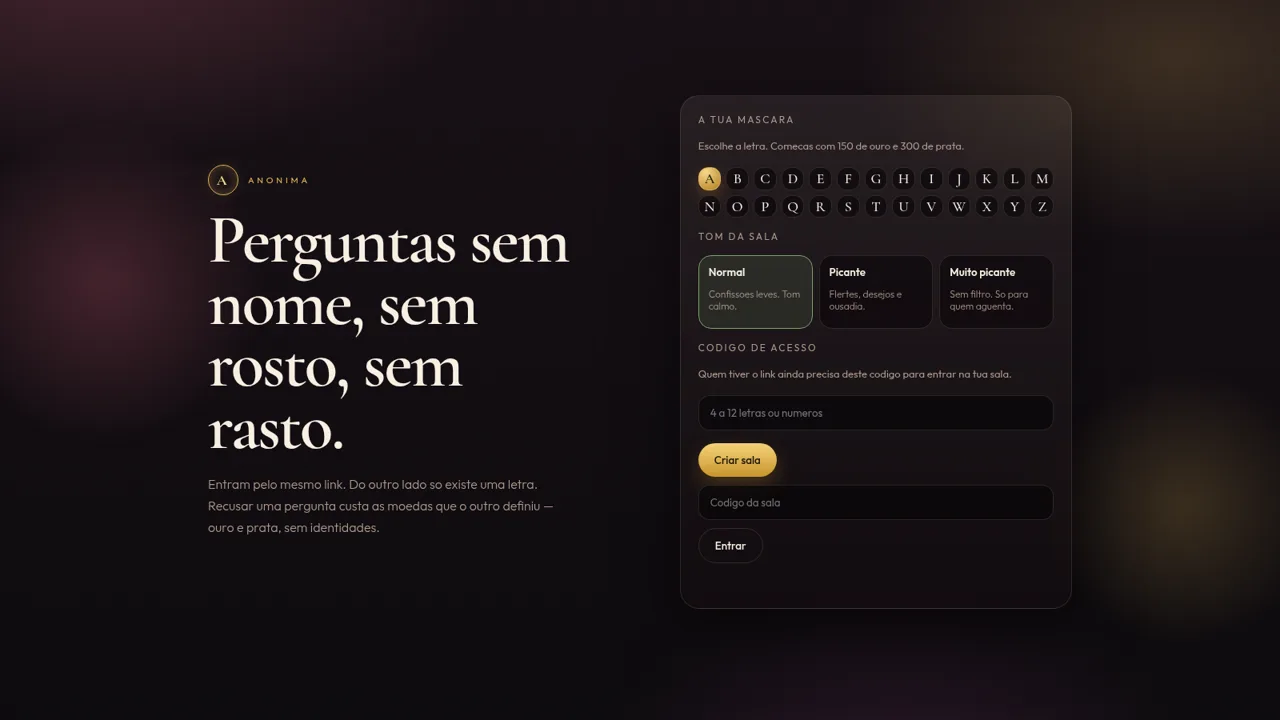
32Anónima
Perguntas anónimas por letra, com moedas e ficheiros de um só olhar.
 31
31Vai Dar Namoro
Encontros 18+ em Angola. Cadastro 1.500 Kz, carteira AOA, Loja Palanca e indicações 300 Kz.
 27
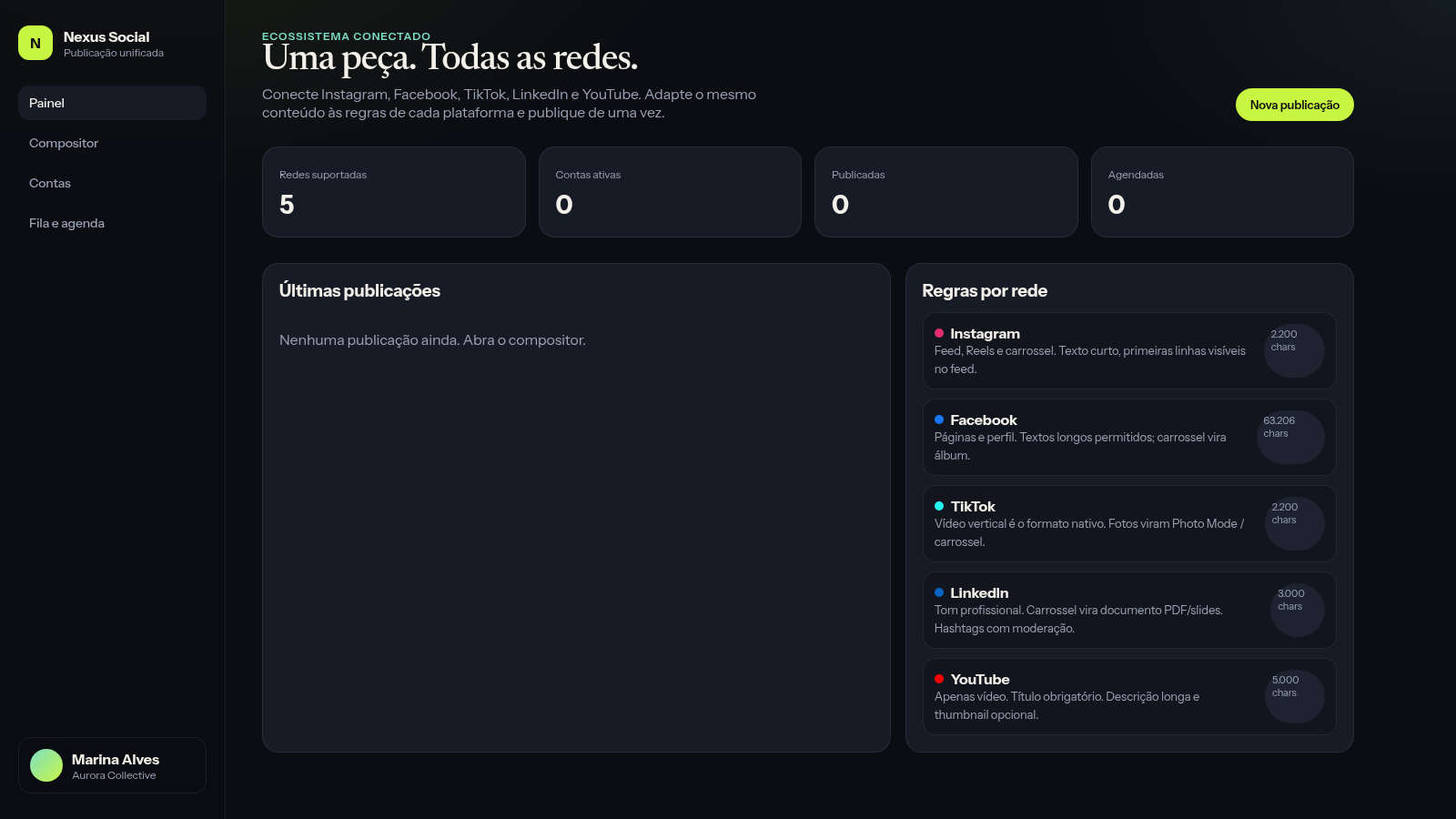
27Nexus Social
Publique de uma só vez o mesmo conteúdo em suas principais redes sociais
 26
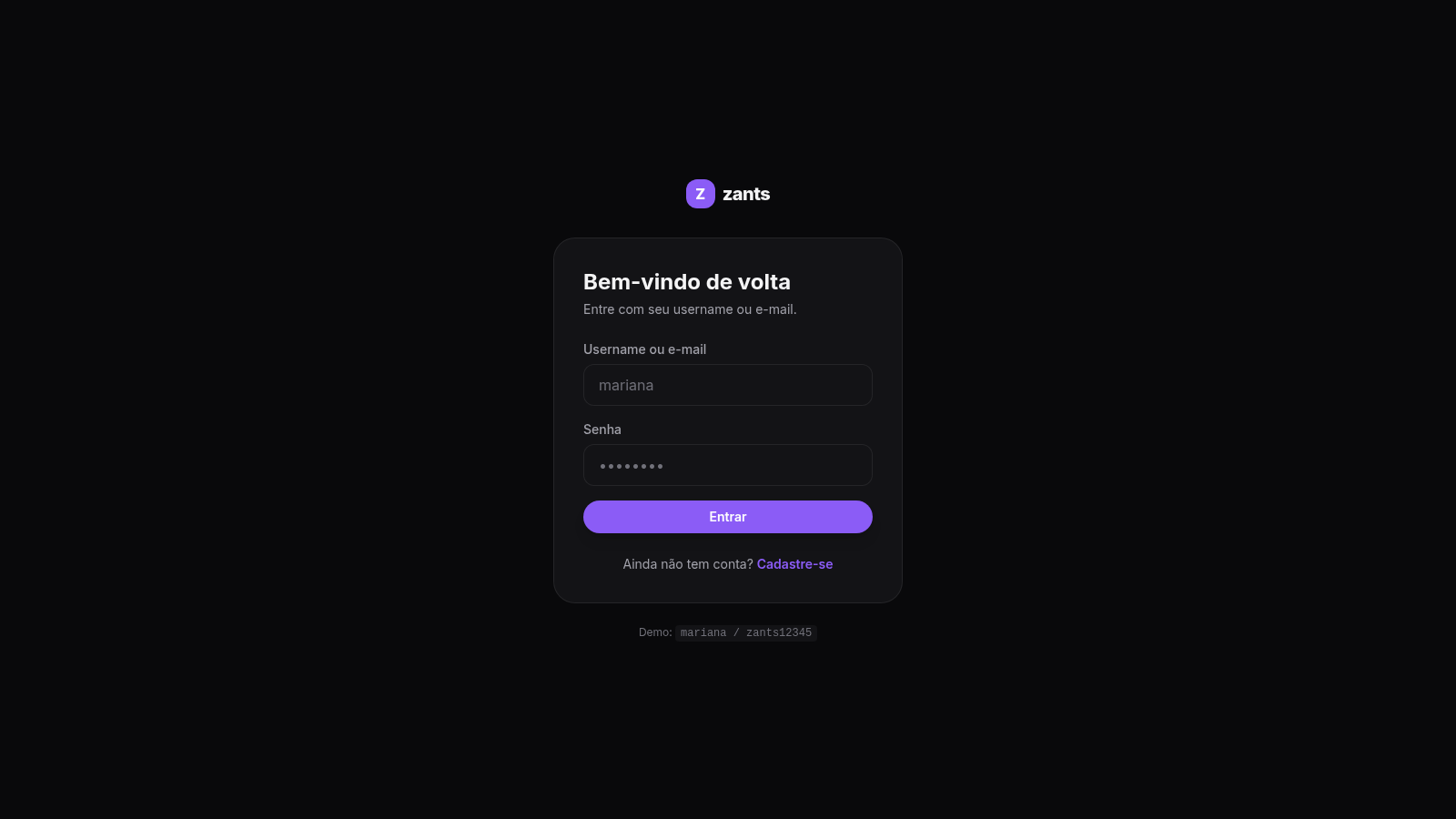
26Zants
Rede social estilo feed — NestJS + Prisma + PostgreSQL
 25
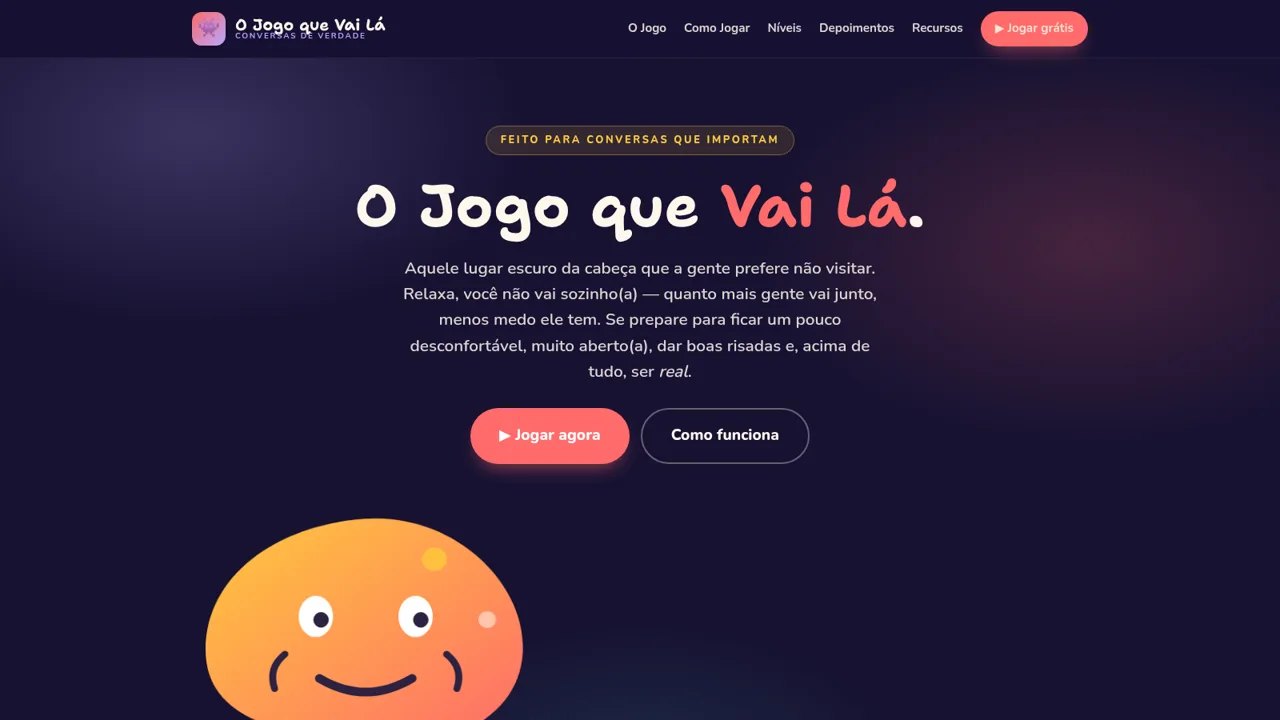
25O Jogo que Vai Lá
Jogo de cartas para conversas profundas e honestas — seja honesto e só vá lá se quiser