
Nexora
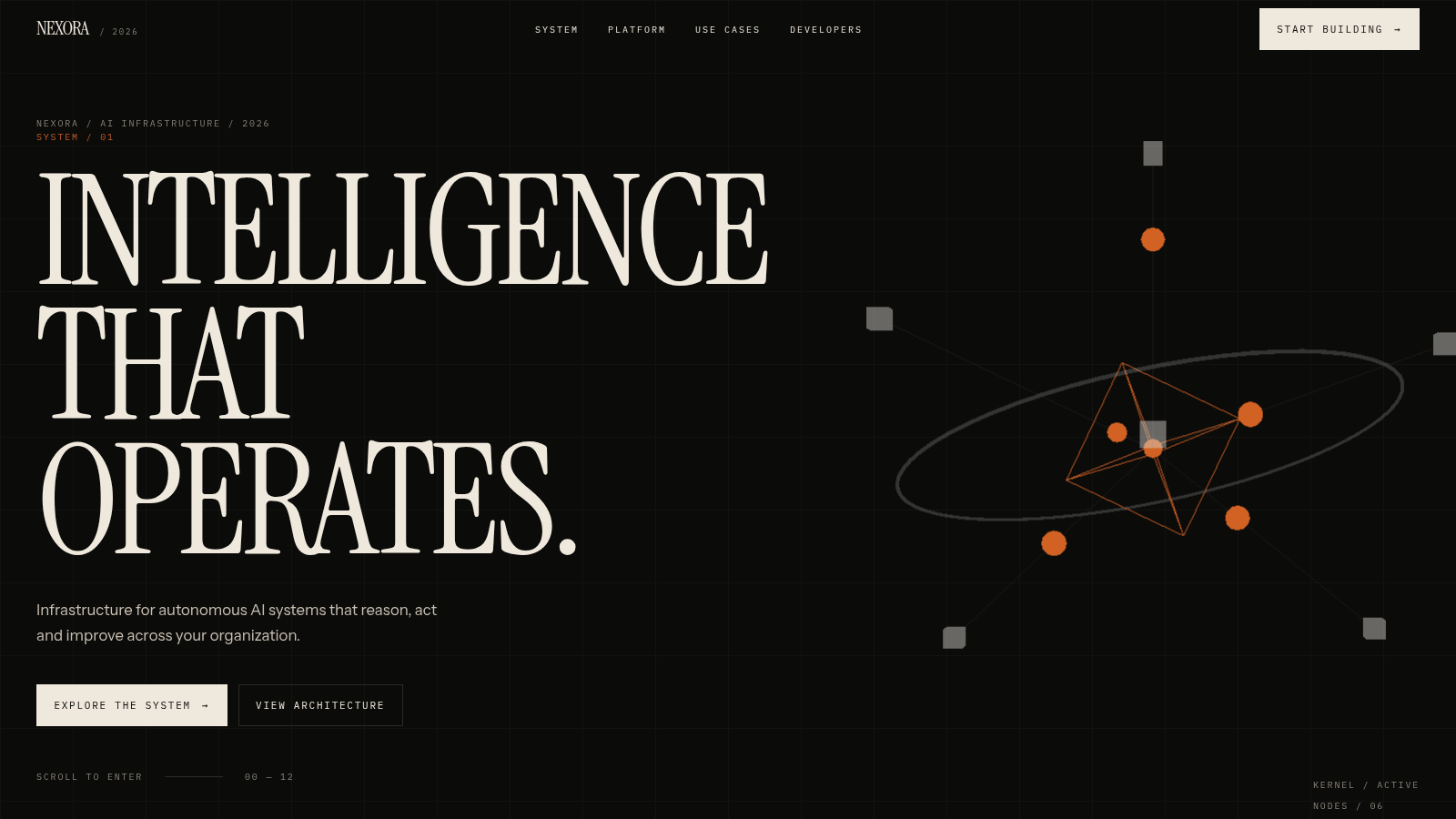
A concept landing page for an operating layer that lets AI systems act.
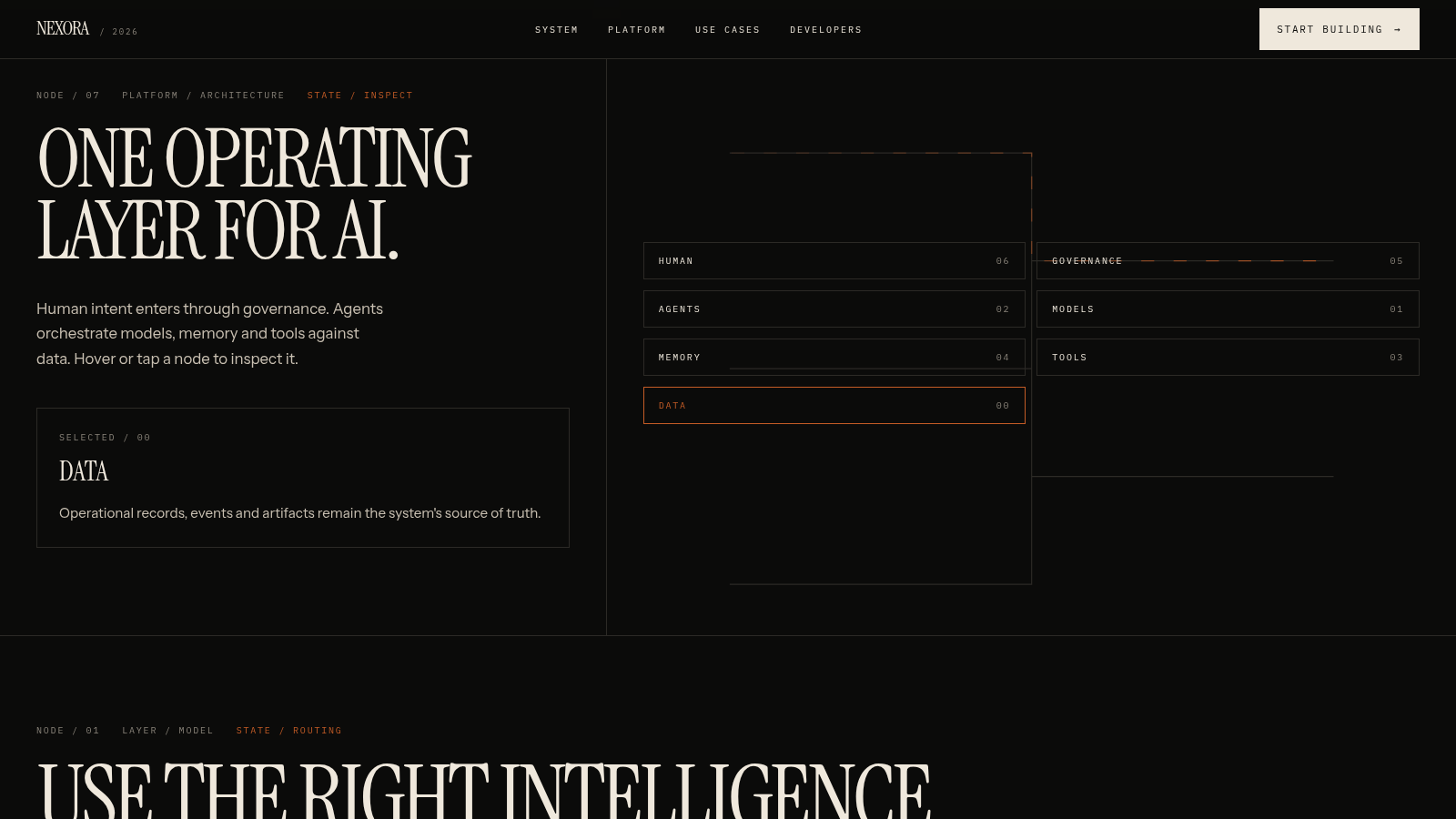
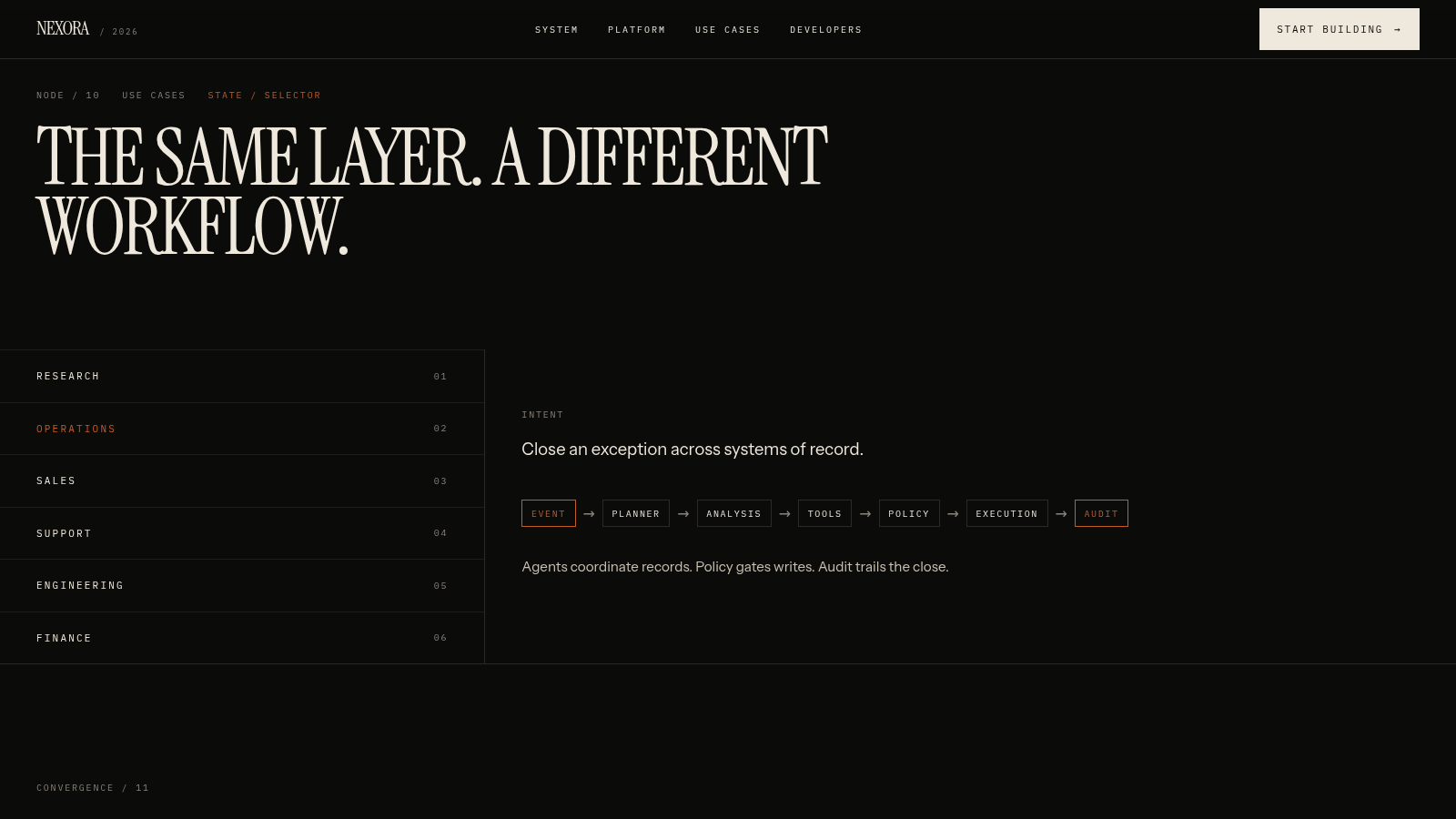
Nexora is a single-page concept site for an AI infrastructure product. It presents an operating layer that spans models, agents, tools, memory, data and human governance, and walks through the idea across thirteen numbered sections. Visitors can scroll the full narrative, click architecture and tool nodes to inspect each layer, switch between six business use cases, pause and restart a simulated task demo, and copy a conceptual SDK snippet. The page labels its diagrams, metrics and SDK as demonstrations rather than live production systems.
Highlights
Node inspector
Tap to inspect nodes
Model routing
Switch routing modes
Live task demo
Watch a task run
Use case tabs
Six workflows
Demo SDK snippet
Copy the code sample
Security model
Policy and audit
How to Use
Start at the hero
Open the page and read the oversized headline and short product line. The top navigation links to System, Platform, Use Cases and Developers, and the corner counter tracks the twelve steps ahead, so you can either scroll in order or jump straight to a section.
Inspect the architecture
Scroll to the platform diagram and click any of the seven layer buttons such as Human, Governance, Agents or Data. The diagram highlights the chosen layer and the side panel swaps to a matching description, so you can move back and forth to compare layers.
Explore use cases and the demo
In the use cases strip, select Research, Operations, Sales, Support, Engineering or Finance to see how the same layer is applied to a different workflow. In the live demo section you can pause or restart the simulated task and watch the seven timestamped stages advance from task received to completed.
Review developers and security
Near the end, read the conceptual SDK sample and use the copy button to take the snippet. The security section then lists encryption, tenant isolation, roles, approval policies, audit events and data boundaries, after which the closing section offers links back to earlier parts of the page.
Similar Sites
 133
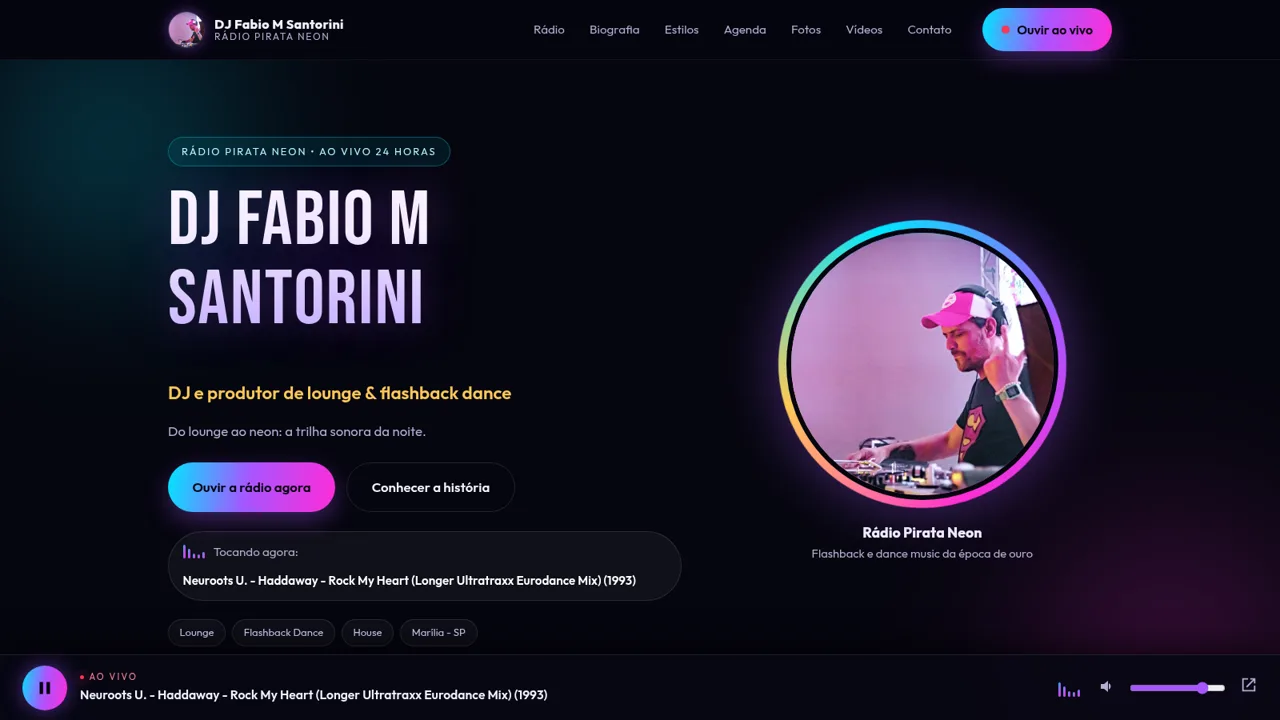
133Rádio Pirata Neon e DJ Fabio
Site do DJ Fabio M Santorini com a Rádio Pirata Neon ao vivo 24h
 60
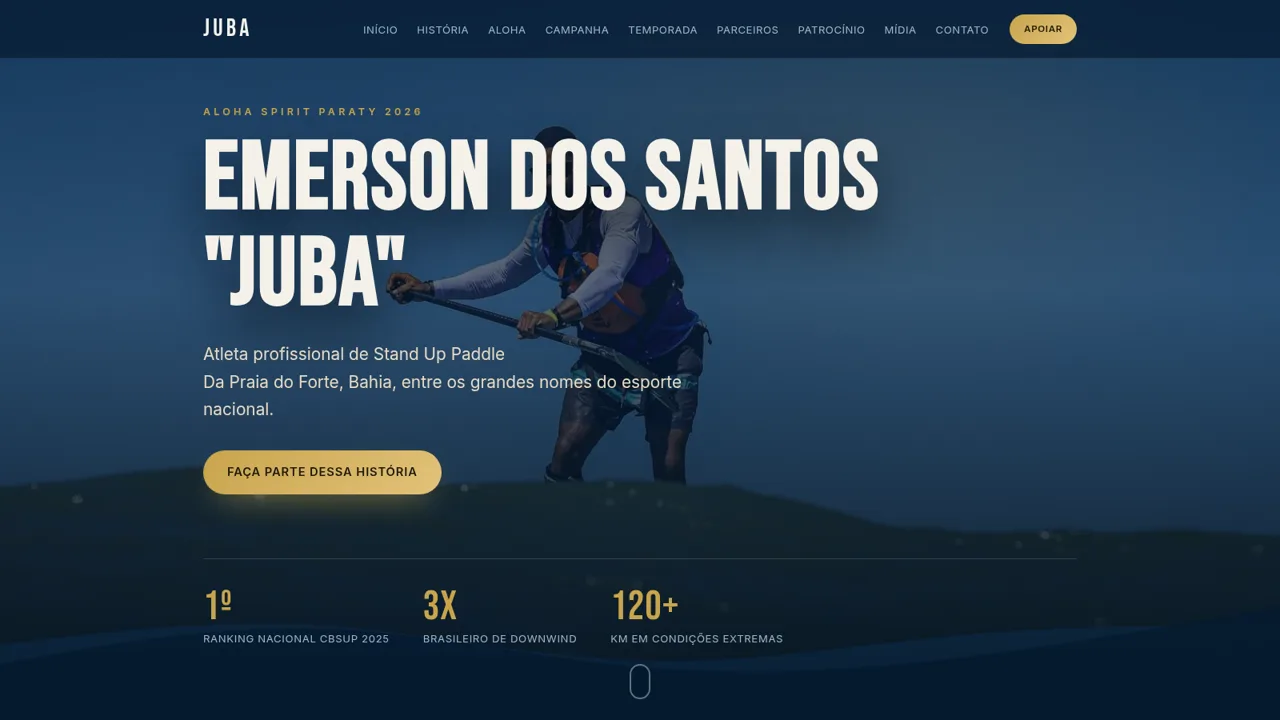
60Juba | Emerson dos Santos
Site de patrocínio do atleta Emerson "Juba" de SUP Race
 57
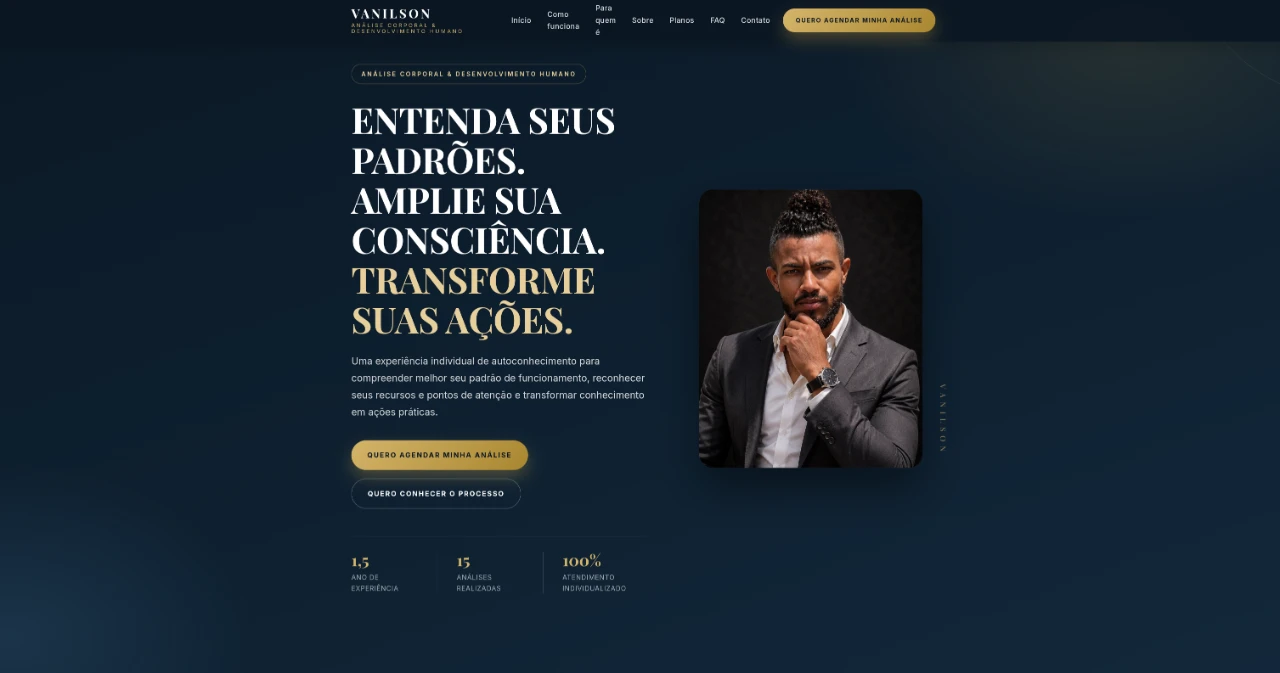
57Vanilson | Análise Corporal
Site pessoal de Vanilson sobre Análise Corporal e Desenvolvimento Humano
 47
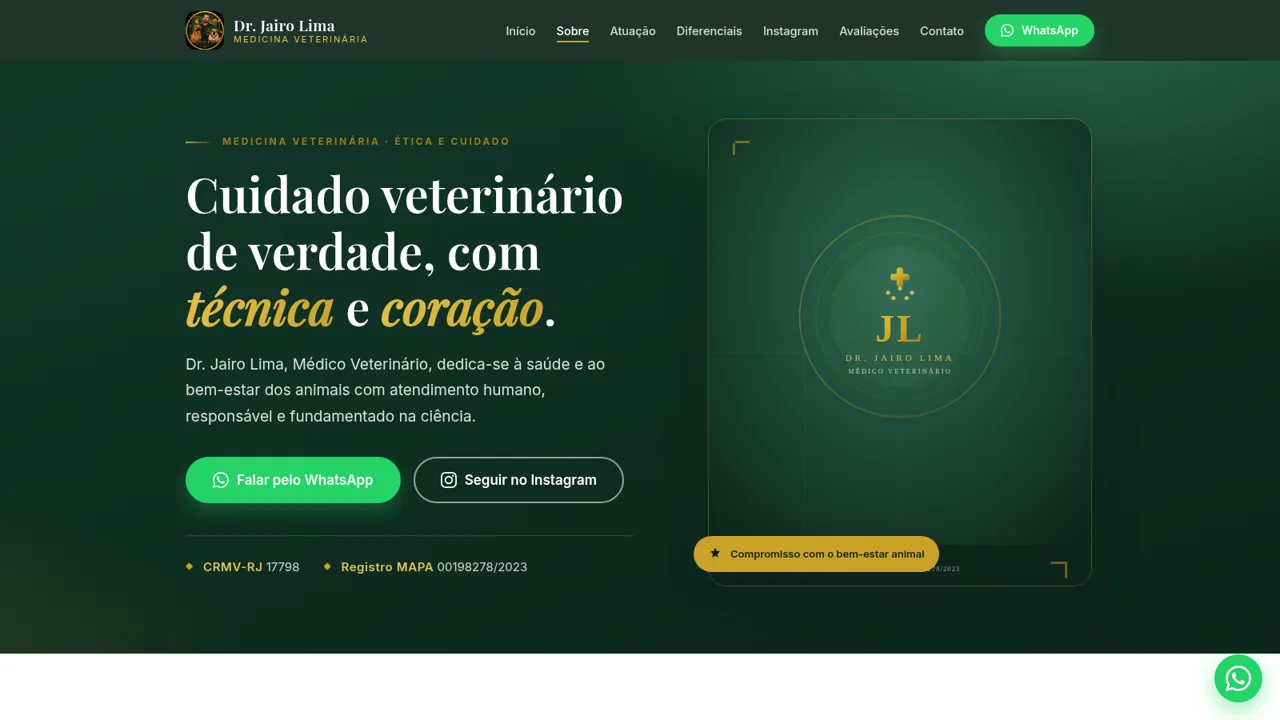
47Dr. Jairo Lima — Veterinário
Medicina veterinária com ética, técnica e carinho. CRMV-RJ 17798
 40
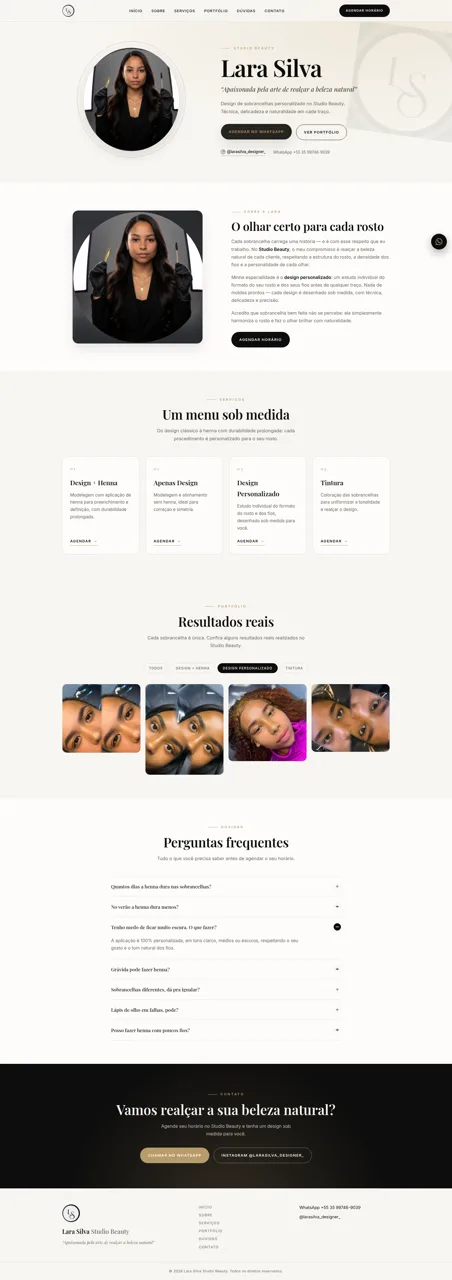
40Lara Silva | Studio Beauty
Design de sobrancelhas personalizado no Studio Beauty, com técnica e delicadeza.
 35
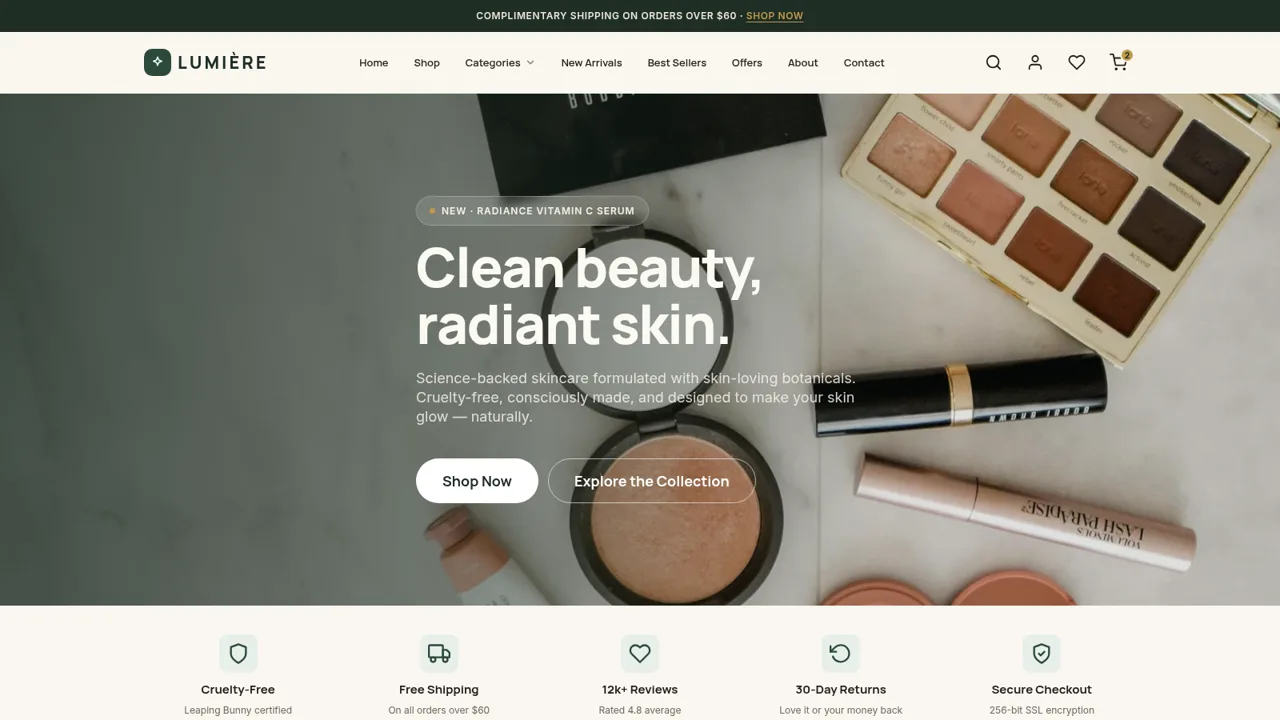
35LUMIÈRE — Clean Beauty Skincare
Science-driven, cruelty-free skincare for radiant, glowing skin