
APEX DRIFT — Professional Racing
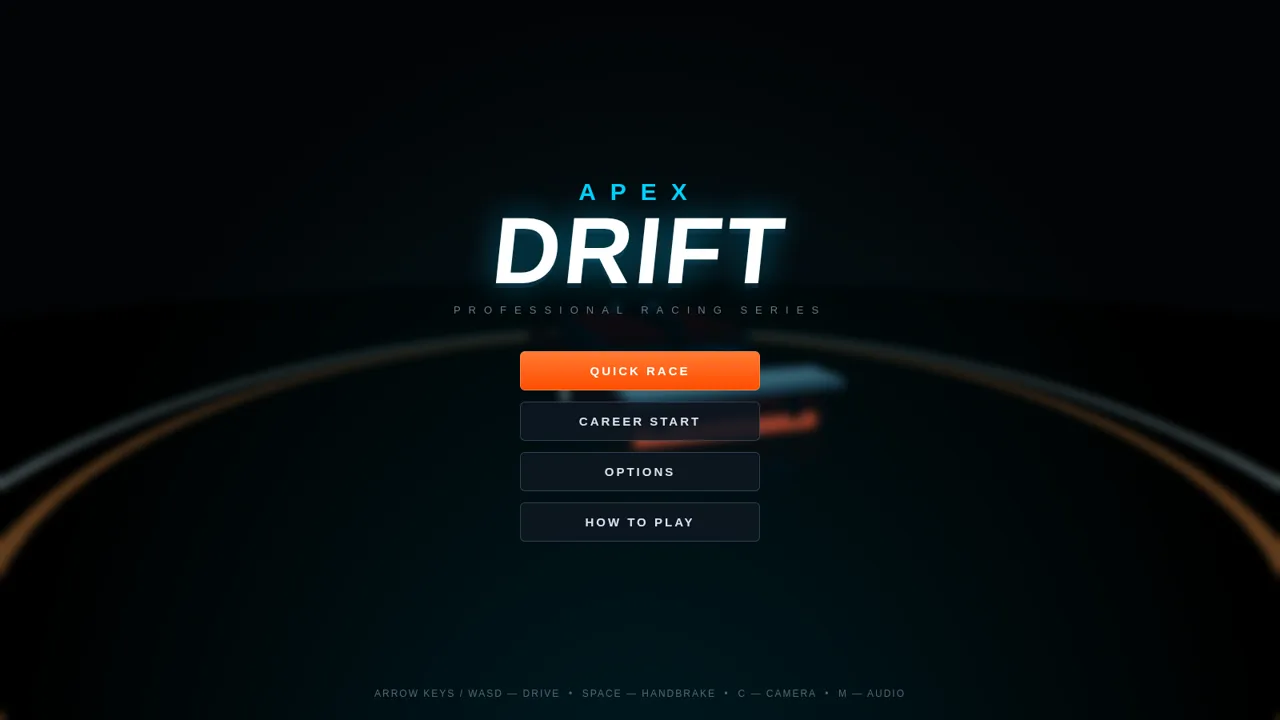
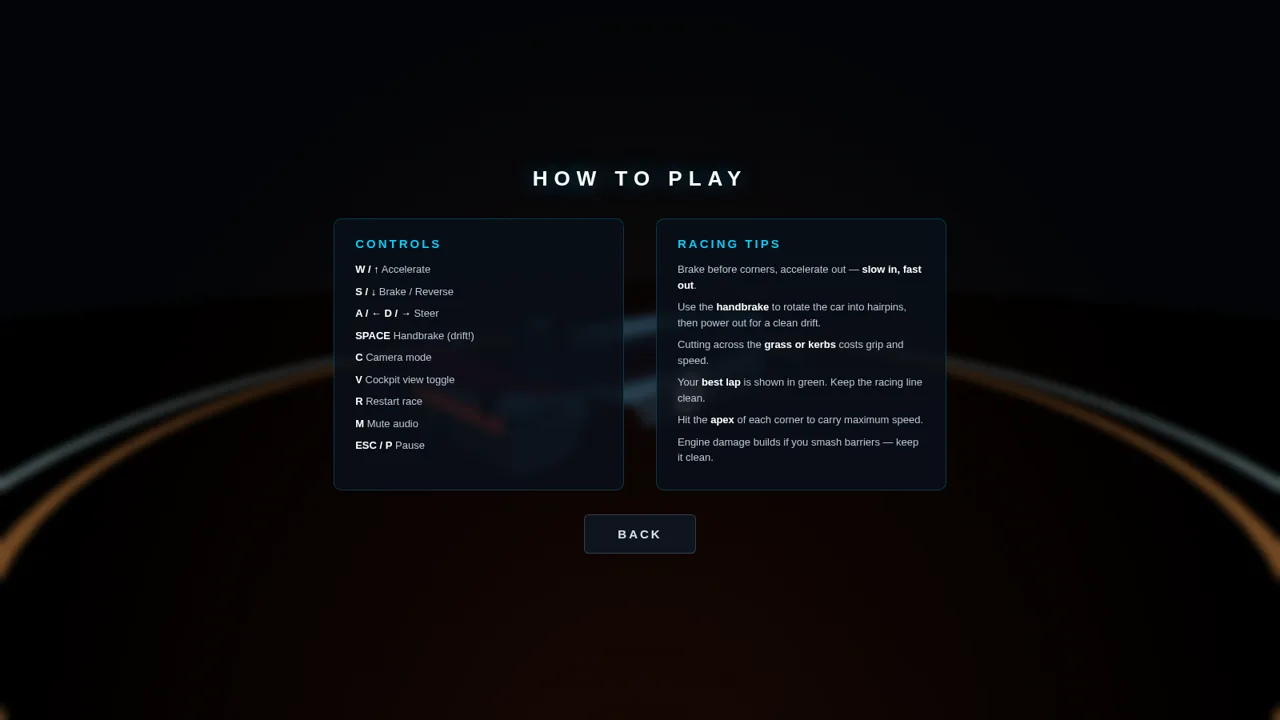
Choose a machine and circuit, then race and drift against AI opponents in a full-screen 3D browser experience.
APEX DRIFT is a keyboard-controlled 3D racing game that runs directly in a desktop browser. Players can begin from Quick Race or Career Start, choose from five GT1 and GT2 machines with different speed, acceleration, handling, and braking profiles, select one of three international circuits, and compete against AI drivers. Race options cover lap count, opponent skill, traction assistance, audio, and shadow quality. During a race, the interface displays speed, gear, RPM, position, lap progress, current time, previous and best lap information, sector timing, vehicle condition, and a circuit minimap.
Highlights
Five unique cars
Distinct driving stats
Three circuits
Varied track layouts
Live race systems
Timing, AI, and HUD
Flexible settings
Tune each race
How to Use
Choose a race mode
Open the main menu and select Quick Race for a direct event or Career Start for the alternate progression entry. The interface then advances to vehicle selection.
Select a machine
Use the left and right selectors to browse the five cars. Compare each machine's top speed, acceleration, handling, braking, class, and description, then press Continue when the preferred setup is shown.
Pick a circuit
Browse the available circuits and read the location, track length, and driving description. Select Start Race to load the chosen circuit and enter the starting grid.
Drive the race
Use the arrow keys or WASD to accelerate, brake, and steer. Hold Space for the handbrake when setting up a drift, and use C or V to change the camera presentation. The HUD updates speed, gear, position, lap timing, sectors, and car condition while the race runs.
Adjust or retry
Open the pause menu with Escape to resume, restart the event, change the track, or return to the main menu. The Options screen can also change lap count, AI skill, traction assistance, audio, and shadow quality before another race.
Similar Sites
 3
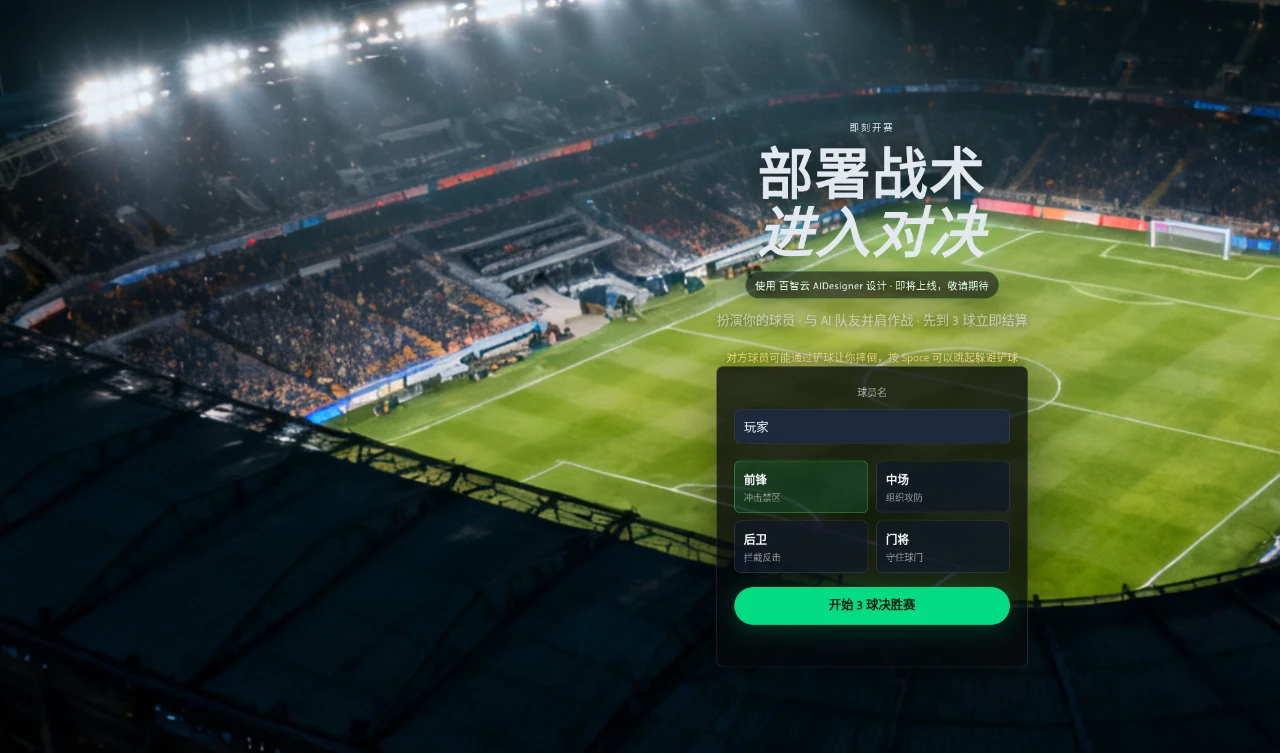
3Grassland Football Battle
3D web football battle game, choose a position and work with AI teammates to complete a first-to-3-goals match.
 13
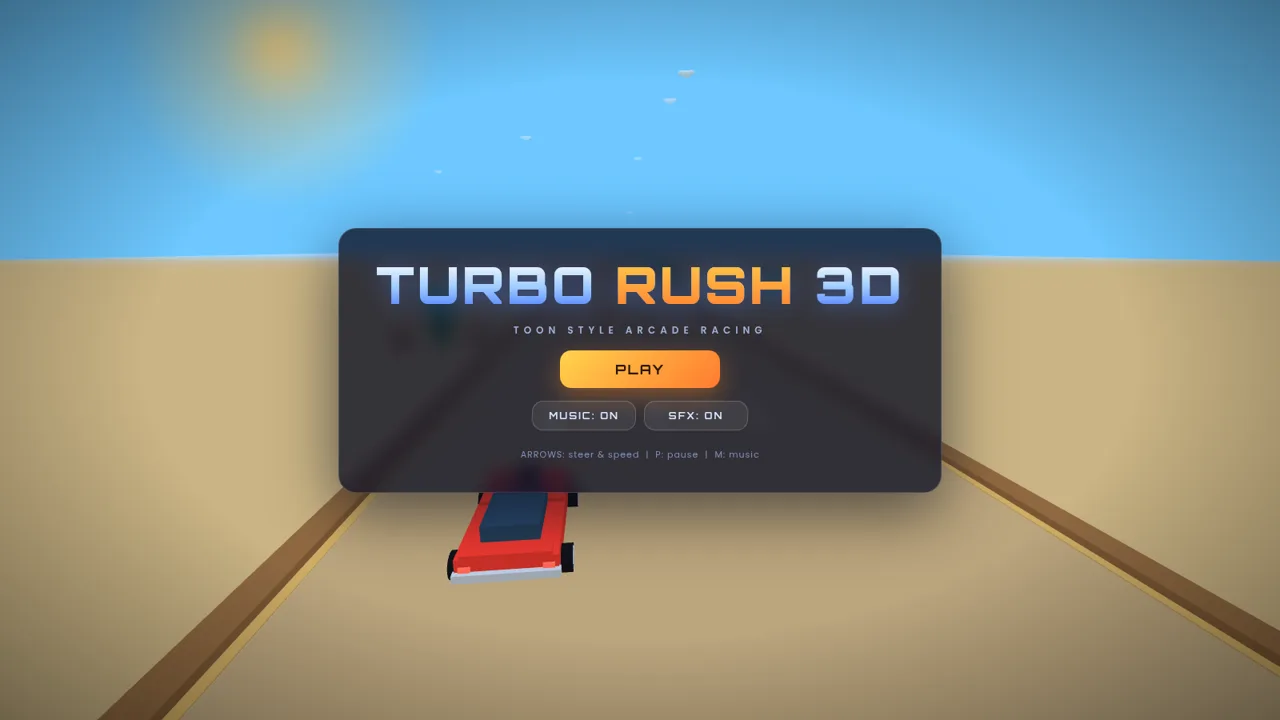
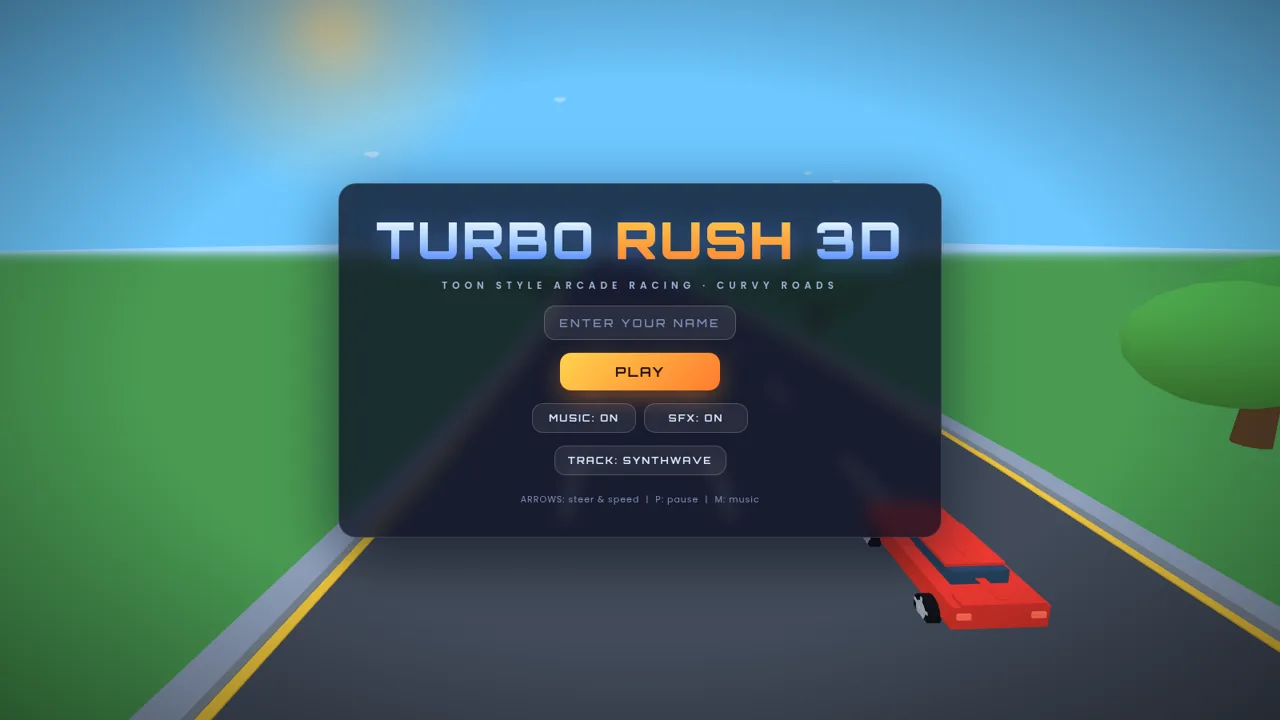
13Turbo Rush 3D
3D toon-style arcade racing with customizable cars
 10
10Turbo Rush 3D Reloaded
Toon-style arcade racing on curvy roads with nitro boost and fuel management.
 2
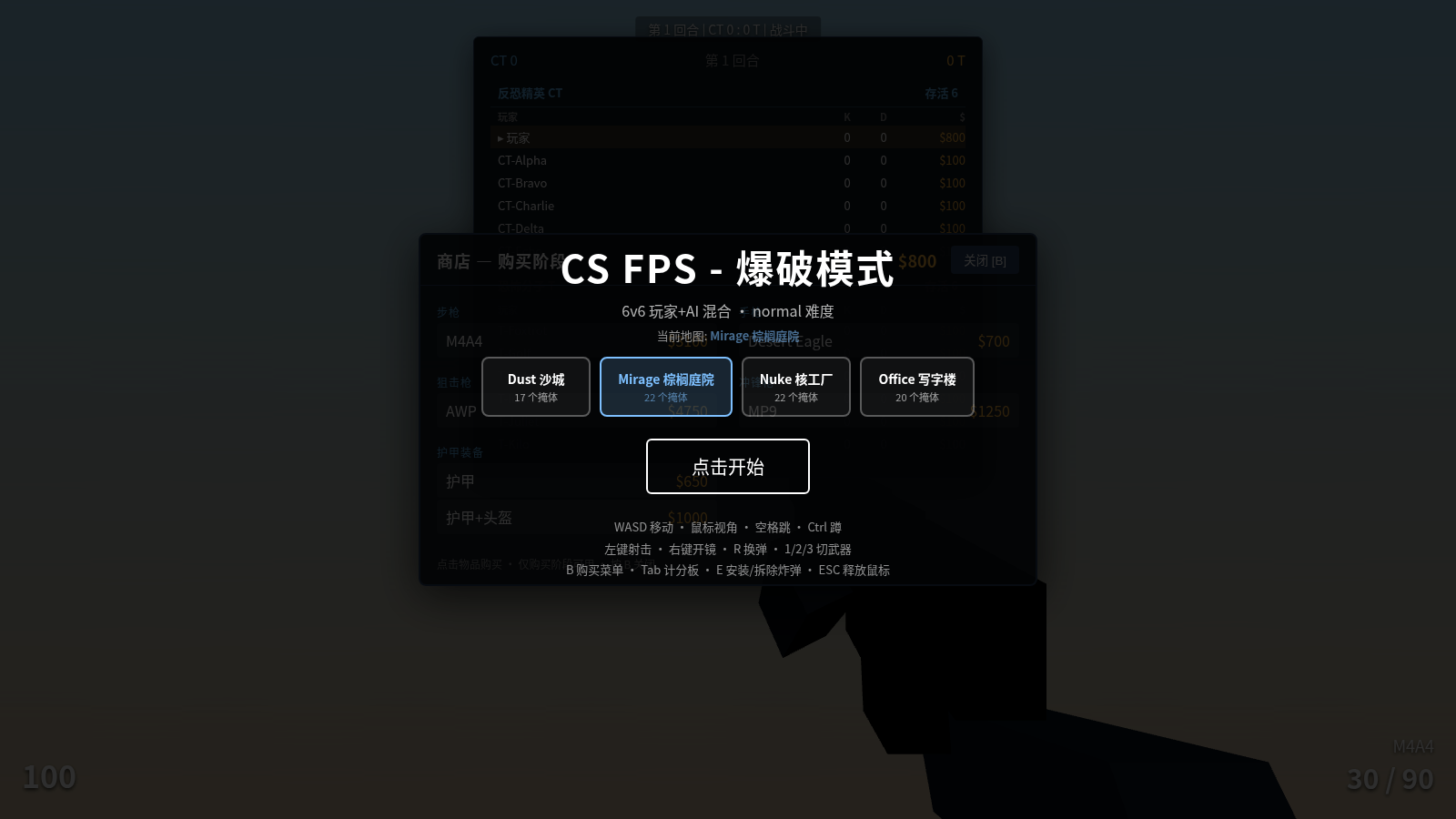
2CS FPS - Bomb Defusal Mode
A web-based first-person shooter game built on Three.js, CS-style bomb defusal mode
 0
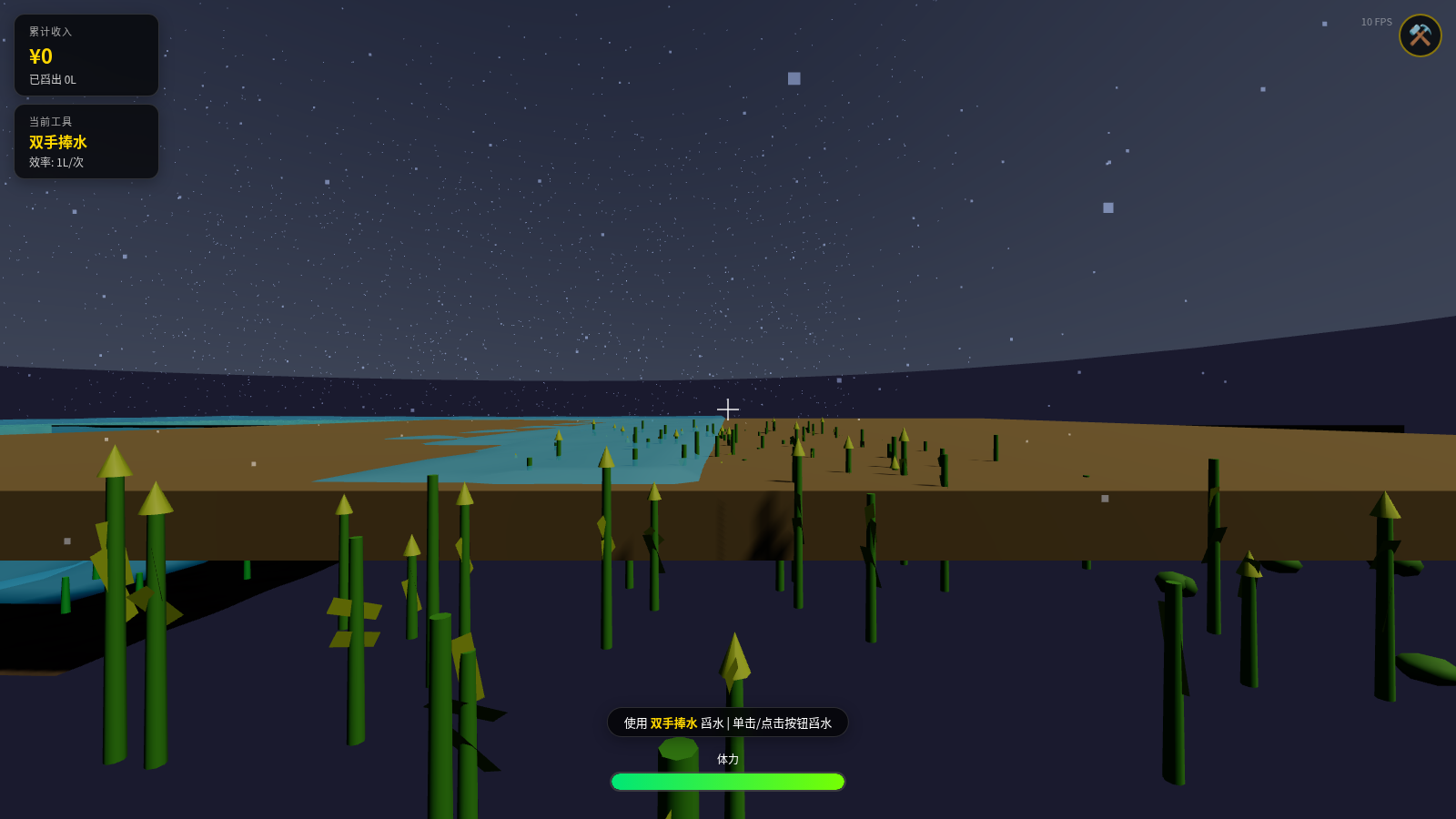
0Water Scooping Battle - 3D Farm Drainage Game
A first-person 3D farm drainage sandbox game where you control the protagonist to scoop out standing water with tools, featuring fluid simulation, tool upgrades, rainfall system, and other gameplay.
 4
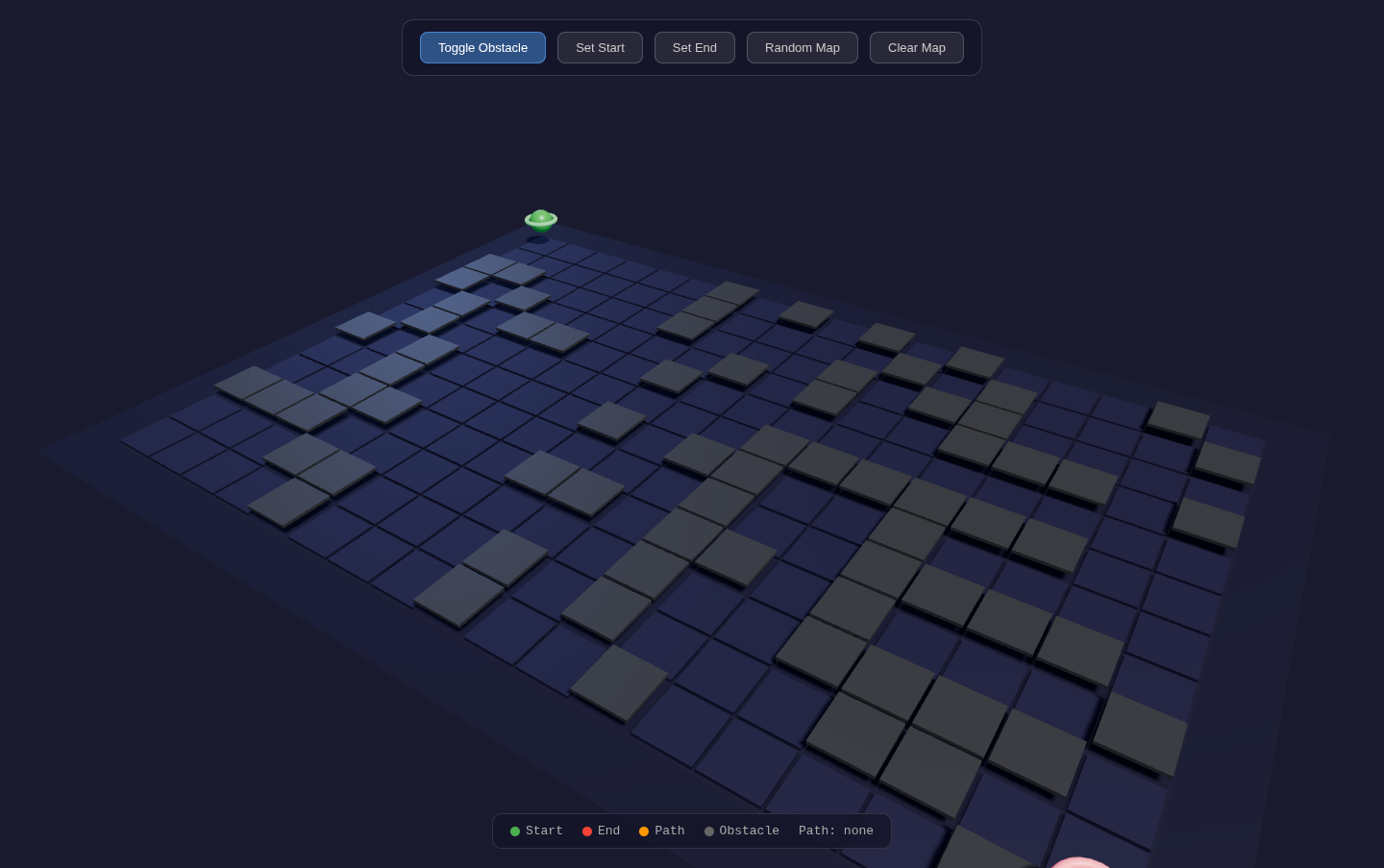
4A* Pathfinding - Three.js
Interactive visualization demo of A* pathfinding algorithm based on Three.js, supporting 8-direction movement and real-time path calculation