
NES Emulator



Load your own NES ROM in the browser and experience classic games with keyboard controls, turbo buttons, and quick save states.
NES Emulator is a single-page web emulator with its core display at the center of the page. The left and right sides list directional controls, system actions, quick save states, action buttons, and cartridge loading entries. Users can select a local .nes file or open a dialog to enter a ROM network address; once loaded successfully, they can control the game using the keys shown on the page. The emulator provides Reset, and four sets of Save and Load controls from Slot 1 to Slot 4, for saving or restoring the current runtime state. The page footer notes that the project is built with React, Vite, and jsnes.
Highlights
Dual loading methods
Supports local files and network addresses.
Complete key mapping guide
Directional, action, and turbo keys are clearly displayed.
Four-slot quick save
Save and restore running states independently.
How to Use
Prepare the game file
In the Cartridge area on the right side of the page, select Upload .nes File and pick your own .nes ROM from your device; alternatively, click Load from URL, enter an accessible ROM address in the popup input box, then click Load Game once the button becomes available.
Keyboard controls
After the game loads, use W, A, S, D for directional control, K and J for normal action buttons, I and U for turbo action buttons, Shift for Select, and Enter for Start; the game screen will appear in the emulator area at the center of the page.
Saving and restoring states
To pause your progress, select any slot from Slot 1 to Slot 4 in the Save State area on the left and click Save; later, click Load in the same slot to restore the saved state. Use Reset to restart the current game.
Similar Sites
 3
3Grassland Football Battle
3D web football battle game, choose a position and work with AI teammates to complete a first-to-3-goals match.
 0
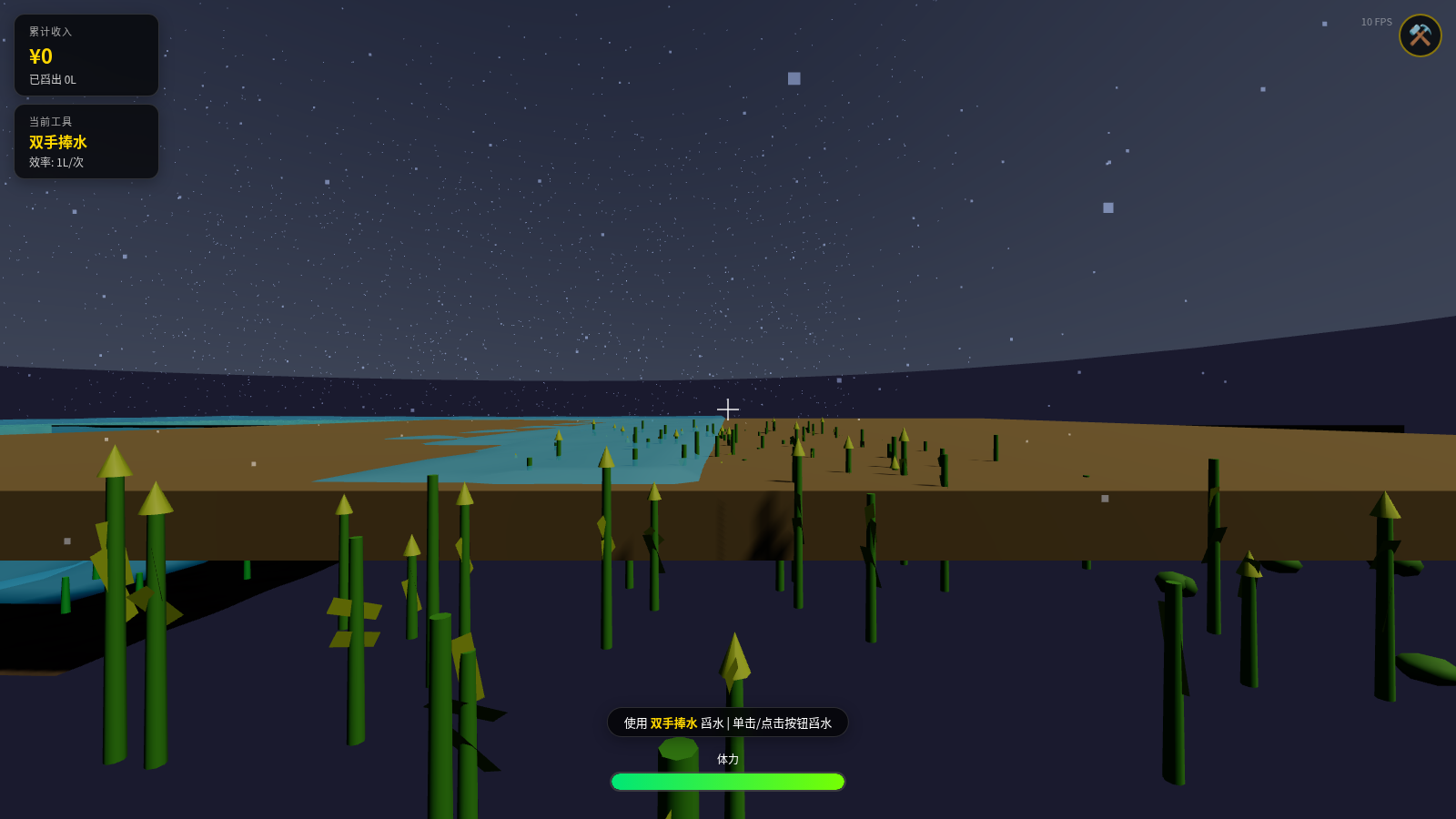
0Water Scooping Battle - 3D Farm Drainage Game
A first-person 3D farm drainage sandbox game where you control the protagonist to scoop out standing water with tools, featuring fluid simulation, tool upgrades, rainfall system, and other gameplay.
 31
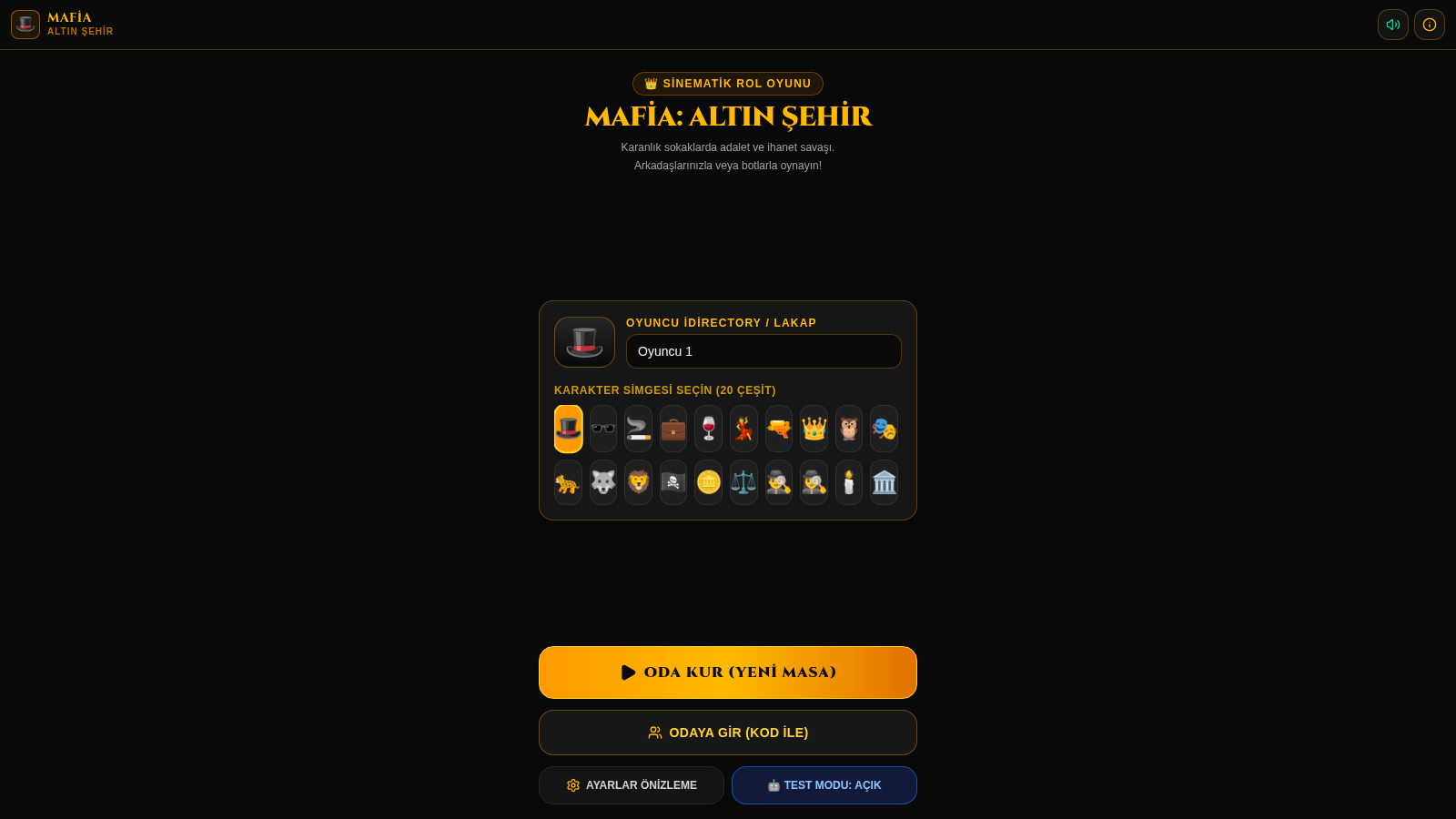
31Mafia: Altın Şehir
Mobil öncelikli, online ve bot destekli sinematik Mafya rol oyunu.
 11
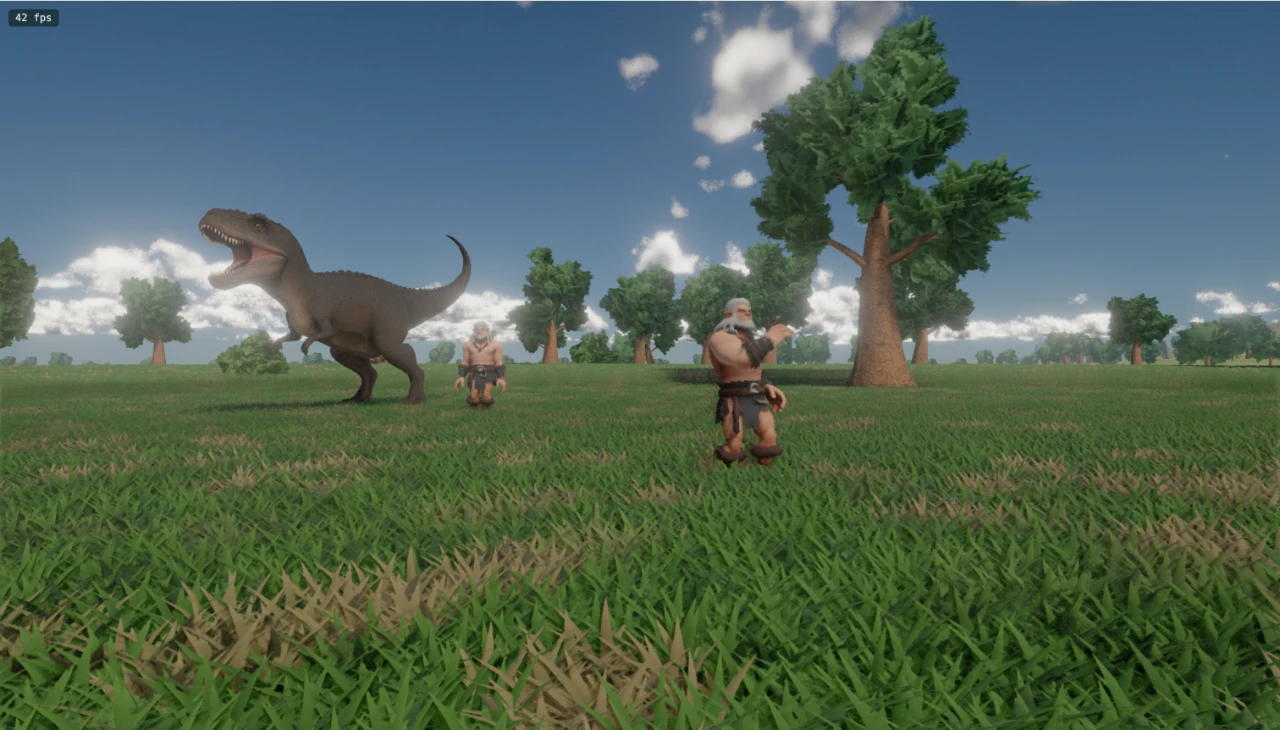
11Jurassic World
A WebGPU-based prehistoric grassland scene featuring a Tyrannosaurus rex, primitive humans, and a black cat model, with an explorable perspective.
 11
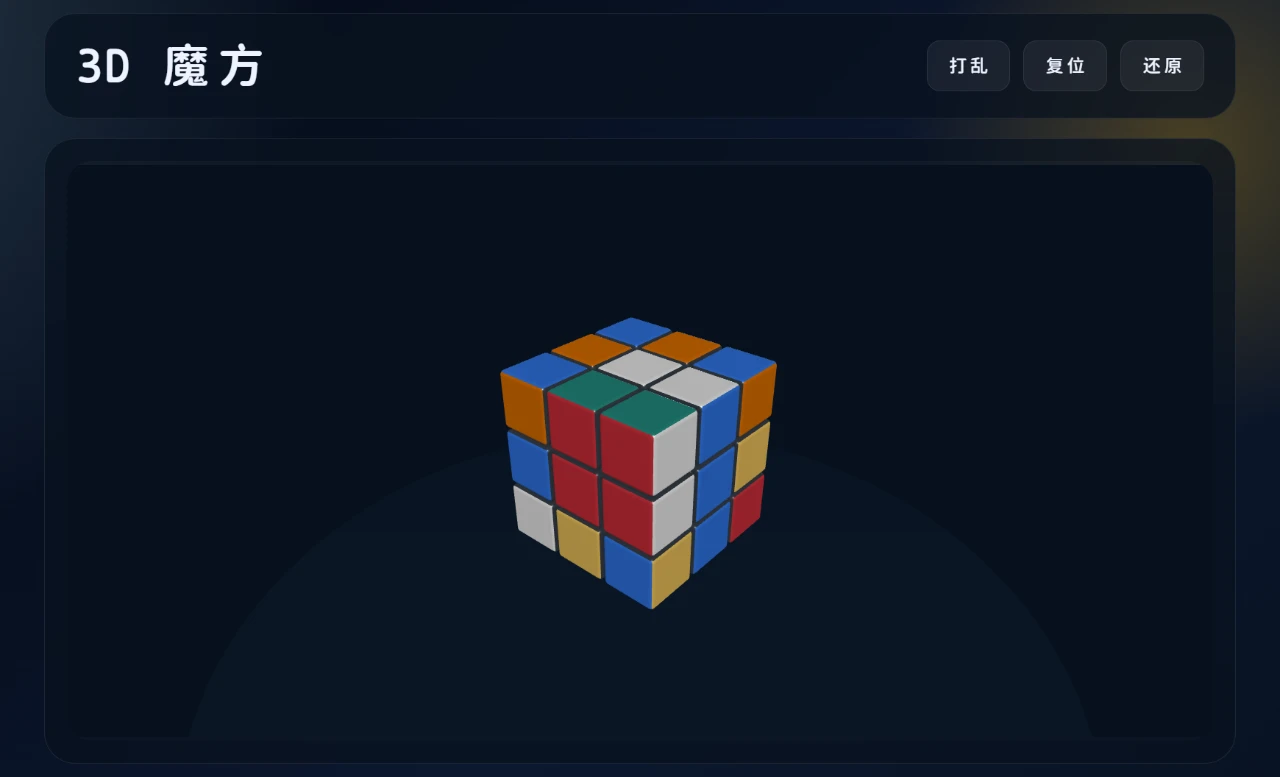
113D Rubik's Cube
A 3D Rubik's Cube application that supports drag-to-rotate, scrambling, and automatic solving/restoring.
ZENI — Survive the Month
A fun 30-day financial simulation game. Can you make ₹20,000 last?