
Cardápio De Mesa Sant Lanches & Sorveteria
Build a restaurant order from a visual menu and send the completed request through WhatsApp.
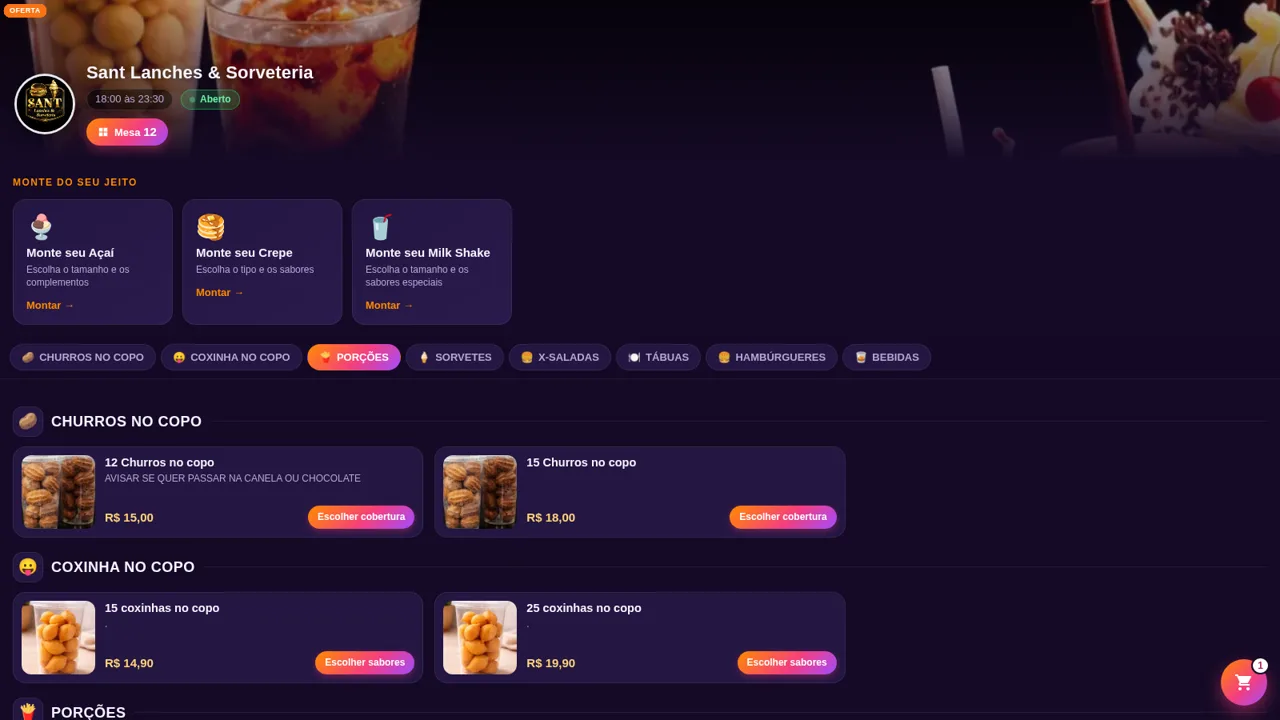
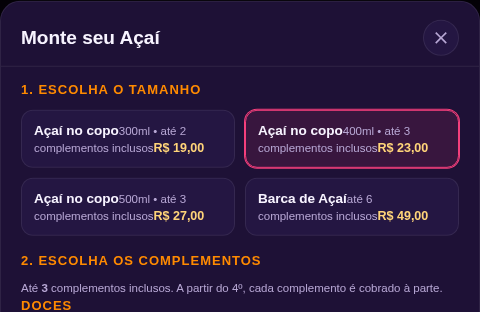
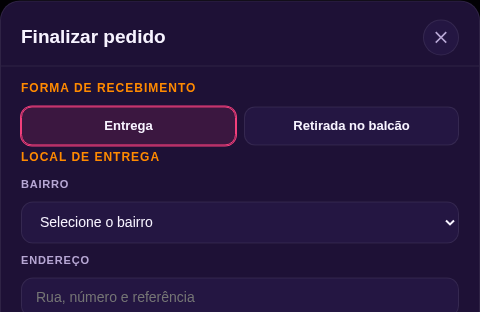
Sant Lanches & Sorveteria is a Portuguese-language digital menu designed for table, pickup, and delivery ordering. It presents opening hours, category shortcuts, product photos, ingredients, serving sizes, prices, and offers across churros, coxinhas, portions, ice cream, X-style sandwiches, sharing boards, burgers, and drinks. Customers can also build açaí, crepes, and milk shakes from selectable sizes and extras. Items move into a cart where quantities and notes can be adjusted. Checkout collects customer contact and table information, supports delivery or counter pickup, applies neighborhood delivery fees, offers cash, Pix, or card payment choices, and prepares the order for WhatsApp submission.
Highlights
Build Your Own
Sizes and extras
Large Food Menu
Photos and prices
Flexible Checkout
Delivery or pickup
WhatsApp Handoff
Prepared order message
How to Use
Browse the menu
Open the menu and use the category buttons to move to churros, coxinhas, portions, ice cream, sandwiches, sharing boards, burgers, or drinks. Each card shows its product name, available description, image, price, and ordering action.
Customize or add items
Choose a build-your-own açaí, crepe, or milk shake to select a size and available extras, or use an add-to-cart button for a standard product. The interface updates the item price and confirms when the selection enters the order.
Review the cart
Open the floating cart to review selected items, change quantities, remove products, or enter an item-specific note. Add your name, WhatsApp number, and table number before continuing.
Configure fulfillment
Continue to checkout and choose delivery or counter pickup. For delivery, select a neighborhood and enter the address so the displayed delivery fee can be included in the total.
Choose payment and send
Select cash, Pix, or card, provide change information when needed, verify the subtotal and delivery fee, then use the final button to prepare and send the order through WhatsApp.
Similar Sites
 22
22Gellato PDV
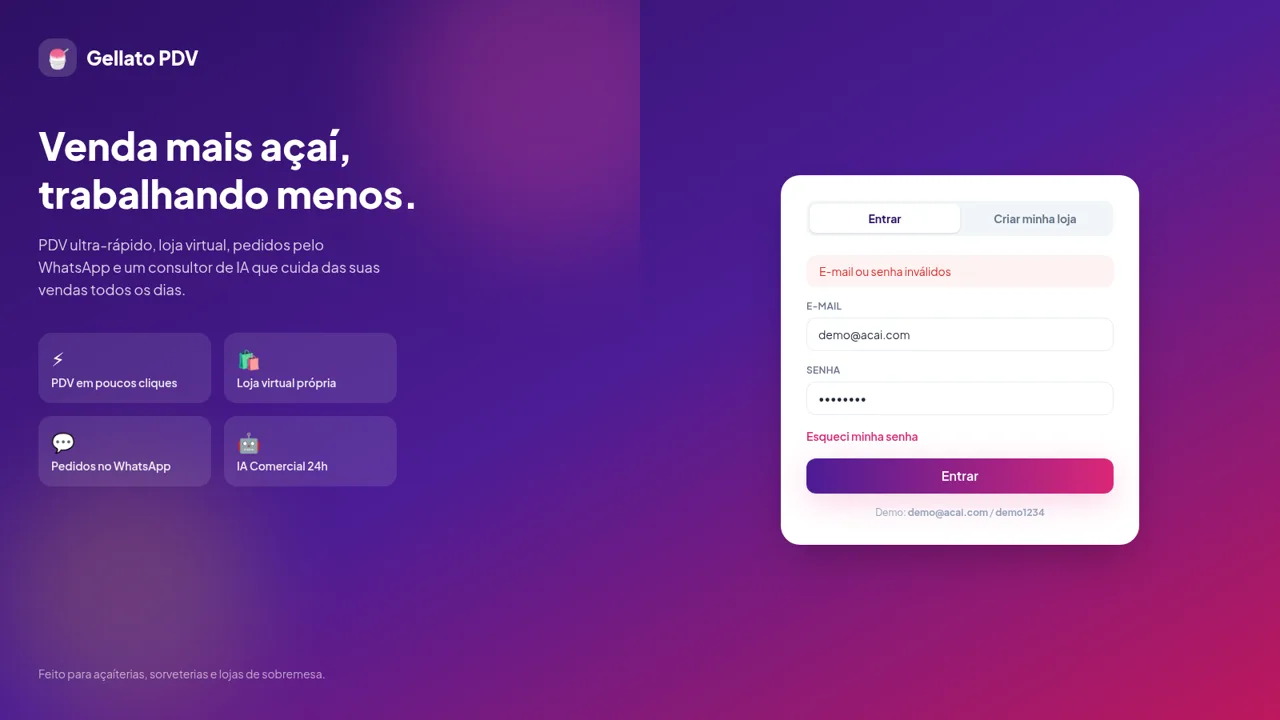
Gellato PDV — plataforma SaaS para lojas de açaí, sorveterias e sobremesas
 42
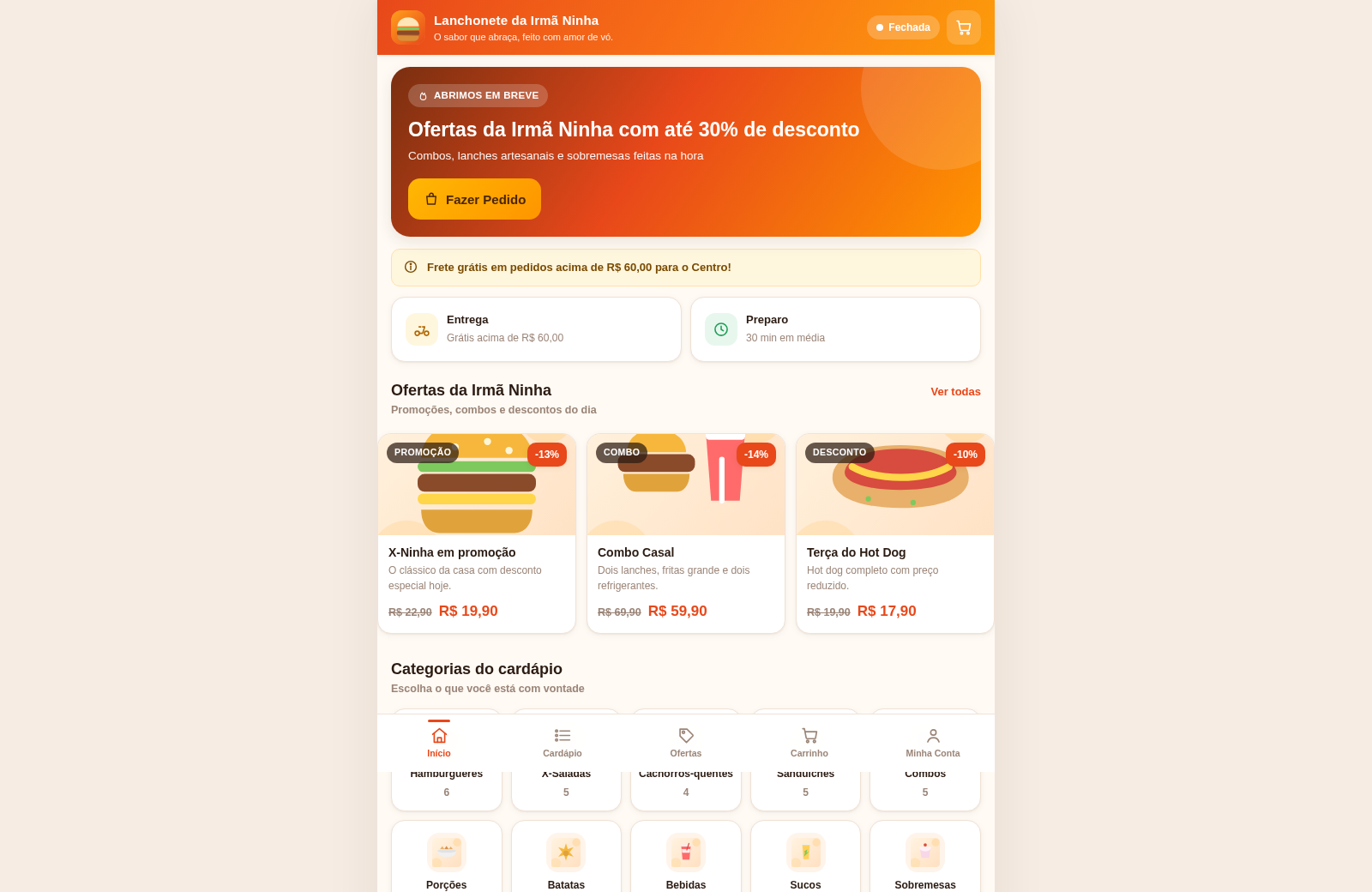
42Lanchonete da Irmã Ninha
Cardápio digital, ofertas e promoções com painel administrativo.
 14
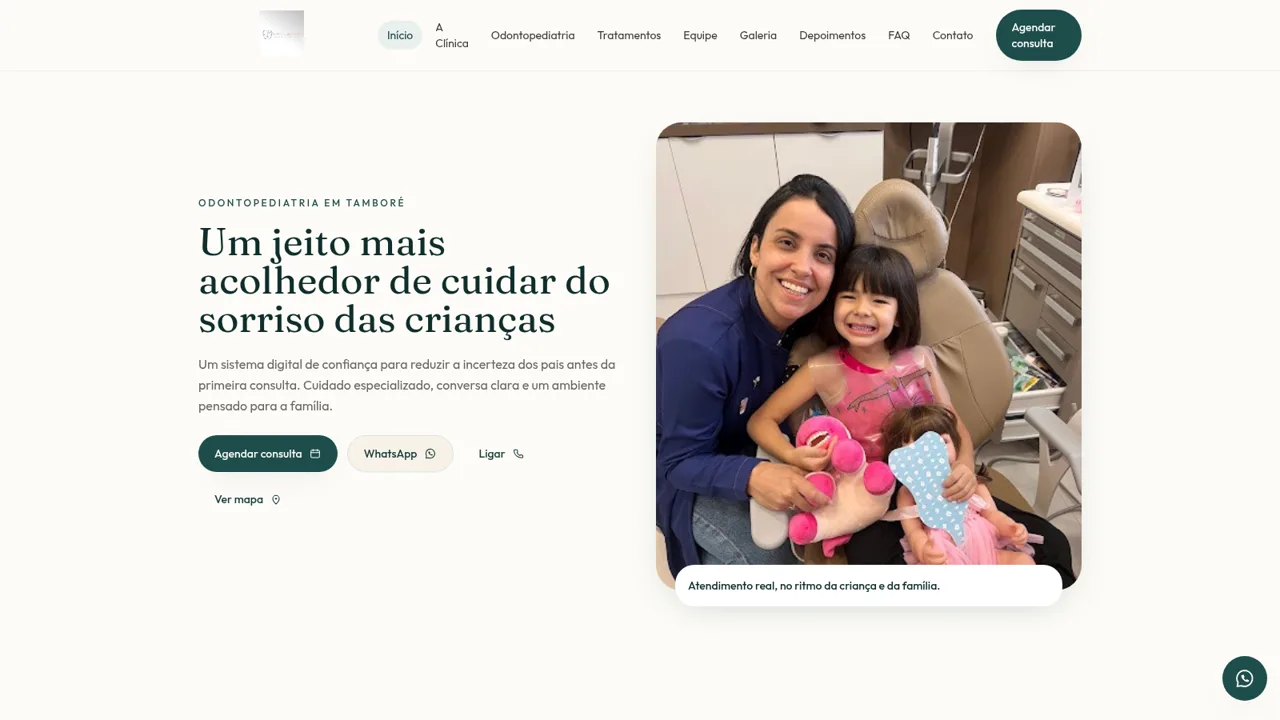
14Esther Martins Odontologia
Odontopediatria acolhedora para famílias em Tamboré
 13
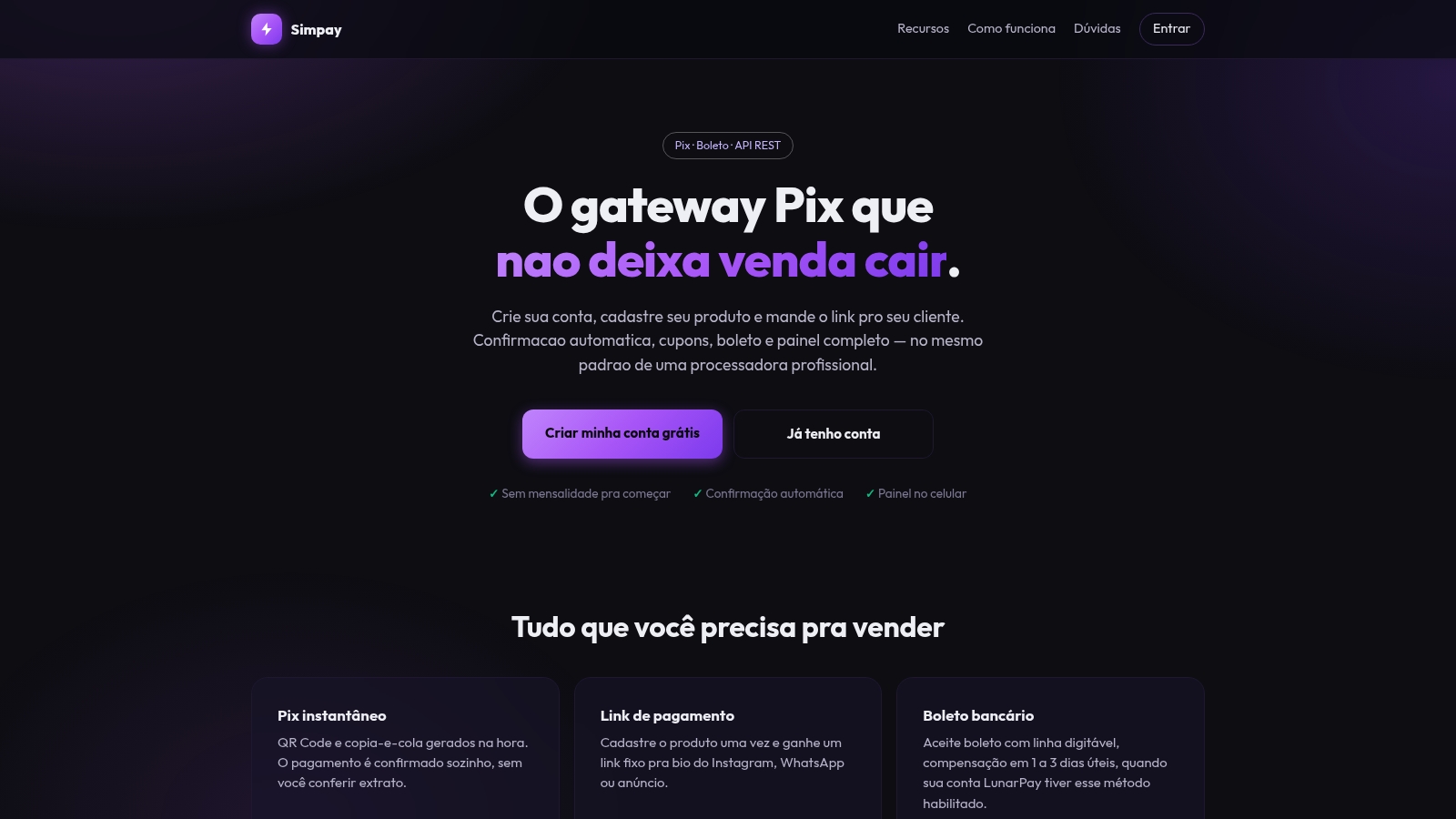
13Gateway Pix
Receba por Pix e boleto com link de pagamento, cupons e painel de vendas.
 2
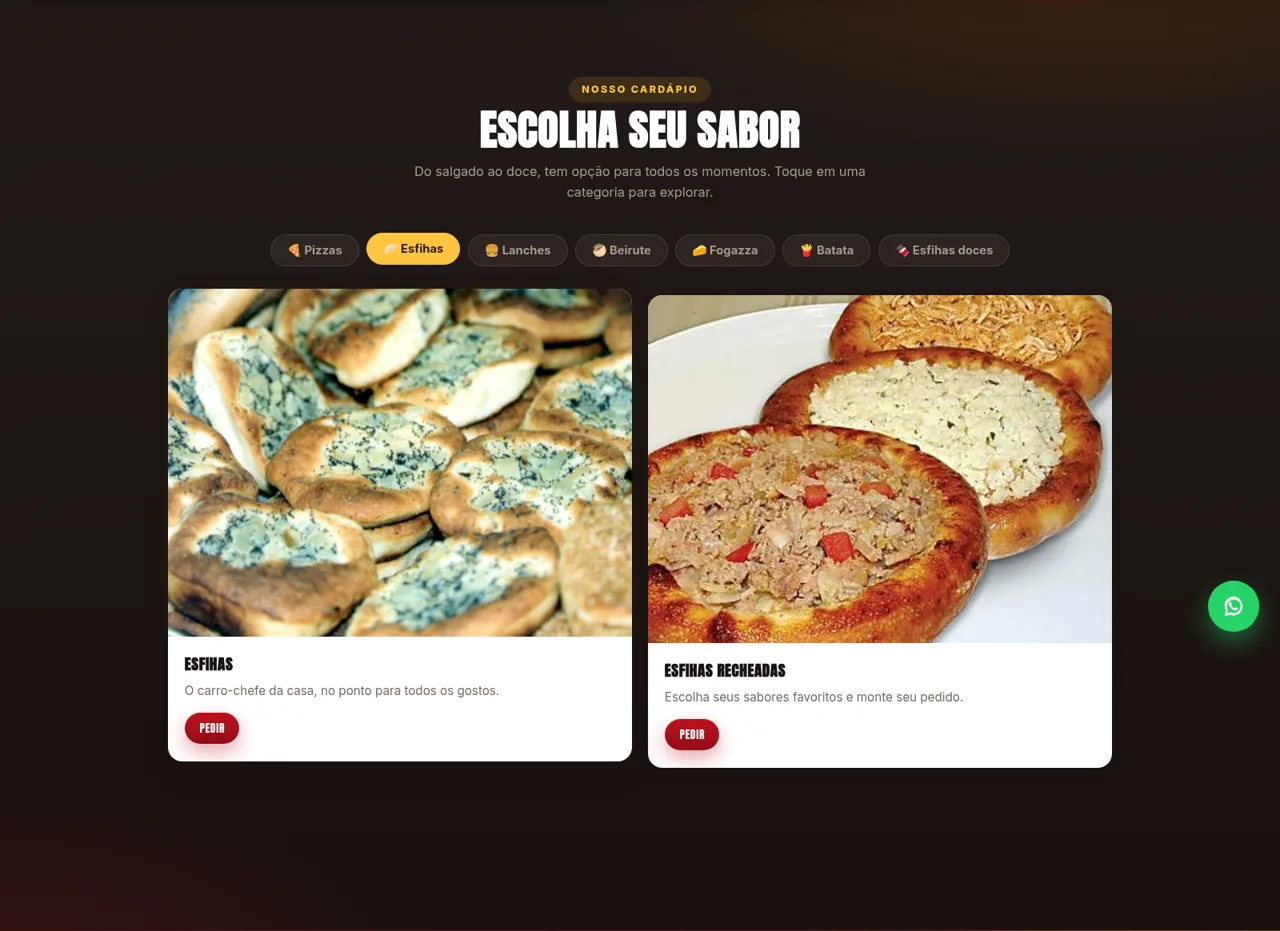
2Araujo Pizzaria e Esfiharia
Pizza, esfihas e lanches em Jardim Etelvina, São Paulo. Peça agora pelo delivery.
 2
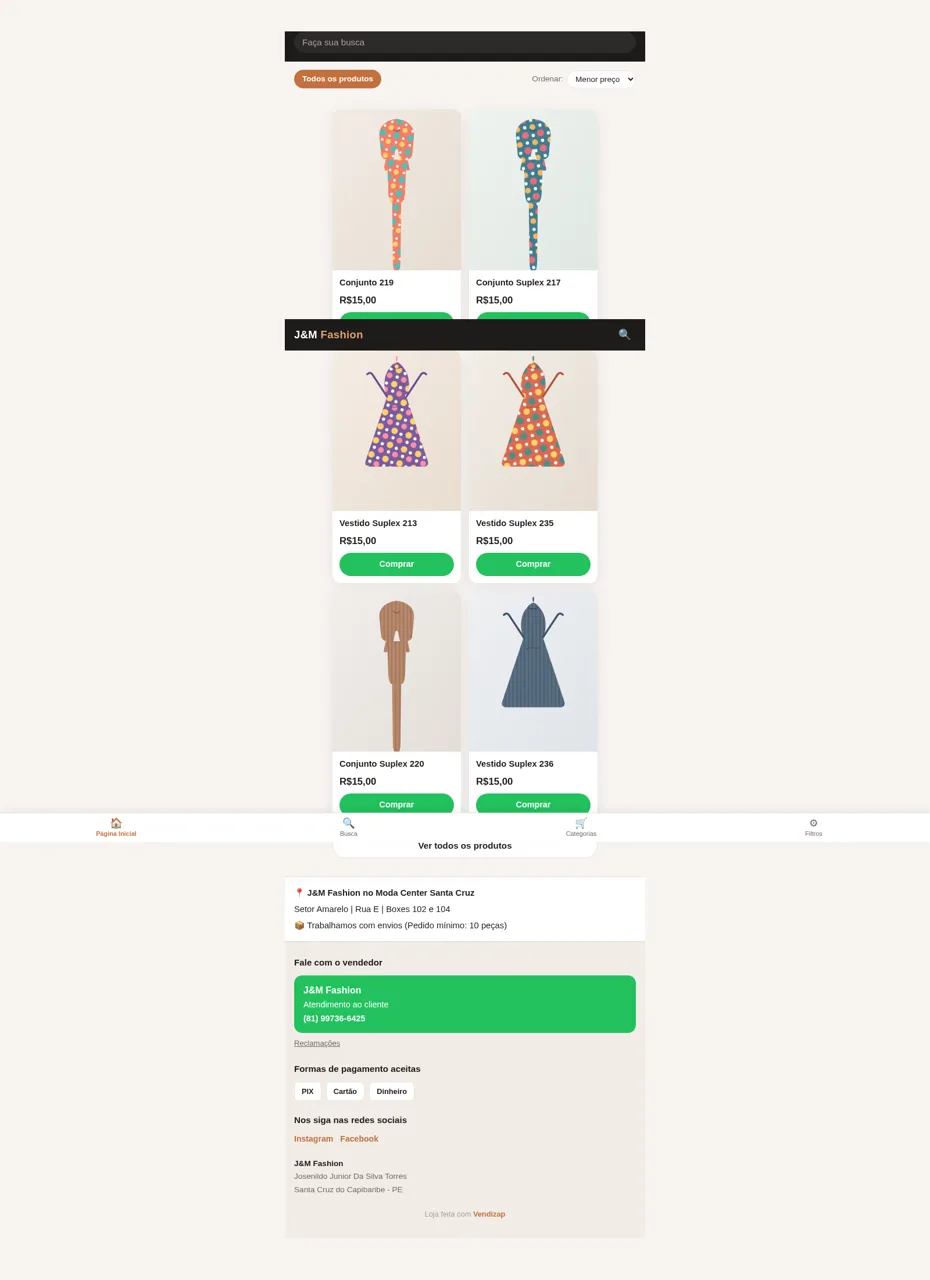
2J&M Fashion
Moda em Santa Cruz do Capibaribe: conjuntos e vestidos suplex a partir de R$15.